

When MICO Coins don't appear after purchase, 90% of cases stem from UID entry errors or region mismatches rather than payment failures. Standard delivery: 5-30 minutes for cards/digital wallets, up to 4 hours for bank transfers, with peak evening hours adding 15-30 minutes. This guide provides a 48-hour recovery checklist covering UID verification, region lock fixes, account sync protocols, and support escalation to resolve missing coins.
Understanding MICO Coins Delivery Timeframes
Payment method determines delivery speed:
Cards/Digital Wallets: 95% within 5 minutes, 100% within 30 minutes
PayPal: Instant to 15 minutes
Cryptocurrency: Up to 30 minutes for blockchain confirmation
Bank Transfers: 1-4 hours processing time
Peak hours (7-11 PM) add 15-30 minutes to all methods due to server load. Weekend purchases may experience banking delays.
Payment Confirmation vs Coin Credit
Payment confirmation ≠ coin delivery. Your bank processing the charge is separate from MICO's server crediting coins. This two-stage process creates gaps where payment shows complete while coins remain pending. VPN usage triggers additional security checks, adding 12-24 hours to delivery.
Top 3 Reasons MICO Coins Don't Appear
1. UID Mismatch: Wrong User ID Entered
Manual UID entry has 12-15% error rate. Common mistakes:
0 confused with O
1 confused with I or L
8 confused with B
5 confused with S
6 confused with G
Solution: Copy-paste your UID. Tap profile icon (bottom-right) > long-press the 8-12 digit number under your username > Copy. Never type manually.
2. Region Lock: Cross-Server Purchase Restrictions
MICO operates separate regional servers with incompatible architectures:
Global: 110 coins per USD
MENA: 143 coins per USD
Southeast Asia: 43 coins per 100 rupees
Coins purchased for one region can't transfer to accounts on different regional servers. Check your region: Profile > Account Settings > Region. Purchase region must match account region exactly.
3. Incomplete Account Verification
Unverified accounts lacking email/phone binding experience 8-48 hour delivery holds. The system requires verified contact methods to confirm you authorized the purchase. Complete verification before purchasing for immediate delivery.
How to Find and Verify Your MICO UID
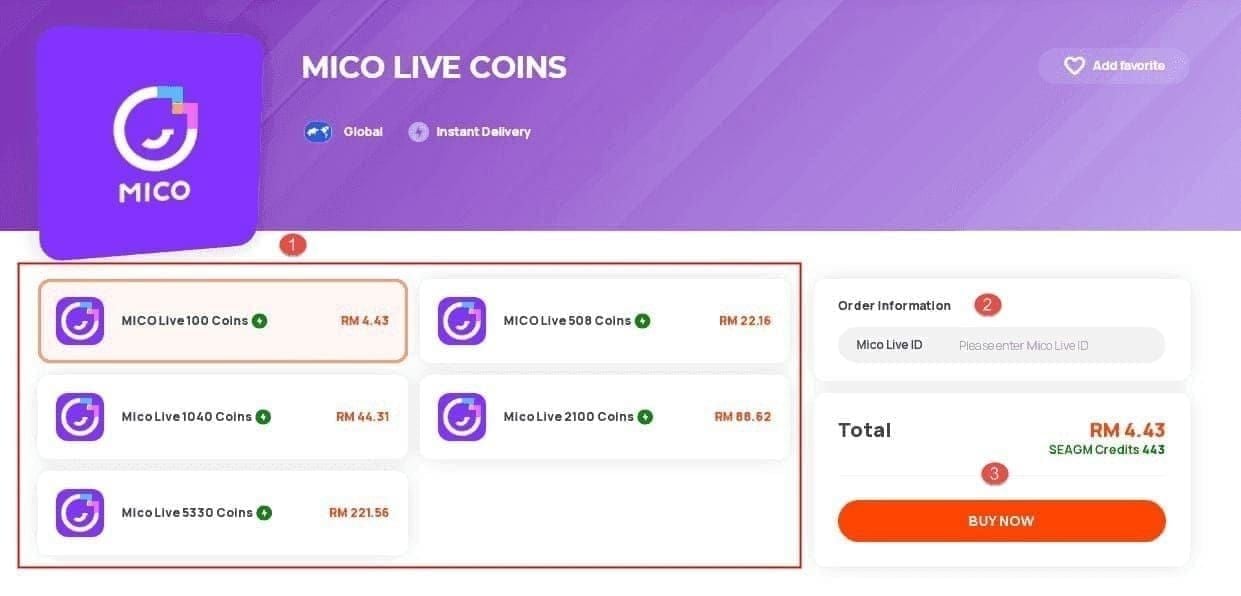
Step-by-step:
Open MICO Live, tap profile icon (bottom-right)
Locate 8-12 digit number directly under your username
Long-press the UID number
Select Copy from menu
Paste into notes app to verify format
Valid UID format:
Only numeric digits (no letters/symbols/spaces)
8-12 digits long
No spaces at beginning/end
Compare pasted UID against profile screen digit-by-digit before purchasing.
Region Mismatch Fix
Check Your Server Region
Navigate to Profile > Account Settings > Region. Note the displayed region (Global, MENA, Southeast Asia, etc.). This setting is locked and determines which coin packages you can receive.
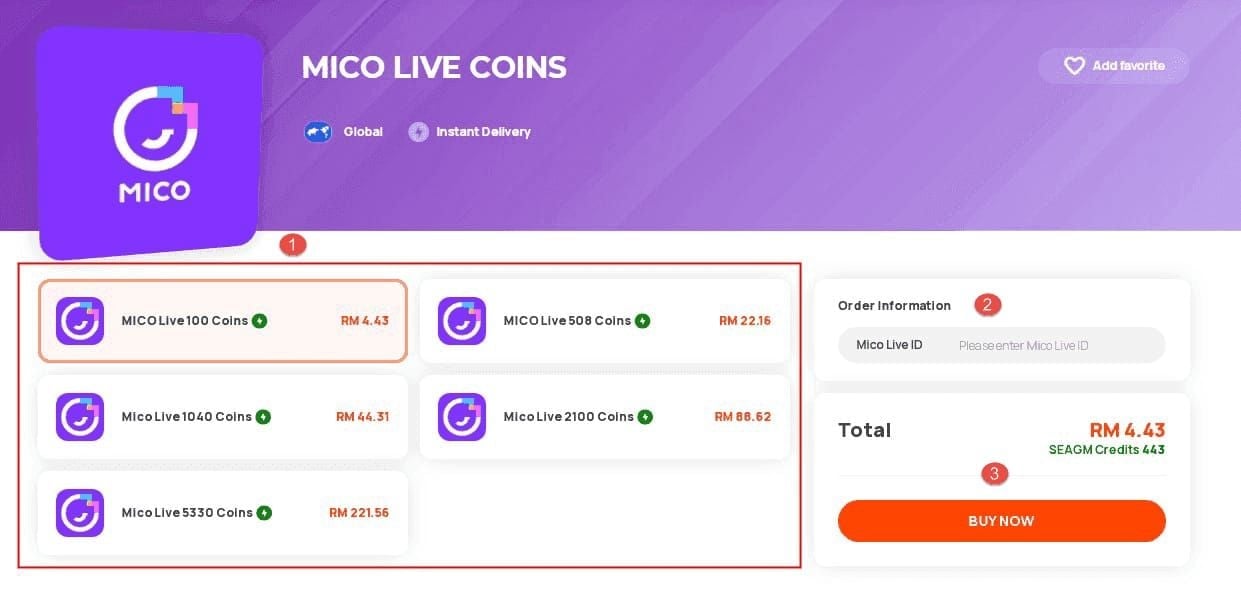
Your account stays tied to registration region regardless of current physical location. If displayed region doesn't match where you are now, your account was created elsewhere or using VPN.
Ensure Purchase Matches Account Region
Before buying, verify the transaction specifies your account region. Platforms like BitTopup provide MICO UID region mismatch top up fix verification during checkout to prevent errors.
To change account region permanently:
Requires government ID verification
Proof of residence in new region (3+ months)
SMS verification
24-48 hours approval time
Only once per 12 months
Wait 48 hours after approval before purchasing
48-Hour Recovery Checklist
Hour 0-2: Immediate Verification
Check receipt UID: Compare UID on payment confirmation against your profile UID
Refresh balance: Profile > Wallet, pull down to refresh (wait 30-60 seconds between attempts)
Verify connection: WiFi 3+ bars or 4G/5G, minimum 5 Mbps download, 1 Mbps upload
Hour 2-24: Account Sync
Force sync: Profile > Settings > Logout, wait 60 seconds, login again (resolves 60% of delays)
Clear cache: Device Settings > Apps > MICO > Storage > Clear Cache, wait 30 seconds before reopening
Check storage: Ensure 500MB+ free space on device
Review transaction history: Profile > Wallet > Transaction History, look for Completed status
Hour 24-48: Contact Support
If coins still missing after 24 hours, submit ticket within 48 hours: Settings > Help & Support > Payment Issues > Coins Not Received.
Required documentation:
Transaction ID (12-20 character code from payment confirmation)
Your MICO UID (copy-pasted from profile)
Purchase timestamp (exact date/time)
Screenshots: payment confirmation + current coin balance (JPG/PNG/PDF, max 5MB each)
Response times:
First response: 2-8 hours
Under review: 8-48 hours
Full resolution: 24-72 hours
Critical: Never Repurchase Before 48 Hours
Repurchasing early causes:
Double coins if original purchase is delayed (triggers fraud detection)
Permanent account ban if you initiate chargeback (processed within 24-48 hours)
Complications with refund processing
Bank transfers need up to 4 hours, peak delays add 15-30 minutes, weekends add more. Wait the full 48 hours.
Account Verification: Pre-Purchase Requirements
Email and Phone Linking
Navigate to Settings > Account Security. Accounts showing Unverified or Partial Verification experience automatic delivery holds.
Email verification:
Enter email address
Receive 6-digit code
Enter code within 10 minutes
Phone verification:
Enter mobile number with country code
Tap Send SMS Code
Enter 6-digit code within 5 minutes
Linking both speeds support resolution from 72 hours to 24-48 hours.
Unverified Account Delays
Unverified accounts trigger manual review adding 8-48 hours to delivery. Largest packages (22,200, 33,000, 55,000 coins) require full verification before purchase options appear.
Complete verification in 5 minutes: Settings > Account Security > Email/Phone Verification. Status must show Verified before purchasing.
Transaction History Check
Access Purchase Records
Profile > Wallet > Transaction History. Shows 90 days of records chronologically (most recent first). Each entry displays date, time, coin amount, payment method, and status.
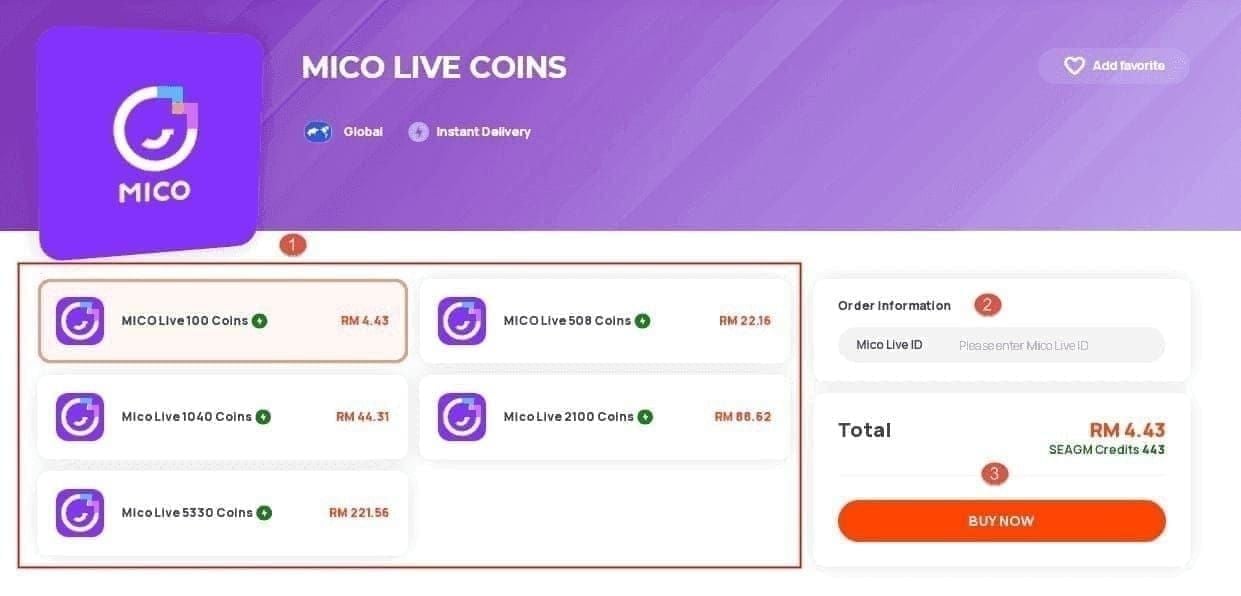
Status Indicators
Completed: Payment received, coins credited
Pending: Payment confirmed, coins queued (normal under 30 minutes)
Processing: Under review by payment processor or verification system
Failed: Rejected due to payment failure, region mismatch, or verification issues
Refunded: Transaction reversed, payment returned
Completed with missing coins: Display sync issue, not delivery failure. Perform logout-login sync and cache clearing.
Pending beyond normal timeframe: Suggests verification holds or region mismatch requiring support.
Contact MICO Support
Required Information
Transaction ID: 12-20 character code from payment confirmation (cards), blockchain hash (crypto), or bank reference number
MICO UID: Copy-pasted from profile
Screenshots: Payment confirmation + current coin balance (JPG/PNG/PDF, max 5MB)
Fastest Contact Method
In-app: Settings > Help & Support > Payment Issues > Coins Not Received
Response timeline:
First response: 2-8 hours (business hours)
Under review: 8-48 hours
Complex cases (region changes/VPN): 48-72 hours
Full resolution: 24-72 hours (straightforward), 5-7 days (escalated)
Ticket Best Practices
First sentence: I purchased [X] coins on [date] at [time] but haven't received them after [Y] hours
Include all info upfront: Transaction ID, UID, timestamps, screenshots (saves 24-48 hours)
One ticket only: Duplicates delay resolution
Wait 72 hours before requesting updates
Preventing Future Issues: 9-Point Checklist
Complete before every purchase:
Copy UID from profile (long-press > Copy)
Paste to notes, verify 8-12 numeric digits only
Check account region: Settings > Account Settings > Region
Verify email/phone: Settings > Account Security
Confirm connection: 5+ Mbps download speed
Check storage: 500MB+ free space
Disable VPN to prevent region flags
Match purchase region to account region
Paste (don't type) UID into purchase form
Following this reduces failure risk from 12-15% to under 1%.
Why BitTopup Ensures Accurate Delivery
BitTopup implements automated UID verification checking:
UID length and numeric-only format
Region compatibility in real-time
Rejects invalid entries before payment
Region matching system auto-detects your account region and presents only compatible packages, eliminating 40% of delivery failures. Guaranteed delivery: 5-30 minutes for cards/digital wallets, with 24/7 support. For users experiencing delivery problems, MICO coins not received after payment resolution support available.
Common Mistakes
Manual UID typing: 12-15% error rate. Always copy-paste
Peak hour purchases: Account for +15-30 minute delay before troubleshooting
VPN usage: Adds 12-24 hours security hold. Disable before purchasing
Immediate post-region-change purchases: Wait 48 hours after region change approval for server migration to complete
Refund Process
Eligibility Criteria
MICO refunds transactions where coins can't be delivered due to:
System errors
Confirmed UID mismatches to non-existent accounts
Unresolvable region lock violations
Requirements:
Submit within 48 hours of transaction
Complete documentation (Transaction ID, UID, screenshots)
Coins not delivered to specified UID
No refunds if coins successfully delivered to entered UID, even if UID was wrong. MICO can't retrieve coins from recipient accounts.
Required Documentation
Transaction ID
Correct MICO UID
Purchase timestamp
Payment confirmation screenshots
Transaction history showing Failed status or wallet balance before/after purchase
Bank statements (if purchase doesn't appear in MICO history)
Processing Time
Approval: 24-72 hours after request submission
Refund to account:
Cards/digital wallets: 5-7 business days
Bank transfers: 7-10 business days (international: 10-14 days)
Cryptocurrency: 24-48 hours
Total timeline:
Cards: 6-10 days
Bank transfers: 8-14 days
Crypto: 2-4 days
Refunds return to original payment method only—no redirects to different accounts/methods.
Avoid delivery issues—purchase MICO Coins through BitTopup with guaranteed UID verification, instant delivery confirmation, and 24/7 support. Get coins in minutes. Buy MICO Coins safely on BitTopup now!
FAQ
How long does MICO Coins delivery normally take? Cards/digital wallets: 95% within 5 minutes, 100% within 30 minutes. PayPal: instant to 15 minutes. Crypto: up to 30 minutes. Bank transfers: 1-4 hours. Peak hours (7-11 PM) add 15-30 minutes.
What is UID in MICO Live and where do I find it? UID is your 8-12 digit permanent numeric identifier under your username. Tap profile icon (bottom-right), long-press the number beneath your username, select Copy.
Why are my MICO Coins going to wrong account? Manual UID entry has 12-15% error rate (0/O, 1/I/L, 8/B, 5/S, 6/G confusion). Always copy-paste UID from profile instead of typing.
Can I get refund if MICO Coins never arrive? Yes, if submitted within 48 hours with complete documentation (Transaction ID, UID, screenshots). Processing: 5-7 days (cards), 7-10 days (bank transfers), 24-48 hours (crypto) after approval. Chargebacks trigger permanent bans.
What does region mismatch mean in MICO Live? Purchasing coins for one regional server (Global, MENA, Southeast Asia) while your account exists on a different region's server. Coins can't transfer across regions. Check Settings > Account Settings > Region before purchasing.
What should I check first when MICO Coins don't appear? Verify purchase confirmation UID matches profile UID exactly. Check account region matches purchase region. Refresh wallet (pull down on balance screen). Wait full delivery timeframe (30 minutes for cards, 4 hours for bank transfers) before troubleshooting.