

Chamet withdrawal face verification blocks 70% of pending transactions. Multi-account detection and liveness check failures are the primary culprits. This guide reveals why face verification fails, how Chamet's anti-fraud system detects duplicate accounts, and exact steps to pass biometric authentication on your first attempt.
Understanding Chamet's Face Verification System in 2026
What Is Face Verification and Why Chamet Requires It
Chamet withdrawal face verification protects broadcaster earnings and prevents fraud. The system requires biometric authentication before accessing funds, with a minimum withdrawal threshold of 100,000 Beans ($10 USD).
Verification activates when you attempt withdrawal through Profile > My Earnings > Withdraw. For secure transactions that won't trigger security flags, Chamet coins top up online through BitTopup ensures compliance.
Three verification tiers determine daily withdrawal limits:
Basic verification: Government-issued photo ID + face verification = $50 daily limit
Semi-verified KYC: Proof of address (within 3 months) = $5,000 daily limit
Fully-verified: Additional financial documentation = $10,000 daily limit
How Liveness Detection Technology Works
Liveness detection prevents photo/video spoofing by requiring real-time facial movements:
Nodding (up/down head tilt)
Blinking (eye closure)
Mouth opening/closing
Head shaking (left/right rotation)
The algorithm analyzes micro-expressions, skin texture, and depth perception to distinguish live faces from static images. Processing takes 24-48 hours for initial submissions. Each rejection adds another 24-48 hour delay. Multiple rejections trigger manual review extending 3-5 business days.
Pro tip: Submit during off-peak morning hours (UTC+8) for faster processing.
The Role of Anti-Fraud Systems
Chamet's anti-fraud engine monitors:
Device fingerprints
IP geolocation patterns
Withdrawal frequency
Transaction amounts
The platform flags sudden location changes, especially with large withdrawal requests. It cross-references User IDs (8-12 digits under Profile > My Profile) against existing accounts to detect duplicates. The $1.20 system withdrawal fee applies to all transactions.
Recent Policy Changes (2026)
Updates strengthened multi-account detection and reduced processing windows. Key changes:
ID documents must be valid for 30+ days before expiration
Enhanced age verification (18+ strictly enforced)
Weekly settlements: Monday 00:00-Sunday 23:59 UTC+8, processing Thursday 06:00 UTC+8
Submit withdrawal requests by Wednesday evening UTC+8 to catch Thursday processing; Thursday/Friday submissions face 6-7 day waits
Payment method updates:
GCash: PHP 8,000 monthly (basic), PHP 100,000 (verified)
USDT-TRC20: 24-hour processing, 34-character addresses starting with T
PayPal: Requires MetWallet (Arripay) binding to Chamet ID
Why Multi-Account Users Fail Face Verification
How Chamet Detects Multiple Accounts
Multi-account detection causes 40% of withdrawal failures. The platform analyzes facial biometric data across all accounts, flagging identical facial structures. When one face matches multiple User IDs, withdrawals block pending manual review.
The system stores facial templates as mathematical representations, enabling rapid comparison across millions of accounts. Device fingerprinting creates unique identifiers from hardware specs, OS versions, installed apps, and browser configs. These signatures persist even after app reinstallation.
Device Fingerprinting and IP Tracking
Device fingerprints combine:
Screen resolution
Timezone settings
Language preferences
Sensor configurations
IP address tracking monitors geographic locations and network providers. Accounts sharing IP addresses raise red flags, particularly with similar activity patterns. VPN usage triggers enhanced security checks that delay processing.
Behavioral Patterns Triggering Enhanced Verification
The anti-fraud system identifies:
Identical broadcasting schedules across accounts
Synchronized viewer interaction patterns
Coordinated gift-receiving behaviors
Matching withdrawal timing
Rapid account switching from single devices
Real Case Studies
Scenario 1: Broadcasters operating secondary accounts for different niches encounter verification blocks when attempting simultaneous withdrawals. The system identifies matching facial biometrics despite different profile photos.
Scenario 2: Users purchasing established accounts face immediate detection when their facial biometrics don't match historical verification data.
Scenario 3: Family members sharing devices for legitimate separate accounts trigger false positives requiring manual review.
Common Reasons for Liveness Check Failures
Poor Lighting and Camera Quality
Inadequate lighting causes most technical failures. The algorithm requires even facial illumination. Backlighting creates silhouettes; harsh overhead lighting casts interfering shadows.
Camera requirements:
Minimum 5-megapixel front-facing camera
Clean lens (no fingerprints/dust)
No screen protectors covering sensors
No cracked screens
Optimal lighting: Soft, diffused light from multiple angles. Natural daylight from windows works best. Artificial lighting should be at face level, not above/below.
Facial Recognition Mismatch
Profile photo inconsistencies create failures when current appearance differs significantly from registered images. Substantial weight changes, facial hair, hairstyles, or cosmetic procedures alter facial geometry.
Remove accessories (glasses, hats, masks) before verification. The algorithm requires clear, unobstructed views of eyes, nose, mouth, and jawline.
Movement and Expression Detection
Liveness checks demand specific movements at precise timing intervals. Common mistakes:
Nodding too quickly/slowly
Incomplete blinking
Exaggerated facial expressions
Jerky or robotic movements
Holding positions too rigidly
Perform natural movements at moderate speeds with smooth transitions.
Technical Errors vs. Policy Violations
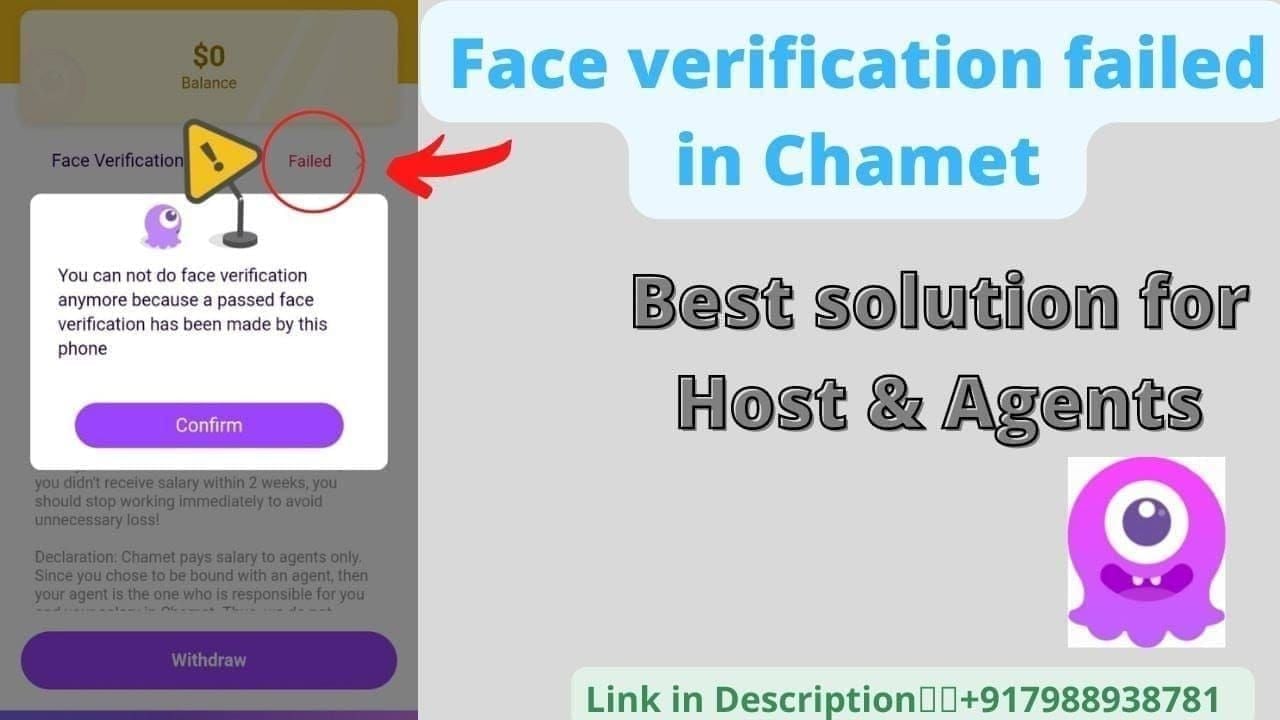
Technical failures: Camera access issues, network connectivity problems, processing timeouts. Allow immediate retry. Force-close app and restart to resolve 60% of sync issues.
Policy violations: Account status issues, verification ineligibility, compliance requirements. Prevent retry attempts until resolved. Contact support instead of retrying.
Step-by-Step Guide to Pass Face Verification

Pre-Verification Checklist
Environment setup:
Well-lit space with neutral background
Quiet location without interruptions
Device battery >50%
Equipment prep:
Clean camera lens thoroughly
Remove screen protectors covering front camera
Test camera in native camera app
Documentation ready:
Government-issued photo ID (valid 30+ days)
Proof of address (within 3 months) for semi-verified status
Financial documentation for fully-verified accounts
Optimal Camera Positioning and Lighting
Camera position: Hold device at arm's length, eye level. Display entire face with small margins on all sides.
Lighting: Face window or light source positioned slightly above and in front. Use two artificial light sources at 45-degree angles to eliminate shadows.
Facial positioning: Neutral expression, eyes open, mouth closed. Look directly at camera, not screen preview. Ensure hair doesn't obscure eyebrows, eyes, or ears.
Following On-Screen Instructions
Read each instruction completely before performing
Perform movements at moderate speeds
Complete each action fully:
Nods: Clear upward/downward motion
Blinks: Fully close eyes
Mouth: Visible opening (not exaggerated)
Head shakes: ~30-degree rotation each direction
Maintain steady hand positioning throughout
After Submission
Note submission timestamp and expected timeframe (24-48 hours)
Don't submit multiple attempts while first processes
Monitor email and in-app notifications for results
If approved: Proceed with withdrawal immediately
If rejected: Read rejection reason, address specific issues before retrying
What to Do When Your Account Gets Locked
Lock Status Types
Temporary verification locks: Prevent withdrawals, maintain broadcasting access. Resolve within 24-48 hours after successful verification.
Permanent suspensions: Result from confirmed policy violations. Lose all functionality. Require formal appeal with substantial documentation.
Withdrawal-specific holds: Freeze financial transactions, allow continued platform usage.
Immediate Actions (First 24 Hours)
Contact support immediately:
Phone: +628111446644 (weekdays 9:00-17:00, Saturday 10:00-15:00)
In-app chat: 24-48 hour response time
Document account status:
Screenshot error messages and lock notifications
Record timestamps of lock occurrence
Note actions taken immediately before lock
Don't create new accounts or access locked accounts from different devices.
Submitting Verification Appeal
Prepare appeal package:
Clear photos of government-issued ID (all corners visible)
Photos of yourself holding ID next to face
Detailed explanation including account creation date, verification attempt history, specific error messages
Submit through in-app support (not email) for proper case tracking. Reference your User ID in all communications. Request case numbers for tracking.
Expected Timeline
Standard manual reviews: 3-5 business days from complete documentation
Incomplete appeals: Delayed until missing information provided
Complex cases (multi-account investigations): 7-10 business days
Successful appeals restore full functionality immediately. Complete test withdrawal of minimum 100,000 Beans ($10 USD) to confirm restoration. Funds arrive within 1-2 business days.
Advanced Troubleshooting
Resolving 'Verification Loop' Errors
Verification loops occur when system repeatedly requests face verification despite successful completion. Solutions:
Force-close Chamet app and restart (resolves 60% of sync issues)
Clear app cache/data through device settings (wait 10-15 minutes before retrying)
If loops persist: Contact support with number of successful verifications, exact error messages, timestamps
Dealing with Outdated Profile Information
Profile mismatches between registration data and current verification trigger automatic rejections. Access profile settings to review:
Full name spelling
Date of birth
Address details
Ensure exact match with government-issued ID. Submit profile update requests through support with documentation:
Name changes: Marriage certificates or court orders
Address updates: Proof of residence (within 3 months)
Profile updates process within 2-3 business days.
When to Request Manual Review
Request manual review after three consecutive automated failures. Manual reviews accommodate:
Physical characteristics confusing facial recognition
Medical conditions affecting appearance
Technical limitations (poor camera quality, environmental constraints)
For secure transactions maintaining account compliance, use buy Chamet recharge instant through BitTopup's verified channels.
Alternative Verification Methods
Document-based verification: Submit high-quality ID photos with selfies holding identification. Processes in 5-7 business days.
Video verification: Record short videos performing liveness movements. Suits users with unstable internet. Must meet specific technical requirements.
Third-party identity services: Available in select markets, leveraging existing verified identities.
Preventing Future Verification Problems
Maintaining Single-Account Compliance
Operate exclusively from one Chamet account
Don't create secondary accounts for different content types
Consolidate activity into single primary account
Contact support to formally close secondary accounts
Family members sharing devices should use separate devices when possible
Regular Profile Updates
Update profile photos annually or when appearance changes significantly
Monitor ID document expiration dates, renew before 30-day window
Upload updated documents immediately upon renewal
Review and update address information when relocating
Best Practices for Device and Location
Access primarily from single device
Maintain consistent IP addresses
Notify support proactively of legitimate location changes
Disable VPN services during verification and withdrawal
Use direct network connections for financial transactions
Understanding Withdrawal Limits
Plan withdrawal strategies around KYC tier limits:
Basic ($50 daily): Casual users with modest earnings
Semi-verified ($5,000 daily): Active broadcasters
Fully-verified ($10,000 daily): High-volume broadcasters
Submit verification upgrades before reaching current tier limits. Processing takes 3-5 business days.
Chamet Verification Error Codes
Error Code Breakdown
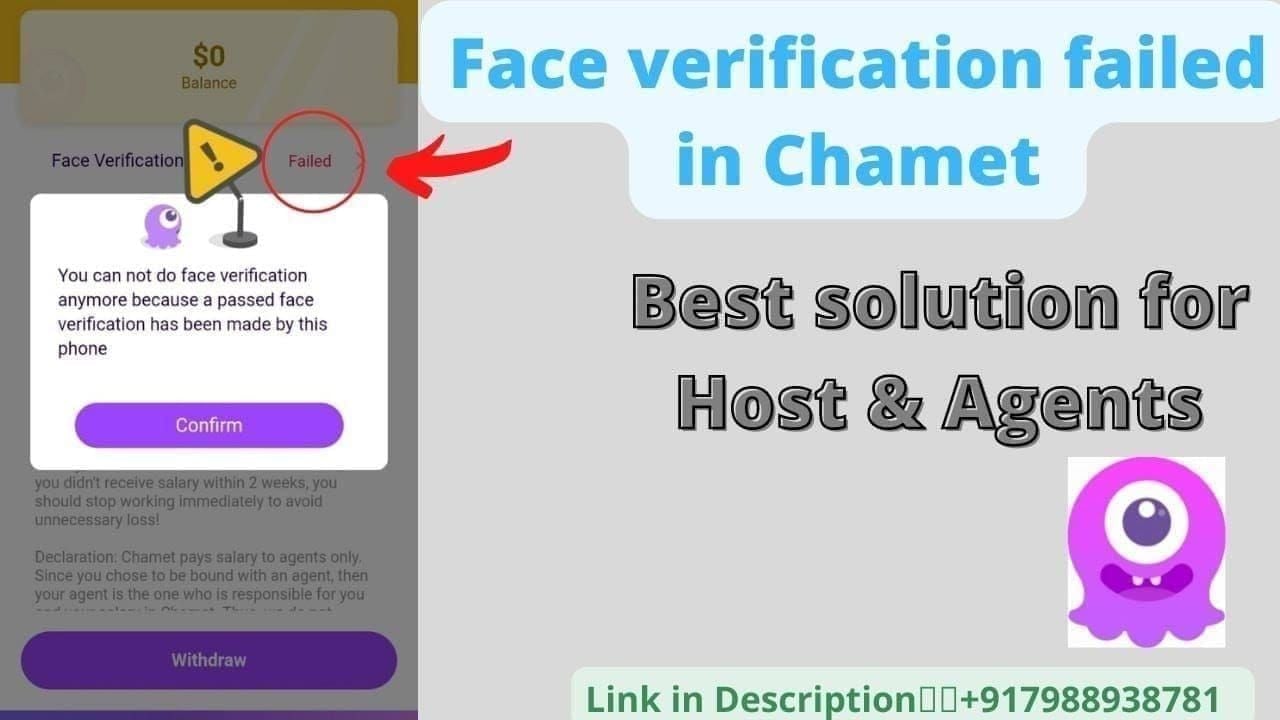
Face Recognition Failed: System couldn't match live scan to profile photos. Solution: Update profile photos, improve lighting, ensure clear camera lens.
Liveness Detection Failed: Detected potential spoofing or couldn't confirm live presence. Solution: Perform movements naturally at moderate speeds with better lighting.
Document Verification Pending: Manual review required. Solution: Wait 3-5 business days without duplicate submissions.
Account Under Review: Security concerns beyond standard verification. Solution: Contact support immediately with documentation.
Technical Failures vs. Policy Rejections
Technical failures (can retry immediately):
Network Error
Camera Access Denied
Processing Timeout
Server Unavailable
Policy rejections (contact support):
Verification Ineligible
Account Suspended
Multiple Accounts Detected
Document Invalid
Quick Fixes
Camera Access Denied: Device settings > Apps > Chamet > Permissions > Enable camera. Restart app.
Network Error: Switch cellular/WiFi. Ensure 3+ bars signal strength. Disable VPN.
Face Not Detected: Increase lighting, clean lens, position face directly in frame. Remove accessories.
Processing Timeout: Avoid peak hours (evenings UTC+8). Attempt during morning hours.
Secure Your Chamet Experience with BitTopup
Why Verified Accounts Need Reliable Diamond Top-Up
Maintaining verified status requires consistent, compliant activity including legitimate diamond purchases through authorized channels. Unauthorized top-up methods trigger security reviews complicating verification.
BitTopup's integration with Chamet's official systems ensures transactions process cleanly without triggering fraud detection. Regular purchases through verified channels demonstrate account legitimacy and reduce security scrutiny on withdrawals.
BitTopup's Secure Payment Processing
BitTopup offers:
Competitive pricing with transparent fees
Fast delivery (diamonds credit within minutes)
Secure transaction infrastructure with encryption
24/7 customer support
High user ratings for consistent service quality
Maintaining Account Health
Using authorized services like BitTopup maintains clean transaction histories supporting verification applications. Official channels provide transaction records serving as documentation during account reviews.
Consistent use of verified platforms establishes predictable transaction patterns that security algorithms recognize as normal behavior.
Exclusive Benefits
Wide game coverage beyond Chamet
Competitive pricing maximizing entertainment budget
Regular promotions and loyalty programs
Reputation for secure transactions and reliable delivery
Frequently Asked Questions
Why is my Chamet withdrawal stuck on face verification? Withdrawals stick due to failed liveness checks, multi-account detection, or profile mismatches. Complete face verification via Profile > My Earnings > Withdraw, performing required movements (nodding, blinking, mouth opening, head shaking) with proper lighting. Processing takes 24-48 hours.
How does Chamet detect multiple accounts during verification? Through facial biometric matching, device fingerprinting, and IP tracking. The system compares facial templates across all accounts, flagging identical matches. Device fingerprints combine hardware specs, OS details, and sensor configs. Multi-account detection causes 40% of failures.
What causes liveness check to fail repeatedly? Poor lighting, low camera quality, unnatural movements, or facial recognition mismatches. The algorithm requires even illumination, clear camera views, and natural-speed movements. Force-closing and restarting resolves 60% of technical sync issues.
How long does face verification take to process? 24-48 hours from submission. Each rejection adds another 24-48 hours. Multiple rejections trigger manual review extending 3-5 business days. Thursday/Friday submissions face 6-7 day waits due to weekly settlement schedules.
What happens if I fail face verification 3 times? Three failures trigger enhanced security review and potential account locks. Manual review requires 3-5 business days. Contact support at +628111446644 (weekdays 9:00-17:00, Saturday 10:00-15:00) after three failures. Provide government ID and explanation.
Can I withdraw without face verification? No. Face verification is mandatory for all withdrawals regardless of amount. Minimum withdrawal of 100,000 Beans ($10 USD) requires completed face and age verification (18+). All payment methods—GCash, USDT-TRC20, PayPal via MetWallet—require verified account status.