Quick Answer: Check your Apple Gift Card balance via Settings → [Your Name] → Payment & Shipping, the App Store profile icon, Wallet app, Apple's website, or Siri. US cards use a 16-digit code, are region-locked to US accounts, and work only within Apple's ecosystem — never for taxes, bills, or government fees. With $212 million lost to gift card scams in 2026, knowing how to check and protect your balance is critical, especially during the January–April tax season peak.
What Is an Apple Gift Card Balance and How Does It Work?
Apple Gift Cards store prepaid credit directly inside your Apple Account (formerly Apple ID). Once redeemed, the balance is usable across the App Store, Apple Arcade, in-app purchases, and Apple subscriptions.
Key facts:
US cards are region-locked — valid only on US Apple ID accounts, US transactions only
Standard denominations: $25, $50, $100
Each card carries a unique 16-digit redemption code
Can't be redeemed for cash, resold, or refunded (except where law requires)
Can't pay utility bills, government fees, or taxes
4 Official Ways to Check Your Apple Gift Card Balance
Method 1: iPhone or iPad Settings
Open Settings
Tap [Your Name]
Select Payment & Shipping
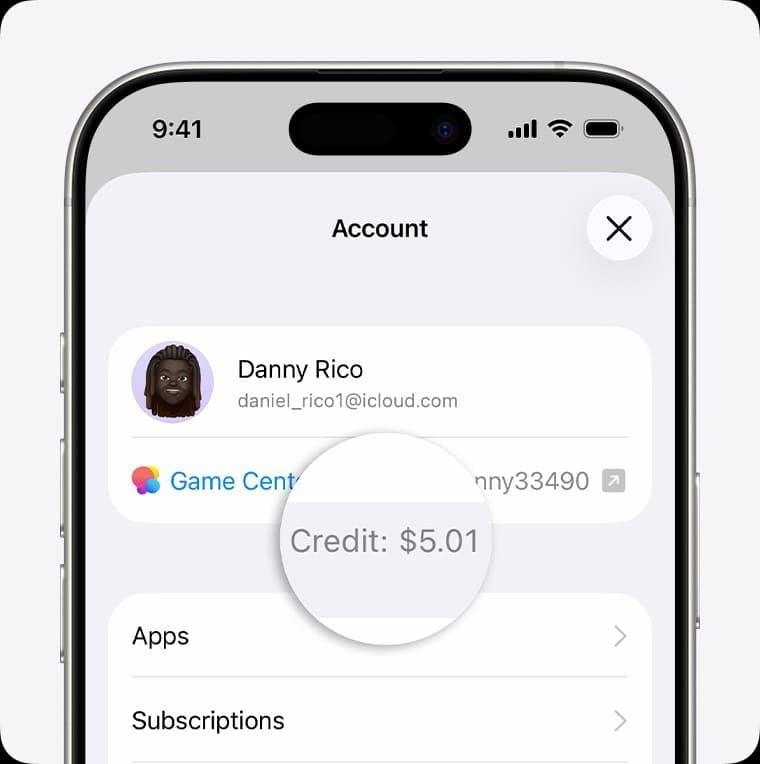
Tap View Account — your balance appears here
Method 2: App Store (Fastest Method)
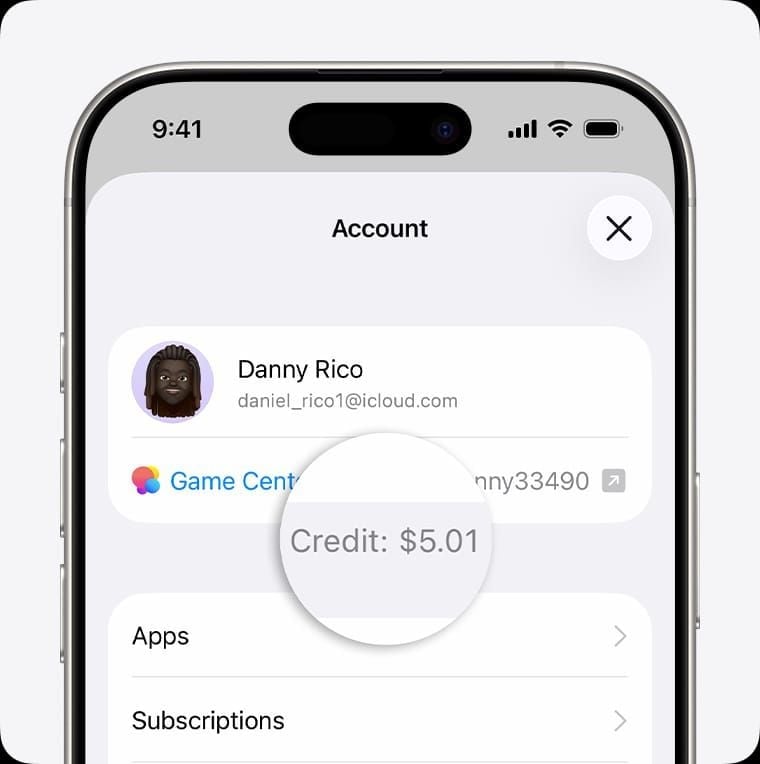
Open the App Store
Tap your profile icon (top-right)
Balance displays immediately below your account name
Method 3: Mac App Store
Open the Mac App Store
Click your name in the bottom-left sidebar
Balance appears below your account name
On Windows: open iTunes or Apple Music, sign in, and your balance displays at the top.
Method 4: Wallet, Web, and Siri
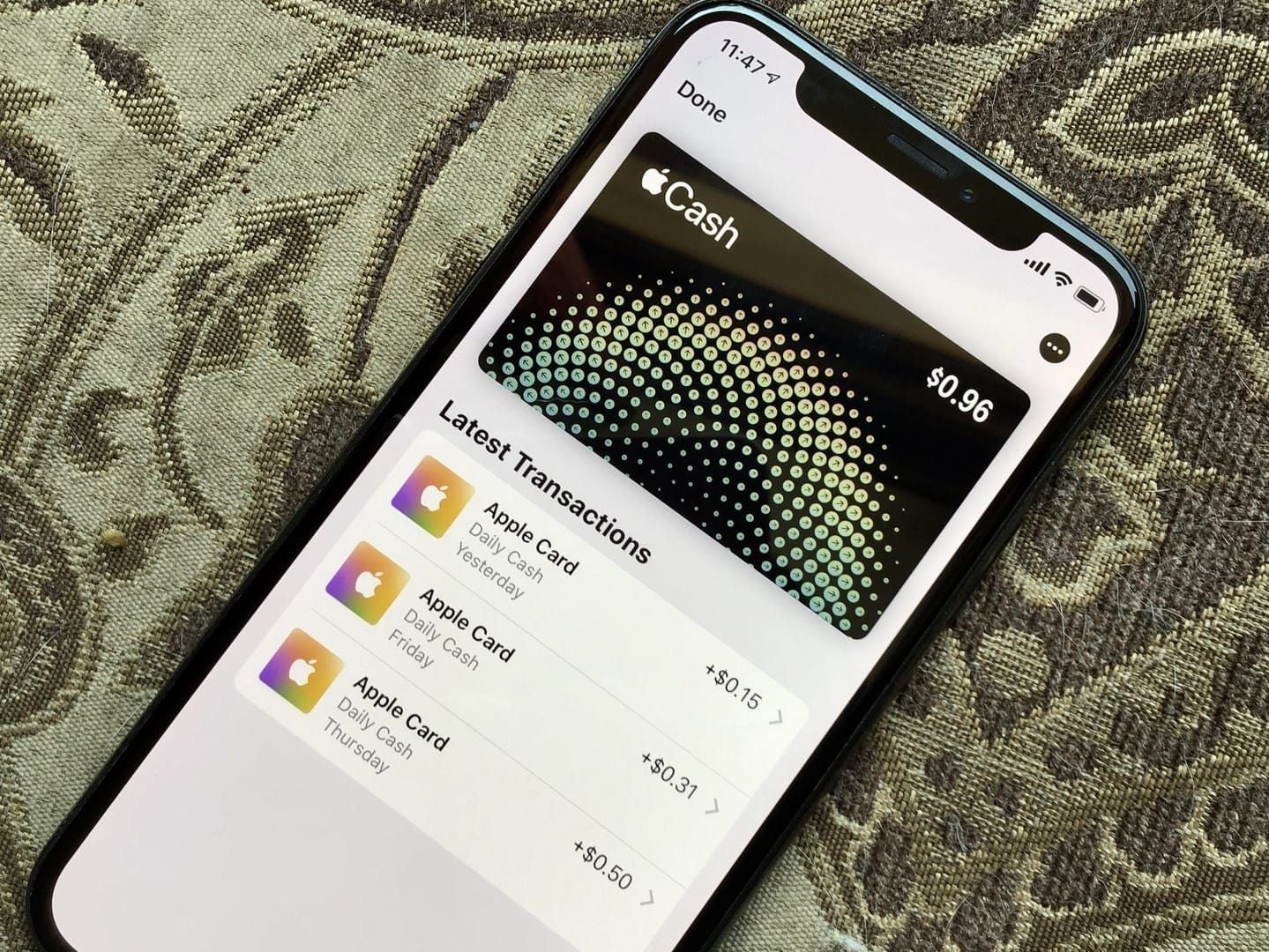
Wallet app: Add your card — balance displays automatically
Apple website: Sign into your Apple ID → navigate to Wallet
Siri: Say Hey Siri, what's my Apple Gift Card balance?
Balance showing $0.00 after redemption? Sign out of your Apple ID, restart your device, sign back in. Fixes most sync issues.
Card won't redeem? Call Apple Support at 800-275-2273, say gift cards — a rep can manually verify and apply your balance.
Need to top up fast? Buy Apple Gift Card online with instant delivery through BitTopup — verified US cards, competitive pricing, instant digital fulfillment.
Why Tax Season 2026 Is Peak Scam Season
Gift card fraud losses hit $212 million in 2026, up dramatically from $110 million in just the first half of 2023. January–April is confirmed as the highest-risk window.
Why it works: tax season creates anxiety around IRS deadlines, priming people to act fast under pressure. Scammers exploit this by impersonating government agencies, Apple Support, and financial institutions — all demanding Apple Gift Card payment.
One brutal stat: 26% of received gift cards carry zero balance. More than one in four cards is already drained before the recipient tries to use it.
7 Tax Season Scams Targeting Apple Gift Card Users
Scam #1: IRS Impersonation
A caller claims to be an IRS agent, threatens arrest, and demands immediate payment via Apple Gift Card codes. The IRS never contacts taxpayers by phone demanding immediate payment and never accepts gift cards — for any reason.
Scam #2: Fake Apple Support Calls
Callers pose as Apple Support, claiming your account is compromised or a refund needs verification of your 16-digit code. Legitimate Apple Support will never ask you to read your redemption code aloud.
Scam #3: Phishing Emails with Fake Balance Check Links
Emails mimicking Apple's branding link to counterfeit sites designed to steal your Apple ID credentials and card codes. Always navigate directly to Apple's official site — never through email links.
Scam #4: Social Media Giveaway Scams
Fake promotions promise doubled balances or prizes in exchange for your code to verify entry. Once shared, the balance is drained instantly. No legitimate giveaway requires your redemption code.
Scam #5: Romance and Trust Scams
Long-term social engineering — developed over weeks or months — eventually pivots to requesting Apple Gift Cards for emergencies. Any payment request in gift cards from someone you've only met online is a definitive red flag.
Scam #6: Fake Refund Scams
Scammers claim you're owed a refund but must first buy Apple Gift Cards to process it. No legitimate refund works this way. Refunds go to original payment methods — never exchanged for gift cards.
Scam #7: Tampered Physical Cards at Retail
Fraudsters record card codes in-store, reseal packaging, and wait for someone to load value. Before buying any physical Apple Gift Card:
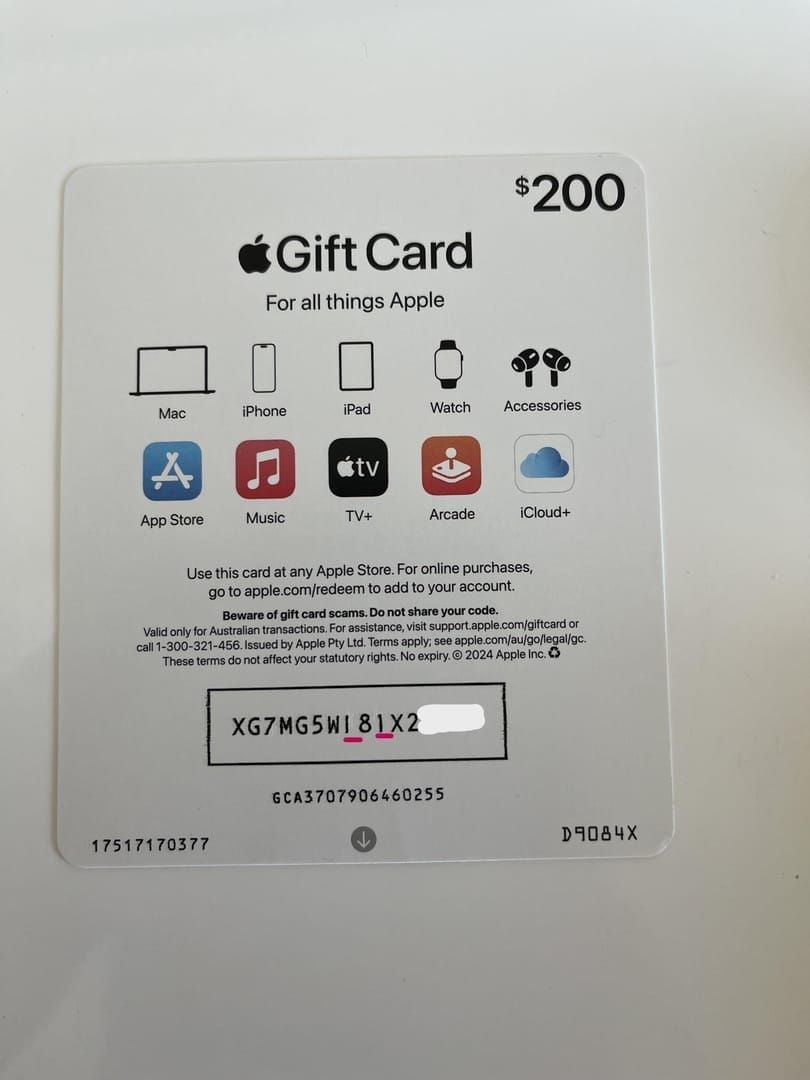
Confirm the PIN sticker is fully intact
Check the scratch-off panel for tampering signs
Look for tears, resealing marks, or packaging irregularities
Request cards from behind the checkout counter, not open display racks
Pay with a credit card for purchase protection
Photograph the front, back, and receipt immediately after purchase
What Apple Will Never Ask You to Do
Apple will never:
Ask for your redemption code via phone, email, or text
Request you buy gift cards to resolve an account issue
Demand immediate payment to avoid account suspension
Contact you through unsolicited calls claiming your device was hacked
Golden rule: No government agency — IRS, Social Security Administration, or any law enforcement body — accepts Apple Gift Cards as payment. Any such demand is fraud, no exceptions.
To verify a suspicious communication, contact Apple Support directly at 800-275-2273 using a number you've independently confirmed — not one from a suspicious message.
To recharge your Apple account balance securely, BitTopup offers verified US Apple Gift Cards with instant digital delivery, high user ratings, and excellent customer service — eliminating physical card tamper risks entirely.
Balance Stolen? Act Within Minutes
Speed is critical — gift card balances can be spent almost instantly once a code is known.
Step 1: Document everything Photograph your card (front and back), receipt, and any scammer communications. Required for Apple's investigation and FTC reporting.
Step 2: Contact Apple immediately Call 800-275-2273, say gift cards, and request a balance investigation and freeze. Apple can sometimes recover funds if the balance hasn't been spent yet.
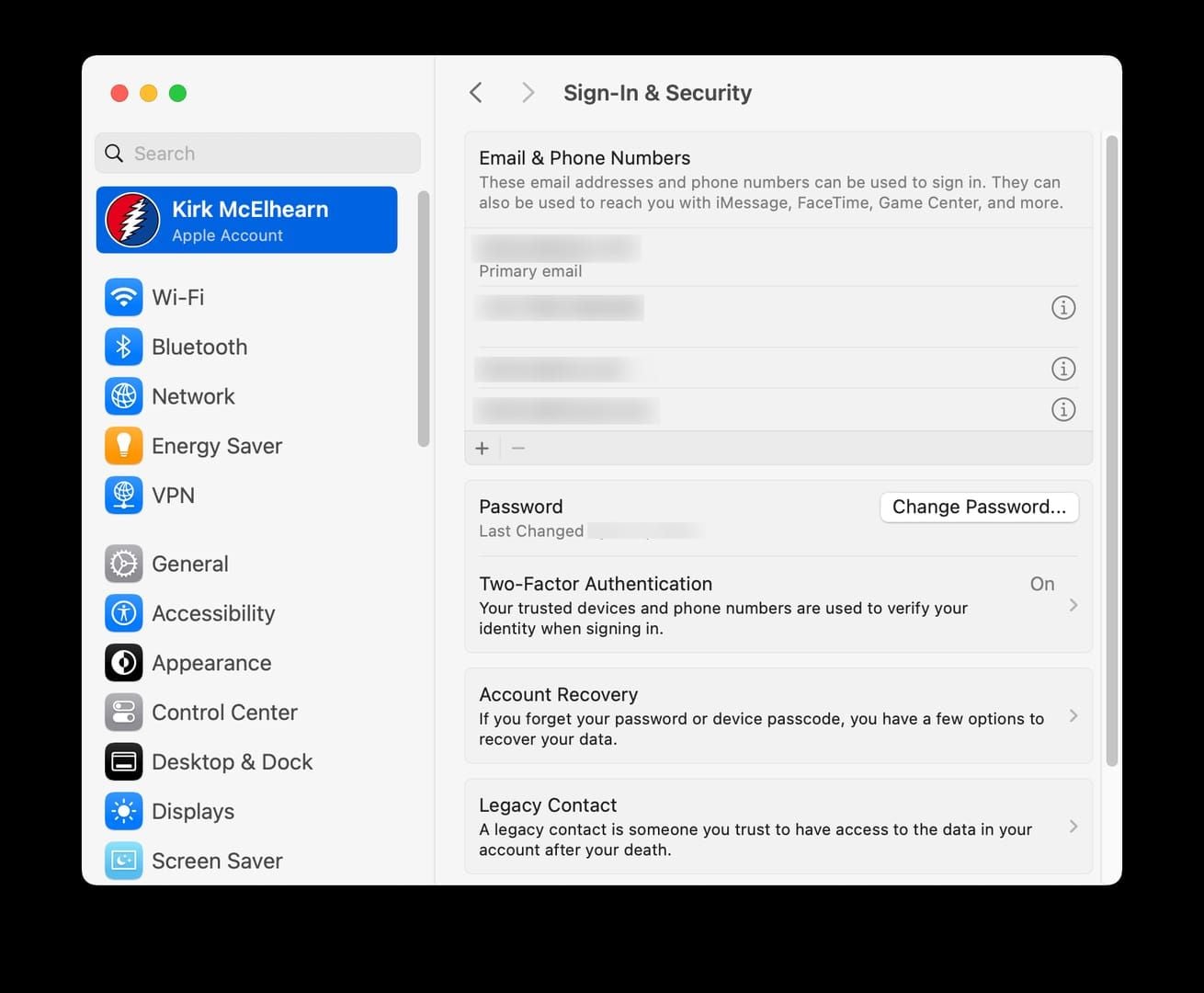
Step 3: Enable two-factor authentication Settings → [Your Name] → Password & Security → Two-Factor Authentication. Do this immediately to block further unauthorized access.
Step 4: Report to the FTC File at ReportFraud.ftc.gov with the scammer's contact info, amount lost, and how the scam worked. FTC reports drive enforcement actions that protect other consumers.
Safe Redemption Checklist
Before redeeming any Apple Gift Card:
✅ Inspect physical packaging for tampering (if bought in-store)
✅ Confirm you're signed into the correct US Apple ID
✅ Enable two-factor authentication first
✅ Redeem only through official channels (App Store, Settings, or Apple's website)
✅ Redeem each card individually to the same Apple ID
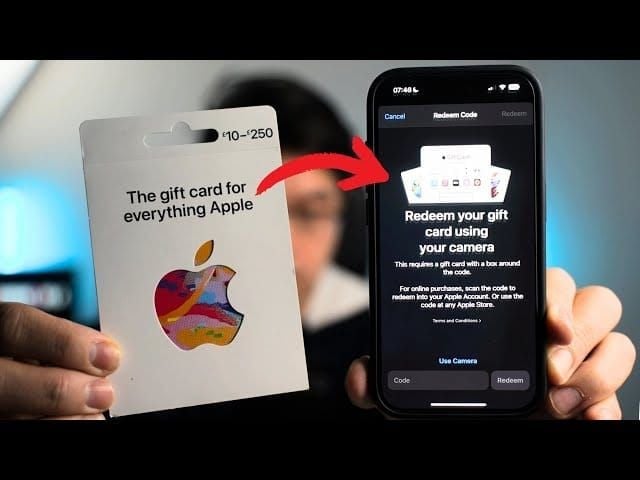
To redeem on iPhone/iPad: App Store → profile icon → Redeem Gift Card or Code → scan QR code or enter the 16-digit code manually.
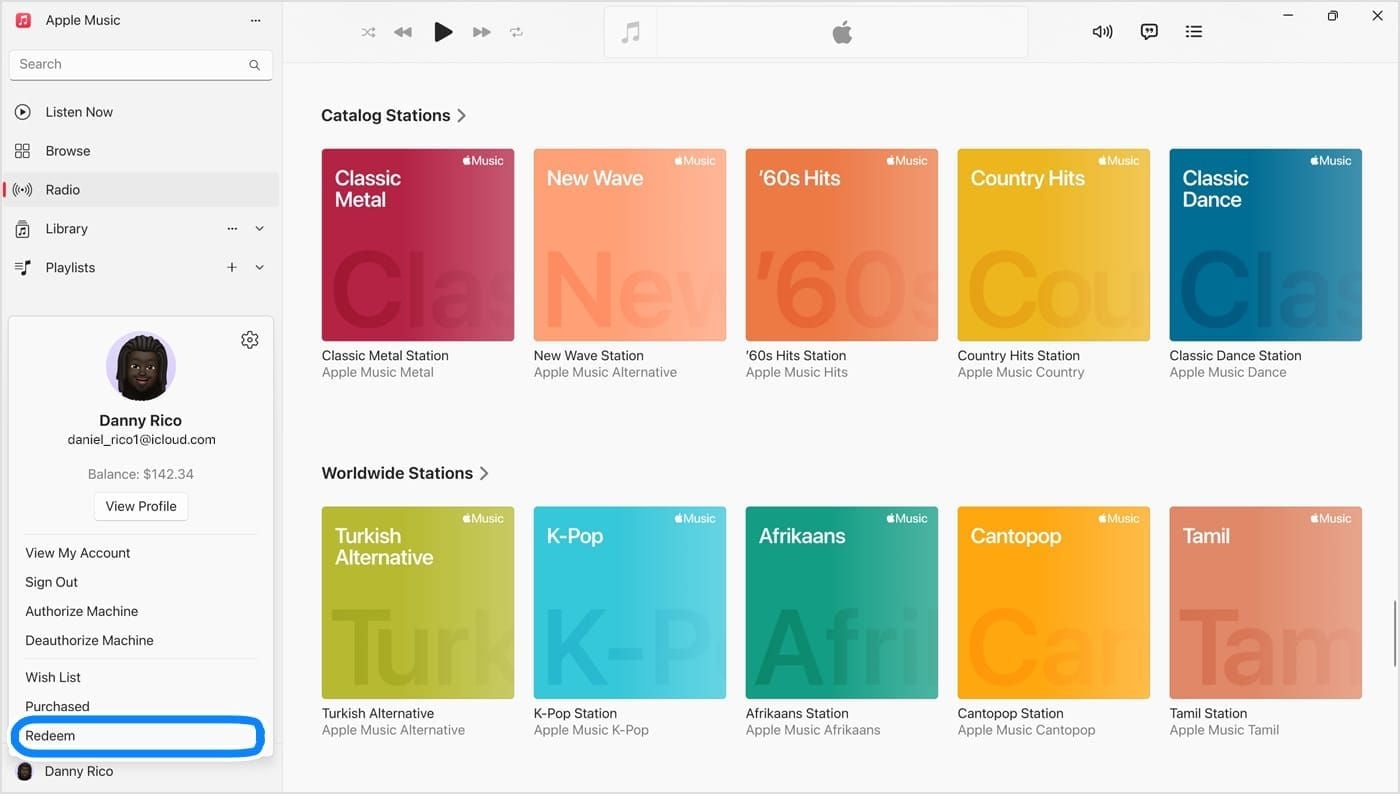
To redeem on Mac: Mac App Store → your name in sidebar → Redeem Gift Card → enter code.
Pro tip: Partial balances work seamlessly — Apple applies your credit first, then charges the remainder to your payment method on file. Balances don't expire after redemption.
Where to Buy Apple Gift Cards Safely in 2026
Physical retail cards carry inherent tamper risks (see Scam #7). Buying digitally from a verified source eliminates that entire risk category.
Safe purchasing practices:
Buy from authorized digital retailers with verified fulfillment
Avoid marketplace listings from individual sellers offering steep discounts
Use a credit card — it provides chargeback protection
Save or photograph your digital code immediately upon receipt
BitTopup specializes in verified US Apple Gift Cards with instant digital delivery, competitive pricing, and a secure transaction environment — ideal for funding Apple Arcade subscriptions, in-app purchases, and game downloads without the scam exposure of physical retail.
FAQ: Apple Gift Card Balance Check & Scam Prevention
Q1: Does an Apple Gift Card balance expire? Once redeemed to your Apple Account, the balance doesn't expire. Redeem physical or digital cards promptly — unredeemed codes sitting unused are vulnerable if someone else obtains them.
Q2: Can I check my balance before redeeming? No — Apple's tools require the card to be redeemed to an Apple ID first. To verify a card before purchase, inspect the packaging carefully instead.
Q3: Why isn't my balance showing after redemption? Sign out of your Apple ID, restart your device, sign back in. Still missing? Call Apple Support at 800-275-2273. Sync delays typically resolve within minutes.
Q4: Does the IRS ever accept Apple Gift Cards? Never. Any communication demanding Apple Gift Card payment for taxes is a confirmed scam. Report it immediately at ReportFraud.ftc.gov.
Q5: What happens to my balance if I change my Apple ID region? US Apple Gift Cards work only on US Apple ID accounts. Changing your region may make your balance inaccessible. Spend your balance before any region change.
Q6: Can someone steal my balance before I redeem it? Yes — tampered retail cards give scammers your code before you even load value. This is why verified digital purchasing and physical card inspection are essential protective steps in 2026.