Quick Answer: Apple Gift Card scams cost Americans $212 million in 2026. The FTC confirms Apple will never ask you to pay via gift card. Buy only from verified platforms, inspect cards for tampering, enable 2FA on your Apple ID, and redeem codes immediately. If scammed, call Apple at 800-275-2273 and report to ReportFraud.ftc.gov right away.
Why Apple Gift Card Scams Are Exploding in 2026
The numbers are alarming. Americans lost $212 million to gift card scams in 2026—up from $110 million in just the first half of 2023. Apple Gift Cards appear in 25% of recent FTC fraud complaints, making them the most exploited gift card brand. And 26% of cards received by fraud victims carried a zero balance before they even tried to redeem them.
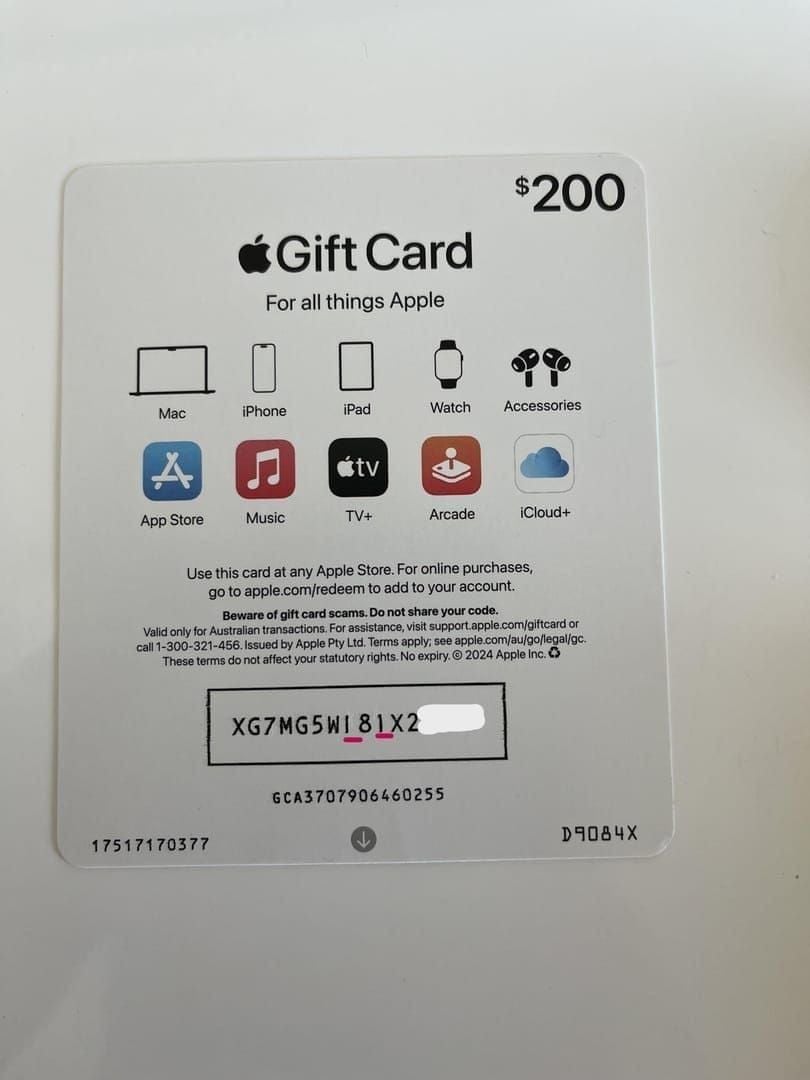
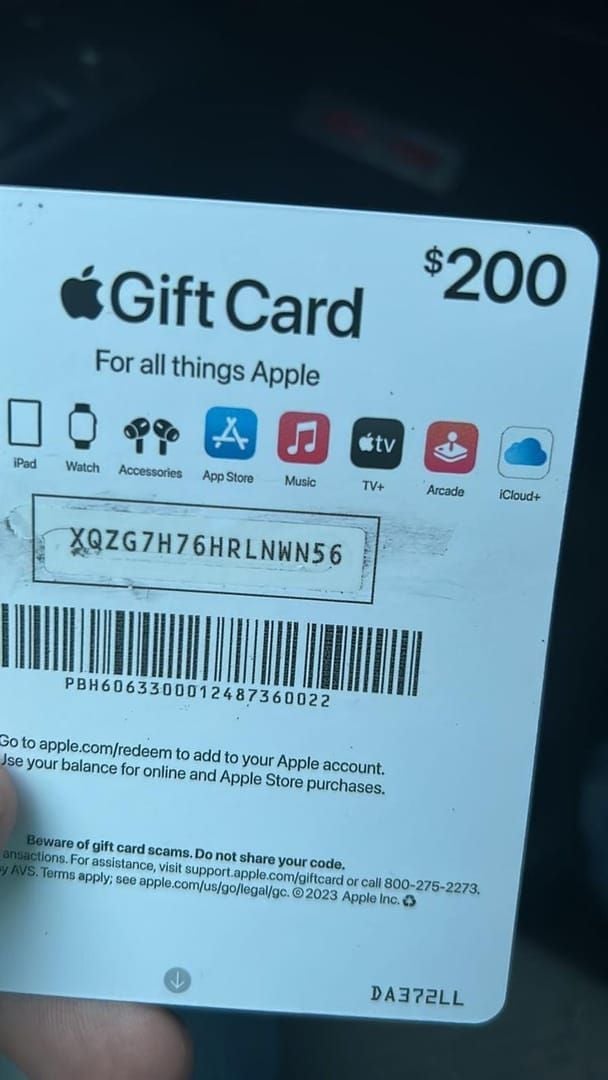
Why Apple? The cards are widely available, instantly redeemable, and nearly impossible to trace once a code is shared. That code—always starting with X—works like cash for anyone who gets hold of it. Apple's trusted brand also makes impersonation more convincing.
How a typical scam unfolds:
You receive an urgent call, text, or email demanding immediate payment
You're told to buy Apple Gift Cards at a nearby store
The scammer gets you to read the code aloud, photograph it, or enter it on a fake site
They redeem it instantly—often within minutes
You discover the fraud only when you try to use the card yourself
Scam activity peaks January through April during tax season, when government impersonation surges.
The 7 Most Dangerous Scam Types
Government Impersonation: Fake IRS, SSA, or FTC agents claim you owe taxes or face arrest. Apple Gift Cards cannot legally pay government fees, taxes, immigration costs, or social security obligations—ever.
Tech Support Scams: A fake pop-up or call claims your device is compromised. The technician demands gift card payment. Legitimate tech support never does this.
Romance Scams: After weeks of trust-building online, a contact claims an emergency and requests gift cards. Emotionally manipulative and financially devastating.
Lottery/Prize Scams: You've won a prize but must pay a processing fee via gift card. No legitimate lottery requires upfront payment.
Overpayment Scams: A buyer accidentally overpays and asks you to refund the difference via gift card. The original payment is fraudulent.
Resale/Discount Fraud: Steeply discounted cards on auction or peer-to-peer sites are frequently already drained or counterfeit.
Phishing Emails: Apple-branded emails direct you to fake pages harvesting your redemption code or Apple ID credentials.
7 FTC-Verified Ways to Buy Apple Gift Cards Safely
1. Use Verified Digital Platforms Only
The safest purchases happen through verified platforms with transparent buyer protections. For US buyers, you can buy Apple Gift Card online safely through BitTopup—competitive pricing, instant digital delivery, and verified card authenticity.
2. Inspect Physical Cards Before Buying
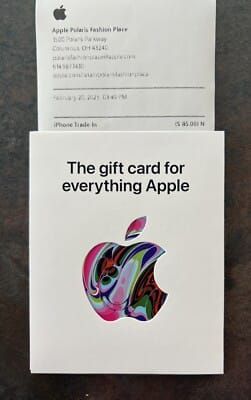
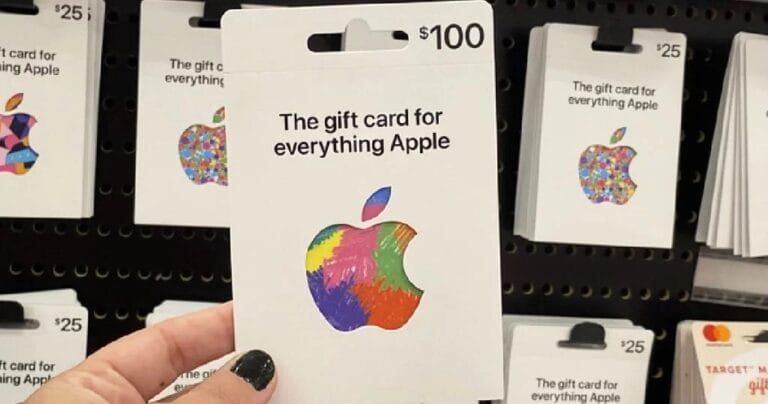
Request cards from behind the checkout counter, not open display racks
Confirm the PIN sticker is fully intact with no peeling or reapplication
Check packaging for resealing, damage, or tampering
Verify the scratch-off area hasn't been pre-scratched
3. Never Buy Cards from Unsolicited Requests
Any request to buy Apple Gift Cards prompted by a call, text, email, or pop-up is a scam. No legitimate organization—government, tech company, or financial institution—will ever instruct you to pay with gift cards.
4. Avoid Auction Sites and Peer-to-Peer Platforms
Cards sold through informal resale channels frequently have zero balances or invalid codes. Stick to verified retail or trusted digital storefronts.
5. Pay with a Credit Card
Credit cards offer chargeback rights that debit cards and cash don't. If something goes wrong, you have a recovery option.
6. Enable 2FA on Your Apple ID Before Redeeming
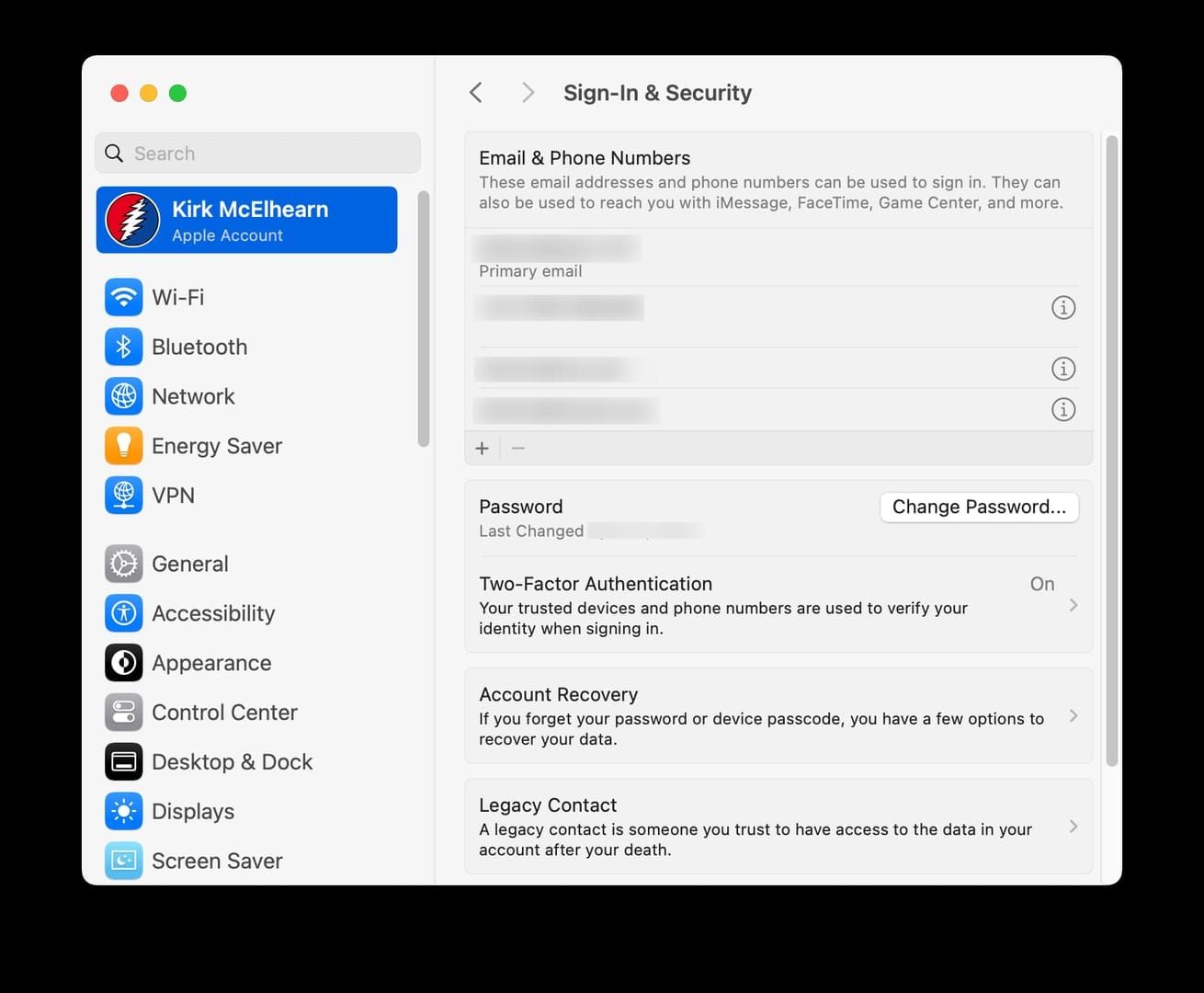
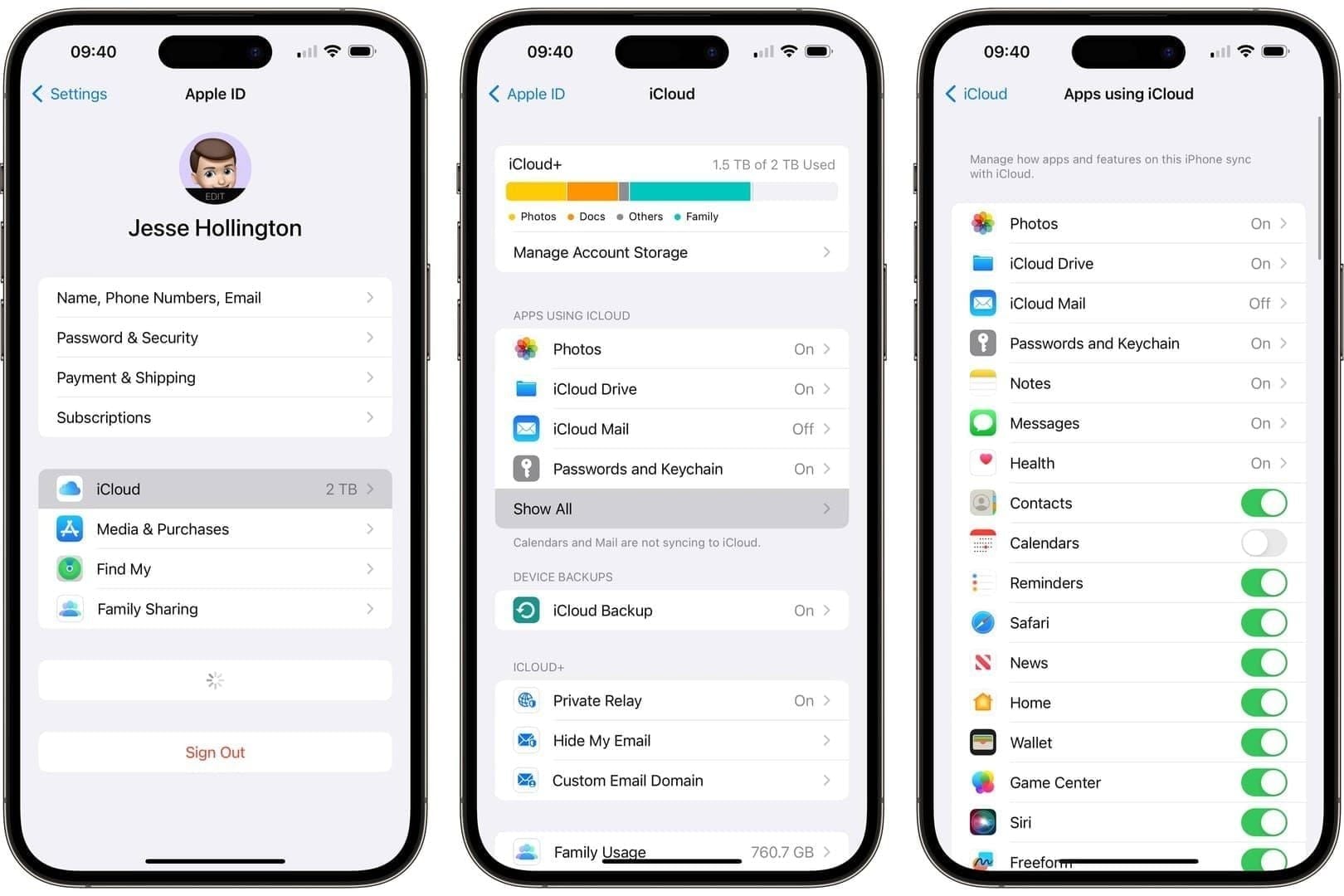
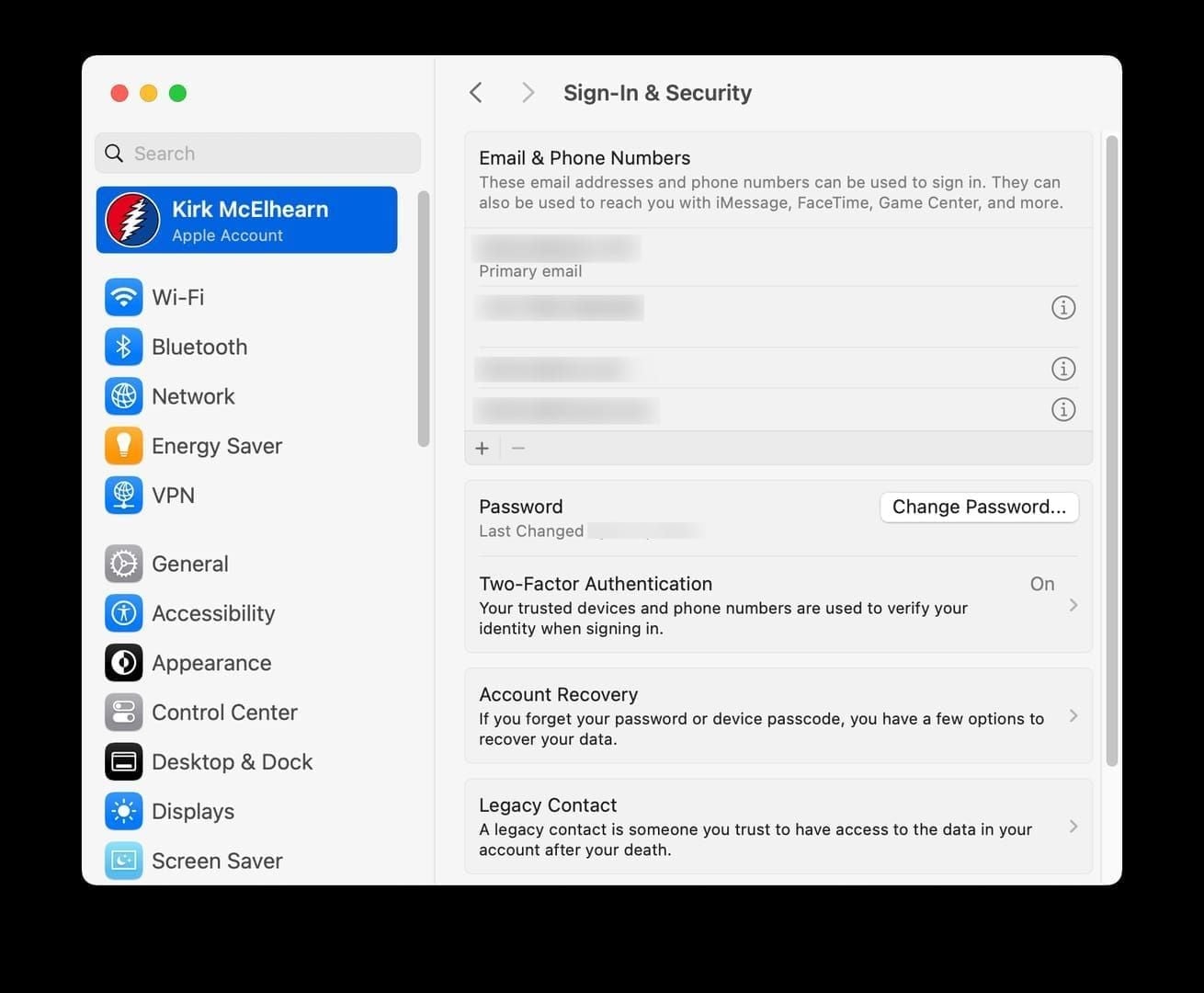
Go to Settings → [Your Name] → Password & Security → Two-Factor Authentication and confirm it's active. This blocks scammers from accessing your account even if they get your login credentials.
7. Photograph Your Card and Save Your Receipt
Right after purchase, photograph the front, back, and receipt. Store them securely. You'll need this documentation for any fraud report or refund request.
How to Redeem Safely: A Scam-Proof Process
On iPhone or iPad
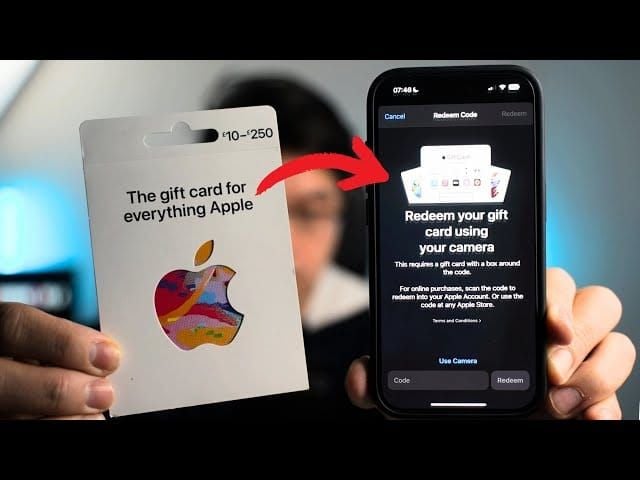
Open the App Store → tap your profile icon
Select Redeem Gift Card or Code
Scan the code with your camera or enter it manually
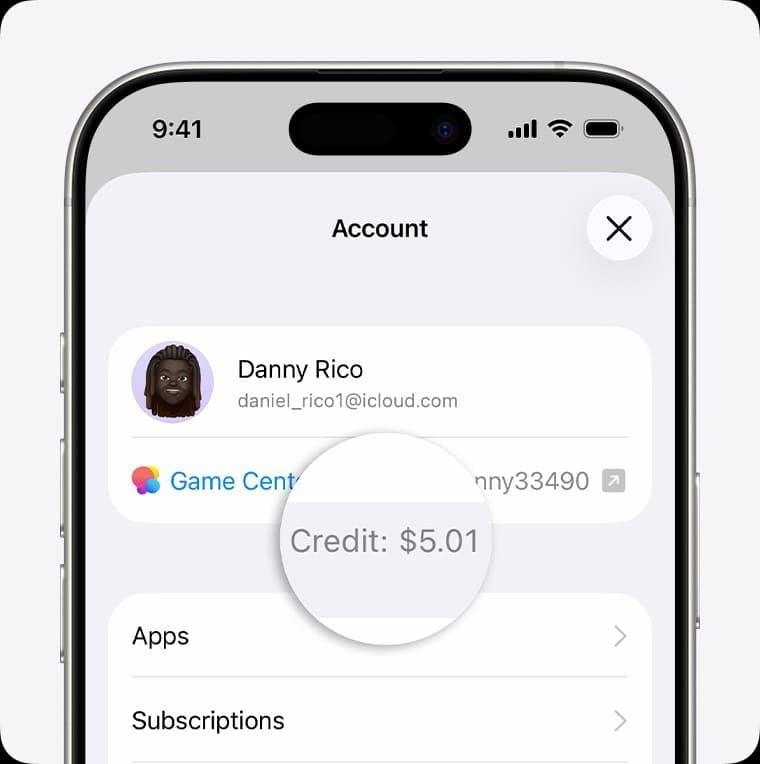
Confirm the balance appears in your Apple Account
On Mac
Open the App Store → click your name in the sidebar
Select Redeem Gift Card and follow the prompts
What legitimate redemption looks like: The code always starts with X and is entered only within Apple's official apps—never on a third-party site, over the phone, or via email link. If you're directed anywhere else, stop immediately.
Pro tip: Redeem promptly after activation. Leaving a balance unredeemed creates a window for unauthorized access if your code is ever exposed.
Red Flags to Spot Instantly
Urgency language: Act now, your account will be suspended, you'll be arrested—pressure tactics designed to override rational thinking
Requests to share your code: No legitimate entity asks you to read your code aloud, photograph it for them, or enter it on an external site
Prices too low: Deeply discounted cards on informal platforms are almost always compromised
Unsolicited contact: Any unprompted request involving Apple Gift Cards—phone, email, or text—is suspicious until proven otherwise
For a secure digital purchase, you can purchase US Apple Gift Card secure payment through BitTopup: transparent pricing, high user ratings, verified delivery, no hidden fees.
Biggest Myths Debunked
Myth: Apple accepts gift cards for account issues. False. Apple Gift Cards work only for Apple products and services through Apple's own platforms. They can't pay bills, debt, hospital fees, or government charges. Apple never requests gift card payment to resolve account issues.
Myth: Physical cards are always safer than digital. Not necessarily. Open retail display cards are vulnerable to tampering—scammers photograph codes and drain balances before purchase. A verified digital delivery from a reputable platform can be equally or more secure.
Myth: Only elderly people fall for these scams. FTC data shows gift card fraud hits adults across all age groups. Gamers aged 18–35 are frequently targeted through tech support and online marketplace scams.
Myth: You can always get a refund. Possible but not guaranteed. Call Apple at 800-275-2273 immediately for the best chance of a balance freeze before funds transfer. Delays significantly reduce recovery odds.
If You've Been Scammed: Act Now
Speed is everything. Every minute increases the chance the scammer has already redeemed your balance.
Call Apple at 800-275-2273. Say gift cards when prompted. Request a balance check, ask Apple to freeze remaining funds, and inquire about a refund. Have your card, receipt, and photos ready.
File at ReportFraud.ftc.gov. Include all transaction details, dates, and any scammer contact info. The FTC uses these reports to track patterns and pursue enforcement.
Alert your bank or credit card provider. If you paid by credit card, initiate a chargeback immediately—explain the purchase was made under fraudulent pretenses.
Save all documentation. Call logs, emails, screenshots, receipts, card photos. Law enforcement may need this if the case escalates.
Gamers' Guide: Using Apple Gift Cards for App Store Purchases
Apple Gift Cards are a practical, privacy-conscious way to fund iOS games, Apple Arcade subscriptions, and in-app purchases on iPhone, iPad, and Mac. They also cover Apple TV+ digital content. They cannot be used for non-Apple services or third-party subscriptions billed outside the App Store ecosystem.
Best practices:
Buy only from verified platforms with buyer protection
Redeem immediately and confirm the balance before closing the app
Keep 2FA active to prevent unauthorized in-app purchases if credentials are ever compromised
In-app purchase scams vs. gift card fraud: In-app scams target your Apple ID credentials through fake payment pages. Gift card fraud targets the redemption code itself. Same defense applies to both: transact only within Apple's official apps, never on external sites.
Frequently Asked Questions
Will Apple ever contact me asking for a gift card? No. Apple will never call, text, or email requesting gift card payment for any reason. Any such contact is a scam.
Can I recover money after a scam? Yes, but act fast. Call Apple at 800-275-2273 to request a balance freeze, file at ReportFraud.ftc.gov, and contact your credit card provider for a chargeback. Speed determines your odds.
How do I know if a digital platform is legitimate? Look for transparent pricing, clear buyer protection policies, high verified user ratings, and secure payment processing. Avoid platforms offering implausibly steep discounts or unusual payment methods.
Can scammers drain my card after I buy it? Yes—if they get your redemption code. Never share your code, redeem immediately after purchase, and buy only from verified sources.
What does a legitimate redemption code look like? Every authentic Apple Gift Card code begins with X and is entered only through the official App Store app or Apple ID settings—never via third-party sites or over the phone.
Are digital cards safer than physical ones? When purchased from a verified platform, yes. Digital cards eliminate physical tampering risk and deliver instantly, reducing the window for interception.
Ready to buy without the scam risk? BitTopup delivers verified, instant digital Apple Gift Cards straight to your inbox—top up your App Store balance and get back to gaming in minutes. Shop securely on BitTopup today.