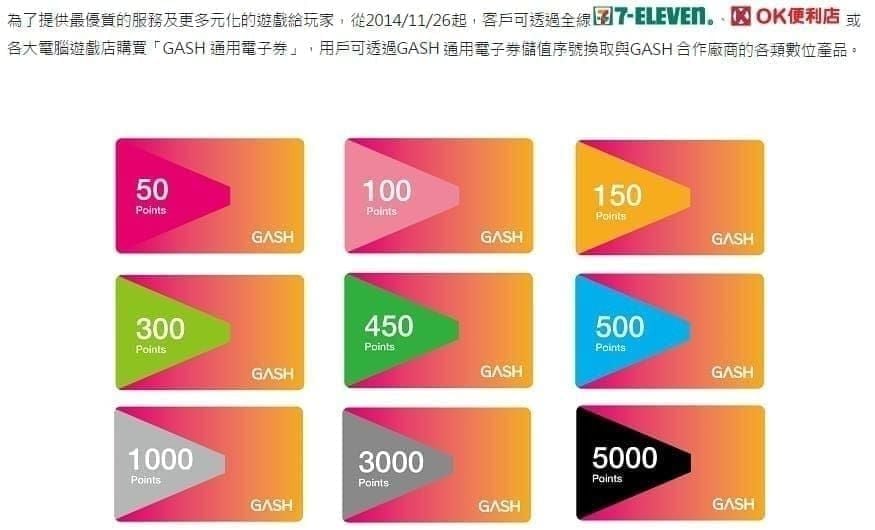
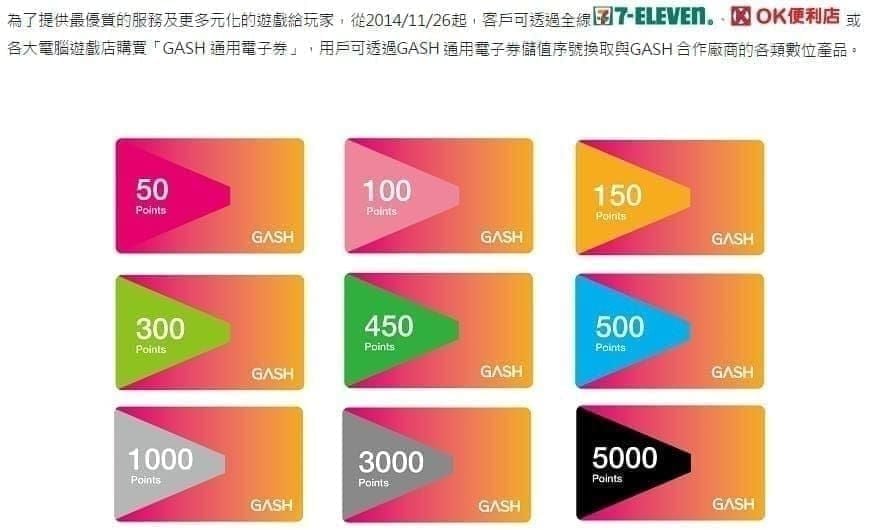
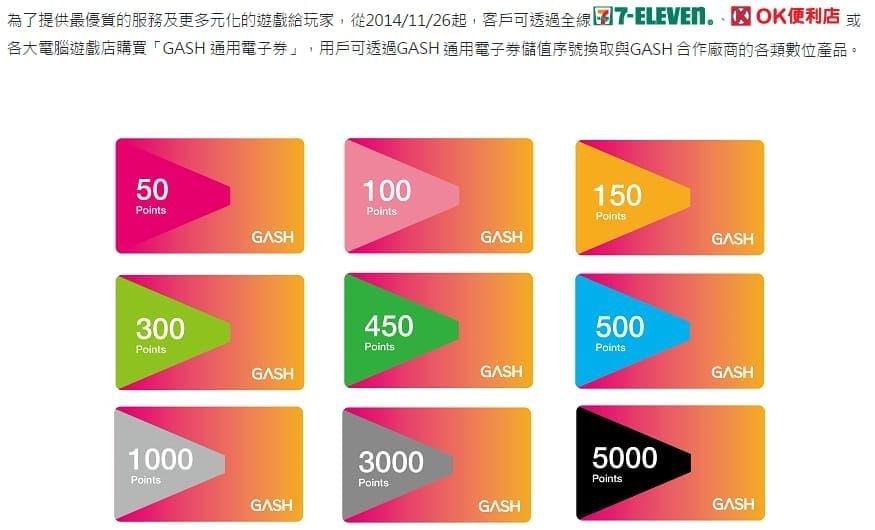
Quick Answer: GASH Pay (v1.7.8.2, updated January 28, 2026) is Taiwan's official mobile gaming wallet. It supports balance checking, QR payments, card redemption, and split payments across 3,000+ games. Available on Android 7.0+ (65.55 MB). Denominations run G50–G20000 with 10% discounts across all tiers. Since March 31, 2023, Taiwan accounts only accept Taiwan GASH points — no exceptions.
What Is the GASH Card Balance Check App?
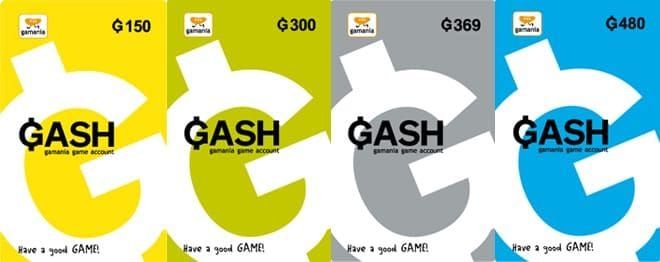
GASH Card is Taiwan's dominant prepaid gaming currency, functioning as a dedicated wallet for 3,000+ games — titles like Ragnarok Online TW and MapleStory TW — without linking a bank card to each game individually.
Three value types players constantly confuse:
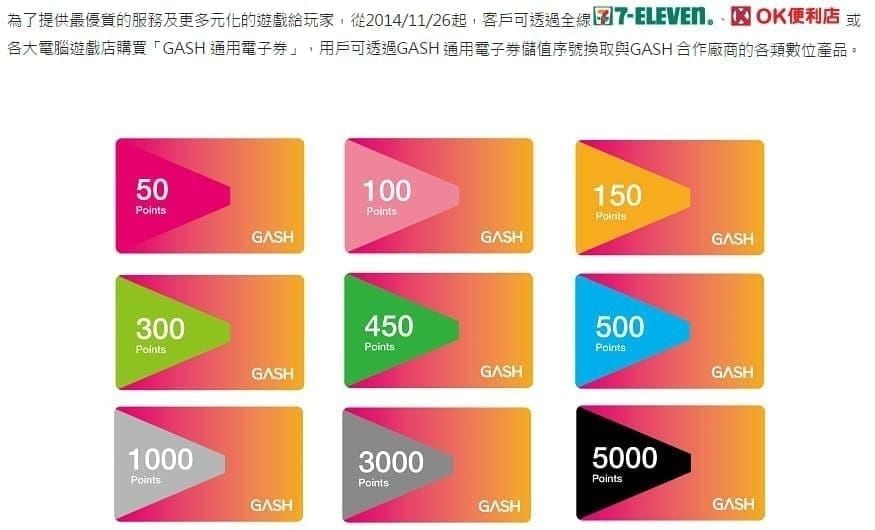
GASH Card Balance — raw points loaded from physical or digital cards
GASH Points — loyalty rewards earned through spending
Bonus Credits — time-limited promotional credits from events or campaigns
Mixing these up causes miscalculated budgets and missed redemption windows. Know the difference before opening the app.
2026 App Specs
GASH Pay v1.7.8.2 — package IDcom.gashpay.personal, Finance category, Android 7.0+, 65.55 MB, 100,000+ downloads. Patents: 104139941, 104123075, 105104773, 105104772.
Key features:
One-tap account registration
Instant mobile payment activation
Scan-and-pay via QR code
QR code money transfers between accounts
Split payment for group purchases
Download & Setup
Step 1: Get the Official App
Search GASH Pay on Google Play using package namecom.gashpay.personal. Don't use third-party APK sources — fake Finance-category apps can compromise your linked payment credentials. Requirements: Android 7.0+, 65.55 MB free storage. Confirm iOS availability through the official GASH portal before downloading.
Step 2: Register or Log In
One-tap setup: enter your Taiwan mobile number, verify via SMS, done. Existing members log in directly with registered credentials.
Critical: Since March 31, 2023 at 18:00, Taiwan Gamania accounts exclusively accept Taiwan GASH points. Hong Kong GASH cards are rejected outright. Always confirm the TW regional designation before purchasing from any source.
Step 3: Link Your Card
Navigate to card management, enter your GASH Card serial number and password. Wallet syncs in 1–2 minutes; full in-game crediting completes in 2–5 minutes. Keep your card PIN secure — it's the only recovery credential if account access is disrupted.
To buy cards online, buy GASH Card online for gaming through BitTopup — competitive pricing with instant digital delivery across all denominations.
How to Check Your GASH Card Balance
Registered Account Method
Log in (Taiwan region selected)
Navigate to Top-Up → Redeem
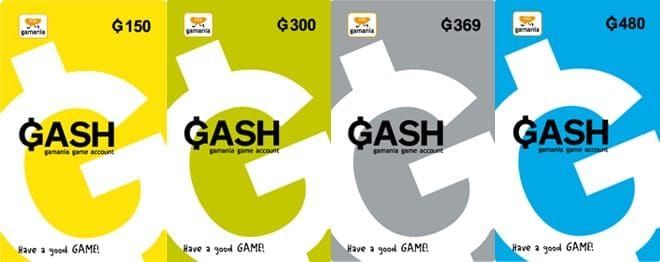
Select your target game and service region
View current balance before entering card credentials
Confirm redemption or exit to review only
Balance updates in real time post-transaction.
Guest Method (No Account Required)
Use your card's serial number and PIN directly through the GASH web portal. Read-only — no transaction history, no bonus point tracking. Pro tip: register anyway. The two-minute setup unlocks transaction history that's worth it alone.
Reading Your Dashboard
The dashboard splits into three columns:
Main Wallet Balance — spendable points
GASH Points — loyalty points from spending history
Bonus Credits — promotional credits with individual expiry timestamps
Never assume the total displayed figure is fully spendable. Bonus credits carry game-specific or time-limited restrictions. Always check the breakdown before a large purchase.
Top-Up Methods & Pricing
Processing Times and Minimums
Bank Transfer — min. 150 points, 15–30 min processing
E-wallet — min. 300 points, 2–5 min processing
EC Pay — min. 300 points, 2–5 min processing
FPX — min. 200 points
eNETS — min. 150 points
Convenience store (physical) — min. 500 points
For deadline-sensitive bonus events, e-wallet and EC Pay at 2–5 minutes are your only viable digital options. Bank transfer's 15–30 minute window is too risky.
Buy Online via BitTopup
Top up your GASH wallet instantly through BitTopup — full G50–G20000 range, instant digital delivery, no store visit required. Ideal for topping up outside convenience store hours or from outside Taiwan.
2026 Denomination Pricing (10% Discount Applied)
G100 — $3.28 (reg. $3.85, save $0.57)
G1000 — $32.73 (reg. $38.49, save $5.76)
G3000 — $98.19 (reg. $115.50, save $17.31)
G5000 — $163.64 (reg. $192.50, save $28.86)
G10000 — $327.29 (reg. $384.99, save $57.70)
Purchase limit: 1–25 cards per transaction. At G10000, you save $57.70 per card — the highest absolute savings per transaction.
In-Game Direct Top-Up Flow
Enter your game account ID
Enter your server ID
Select your diamond/currency package
Choose Point Card as payment method
Enter card number and password
Confirm payment
G1000–G3000 points translate to roughly 800–3,000 diamonds depending on the game's conversion rate. Always verify the specific ratio before buying a denomination.
Bonus Points & Reward Stacking
GASH Points accumulate on every top-up and in-game purchase — separate from spendable balance, redeemable for bonus credits, exclusive items, or event access.
Best Windows for Maximum Bonus Value
Gamania's highest-multiplier promotions historically align with:
Chinese New Year (January–February)
Mid-year gaming season (June–July)
Year-end events (November–December)
Topping up at G3000+ during these windows stacks the flat 10% discount with bonus point multipliers. A G5000 purchase during a 2x points event doubles your loyalty accumulation for that transaction.
Pro Tips
Buy G3000+ denominations to maximize both discount and points-per-transaction
Enable app notifications — flash promotions run 24–48 hours with no advance warning
Use transaction history to identify your peak spending periods and align future top-ups with promotional calendars
Common Misconceptions
GASH Points and Card Balance are interchangeable. They're not. Card balance is spendable currency; GASH Points are loyalty rewards with separate redemption rules and expiry conditions.
GASH Card balance never expires. Bonus credits carry explicit expiry timestamps in the dashboard. Expired promotional credits are non-recoverable.
Hong Kong GASH Cards work on Taiwan accounts. Closed definitively March 31, 2023. Taiwan accounts reject HK cards entirely.
You can freely transfer GASH balance between accounts. The QR transfer feature supports transfers, but game-credited balances are locked to the receiving game account and can't be reversed or redirected.
Troubleshooting
Balance Not Updating After Top-Up
Standard crediting: 1–2 minutes for wallet display, 2–5 minutes for in-game reflection. If nothing after 10 minutes:
Force-close and relaunch GASH Pay
Check transaction history for top-up confirmation
Verify card regional designation (TW, not HK)
Confirm serial number was entered without spaces or character errors
Login Failures
Common causes: wrong account region (must be Taiwan), expired session tokens (log out fully and re-authenticate), Android below 7.0. Clearing app cache resolves most persistent login loops without a full reinstall.
Escalate to Support If:
Top-up charge processed but no balance appeared after 30 minutes
Card entered correctly but rejected as invalid
Account locked after multiple failed login attempts
Security Best Practices
Never share your card PIN — sole recovery credential for unregistered card balances
Buy from authorized channels only — counterfeit cards with invalid serials are non-refundable
Enable two-factor authentication on your GASH member account
Ignore any SMS/email requesting your full card PIN — official GASH communications never ask for it
Review transaction history monthly — small unauthorized transactions are the earliest sign of compromised credentials
FAQ
Can I check my GASH Card balance without the app? Yes — the GASH web portal supports guest inquiry via serial number and PIN. But you won't see transaction history or bonus credit expiry details. Those require a registered account.
Does my GASH balance work across all Taiwan-supported games? Yes, one wallet covers all 3,000+ GASH-supported games in Taiwan. But once points are credited to a specific game account, they're locked there and can't be transferred out.
How fast does an online GASH Card purchase reflect in my wallet? Digital delivery is near-instant. After entering your card credentials, wallet credits in 1–2 minutes; full in-game availability in 2–5 minutes.
What's the purchase limit per transaction? 1–25 cards per transaction across all denominations from G50 to G20000.
Why was my Hong Kong GASH Card rejected? Effective March 31, 2023 at 18:00, Gamania enforced strict regional separation. Taiwan accounts only accept Taiwan GASH points. Always confirm the TW designation when buying from any source.
Which top-up method is fastest for urgent needs? E-wallet and EC Pay — both process in 2–5 minutes with a 300-point minimum. Bank transfer (15–30 minutes) and physical convenience store top-ups won't cut it for time-sensitive events.
Keep your wallet funded and ready before the next limited-time event. Buy your Taiwan GASH Card online through BitTopup — instant digital delivery, secure payment, no store visit needed.