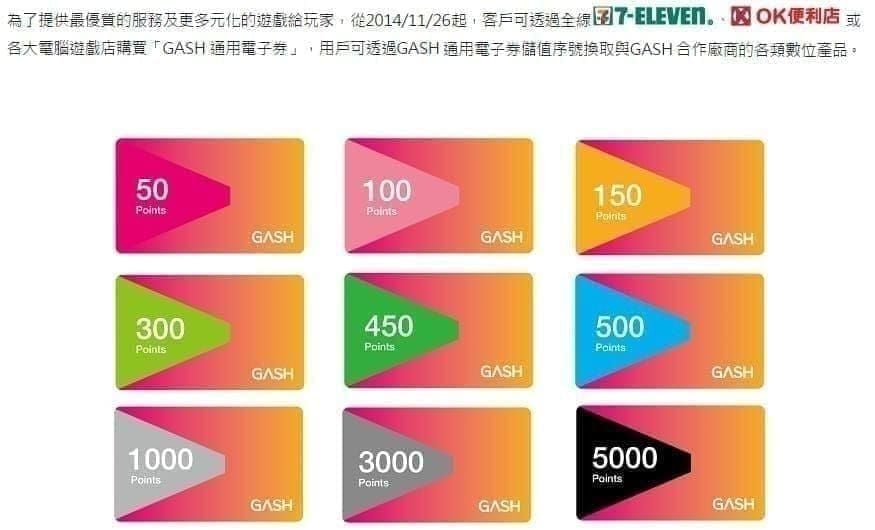
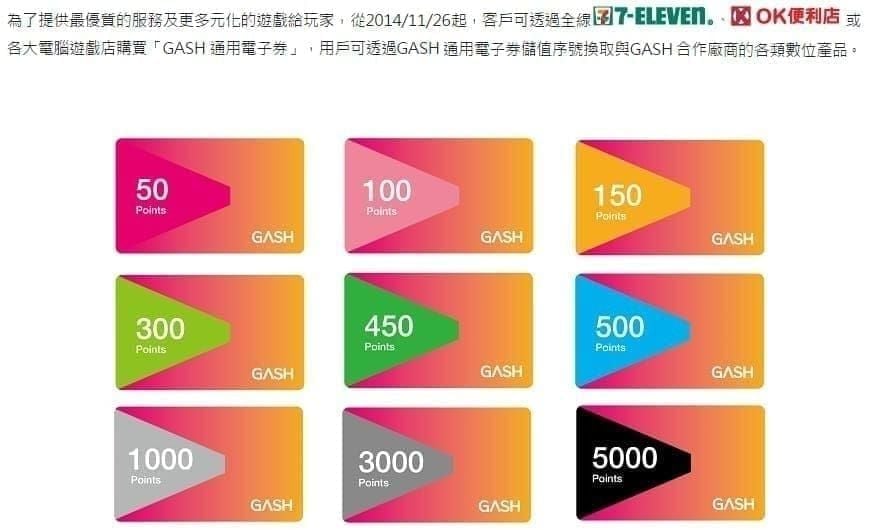
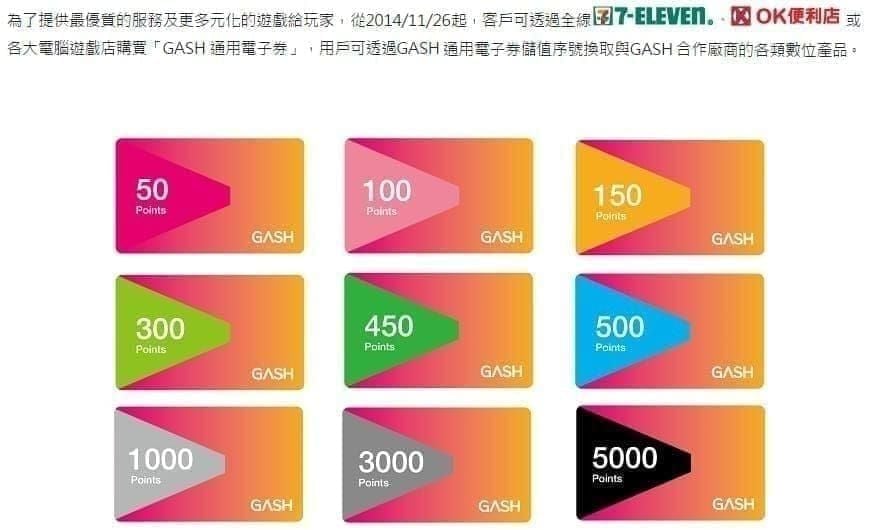
Quick Answer: GASH Card TW runs denominations from G50 to G20000 with a current 10% discount across all tiers — making spring 2026 the most cost-efficient season to top up. The GASH Pay app (updated January 28, 2026) syncs your wallet in 1–2 minutes and supports 3,000+ games. For the Zenless Zone Zero Sunna banner (February 6–27, 2026), you'll need 3,000–8,000+ GASH points to cover soft and hard pity. Here's exactly how to budget, time, and redeem every point.
What Is GASH Card TW and How It Works in 2026
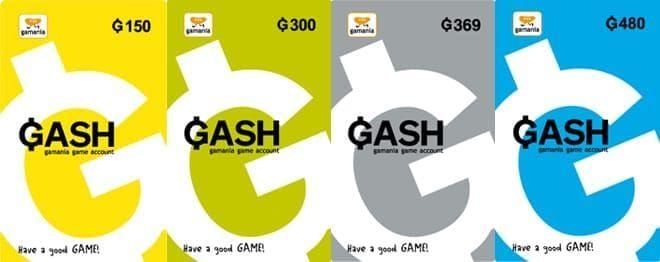
GASH Card TW is a prepaid PIN system feeding directly into the GASH Wallet, which connects to 3,000+ games across Taiwan's mobile market. Redeem a card's serial number and password, and your wallet syncs within 1–2 minutes — in-game currency appears in 2–5 minutes. Fast enough to top up mid-session without missing a limited event.
The GASH Pay app (package ID: com.gashpay.personal, version 1.7.8.2, Android 7.0+, 65.55 MB, updated January 28, 2026) is your primary balance tool. It requires a Taiwan mobile number and SMS verification. Three sections matter most: Points Detail, Top-Up → Points History, and Main Wallet Balance.
Color-Coded Expiry System
🟢 Green — 90+ days remaining
🟡 Yellow — 30–89 days remaining
🔴 Red — fewer than 30 days remaining
Check your color status before every major launch. Spending expired points on the wrong game is the most common — and most avoidable — mistake.
Why Spring 2026 Is Peak Season
Spring concentrates multiple high-value windows into a compressed calendar. Chinese New Year events (January–February) drive bonus top-up campaigns platform-wide. The ZZZ Sunna banner launches February 6 at 11:00 AM UTC+8 and runs 21 days. Players without pre-loaded wallets consistently miss early-access bonus packs that vanish within the first 48 hours.
Regional Policy and Payment Minimums You Must Know
Critical: Hong Kong GASH cards have been rejected by Taiwan accounts since March 31, 2023 at 18:00. Always buy Taiwan-region cards.
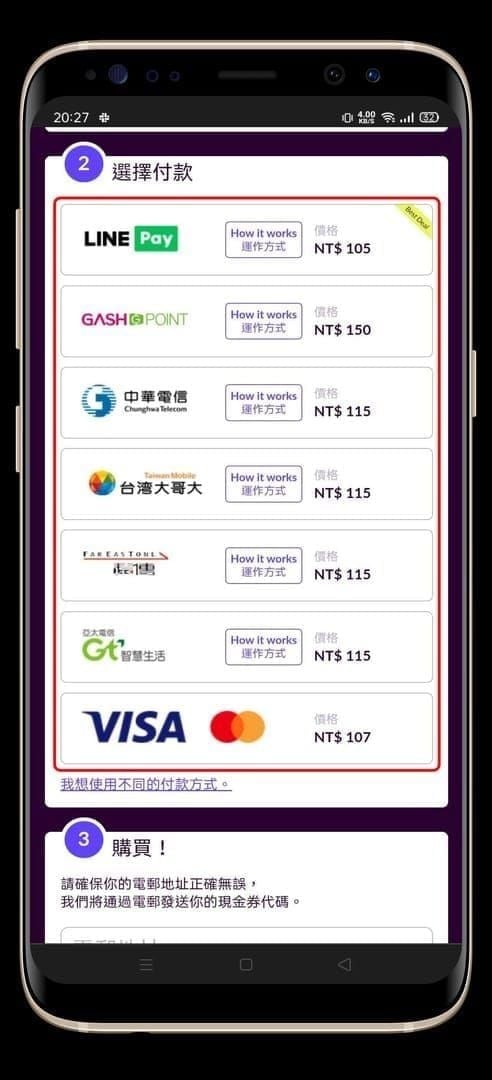
Payment method minimums:
Bank Transfer: 150-point minimum, 15–30 min processing
E-wallet / EC Pay: 300-point minimum, 2–5 min processing
Convenience store: 500-point minimum
Know these thresholds before launch day — failed transactions during high-traffic windows cost time you don't have.
Spring 2026 Launch Landscape: ZZZ Sunna Banner Math
The Sunna banner is the analytically critical launch for GASH TW players this spring. With a base S-Rank rate of 0.6%, soft pity at 75 pulls, and hard pity at 90 pulls, the numbers are unforgiving without pre-loaded balance.
Each pull costs 160 Polychromes. Budget breakdown:
Soft pity (75 pulls): ~3,000 GASH points
Hard pity (90 pulls): ~3,600–4,800 GASH points
Worst-case double pity (180 pulls): 28,800 Polychromes = 6,000–8,000 GASH points
Conversion benchmark to memorize: 1,000 GASH points = 6–8 ZZZ pulls. G1,000–G3,000 converts to 800–3,000 diamonds depending on the title. These numbers anchor every denomination decision this spring.
To buy GASH points online with instant delivery, BitTopup provides instant PIN delivery with competitive pricing — critical when banner windows run days, not weeks.
How to Maximize Your GASH Balance: 4-Step Framework
Step 1 – Audit Your Wallet Before Anything Else
Open GASH Pay → Points Detail. Identify red-coded points (under 30 days) and spend those first on games you're already active in. Allocate yellow points (30–89 days) to confirmed spring launches. Green points (90+ days) give flexibility to wait for bonus events.
Step 2 – Choose the Right Denomination
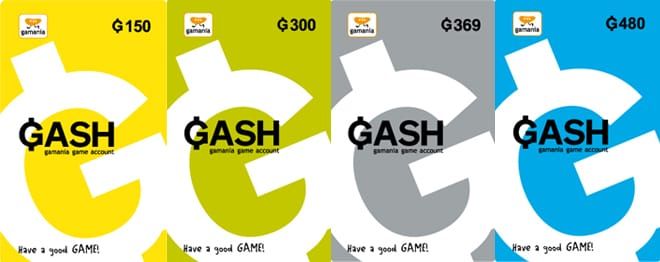
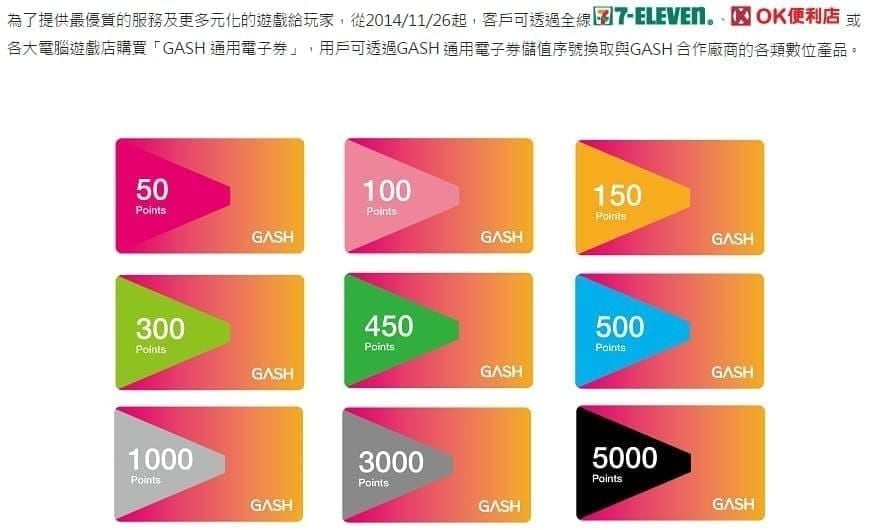
The 10% discount applies across all tiers. Key value breakdown:
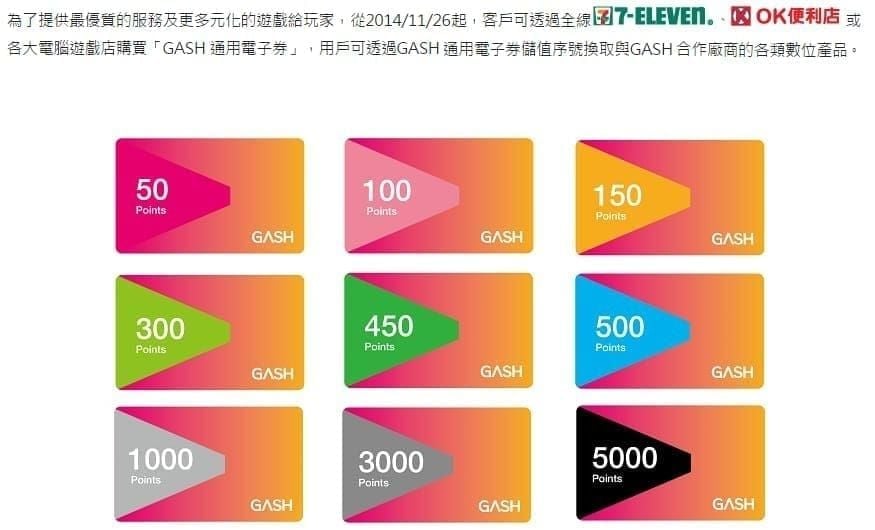
G100: $3.28 USD (was $3.85, save $0.57)
G1000: $32.73 USD (was $38.49, save $5.76)
G3000: $98.19 USD (was $115.50, save $17.31)
G5000: $163.64 USD (was $192.50, save $28.86)
G10000: $327.29 USD (was $384.99, save $57.70)
G3000 is the strategic minimum for gacha players — covers soft pity in one purchase. Budgeting for worst-case double pity? Go G5000 or two G3000 cards. Purchase limit is 1–25 cards per transaction, so high-volume buyers can stack efficiently.
Step 3 – Time Your Top-Up Right
Top up 2–3 days before a confirmed launch, not on launch day. Server loads during launch windows can push wallet sync beyond the standard 1–2 minutes, and bonus event windows sometimes close at midnight without warning.
Step 4 – Pre-Commit Your Per-Game Budget
Decide your per-game ceiling before the launch trailer drops. FOMO spending in the first 48 hours is the single largest source of wasted GASH balance. Load only your pre-decided amount into your active wallet before launch day.
Stacking Strategies for Maximum ROI
Double-Stack Platform + Game Bonuses
The highest-ROI play: combine platform-level top-up promotions with game-specific launch bonuses. When a title launches on GASH TW, publishers frequently run a first top-up bonus multiplying in-game currency. If a GASH platform bonus event runs simultaneously, you stack both — discounted points from the platform, bonus currency from the game.
To top up your GASH wallet for spring games, BitTopup offers competitive pricing with no regional friction, making it easy to pre-load before multiple launch windows converge.
Redemption Sequence (Don't Skip Steps)
Log into GASH account (Taiwan region selected)
Navigate to Top-Up → Redeem
Enter serial number and password
Select specific game, service, and region
Input game ID and confirm
Selecting the wrong region at step 4 is irreversible — points are deducted and can't be recovered. Double-check before confirming, especially for games with separate Taiwan and global server instances.
In-Game Purchase Priority by Genre
Gacha Games
Never spend GASH balance on standard banner pulls. Reserve all points for limited character banners with confirmed rate-up. For ZZZ Sunna (February 6–27): budget G3000 for a single soft-pity attempt, G5000–G8000 to guarantee the character. Skip weapon banners unless you're a dedicated min-maxer — ROI is significantly lower than character pulls.
MMORPGs and Strategy Titles
Priority order:
Monthly pass / battle pass first — highest point-per-NT$ return over time
Event-exclusive currency packs — launch window only
Gear enhancement materials — only after securing recurring value
Strategy and tower defense games offer the best ROI through one-time founder packs available only in the first 7–14 days post-launch. Prioritize these over cosmetics or standard resource bundles.
Splitting Balance Across Multiple Spring Launches
The 60/30/10 Rule
When three or more games launch in the same window:
60% → primary game (highest engagement, confirmed banner/event)
30% → secondary game (active but lower priority)
10% → reserve for unexpected bonus events or new announcements
Real Example: G3000 Across Three Spring Games
G1800 (60%) → ZZZ Sunna banner (covers soft pity with buffer)
G900 (30%) → MMORPG spring launch monthly pass + event pack
G300 (10%) → Reserve for mid-season bonus events
This prevents the classic multi-game mistake: going all-in on launch day and having zero balance when a better bonus event appears two weeks later.
4 Costly Mistakes to Avoid During Launch Windows
Mistake 1 – Spending before checking for active bonus events. Always open GASH Pay and check the promotions tab first. A 10–20% bonus point event running simultaneously is free value that takes 30 seconds to verify.
Mistake 2 – Buying the wrong denomination and leaving stranded balance. If a game's starter pack costs exactly G500, a G1000 card leaves G500 that may expire unused. Match denomination to planned spend as precisely as possible.
Mistake 3 – Ignoring red-coded expiry points. Red points (under 30 days) must be spent first, regardless of game preference. Letting red points expire while saving green ones for a better launch is a guaranteed loss.
Mistake 4 – FOMO spending in the first 48 hours. Launch-day servers are congested, bonus packs sell out fast, and impulsive purchases often duplicate items you'd get free through event rewards. Wait 48–72 hours, read the event reward schedule, then spend deliberately.
How to Buy and Redeem GASH Card TW Instantly
Purchase Process via BitTopup (Under 3 Minutes)
Visit BitTopup, select your GASH Card TW denomination
Complete secure payment
Receive PIN via instant delivery
Open GASH Pay → Top-Up → Redeem
Enter serial number and password, select Taiwan region
Confirm game/service selection
Wallet sync: 1–2 minutes. In-game currency: 2–5 minutes. For time-sensitive banner windows, that speed matters.
Security Tips for Launch Day
Never share your PIN before redemption — treat it like cash
Redeem immediately after purchase; don't store unredeemed PINs in messaging apps
Verify GASH Pay is updated to v1.7.8.2 before launch day
Use SMS verification on a secure, personal Taiwan mobile number only
FAQ
Q1: Does GASH Card TW balance expire? Yes. Green = 90+ days, yellow = 30–89 days, red = under 30 days. Check Points Detail regularly and spend red-coded points first.
Q2: Can I use one GASH wallet across multiple games? Yes. Your wallet is centralized across 3,000+ supported games. You select the specific game and region at the point of transaction.
Q3: Best denomination for the ZZZ Sunna banner? G3000 minimum for a single serious attempt (covers soft pity). Budget G5000–G8000 to guarantee the character against worst-case double pity (180 pulls = 28,800 Polychromes).
Q4: Buy before or after a spring game launches? 2–3 days before. Pre-loading avoids launch-day congestion, secures first-hour bonus packs, and gives time to verify redemption completed correctly.
Q5: Can I use Hong Kong GASH cards on a Taiwan account? No. HK cards have been rejected by Taiwan accounts since March 31, 2023 at 18:00. Buy Taiwan-region cards only.
Q6: Fastest way to get GASH Card TW for an urgent launch? BitTopup — under 3 minutes from payment to PIN. Add 1–2 minutes for wallet sync, and in-game currency is live within 5 minutes total.
Every spring 2026 launch window is a timed event. Get your GASH Card TW instantly on BitTopup — secure payment, instant PIN delivery, competitive pricing across all denominations. Don't let bonus point windows close before your wallet is ready.