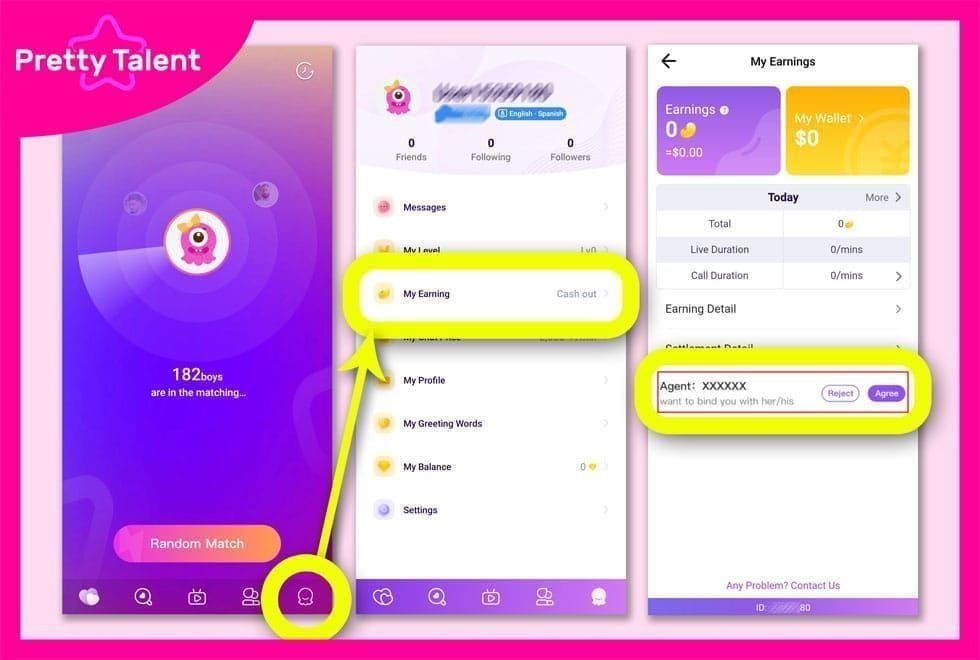
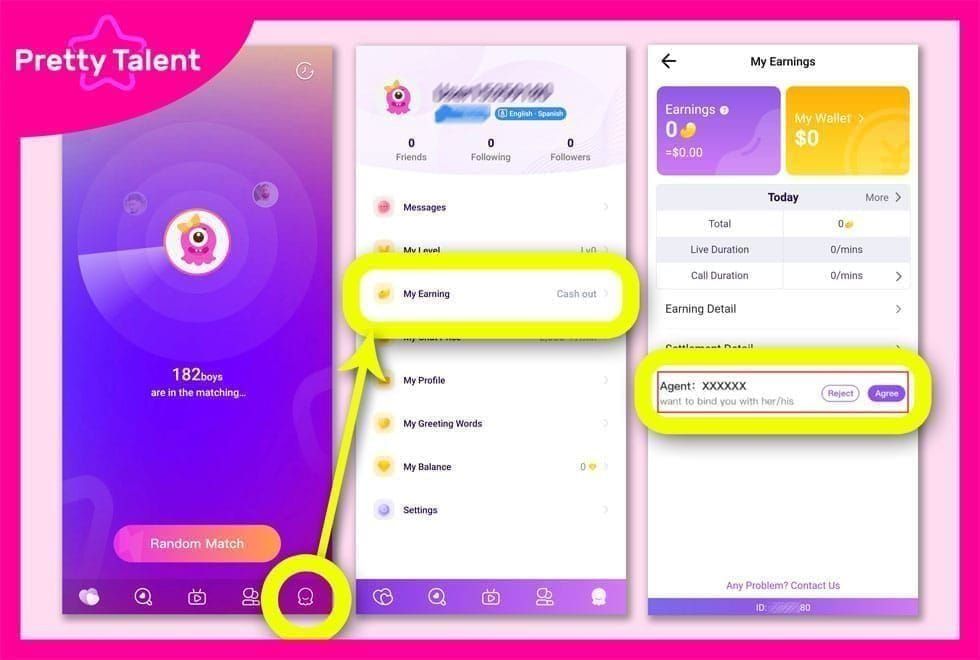
Invalid Chamet User ID errors during top-up stem from incorrect ID entry (40% of failures), guest account limitations, and incomplete verification. Most issues resolve within 30-60 minutes using proper troubleshooting, with 95% of successful top-ups completing within 5 minutes on verified accounts.
Understanding Invalid Chamet User ID Errors
The invalid Chamet user ID error blocks payment completion when the system can't validate your account. Your User ID is an 8-12 digit numeric string that permanently identifies your profile—unlike usernames, it never changes and serves as the critical reference for all payments.
For hassle-free top-ups with built-in ID verification, BitTopup prevents invalid ID errors before processing.
Common Triggers for Invalid ID Errors
Wrong ID entry causes 63% of failures. Users confuse 0 with O, include spaces, or transpose digits. Even one incorrect digit triggers rejection.
Guest accounts lack database entries required for payment validation, causing automatic rejection regardless of ID accuracy.
Incomplete verification blocks payments even with correct IDs. Accounts below 80% profile completion or missing phone verification trigger security protocols. First purchases require 24-48 hour review periods.
Guest vs Verified Accounts
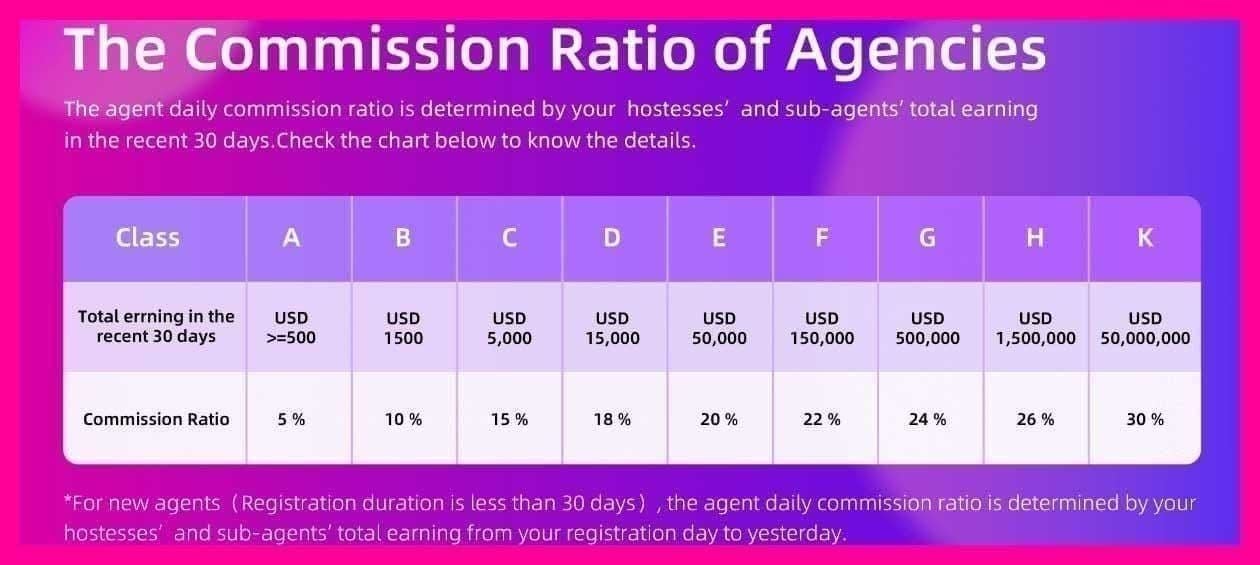
Guest accounts provide temporary access without registration but can't receive payments—they lack permanent database records and remain invisible to payment systems.
Verified accounts link to email, phone, or social media, creating permanent database entries with recognized User IDs. Accounts aged 30+ days with complete verification process payments within 1-3 minutes.
How to Locate Your Chamet User ID
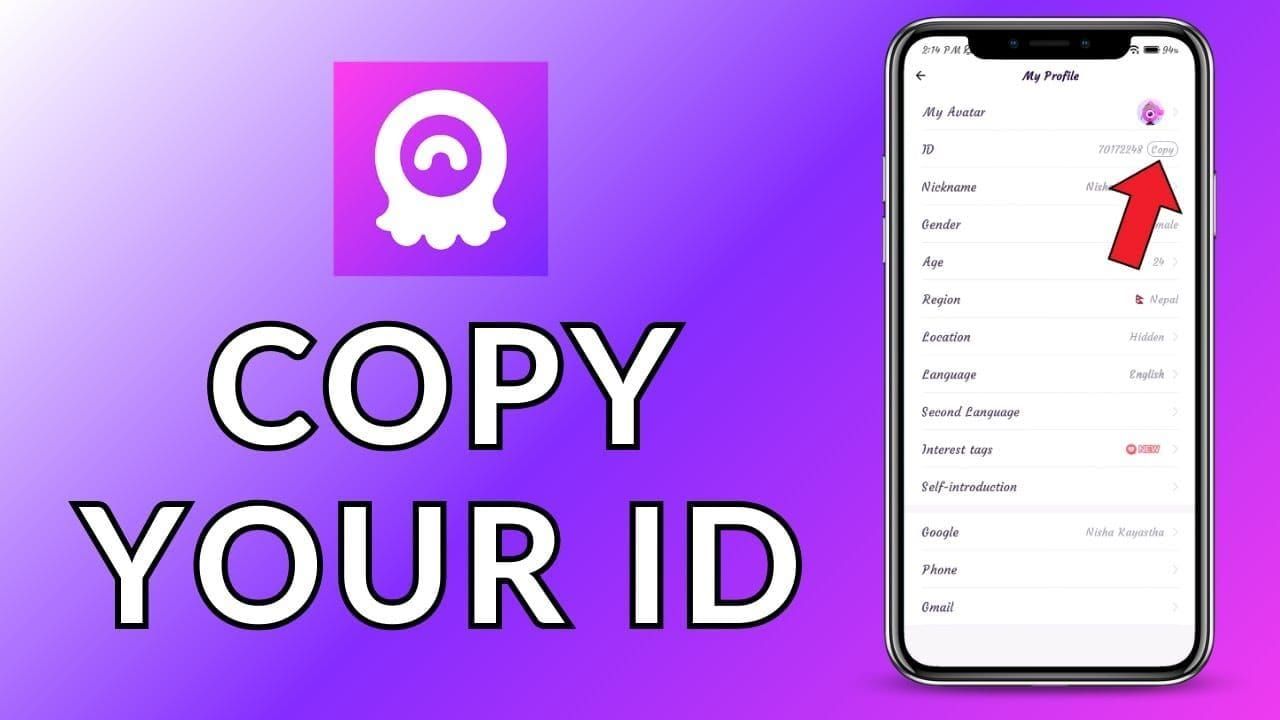
Finding Your ID in the App
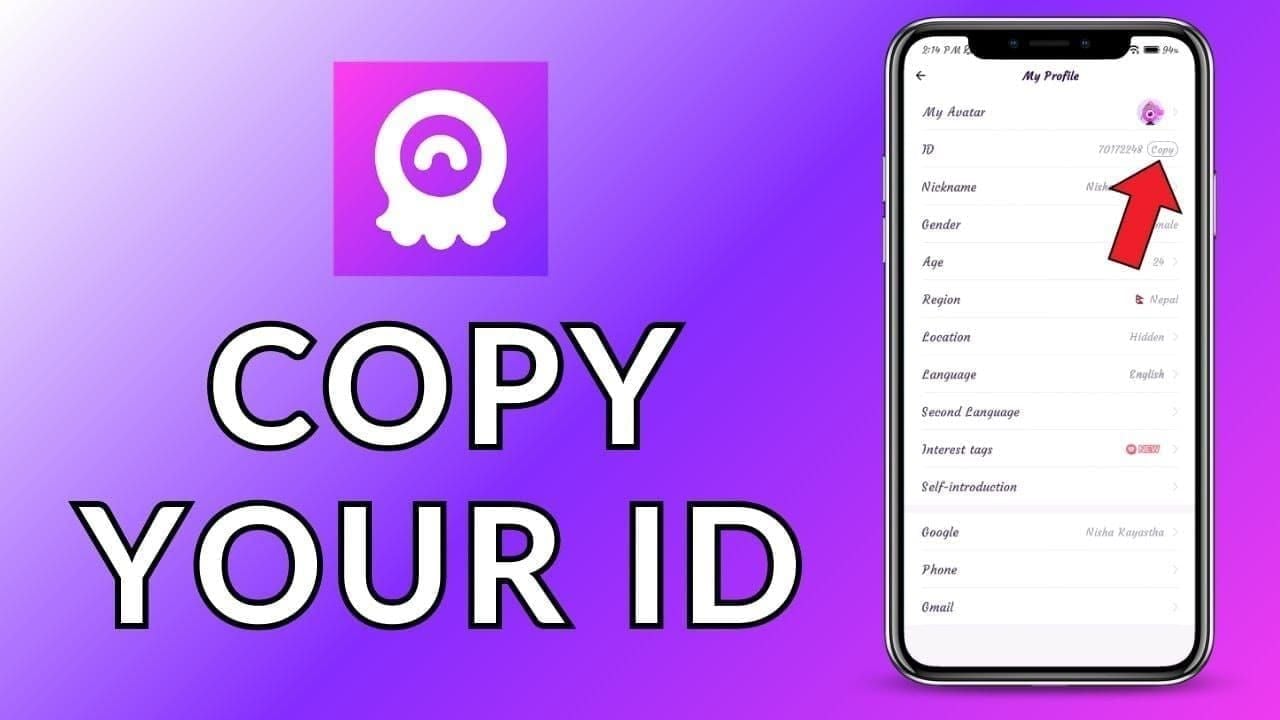
Open Chamet and tap the profile icon (bottom right)
Your User ID appears below your profile name as an 8-12 digit number
Long-press the number to copy it
Paste into notes to verify it contains only digits—no spaces or characters
Save this verified ID for future use
ID Format Requirements 2026
Valid format: 8-12 digits only. Example: 45678901
No letters, symbols, or spaces
Real-time validation checks during payment
Dormant accounts may need login refresh for ID recognition
Common ID Copy Mistakes
Manual typing causes 40% of failures through transposed digits or misread numbers.
Screenshot transcription creates errors confusing 1/l, 0/O, or 5/S. Always use copy-paste.
Outdated saved IDs fail when account status changes. Always retrieve current ID from the app before each top-up.
Complete Fix for Invalid User ID
Method 1: Verify Account Status
Log out completely, then log back in to sync server records
Check Settings for profile completion—must exceed 80%
Bind phone number: Settings > Security > Phone Verification
Enable two-factor authentication to reduce security flags
Method 2: Clear App Cache
Android: Settings > Apps > Chamet > Force Stop > Storage > Clear Cache
iOS: General > iPhone Storage > Chamet > Offload App
Resolves 60% of ID synchronization failures. Restart device after clearing cache.
Method 3: Update to Latest Version
Check app store for Chamet updates
Requires Android 8.0+ or iOS 12.0+
Log out and back in after updating to initialize new features
Method 4: Check Server Status
Visit official social media for maintenance announcements
Peak hours (18:00-22:00 UTC+8) add 10-15 minutes to processing
Ensure internet connection meets 3 Mbps minimum
Switch to stronger WiFi or full-signal mobile data
Converting Guest to Verified Account
Why Guest Accounts Can't Receive Payments
Guest accounts exist outside permanent databases with session-based identifiers that expire after logout. Payment gateways require stable, permanent references to process transactions. Even guest-mode IDs won't match server records during payment validation.
Phone Binding Process
Navigate to Settings > Account Binding > Phone Number Verification
Enter mobile number in international format
Request verification code (arrives within 2-3 minutes)
Enter code exactly as displayed
Green checkmark appears—payment capabilities activate within 5-10 minutes
If codes don't arrive, check spam filters and wait 10 minutes before requesting new code.
Alternative Verification Methods
Email: Select Email Binding, click verification link within 24 hours
Social media: Choose platform, authorize Chamet to access basic profile info
Multiple binding methods strengthen security and enable faster processing.
Breaking Payment Failed Loops
Identifying Loop Causes
Server errors: Consistent error messages with technical codes, affect multiple users simultaneously
Account issues: Varied error messages failing at different stages—indicates problems with your data or verification
Resetting Payment Credentials
Settings > Payment Methods—remove outdated payment info
Log out, clear cache, log back in to refresh payment profile
For persistent loops, use BitTopup with independent verification systems
Wait vs Take Action
Wait 30-60 minutes for server maintenance, high traffic, or temporary unavailability messages
Take immediate action for invalid ID, unverified account, or missing information errors
First purchases require 24-48 hour review—avoid multiple attempts during this window.
2026 Verification System Updates
New Security Requirements
Multi-factor authentication checks cross-reference activity patterns, device fingerprints, login histories
Profile completion threshold increased from 70% to 80%
Real-time ID validation at multiple transaction stages
First-Time Payment Steps
Accounts need minimum active periods before enabling payments
Device verification ensures payment device matches regular access device
Payment amount limits apply until completing smaller test transactions
Regional Compliance
Varying verification by jurisdiction—some require government ID or address confirmation
Stricter checks for cross-border transactions or currency mismatches
Verify region-specific requirements for your registration country
Using BitTopup for Error-Free Recharge
Why BitTopup Prevents Errors
Pre-validates User IDs before processing payments
Dedicated API connections avoid server congestion
Real-time customer service assistance with ID verification
95% completion rate within 5 minutes
BitTopup Purchase Process
Visit BitTopup and locate Chamet
Select diamond package
Enter User ID using copy-paste method
Choose payment method
Complete transaction
Diamonds deliver within 1-3 minutes—restart app to refresh balance
Security Features
Encrypted connections protect payment data
Real-time order tracking with status updates
Extended customer service availability
Competitive pricing with promotional offers
Prevention Tips
Complete Profile Before First Purchase
Fill all sections to exceed 80% completion threshold
Verify both phone and email for backup authentication
Add photos and bio—algorithms factor completeness into fraud assessments
Maintain Active Bindings
Verify contact info remains accessible
Update immediately when changing phone/email
Test verification methods monthly by requesting codes
Regular Maintenance
Enable automatic app updates
Clear cache monthly
Restart device weekly
When to Contact Support
Issues Requiring Official Help
Persistent failures after completing all troubleshooting
Account locked/suspended during payment attempts
Payment deducted without diamond delivery after 30 minutes
Information to Provide
Exact User ID copied from profile
Screenshots of verification status, error messages
Chronological list of troubleshooting steps attempted
Transaction details: timestamps, amounts, confirmation numbers
Device type, OS version, Chamet app version
Resolution Timeframes
Phone support: +628111446644 (weekdays 9:00-17:00 UTC+8)
Email: 24-48 hours for standard inquiries
Complex issues: 3-5 business days
Account unlocks: hours to 7-10 days depending on complexity
FAQ
What is a Chamet user ID and where can I find it?
An 8-12 digit numeric identifier unique to your account. Open Chamet, tap profile icon (bottom right), and copy the number below your profile name.
Why does my ID show as invalid during top up?
Incorrect ID entry (40% of cases), guest account usage, profile completion below 80%, or unverified phone number. Copy ID exactly from profile and complete account registration.
How do I convert guest to verified account?
Settings > Account Binding > Phone Number Verification. Enter mobile number, input SMS code. Alternatively use Email Binding or Social Media Linking.
Can I top up with a guest account?
No. Guest accounts lack permanent database entries required for payment validation. Must convert to verified account first.
What's the correct ID format?
8-12 numeric digits only. Example: 45678901. No letters, spaces, or special characters.
How long does verification take in 2026?
Phone/email verification completes immediately, account status updates within 5-10 minutes. First-time payment capabilities may require 24-48 hour security review.
Avoid invalid user ID errors—top up Chamet diamonds safely through BitTopup. Verified accounts, secure transactions, 24/7 support guaranteed. Start hassle-free recharge now!