

MyCard Taiwan is the dominant gaming wallet for Taiwan-server titles — 1,000+ games including Genshin Impact, Mobile Legends: Bang Bang, Honkai: Star Rail, and League of Legends TW. Buy points in denominations from 30 to 10,000, load them into your wallet or redeem via PIN, and spend across the entire catalog. Here's everything you need: every purchase method, every redemption path, and the timing details that actually matter.
What Is MyCard Taiwan?
MyCard is a prepaid currency layer — one account, one wallet, one payment flow for Taiwan-region games. Instead of entering your credit card on a dozen different portals, you load points once and spend them anywhere in the ecosystem.
One MyCard point equals one New Taiwan Dollar in purchasing power. You can hold points in your MyCard Wallet (account-bound, reusable) or use a PIN card for a single direct game top-up without a wallet at all. Wallet is more flexible; PIN is faster for one-off purchases or gifting.
Supported Games
Critical rule: MyCard points are valid only for Taiwan-region game accounts. A Genshin Impact Asia-server account is not automatically a Taiwan account — server selection matters.
How to Buy MyCard Taiwan: Every Method
Online (Fastest — Works Anywhere)
Digital PIN delivery is the cleanest path for anyone outside Taiwan. Purchase a denomination, receive a serial number and PIN via email within 2–5 minutes, redeem immediately. No Taiwan address or local bank account required. To buy MyCard points online with instant delivery, BitTopup lists all denominations clearly and the code arrives fast enough to use before a limited banner closes.
7-Eleven and FamilyMart (Taiwan Only)
Physical cards are available at convenience stores across Taiwan. Payments before 3:00 PM TST process in 15–60 minutes; miss that cutoff and bank-transfer-linked purchases take 1–24 hours. Minimum purchase is 500 points. Fine for cash payments, poor choice when racing a campaign deadline.
Credit Card, Debit Card, and E-Wallet on the MyCard Portal
Direct top-ups at mycard.com.tw via credit/debit card or e-wallets (LINE Pay, JKoPay) process in 2–5 minutes with no time-of-day restriction.
Taiwan-issued Visa/Mastercard/JCB cards clear faster than international cards during peak periods — they skip cross-border routing. If you're using a foreign card during a major event launch, budget extra time.
Available Denominations
30 / 50 / 90 / 150 / 170 / 300 / 350 / 400 / 450 / 500 / 750 / 1000 / 1150 / 1490 / 1690 / 2000 / 2500 / 3000 / 3290 / 5000 / 10000 points
The 1000, 2000, and 3000 denominations are most common for mid-to-high spenders. The 3000-point card is particularly strategic during bonus events.
How to Redeem MyCard Points
Account Registration
Go to mycard.com.tw → Member → Register. You'll need:
Mobile number (OTP verification)
Email address
Login password (8+ characters, mixed case, numbers, symbols — enforced)
6-digit payment password
Security questions
Two-Factor Authentication via mobile OTP is mandatory. Set it up with a number you'll have long-term access to — losing your 2FA number creates serious account recovery problems.
Loading a PIN into Your Wallet
Log in at mycard.com.tw
Go to Top Up
Enter card number, card password, and authentication code
Select Wallet as destination
Submit — points appear within 30 minutes, usually faster
Redeeming a PIN Directly at a Game Portal
Go to the MyCard Payment Center
Enter serial number and card password
Select your game
Enter your game account ID and password
Confirm
This skips the wallet entirely — useful for gifting or one-time purchases where you don't want a full MyCard account.
Points Expiry
Accounts with zero balance after 6 consecutive months of inactivity are subject to termination. It's not a traditional points-expiry timer — it's account-level policy. If you're a seasonal player, keep occasional activity on your account.
Genshin Impact MyCard Top-Up Walkthrough
Server selection is where players make irreversible mistakes. MyCard TW applies to the TW/HK/MO server. Check your UID prefix before spending anything:
UID starting with 8 = Asia server
UID starting with 9 = TW/HK/MO server
If your UID starts with 8, MyCard TW won't apply correctly. Verify first.
Top-Up Flow (In-Game Direct)
Log into the Genshin Impact top-up page with your HoYoverse account
Complete the reCAPTCHA (click 登入)
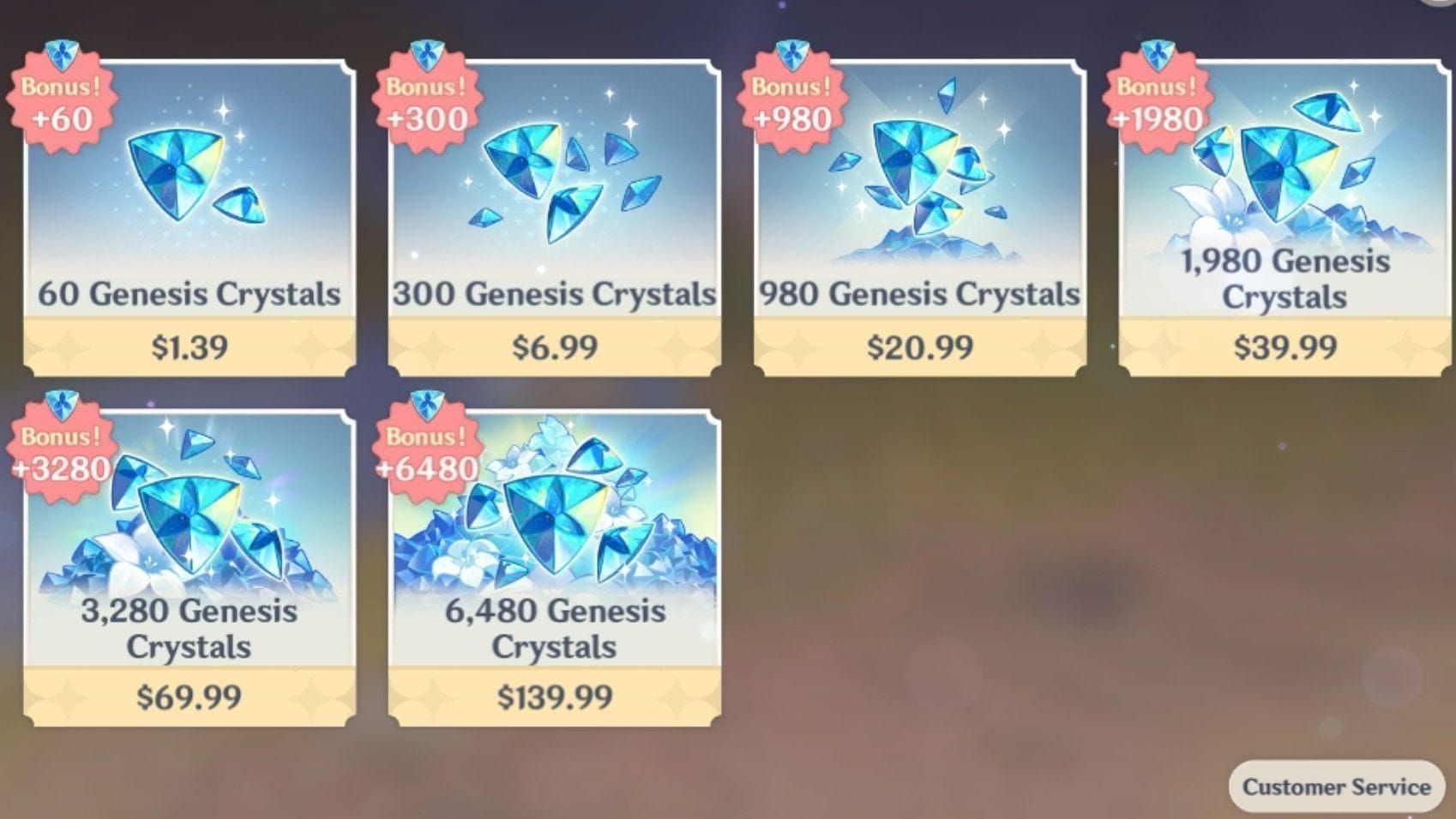
Select your Genesis Crystal package
Click 付款 (Pay)
Choose Taiwan / MyCard Point Card
Enter serial number and password
Confirm — Primogems appear in-game within minutes
For Wallet payment: select MyCard Wallet on the payment page, log in, enter your 6-digit payment password and mobile OTP, confirm, scan QR code with the MyCard app if prompted.
Timing for Maximum Value
HoYoverse runs first-purchase bonus events (double Genesis Crystals on first top-up per denomination). Stack these with MyCard's own bonus campaigns for compounded value. The Spring 2026 MyCard campaign runs February 9 to April 9 — that's the optimal window for a Genshin spending session.
Mobile Legends Bang Bang MyCard Top-Up
Finding Your IDs
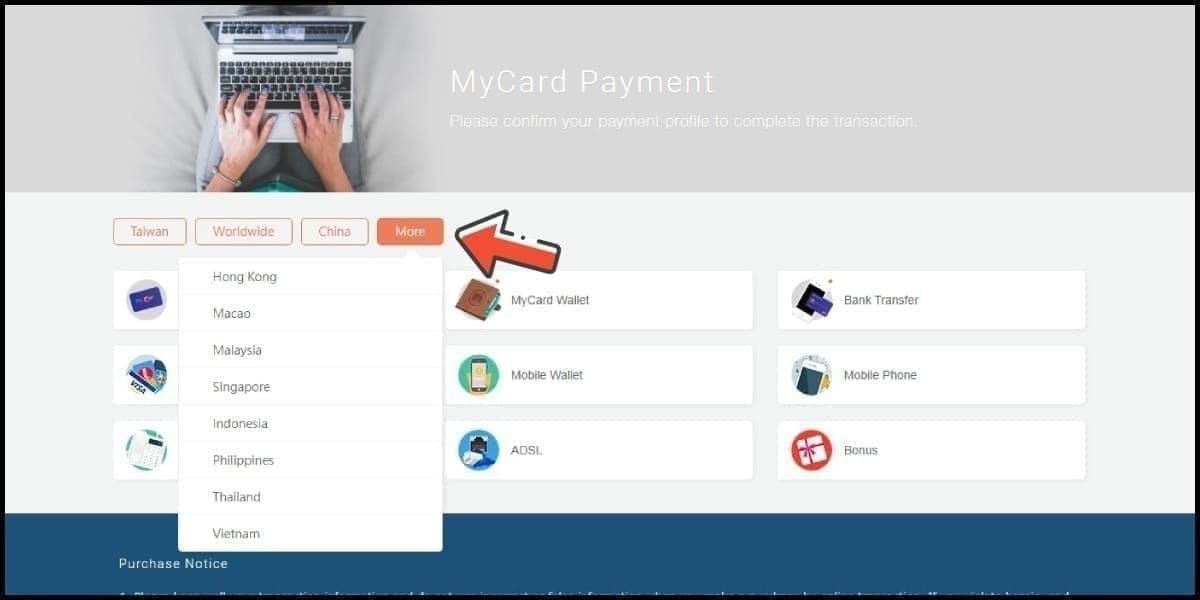
In MLBB, tap your profile icon. Your Player ID appears at the top; the Zone ID is the number in parentheses next to it (e.g., 12345678 (1234)). Both are required — Player ID alone will fail or hit the wrong account.
Payment Flow
Go to the official MLBB top-up portal or MyCard Payment Center
Select Mobile Legends: Bang Bang
Enter Player ID and Zone ID
Choose your Diamond package
Select MyCard as payment method
Enter PIN details or authenticate via Wallet
Confirm — Diamonds appear within minutes
Transaction success rate across MyCard exceeds 99.5%. If Diamonds don't appear within 15 minutes, check the troubleshooting section below.
Other Major Games on MyCard TW
Honkai: Star Rail — Use the HoYoverse top-up portal. Same UID-prefix server logic as Genshin. Choose your Oneiric Shard package, pay via MyCard. Oneiric Shards convert to Star Rail Special Passes.
League of Legends TW / Valorant TW — Pay through the Riot Games TW payment page. Select MyCard, enter card details, Riot Points credit to your account. This applies to the Taiwan server client only, not the global Riot client.
PUBG Mobile — Enter your Player ID on the PUBG Mobile top-up page, select your UC package, choose MyCard. Taiwan server version only.
Night Crows, Tower of Saviors, Lineage W/2M, Ragnarok Origin TW — All follow the same pattern: game's official top-up page → select MyCard → PIN or Wallet → confirm. The MyCard Payment Center at mycard.com.tw lists every supported game with direct links — most reliable way to find the correct URL for less mainstream titles.
MyCard Taiwan for Overseas Players
What Works Without Being in Taiwan
Digital PIN cards work globally. You don't need a Taiwan address, bank account, or phone number to use a PIN card for a game top-up. You do need those things for a full MyCard Wallet account with higher-value channels unlocked.
For overseas players topping up a specific game, the PIN path — buy online, redeem directly at game portal — is the standard workaround. To top up MyCard wallet for gaming without a local payment method, purchasing a digital denomination and redeeming via PIN is what the international community consistently uses.
Region Lock by Game
The rule: if you created your account on a Taiwan-region server, MyCard TW works. If not, it won't.
Real-Name Verification for High-Value Top-Ups
Top-ups of TWD 3,000 or more — and access to the Spring 2026 30% bonus — require full real-name verification: name, national ID, date of birth, address. Overseas players without a Taiwan national ID face a genuine barrier here. Under 3,000 points, standard verification (email + mobile) is sufficient.
Spring 2026 Promotions and Bonus Strategy
Active now: 30% bonus points on any single top-up of TWD 1,000 or more. Runs February 9 to April 9, 2026 (midnight TST, UTC+8).
Bonus Math
1,000-point top-up → 1,300 points
3,000-point top-up → 3,900 points
A single TWD 3,000 top-up captures the full 30% bonus more efficiently than three separate 1,000-point purchases — same rate, fewer transactions, less friction. Promo codes from the February 9 launch are community-reported to expire 2–4 weeks after campaign start.
The Stacking Strategy Most Players Miss
MyCard bonus events and in-game publisher events are independent systems. When they overlap, you get both:
Extra MyCard points from the platform bonus
Extra in-game currency from the publisher's event
Pre-load your MyCard Wallet during the campaign window even without an immediate spending need. Points sit in your wallet until a publisher event hits. That's the highest-value approach for regular spenders — and almost no English-language guide covers it.
Check mycard.com.tw under the promotions tab for the full event calendar.
Timing Your Top-Up: The Congestion Reality
Peak congestion hits during:
Event launches (first 2–4 hours after a campaign goes live)
Campaign deadlines (final 24–48 hours — the April 9 cutoff will be busy)
Weekend evenings, 8–11 PM TST
Public holidays
Pre-load your wallet during off-peak weekday mornings before 11:00 AM TST. Community consensus is consistent on this window. For major events, loading 24–48 hours in advance is standard.
Bank transfers after 3:00 PM TST are specifically dangerous near the April 9 deadline — the 1–24 hour processing window means you could miss the campaign entirely. Credit card and e-wallet top-ups at 2–5 minutes anytime are the safe choice when timing matters.
Troubleshooting Common Problems
Serial number invalid or already used — Verify no spaces, correct character case. Already used on a freshly purchased card from a reputable source means contact support immediately with your purchase receipt.
Points not credited after redemption — Wait 30 minutes before escalating. If 2 hours pass with nothing, contact MyCard support with your member ID, transaction details (date, time, amount, method), and a screenshot of the completed confirmation.
In-game currency missing after completed top-up — This is a game-side issue. Check your game's transaction history. If it shows processed there too, contact the game's support team, not MyCard.
Region mismatch errors — No workaround exists. You need a Taiwan-server account. Points can't be redirected to a different region after purchase.
International credit card failing on the portal — Cross-border routing adds time and occasionally triggers fraud flags. Try an e-wallet or purchase a digital PIN through an alternative channel. Or contact your card issuer to whitelist the transaction.
MyCard Support Contacts
Hotline: (02) 2651-0754 (24/7)
Email: service@mycard520.com.tw
LINE: @mycard
Verified accounts get faster response and access to 12-month transaction history. Complete verification before you need it.
Security: Buying Safely
The most common scam is discounted MyCard cards through unofficial channels — social media, messaging apps, random listings. The pitch is always below face value. These cards are frequently already redeemed, stolen, or fraudulently obtained.
Red flags:
Prices more than 5–10% below face value
Sellers who can't provide a purchase receipt
Cards delivered as photos with scratched-off PINs (PINs can be pre-recorded)
Pressure to complete quickly
Stick to authorized channels: the official MyCard portal, verified convenience stores in Taiwan, and established digital delivery platforms with clear purchase records.
Enable 2FA now — mandatory per official policy, but set it up with a number you'll have long-term. Update it immediately if you change numbers. Unverified accounts have slower recovery paths if compromised.
Frequently Asked Questions
Do points work across all 1,000+ games, or are some restricted to specific denominations? Wallet points work across all supported games without restriction. The denomination only affects how many points you have — no game-specific point types. Your game account must be on a Taiwan-region server.
What's the minimum top-up amount? Bank transfer: 150 points. FPX: 200. E-wallets: 300. Convenience stores: 500. Digital PIN cards online start at 30 points.
Can I transfer points to another player? Wallet points are account-bound — no direct transfers. For gifting, purchase a PIN card and share the serial number and password. The recipient redeems it on their own account.
What happens if my account is terminated for inactivity? Accounts with zero balance after 6 consecutive months of inactivity are subject to termination. Maintain occasional activity if you're a seasonal player. Contact (02) 2651-0754 if you believe termination was an error.
Do I need the MyCard app? Only for QR code scanning during Wallet-based payments. You don't need it to purchase or redeem PIN cards — it's optional for the wallet payment method specifically.
MyCard Taiwan's value is its breadth — one wallet, one verification process, every major Taiwan-server game. Players who get the most out of it pre-load during off-peak hours, time spending around campaigns like the Spring 2026 30% bonus, and complete account verification before they need it. Get those three habits right and it's one of the smoothest gaming payment systems in the region.