

The March 2026 update (iOS 6.27.0, Android 6.26.5) quietly locked seven Voice AI features behind Coins — and none of them are easy to find. They don't appear in the main menu. They surface contextually: inside voice rooms, within gifting flows, or in profile settings that only expand once a VIP tier is active. If you're not in the right place, the option simply doesn't render. Community testing confirms this is intentional UI gating, not a bug.
This guide covers exactly what each feature does, where to find it, and whether it's worth spending on.
What Changed in March 2026
Before anything else: confirm your version. You need iOS 6.27.0 (released March 5, 2026) or Android 6.26.5 (February 8, 2026) or later. On older builds, some features won't appear even with Coins loaded — update first.
The 7 Hidden Features
1. Voice Matching
An AI pairing system that connects you with users based on vocal profile compatibility. Not cosmetic — this is functional. Find it at Discover → Voice Connect → AI Match, which only renders after Coins are loaded to your account.
Best for social users who use MIYA for connection rather than performance.
2. Voice Persona Customization
This one has a dependency most users miss: VIP tier required just for the menu to appear, then Coins consumed per session. Path: Profile → Voice Identity → Persona Settings.
Session-based costs accumulate. If you're already subscribed for other reasons, the marginal cost is manageable. If you'd subscribe only for this feature, the math is harder to justify.
3. AI Voice Gifting
Sends voice-reactive gift animations during live room sessions. Per-gift Coin cost varies by tier; higher-tier gifts drive significantly more leaderboard visibility for recipients. Access: Gift Panel inside any active voice room → AI Gifts tab (separate category from standard gifts).
Functional for users chasing room rankings. Largely cosmetic for casual listeners.
4. Real-Time Voice Enhancement
The most technically substantive feature in this update. Applies AI-processed audio filters to your live voice output — noise reduction, warmth, stylized effects. Higher VIP tiers unlock more filter options, so it scales with your subscription level.
Path: Voice Room → Mic Settings → Enhancement Layer — only visible when you're an active mic holder.
This is the standout feature. It improves audio quality for everyone in the room, not just you. Widest impact per Coin spent.
5. AI Room Hosting
Gives broadcasters automated room management: AI-moderated mic queues, smart topic suggestions, automated welcome messages. Path: Room Management → AI Host Tools — completely invisible to non-hosts and non-VIP accounts.
Irrelevant if you're a listener. For anyone running rooms with 10+ participants, the time savings alone justify the cost.
6. Subscription Tiers
Not a single feature — the access layer that gates several others. Official pricing:
The 90-day tier works out to ~$0.22/day. Confirmed unlocks include entry effects, gift animations, and leaderboard boosts. Best value for consistent users.
7. Leaderboard Boosts
Not found in any settings menu — they activate automatically based on gifting activity and VIP status. The hidden part: most users don't realize their gift spending is weighted differently depending on tier.
Don't chase Leaderboard Boosts directly. They're a byproduct of gifting behavior, not a standalone purchase. Treat them as a bonus of existing spending.
Quick-Reference Table
The Compounding Mechanic Nobody Documents
This took community members weeks to figure out. AI Voice Gifting and Leaderboard Boosts have a compounding interaction that isn't explained anywhere in the app. When you send AI Gifts while holding an active VIP subscription, the leaderboard weight of each gift is amplified — same Coin spend, more ranking movement than a non-VIP user gets.
The order matters. Activate a Subscription Tier before spending Coins on AI gifts. Most players discover this backwards, after already spending at the base rate.
Two additional features — Charm Mic and Voice Post — are also Coin-associated but operate differently from the core seven. Worth knowing if you're a content creator, though less prominently gated.
Getting Coins: What Actually Works
There's no meaningful free Coin farming in MIYA Good Voice. Small event bonuses exist but won't get you far. Purchasing is the realistic path.
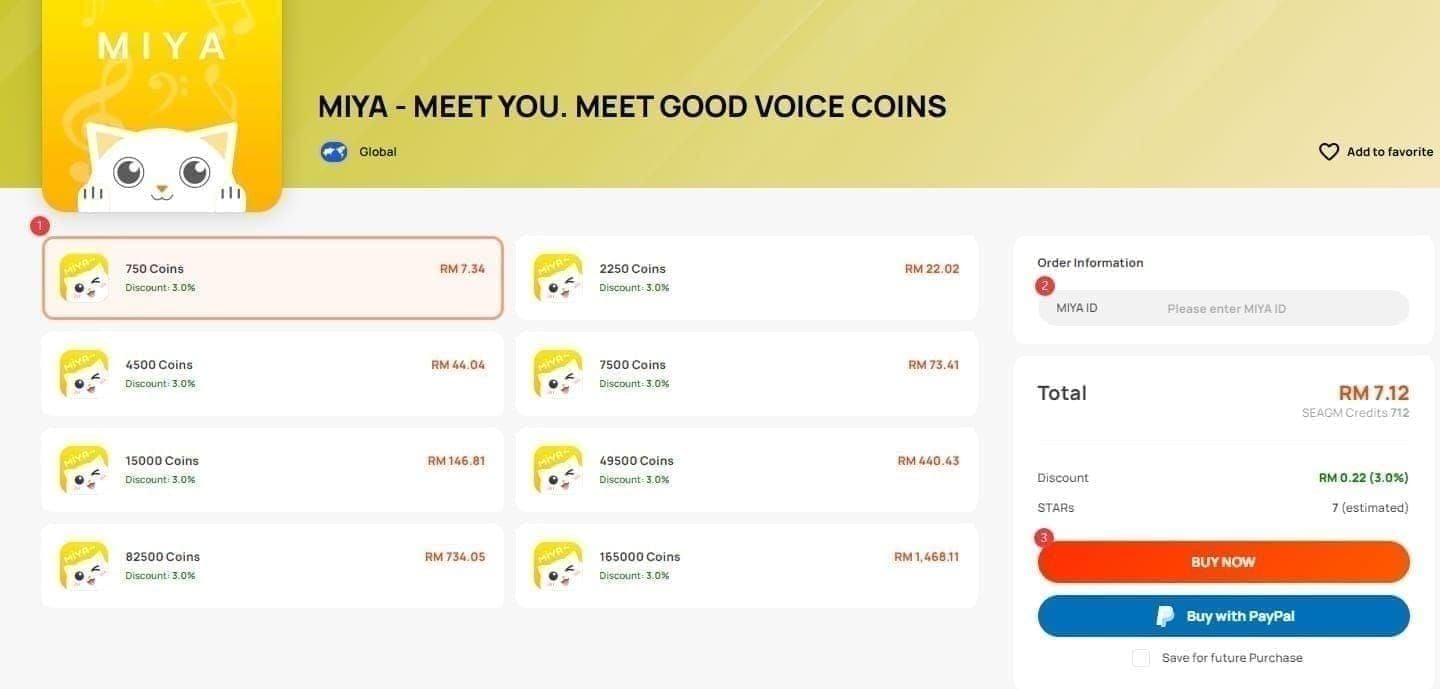
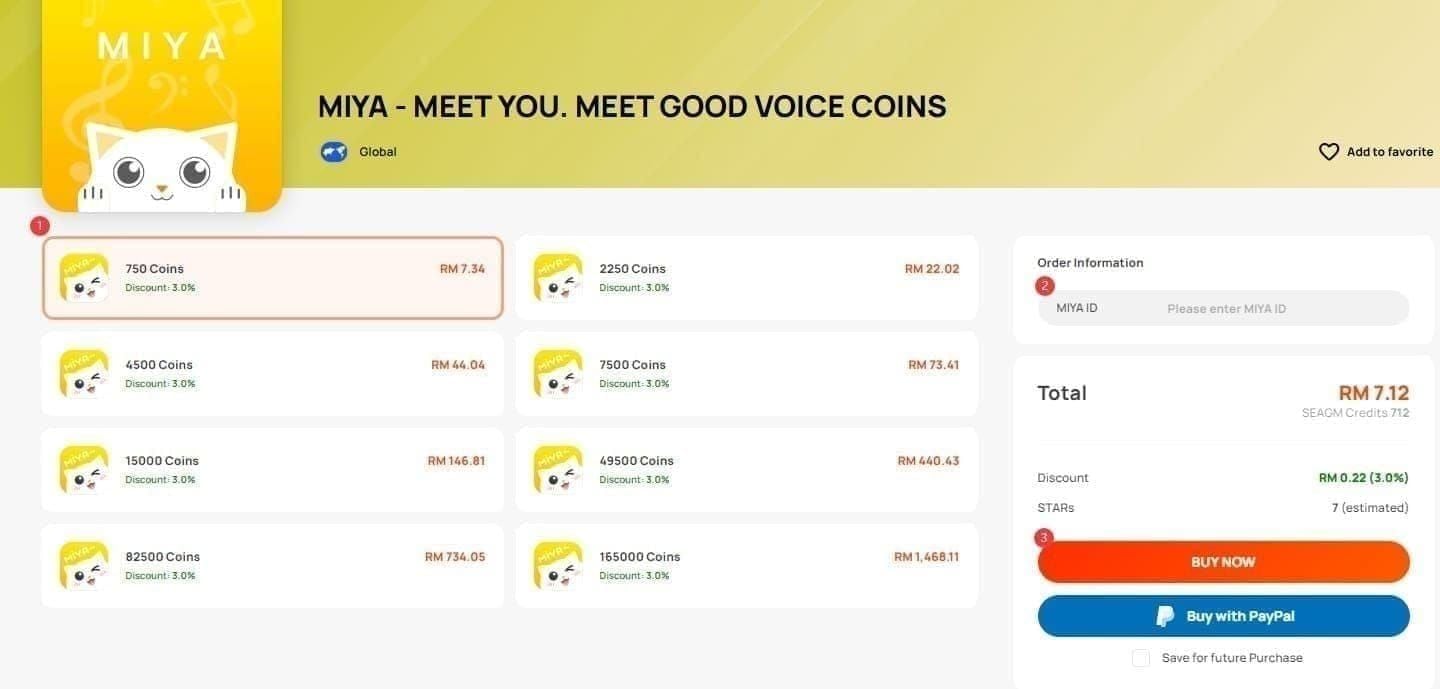
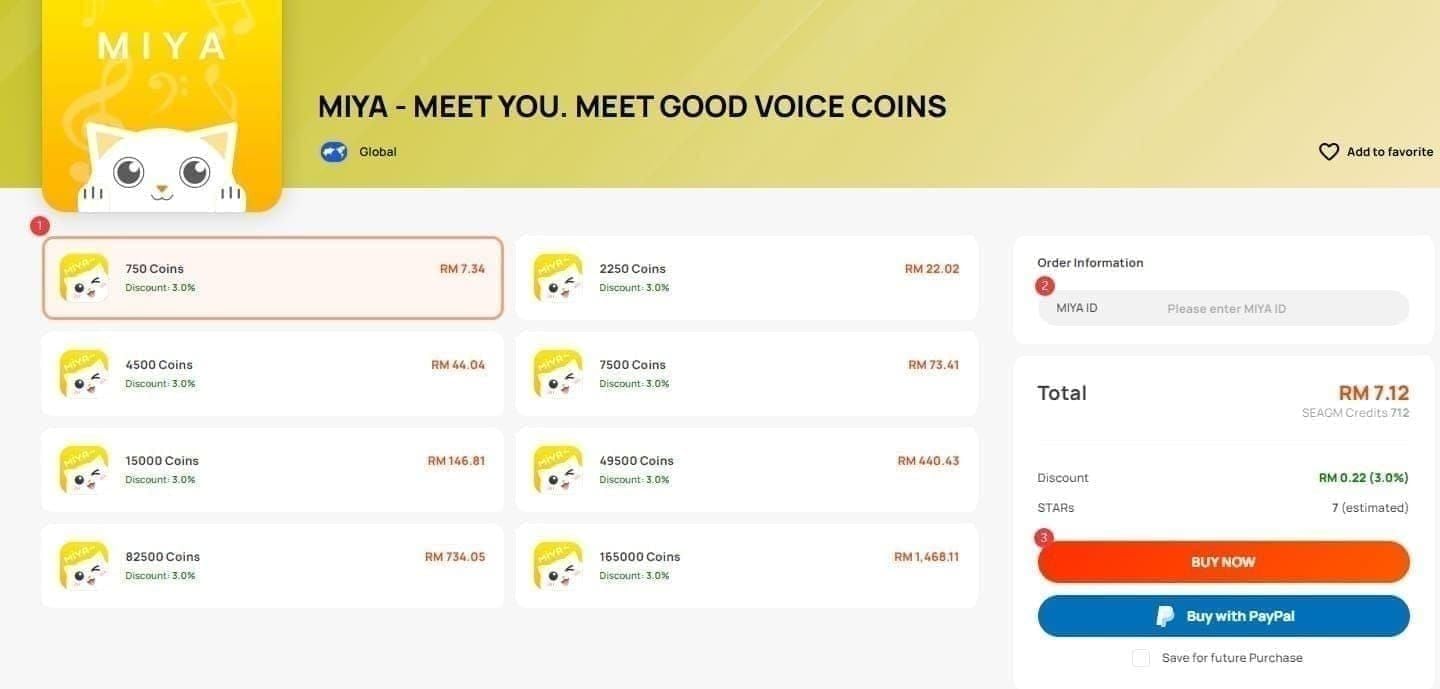
Official Coin Pack Pricing
The per-Coin cost is nearly identical across all pack sizes. The bigger pack = better value logic doesn't apply here — buy what you need.
Event Windows (February–April 2026)
Mega Sale (March 1–15, 2026): 35–40% off Coin packages — the best discount window of the year so far
Golden Month (February 17–April 10, 2026): First-time recharge bonuses of 100–1,000 extra Coins stack on purchases
Dazzling Golden Spin (February 17–April 2, 2026): Spin-based bonus Coins tied to recharge activity
Coins don't expire once credited. Stock up during event windows even if you're not spending immediately — there's no downside to holding a balance.
To buy MIYA good voice coins online outside app store payment flows, third-party top-up services can sidestep platform fees — worth considering when buying in volume during the Mega Sale window.
Budget by User Type
Listeners/Social users: Voice Matching + AI Voice Gifting. A 2,000-Coin pack covers meaningful engagement without overcommitting.
Performers/Mic holders: Real-Time Voice Enhancement first. Then Voice Persona Customization once you have an active VIP tier. The 30-day VIP at $4.99 unlocks the most features simultaneously.
Room hosts/Broadcasters: AI Room Hosting is your priority. Pair it with the 90-day VIP ($19.99, ~$0.22/day) for best long-term value.
Top-Up Without Errors
The most common failure — and it's extremely common — is an incomplete User ID. Exact steps:
Open MIYA Good Voice
Tap the ME icon (bottom-right corner)
Copy your full User ID: format is 12345678(1234) — the bracketed suffix is required
Use this complete ID for any top-up
Omitting the bracketed portion causes delivery failure. Wrong ID entirely sends Coins to another account — contact support immediately. Delivery typically completes within 30 minutes for China mainland and Hong Kong accounts.
You can top up MIYA app coins fast through BitTopup, which supports China mainland, Hong Kong, and select Singapore/overseas accounts with competitive pricing and fast delivery.
FAQ
Do unlocked features expire? Coins don't expire — they stay in your wallet indefinitely. But session-based features like Voice Persona Customization consume Coins each use, so it's ongoing spending, not a one-time unlock. VIP-gated features require an active subscription to remain accessible.
Any free path to these features? Not meaningfully. Event bonuses are small. Consistent access to the seven features requires purchasing Coins.
Which feature first? Mic holders and performers: Real-Time Voice Enhancement. Social users: Voice Matching. Room hosts: AI Room Hosting. Don't target Leaderboard Boosts directly — they come from gifting activity automatically.
What happens if I reinstall? Coins are account-tied, not device-tied. Log back into the same account and your balance and active VIP subscriptions carry over.
Who actually develops MIYA Good Voice? The app stores list SOUTHVIEW PTE. LTD. as developer, while some review aggregators reference HONG KONG AIRLIVE. Both names appear in legitimate contexts — known community discrepancy, no effect on functionality or Coin purchases.
Will more features get Coin-locked in future 2026 updates? No official announcements, but the March 2026 structure — moving previously accessible features behind Coin gates — suggests this direction continues. Treat your Coin balance as a long-term asset. Since they don't expire, there's no reason not to.
Real-Time Voice Enhancement and AI Room Hosting lead on functional value. Voice Matching and AI Voice Gifting serve social and competitive players well. The rest are situational — worth it for the right user type, skippable for everyone else. Know which category you're in before spending.