Bigo Live PK battles apply punishment effects for 1-2 minutes after losses—filter distortions and visual mods that alter your stream. You can disable these through the Beauty tab's Reset button, dragging sliders to zero, or tapping the Ø symbol on active filters. Cache clearing or app restarts also work.
Understanding PK Punishment Filter Distortion
PK battles last 5-15 minutes (official PKs: 5-10 min, friendly PKs: 3-5 min). Losers perform agreed forfeits within 1-2 minutes, often including automatic visual punishment effects.
Filter distortions alter your appearance through Bigo's built-in system—from subtle color shifts to dramatic facial modifications. They activate automatically post-battle, adding entertainment value and encouraging viewer gifts.
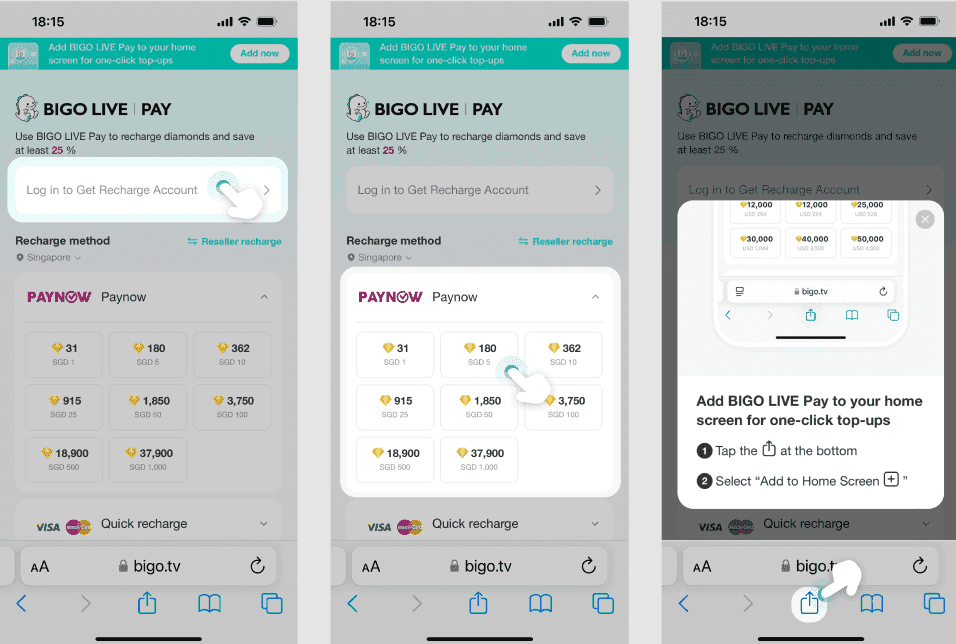
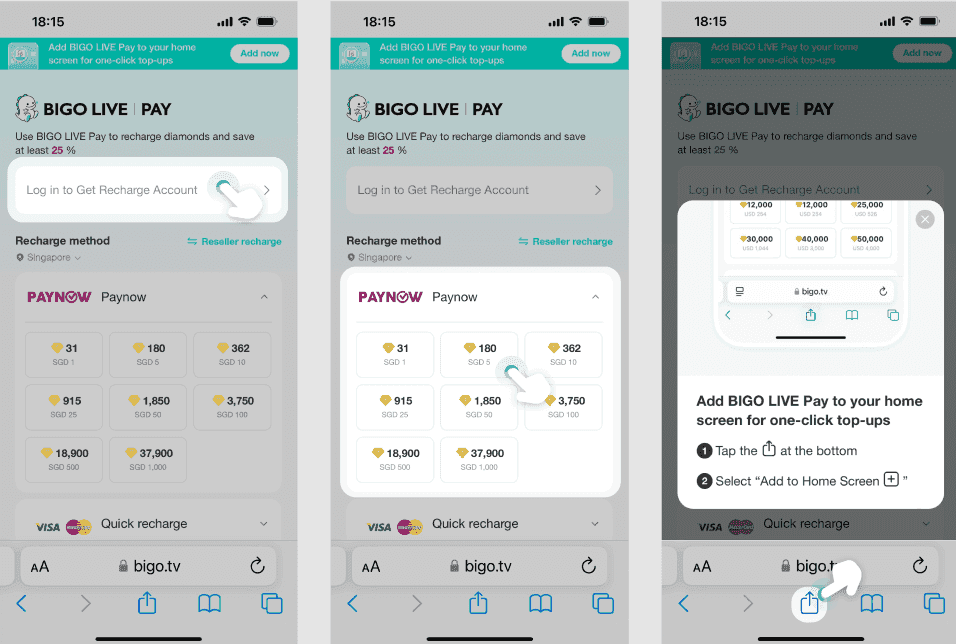
For competitive edge, Bigo Live Diamond Recharge via BitTopup ensures resources to win battles and avoid punishments.
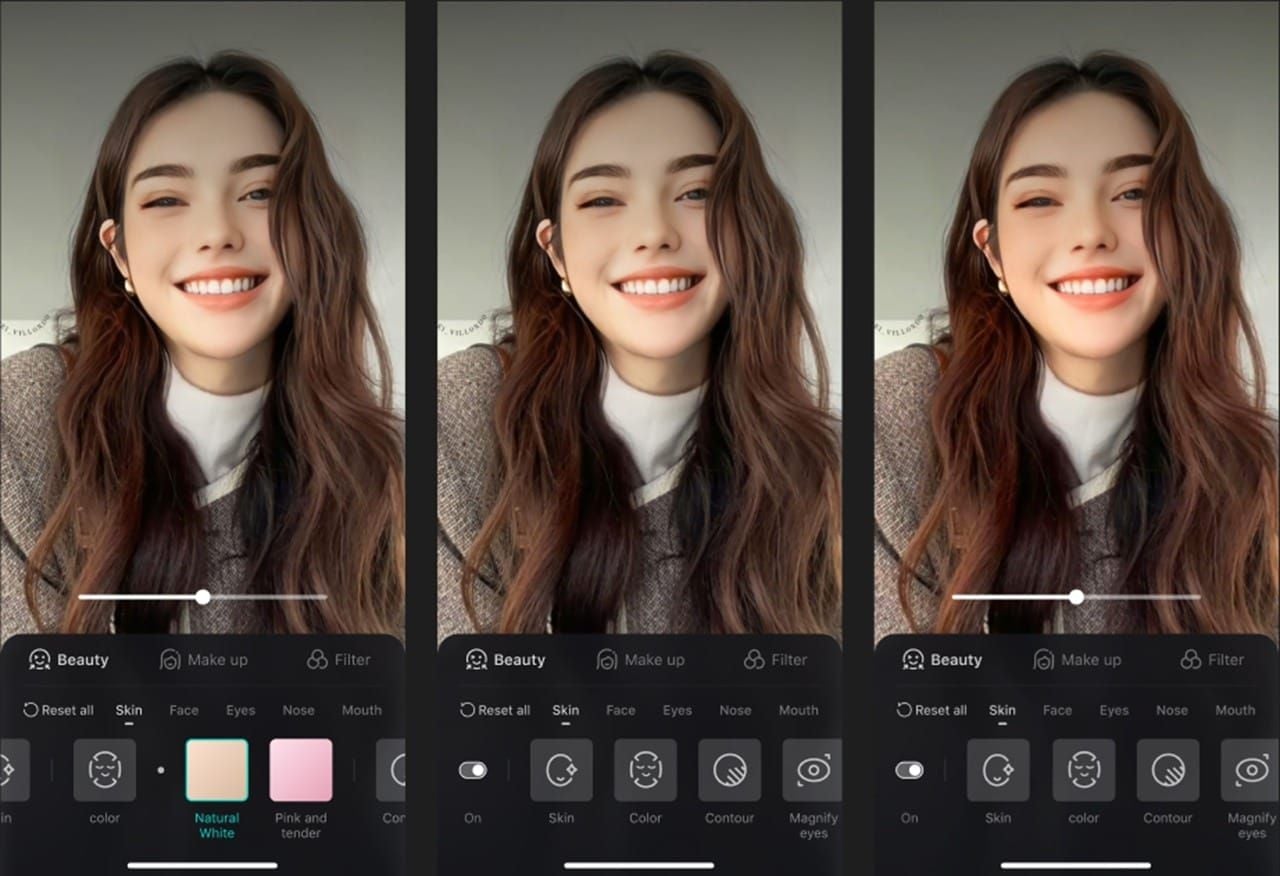
Punishment effects use Bigo's existing filter infrastructure (Beauty, Makeup, Filter tabs). During normal streaming, you control these. PK punishments temporarily override settings with predetermined mods you must display for the agreed duration.
Filter Distortion Types in PK Battles
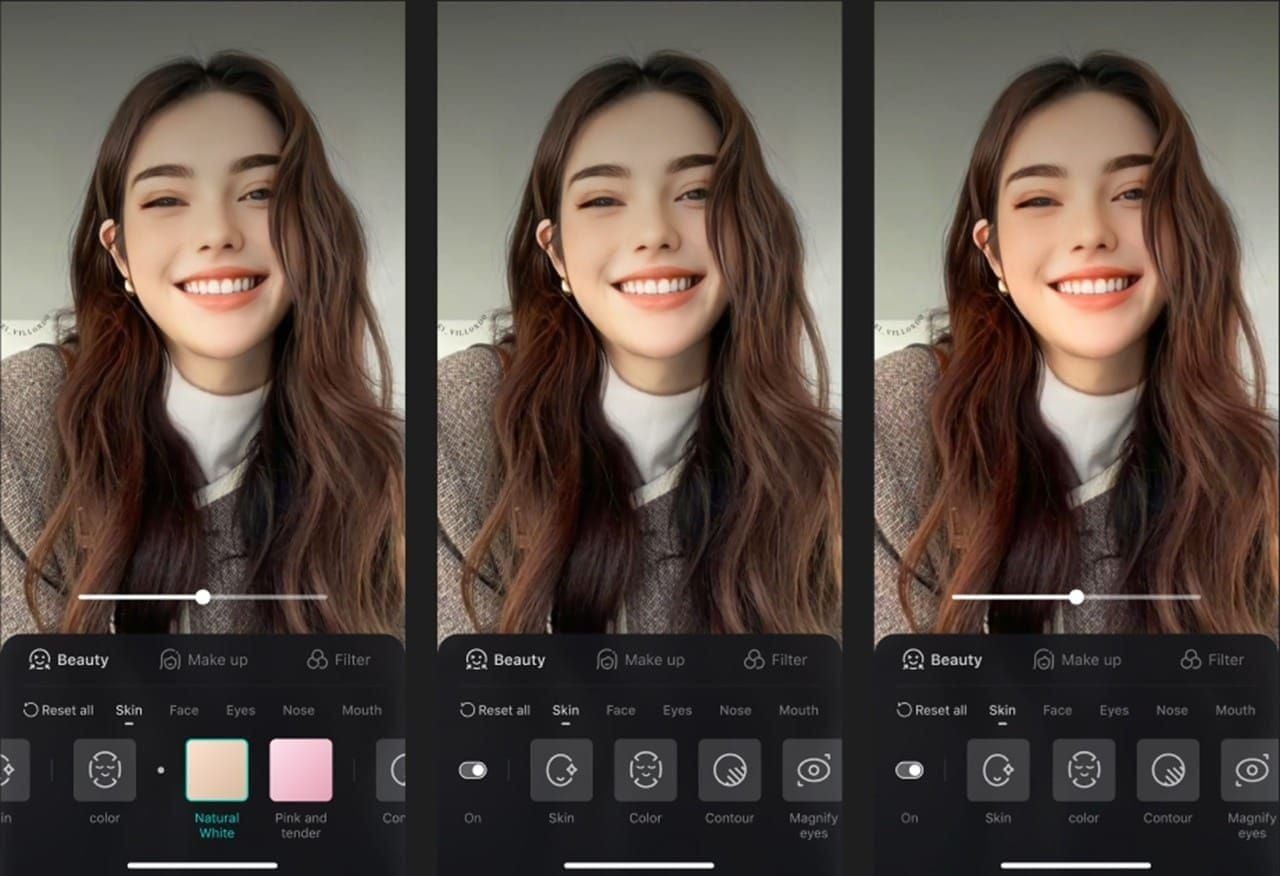
Distortion effects are unwanted visual mods applied after losses:
Exaggerated facial features
Unusual color grading shifting skin tones
Warped proportions stretching/compressing face
Overlay effects adding unexpected elements
The system pulls from Bigo's effects library: High Saturation, Portrait, Male, Warm Tone filters. Popular options like Sakura and Tan filters get applied at max intensity without consent. Beauty sub-categories (Skin, Face Shape, Eye Shape, Nose, Mouth) plus 3D Lighting, Clarity, and Slim face tools all become punishment weapons.
These differ from negotiated forfeits (silly dances, singing, funny hats)—those are voluntary performances. Filter distortions are system-applied, requiring technical removal.
How PK Punishment Works
Pre-Battle:
Tap PK button, choose Random/Friend/Themed PK
Agree on forfeit terms before starting
Configure preferences through PK interface
During Battle:
Monitor PK score bar tracking gift values
Battle runs 5-15 minutes based on mode
System identifies loser by total gifts received
Post-Battle:
Acknowledge result
Perform forfeit within 1-2 minutes
Effects activate during this window
Resume normal streaming after
Sequence: battle ends → results display → effects activate → perform forfeit → return to normal.
Visual Effect Types Applied
Beauty Category:
Skin: unnatural smoothing/texture
Face Shape: altered proportions
Eye Shape, Nose, Mouth: comical adjustments
Makeup Tab:
New, Fashion, Ins Style, Spicy Girl categories
Pink Sugar, Smoky Lace at max opacity
Slider controls pushed to extremes
Filter-Based:
High Saturation, Portrait, Male, Warm Tone
Dramatic color palette shifts
Unnatural skin tones
Max intensity grading
Advanced punishments layer multiple types simultaneously—Beauty mods + Makeup effects + Filter shifts—requiring comprehensive removal.
How to Disable Filter Distortion
Primary method uses the effects control interface. Punishment effects use the same infrastructure as voluntary effects, so you retain access to controls.
Beauty Tab Reset:
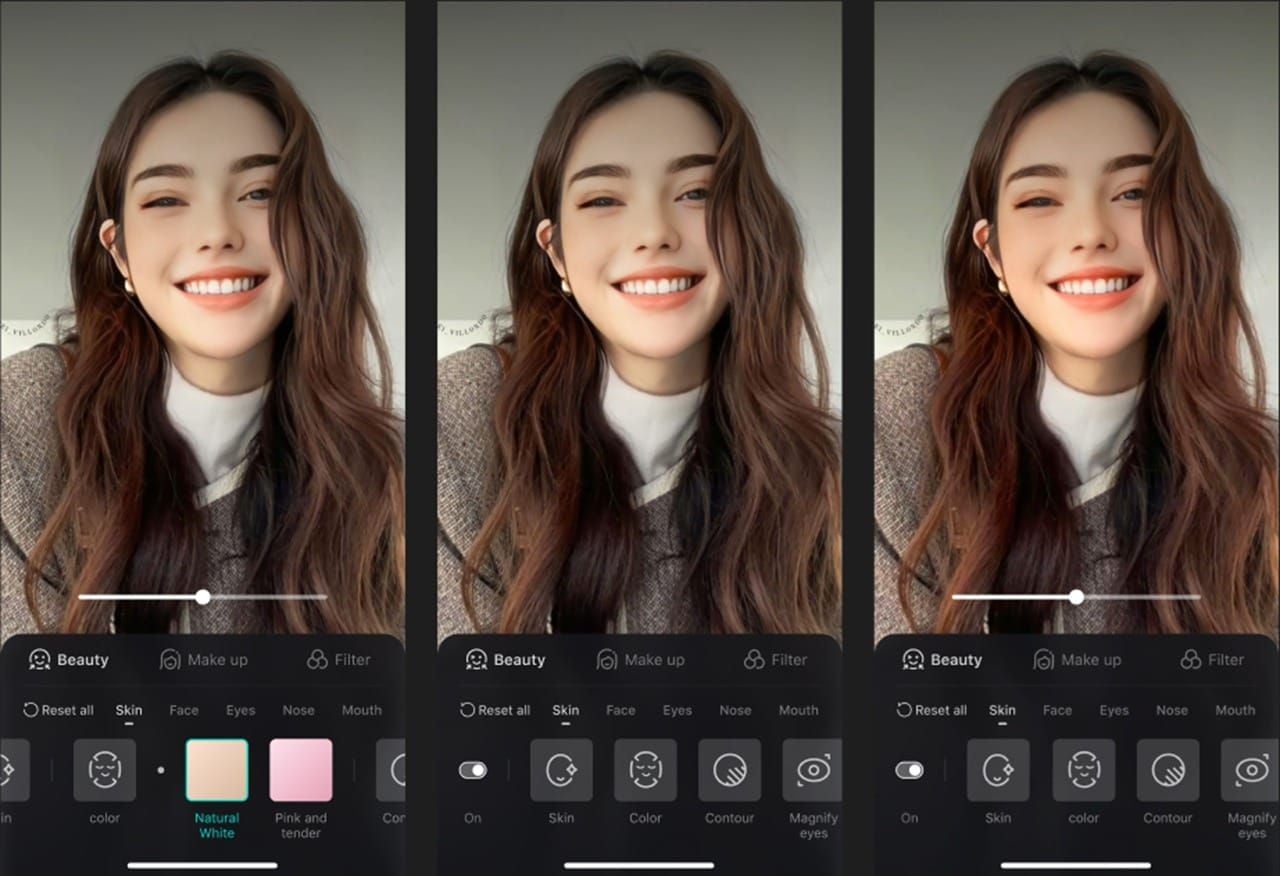
Tap effects icon
Select Beauty tab
Hit Reset button
Removes all Beauty settings instantly
Makeup Removal:
Navigate to Makeup tab
Drag opacity slider to zero
Eliminates all makeup effects
Filter Removal (Two Options):
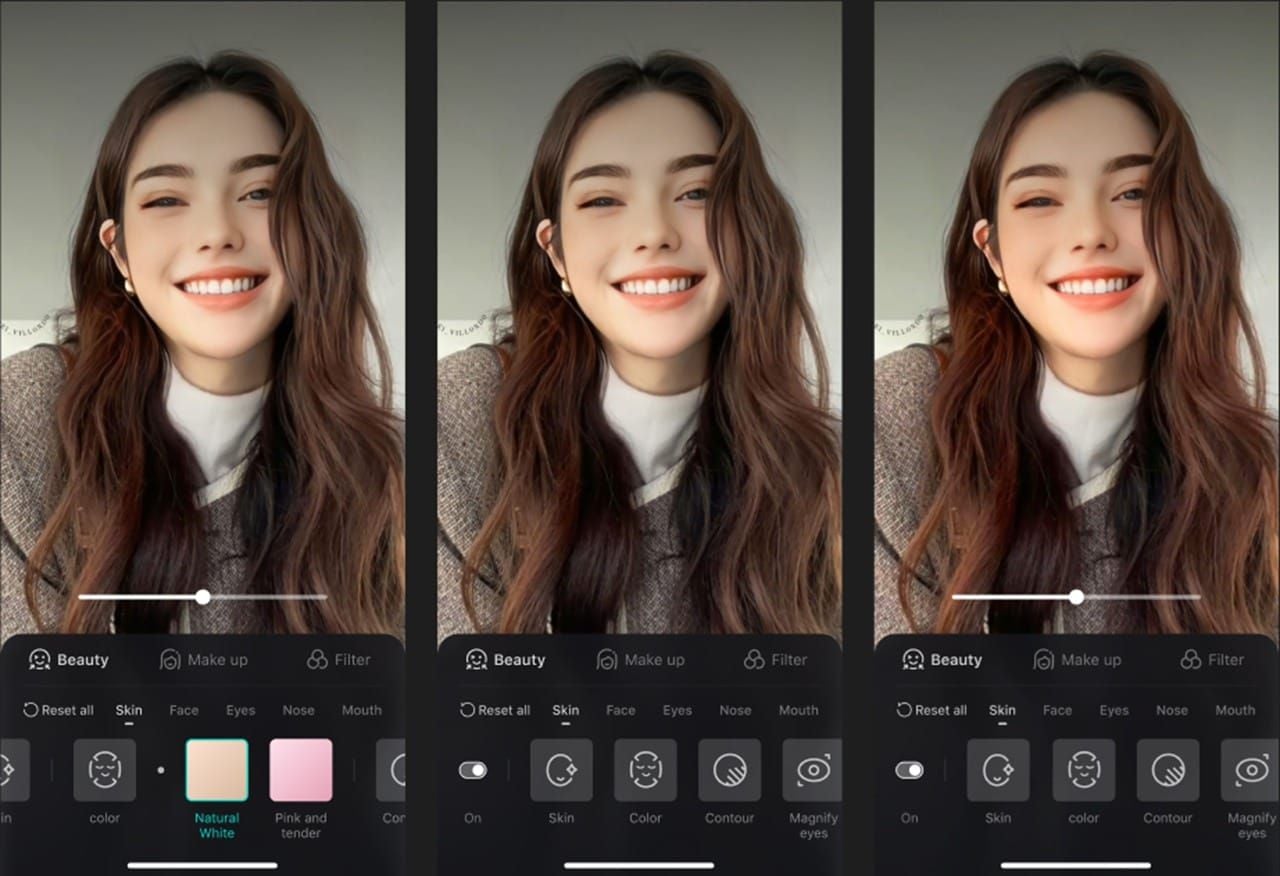
Select Filter tab, find active filter, tap Ø symbol to remove
Or drag color grading slider to zero for gradual reduction
Quick Removal Alternatives
Cache Clearing:
Exit Bigo Live completely
Go to device Settings → Apps → Bigo Live → Storage
Tap Clear Cache
Reopen app—effects removed
App Restart:
Close Bigo Live fully
Wait 3-5 seconds
Reopen app
Faster than cache clearing, less thorough
Stream Restart:
End broadcast completely
Wait 10-15 seconds
Start new stream
Guarantees fresh state, but disrupts viewers
Pro Strategy: During the 1-2 minute punishment window, perform forfeit while preparing removal steps. When time expires, immediately hit Reset, clear filters, restart if needed—all within seconds.
Strategic Preparation
Pre-Battle Optimization:
Set Beauty to moderate levels (not max)
Keep Makeup at 30-50% opacity
Use neutral filters at 20-30% strength
Document current slider positions
Negotiation Phase:
State preference for performance forfeits over filter punishments
Propose silly dances/singing instead of visual effects
Works best in Friend/Themed PKs
Device Prep:
Ensure adequate storage
Close background apps
Verify strong internet (5+ Mbps upload for SD, 10+ for HD)
Maintain diamond reserves through Top Up Bigo Diamonds via BitTopup for competitive advantages that reduce losses.
Before Battle Checklist:
Document current Beauty/Makeup/Filter settings
Reduce filter strength to 20-30%
Test removal procedures during practice streams
Create mental removal sequence: effects icon → Beauty → Reset → Filter → Ø → verify
Technical Considerations 2026
App Version: Major updates in 2025-08-26 and 2025-10-21 added enhanced Beauty tools, expanded Makeup categories, improved Filters. Outdated versions lack newer removal methods.
Device Performance: 3D Lighting and Face Shape mods need processing power. Lower-end devices lag when removing multiple effects—problematic during the brief 1-2 minute window.
Connection Stability: Poor connectivity causes effects to appear different to viewers vs. your preview. Minimum 5 Mbps upload for SD, 10+ Mbps for HD with complex effects.
Body Effects: Long legs, Slim body, Slim waist, Straight shoulders require more processing. Use same Reset button but expect slightly longer processing time.
Account Factors
All account types face uniform punishment application—no tier grants immunity. However:
Established accounts develop custom effect presets for faster restoration
High gift-giving history means more wins, fewer punishments
PK score bar monitoring (available to all) enables strategic gift requests
No premium feature disables punishments before they apply. System ensures fairness across all broadcasters.
Common Misconceptions
Myth: Premium users can disable punishments pre-battle.
Reality: All accounts experience uniform punishment application. No tier provides immunity.
Myth: Effects can be disabled mid-battle.
Reality: Punishment effects only activate after battle completion. No preventive measures exist.
Myth: Only losers get punished.
Reality: Some modes include mutual forfeits or tiered punishments for both participants.
Myth: Effects are permanent or need support intervention.
Reality: All effects are temporary (1-2 minutes) and manually removable via standard controls.
What You Actually Control
Pre-Battle: Negotiate forfeit types, propose performance-based options, steer away from filter distortions.
During Punishment: Control timing and presentation. Perform forfeit while accessing removal controls simultaneously.
Post-Punishment: Full control via Reset button, Ø symbol, slider adjustments, cache clearing, app restart, or stream end. No approval needed.
Strategic: Choose which battles to accept based on opponent strength, audience support, competitive position.
Impact on Professional Broadcasting
Filter distortions create visual discontinuity that disrupts professional atmosphere. Effects last 1-2 minutes—long enough for consequences, short enough to prevent reputation damage.
Entertainment vs. Quality Trade-off:
Punishment effects add comedy and memorable moments
Clips circulate beyond original stream, attracting audiences
But temporary quality degradation may alienate professional viewers
Audience Variation:
Entertainment streams with younger audiences embrace punishments
Educational/professional content creators face credibility concerns
Balancing Competition and Quality
Selective Battle Acceptance: Evaluate opponents' audience size, gift volumes, win rates. Avoid unfavorable matchups.
Audience Preparation: Communicate about upcoming battles, frame losses as entertainment, manage expectations.
Rapid Recovery: Practice removal sequences to execute within 10-15 seconds. Transforms punishments into brief comedic moments.
Strategic Scheduling: Conduct PKs during battle hours when audiences expect competitive content. Reserve other periods for high-quality delivery.
Expert Minimization Strategies
Gift Momentum: Build strong early leads (first 2-3 minutes of 5-10 min PKs) to create psychological pressure. Often results in victories avoiding punishment.
Audience Preparation: Cultivate core high-value gift givers. Communicate privately before battles to ensure availability and commitment.
Camera/Lighting Optimization: Position at flattering angles with strong, even lighting. Well-lit, properly angled streams withstand distortions more gracefully.
Engagement Maintenance: Narrate punishment experience, joke about distortions, actively engage viewers. Transforms negative moments into entertainment.
Pre-Battle Checklist
Verify diamond balance, recharge via BitTopup if needed
Assess viewer count and engagement level
Review opponent's profile and recent PK history
Confirm key supporters' availability
Set Beauty to moderate, reduce filters to 20-30%, document positions
Test connection speed and stability
Clear cache, restart app
Position camera with good lighting
Prepare mental removal sequence
Frame battle for audience, build excitement
Troubleshooting Persistent Issues
Cached Effect Data: Most common problem. Effects persist despite interface removal.
iOS Fix: Settings → General → iPhone Storage → Bigo Live → Offload App → Reinstall from App Store.
Android Fix: Settings → Apps → Bigo Live → Storage → Clear Cache → Clear Data if needed.
App Version Bugs: Verify latest version. Effects system updated significantly in 2025. Update and restart device completely.
Network Sync Issues: Effects appear removed on your preview but viewers still see them. Ask trusted viewers to confirm. If sync issues exist, end stream and start fresh.
When to Contact Support
Seek support if:
Effects persist beyond 5 minutes despite all removal procedures
Account loses access to effect controls (Reset button unresponsive, Ø symbol missing)
Server-side data corruption suspected
Document Before Contacting:
Specific PK battle where effects originated
Exact effects that won't remove
Screenshots of persistent distortions
All troubleshooting steps attempted
Device model, OS version, Bigo app version
Don't contact support for standard 1-2 minute punishment effects—that's intended system behavior.
FAQ
How long do punishment effects last?
1-2 minutes during forfeit execution. Remove manually after via Reset button, Ø symbol on filters, or app restart.
Can I prevent effects before PKs?
No prevention exists. All accounts experience uniform application. Influence types through negotiation (propose performance forfeits). Reduce frequency by winning more—maintain diamonds through BitTopup.
Fastest removal method?
Tap effects icon → Beauty tab → Reset button. Simultaneously go to Filter tab → tap Ø on active filters. If persistent, clear cache or restart app. Total time: 10-15 seconds.
Do effects affect viewers or just my preview?
Effects apply to broadcast stream—all viewers see them. Removal must propagate through streaming server. Verify with viewers if you suspect sync issues.
Why do effects persist after Reset?
Reset only removes Beauty tab settings. Makeup requires opacity slider to zero in Makeup tab. Filters need individual Ø removal or slider adjustment. Execute all three for complex punishments.
Can I reduce effect severity?
No account settings reduce severity. System applies uniformly for fairness. But baseline settings matter—moderate Beauty, minimal Makeup, reduced Filters create less extreme contrast when punishments apply.
Dominate Bigo Live PKs without punishment worries. Stock up on diamonds through BitTopup—instant delivery, secure transactions, best rates. Visit BitTopup now and power up your PK performance!