

The biggest trap with PUBG G-COIN CDKs during Spring Fest 2026 isn't overspending — it's buying at the wrong time or from the wrong source and losing access to rewards you can never get back. Spring Fest 2026 runs until April 8, 2026 (PC) and April 16, 2026 (Console), with token crafting expiring shortly after. Miss those windows, and no amount of G-COIN recovers those exclusive progressive skins. Here's every critical mistake to avoid, with exact dates, cost breakdowns, and a checklist that actually works.
Why Spring Fest 2026 Makes CDK Purchases High-Stakes
This isn't a standard shop rotation. The Time Keeper M416, Obscura Mk12, Absolute Zero Groza, and Void Pan progressive skins are craftable only during the event using Spring Fest Tokens. Once the deadline hits, those tokens vanish permanently — no carryover, no refunds, no second chances.
What Is a PUBG G-COIN CDK?
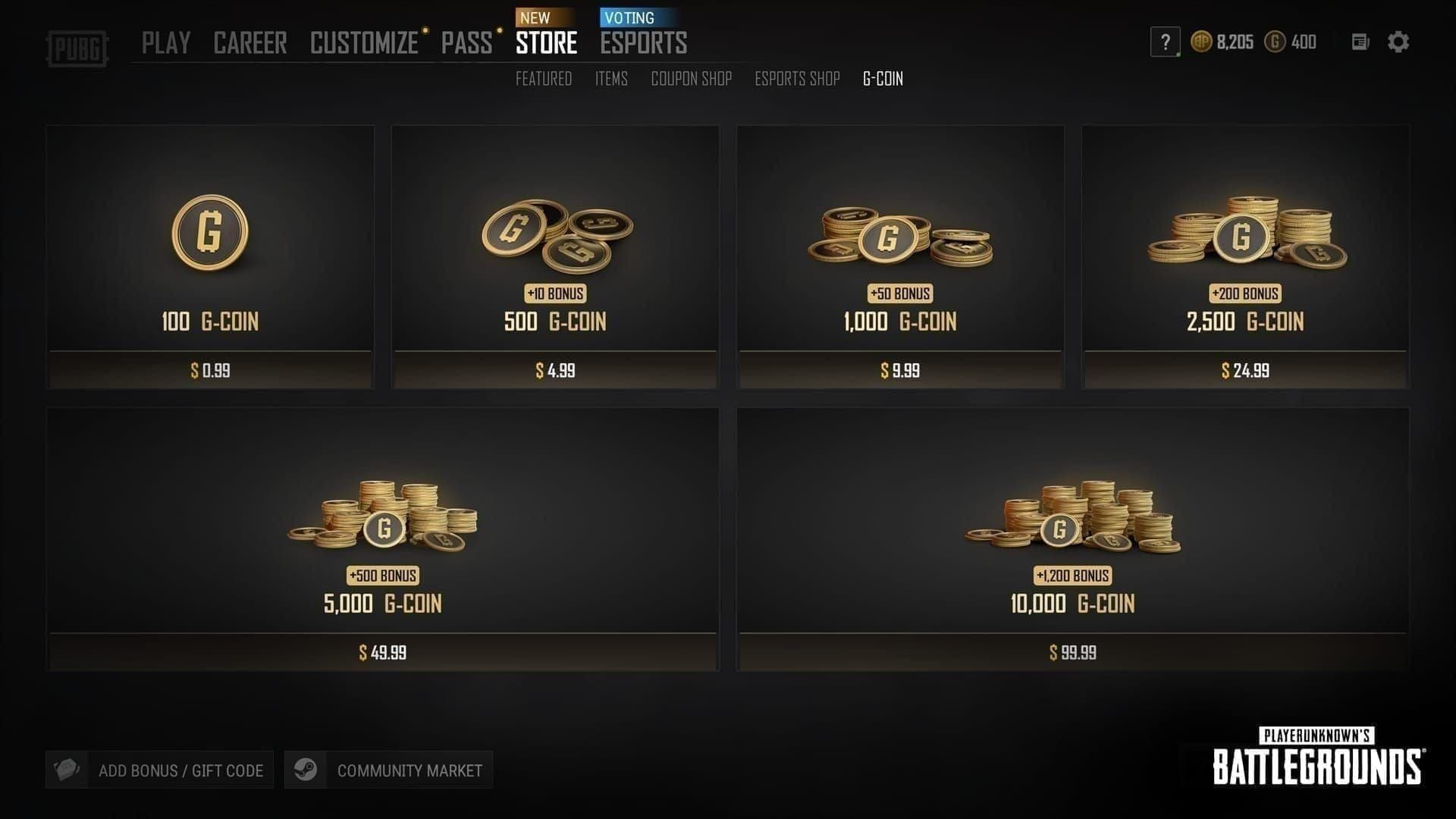
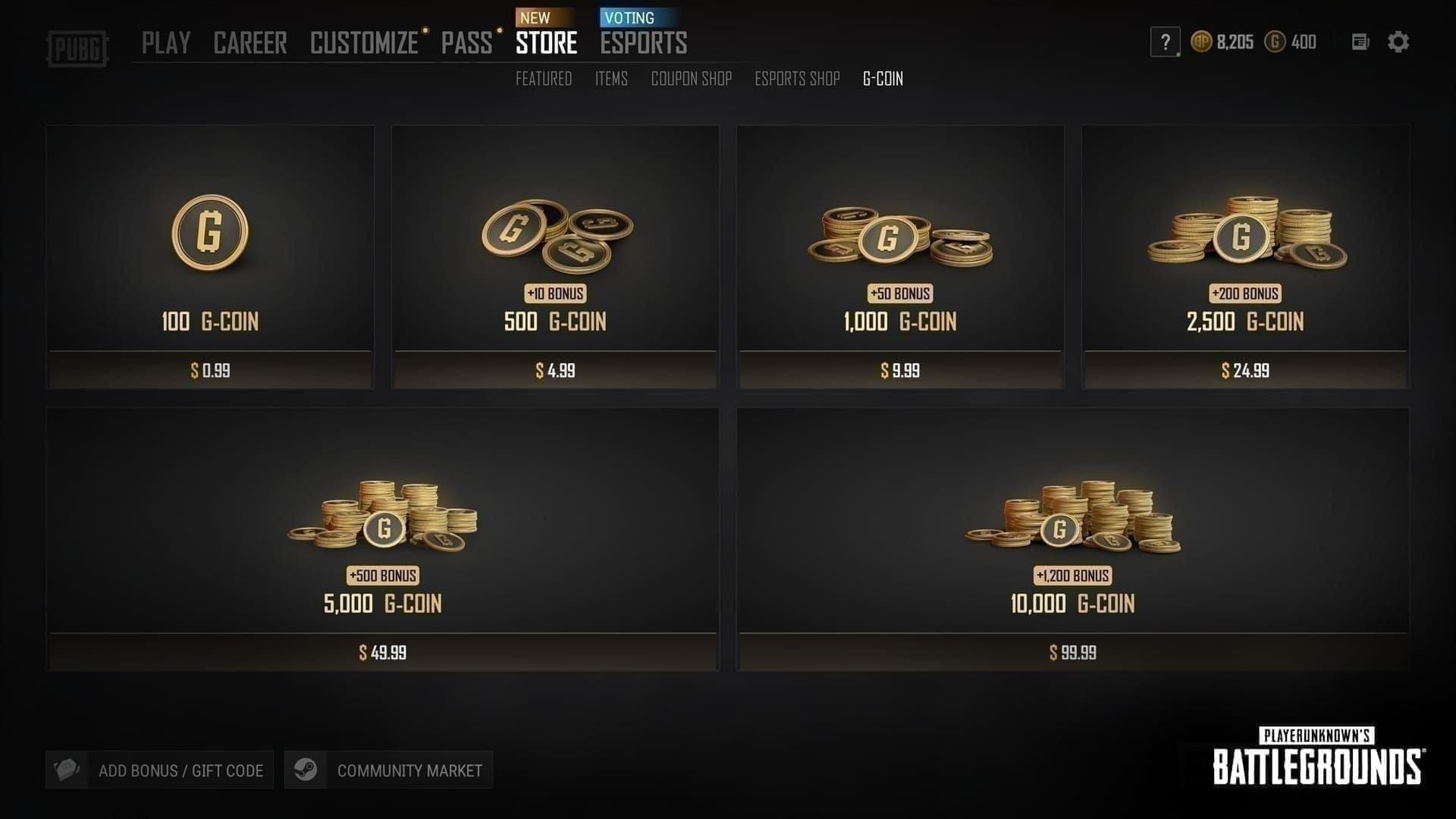
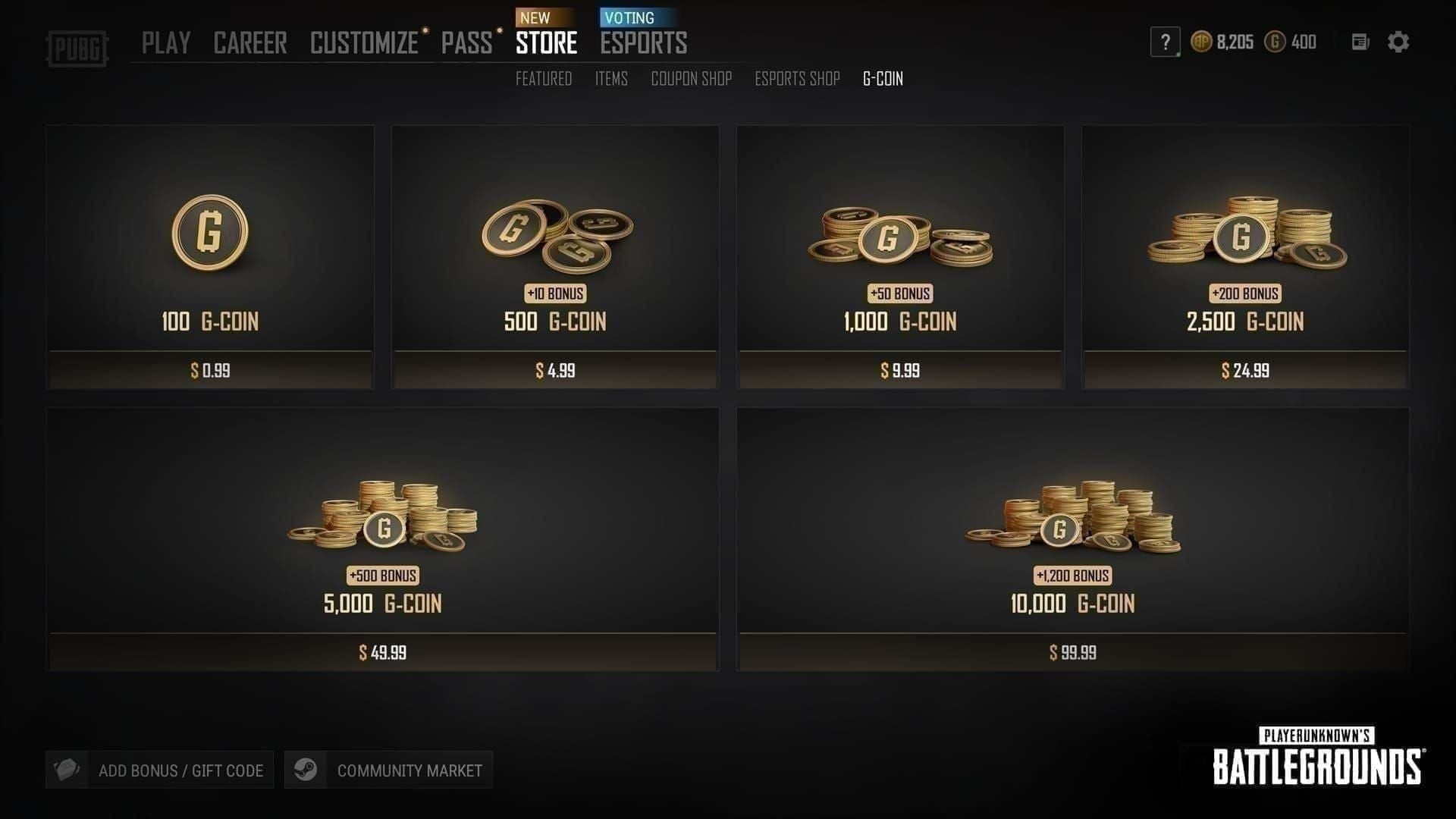
A G-COIN CDK is a 6-character alphanumeric code (case-sensitive) that delivers paid G-COIN directly to your PC Steam or PUBG account upon redemption. Unlike a direct Steam wallet top-up, CDKs are purchased separately and redeemed through the in-game Store. Community testing consistently shows CDKs offer 41–70% better value than buying G-COIN directly — 11,200 G-COIN via CDK runs approximately $91.43 versus roughly $156 through Steam. That gap matters when you're targeting multiple progressive skins.
The Two Deadlines Players Constantly Confuse
Most guides completely ignore this. There are two separate expiry clocks running simultaneously:
Your code might still be technically valid on April 20th — but if you're on PC and haven't spent your G-COIN before April 13th, those tokens are gone forever. Redeemed G-COIN lasts five years and carries forward. It's the tokens, not the currency, that expire.
Mistake #1: Buying After the Reward Deadline
Buying a CDK after April 8th (PC) or April 16th (Console) for Spring Fest purposes is money spent on a missed opportunity. The event reward shop closes on those dates; token crafting locks out April 13th/21st respectively.
What trips players up: the CDK is still purchasable after the event closes. Sellers process the sale regardless of your event status. Your G-COIN arrives fine and sits in your account for five years — but the Spring Fest crafting options are completely inaccessible.
The fix: Set a calendar reminder at least 72 hours before April 8th (PC) or April 16th (Console). That buffer covers purchase processing, delivery, and redemption time.
Mistake #2: Overlooking Region Lock
Region lock is the silent killer of CDK purchases. A code valid in one Steam store region throws an "invalid code" error in another — and you won't know until after you've paid.
PUBG G-COIN CDKs must match your PUBG/Steam store country. Hard technical restriction, not a soft preference. Belgium and the Netherlands have additional restrictions on certain CDK packs due to local regulations.
Before purchasing: verify your Steam store region at store.steampowered.com. Your billing country, Steam wallet region, and CDK's designated region all need to align. A mismatched code can't be fixed after purchase — it's dead for your account.
Mistake #3: Not Calculating Your Total G-COIN Requirement First
Buying a 2,700 G-COIN CDK when you need 5,000 for Step 4 alone is avoidable. Official Spring Fest 2026 costs:
The Loot Cache is the worst value at ~16.7 G-COIN per token. Step packs deliver far better ratios. Targeting the full progressive skin collection requires 5,150+ tokens.
How to build your budget:
List every reward you want
Map each to its token cost
Calculate which Step pack combination covers that total
Sum the G-COIN costs
Add a 200–300 G-COIN buffer
Buy the largest single CDK denomination that covers your total — the 11,200 G-COIN pack delivers the best rate at ~122.5 G-COIN per dollar
Full collectors: the 11,200 G-COIN CDK is the clear choice. Casual players targeting only Steps 1–2 can manage with a 2,700 or 3,000 G-COIN pack. The mistake is guessing instead of calculating.
To maximize your budget before the deadline, a PUBG G-COIN CDK top up discount makes a meaningful difference on larger denominations.
Mistake #4: Purchasing From Unverified Sources
Grey-market CDK fraud spikes during peak seasonal events. Counterfeit codes, already-redeemed codes, and codes revoked after chargebacks from the original buyer are all documented community issues — not theoretical risks.
Red flags that signal an unsafe seller:
Discounts exceeding 70% (legitimate savings cap at 41–70%)
Requests for your PUBG account login credentials
Payment methods with no buyer protection (crypto-only, gift card payments)
No verifiable review history or seller rating
Vague or absent delivery policy
A legitimate CDK purchase never requires your account details. The code is delivered to you — you enter it yourself. Any seller asking to "log in and apply it for you" is a scam, full stop.
BitTopup is a trusted option here — competitive pricing within the legitimate 41–70% savings range, fast code delivery, and buyer protection without requiring account access.
Mistake #5: Confusing CDK Code Expiry With the Event Deadline
Your CDK code has a 90-day expiry from purchase date if left unredeemed. Completely separate from Spring Fest's April 13th/21st token deadline.
The scenario that burns players: they buy a CDK in late January thinking they have plenty of time, get busy, forget about it, then try to redeem in early May. Code expired. Event over. Both losses hit simultaneously.
Redeem immediately upon purchase. Once redeemed, your G-COIN is locked in for five years — the 90-day clock stops. There's no benefit to holding an unredeemed code. Redeem the moment it arrives, then spend at your own pace within the event window.
Mistake #6: Cross-Platform Compatibility Errors
PC Steam CDKs do not work on Xbox or PlayStation accounts. Hard platform lock, not a regional workaround issue. Attempting to redeem a PC CDK on a console account produces a platform mismatch error — the code is wasted for that account.
This is one of the most underreported failure modes in PUBG community forums. Players who game on multiple platforms sometimes purchase a PC CDK out of habit, then try applying it to their console account where they're actually playing Spring Fest.
Before purchasing, confirm:
Which platform you're actively playing Spring Fest 2026 on
Whether the CDK listing explicitly states PC (Steam/PUBG client) or Console compatibility
That your purchase matches your active platform — not just your preferred one
When in doubt, contact the seller before purchasing, not after.
Mistake #7: Stacking Multiple CDKs Incorrectly
Redeeming three CDKs back-to-back in rapid succession reliably triggers redemption failures. PUBG's system needs time to process each code and update your balance before accepting the next.
Safe sequential method:
Redeem the first CDK via Store > Add Bonus/Gift Card > Activate PIN
Copy-paste the exact 6-character code — don't retype (case sensitivity causes errors)
Confirm redemption
Fully exit and restart PUBG if balance doesn't update immediately
Verify the new G-COIN total
Only then redeem the second code
If you're buying multiple CDKs for a large Spring Fest haul, start redemption at least 48 hours before the event deadline — not the night before.
Mistake #8: Redeeming During Peak Server Load at Event End
The final 24 hours of any major PUBG seasonal event are the worst time to redeem a CDK. Server load spikes as thousands of players rush to spend tokens, craft rewards, and redeem codes simultaneously. Community observations from previous seasonal events consistently show redemption delays, balance update failures, and temporary system errors during these windows.
The practical risk: you redeem at 11:30 PM on April 7th (PC deadline), the G-COIN doesn't credit until after midnight, and the reward shop is closed. Tokens gone. G-COIN eventually arrives — but there's nothing to spend it on for Spring Fest.
Best redemption windows:
Redeem CDKs at least 3–5 days before the event reward deadline
Avoid the final 48 hours entirely if possible
If you must redeem late, use off-peak hours (early morning UTC, not evening)
Always verify balance confirmation before spending
Mistake #9: Redeeming G-COIN to the Wrong PUBG Account
If you play across multiple accounts or have both a Krafton ID and Steam account linked, this is more common than you'd think. G-COIN credited to the wrong account cannot be transferred — support recovery is not guaranteed.
Account verification checklist before any CDK redemption:
Confirm your Steam account is linked to the correct Krafton ID
Verify your PUBG account is Level 5 or higher (required for CDK redemption)
Log into the exact account you intend to use for Spring Fest purchases
Double-check the in-game account name shown in the Store before entering the code
If you have multiple Steam accounts, confirm you're logged into the right one at the OS level
Takes 60 seconds. Prevents an irreversible mistake.
Spring Fest 2026 G-COIN CDK Buying Checklist
Pre-Purchase
Confirm platform: PC (Steam) or Console (Xbox/PlayStation)
Verify Steam store region matches the CDK's designated region
Calculate exact G-COIN needed using the Step pack cost table above
Choose the largest single denomination covering your total (best G/$ rate)
Check current date against deadlines — PC April 8th, Console April 16th
Purchase from a verified seller with buyer protection, no credential requests
Confirm seller's delivery timeline (instant vs. delayed)
Pre-Redemption
Log into the correct PUBG/Steam account (Level 5+)
Verify Krafton ID and Steam account are properly linked
Check server status — avoid peak hours near deadline
Copy-paste the code, don't retype
Navigate to Store > Add Bonus/Gift Card > Activate PIN in-game
Restart PUBG if balance doesn't update within 2–3 minutes
Confirm G-COIN balance before spending
For players locking in savings before the deadline, a PUBG G-COIN CDK cheap recharge through a verified platform is the most reliable way to get your code fast and avoid grey-market risks.
Frequently Asked Questions
What happens to unused G-COIN after Spring Fest 2026 ends?
Redeemed G-COIN persists for five years after redemption and carries forward to future events, shop purchases, and Royale Pass upgrades. Only the Spring Fest Tokens and exclusive crafting options disappear permanently — your G-COIN balance is safe.
Do CDK codes expire separately from the Spring Fest event deadline?
Yes — and this is the most important distinction in this guide. An unredeemed CDK expires 90 days from purchase, regardless of the event timeline. Once redeemed, G-COIN stays in your account for five years. The Spring Fest token deadline (April 13 PC / April 21 Console) is a completely separate clock. Redeem immediately upon purchase to eliminate the 90-day risk entirely.
Why is my PUBG G-COIN CDK showing as invalid or already used?
Most common causes in order of frequency:
Case sensitivity error — copy-paste the exact code
Region mismatch — CDK region doesn't match your Steam store country
Platform mismatch — PC CDK used on a console account
Already redeemed — grey-market fraud indicator
Account below Level 5 — PUBG requires Level 5+ for CDK redemption
Server delay — try again after a few minutes during high-traffic periods
How much G-COIN do I need for all Spring Fest 2026 exclusive rewards?
Targeting the full progressive skin collection requires 5,150+ tokens, achievable through Steps 1–4 (11,500 G-COIN total) plus the Rush Pack (3,300 G-COIN) if you need additional tokens. The 11,200 G-COIN CDK is the recommended denomination for full collectors at ~122.5 G-COIN per dollar.
Can I use a PC G-COIN CDK on my Xbox or PlayStation account?
No. PC CDKs are locked to Steam/PUBG PC client accounts. Console accounts require console-specific CDKs. Cross-platform redemption produces a platform mismatch error, and the code cannot be reassigned.
Is it safe to redeem multiple CDKs in one session?
Yes, but only sequentially. Redeem one code, confirm the balance update (restart the game if needed), then redeem the next. For large purchases, start the redemption process several days before the event deadline — not hours.
Spring Fest 2026 rewards are genuinely time-limited, and G-COIN CDKs offer real value — but only when purchased correctly, from verified sources, with the right denomination, on the right platform, and redeemed well before the deadline. The nine mistakes above aren't edge cases. They're exactly what fills PUBG support queues every time a seasonal event closes. Run the checklists, respect the dual-deadline structure, and you'll get every reward you're targeting without a single wasted G-COIN.