COA IX registration closes January 14, 2026 at 09:00 UTC+8, but the real deadline is January 13, 2026 at 21:00 UTC+8—33 hours earlier. After this cutoff, team verification becomes impossible due to server closures and mandatory 12-hour club membership requirements. Hundreds of teams fail qualification despite submitting before the final deadline. Here's why January 13 is the true cutoff and how to lock your roster correctly.
Understanding the COA IX 'Effective Deadline' System
COA IX uses a dual-deadline structure. Official registration closes January 14, 2026 at 09:00 UTC+8, but the effective verification deadline occurs 33 hours earlier on January 13, 2026 at 21:00 UTC+8. This gap exists because verification requires active server access and 12-hour club membership validation—both impossible after January 13.
S1 servers shut down January 14, 2026 at 09:00 UTC+8. S4 servers close January 15, 2026 at 09:00 UTC+8. The verification system queries these servers to confirm player stats, club memberships, and qualification points. Any submission after January 13 at 21:00 UTC+8 can't complete validation.
The 12-hour club membership requirement adds another constraint. Teams must join their tournament club by January 12, 2026 at 21:00 UTC+8—24 hours before the verification deadline—so the system recognizes membership duration when processing submissions.
For Identity V Echoes top up, BitTopup offers instant delivery and competitive pricing for character unlocks and practice matches.
The Two-Deadline Structure
Three distinct cutoffs serve different functions:
Club join deadline (January 12, 2026 21:00 UTC+8): Validates membership duration
Verification submission deadline (January 13, 2026 21:00 UTC+8): Last moment to initiate validation
Final registration closure (January 14, 2026 09:00 UTC+8): Portal becomes inaccessible, but no new verifications can succeed
Teams must confirm verification within 12 hours of submission to avoid timeouts. The portal auto-logs out after 15 minutes of inactivity. Submissions started at 20:50 UTC+8 on January 13 risk timeout.
Why NetEase Implements Effective Deadlines
Server maintenance and database synchronization drive this architecture. The system must query player stats across multiple server clusters, validate club memberships through separate databases, and cross-reference qualification points from Quick/Ranked Matches (1500 points required) or Duo Hunters mode (3000 points alternative).
The January 8, 2026 maintenance window (starting 08:00 UTC+8, 240 minutes duration) introduces data sync delays. Hunter matches yield 1200-1500 points; Survivor matches provide 800-1000 points.
What Happens After January 13 UTC+8
After January 13, 2026 at 21:00 UTC+8, the verification system enters read-only state. Existing submissions can be reviewed but no new validation requests can be initiated.
Team Roster Lock Mechanics
Team composition uses this formula: Team Points = Highest Hunter Score × 2 + Top 4 Survivor Scores. This requires real-time access to individual player stats across multiple game modes, validation that maximum one non-permanent resident exists, and confirmation all 5-7 players meet minimum qualification thresholds.
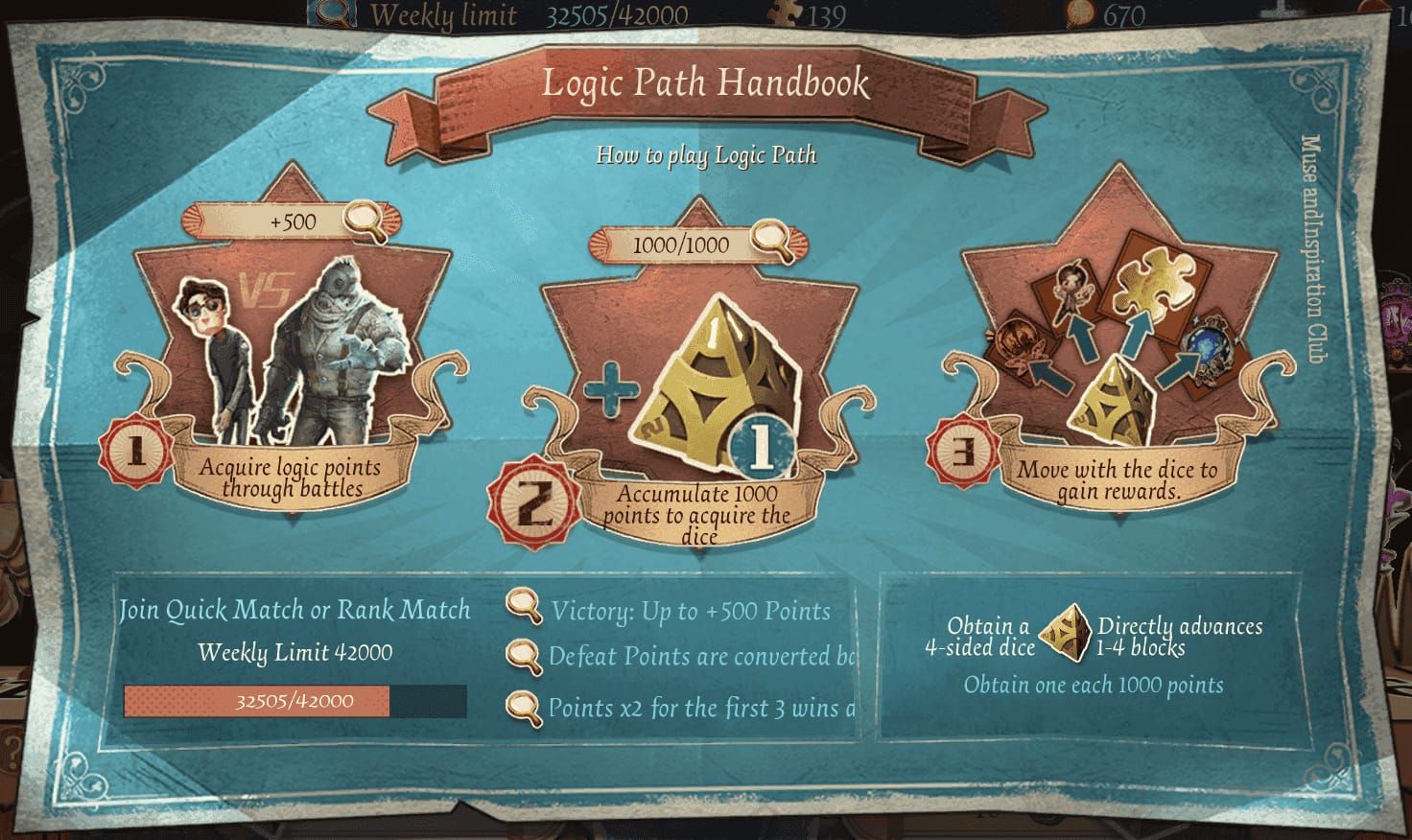
Roster lock occurs at successful verification confirmation, not submission time. Teams submitting at 20:55 UTC+8 on January 13 but failing to confirm within 12 hours will find verification incomplete with no resubmission ability.
Verification Processing Timeline
Four-stage pipeline typically requires 2-6 hours under normal load:
Validates player UIDs and server region eligibility
Queries qualification points from match history databases
Confirms club membership duration and team composition rules
Generates confirmation token (captains have 12 hours to acknowledge)
During peak periods (18:00-21:00 UTC+8 on January 13), processing extends to 8-10 hours. Teams submitting at 19:00 UTC+8 may not receive confirmation tokens until 03:00 UTC+8 on January 14.
System-Level Restrictions Post-Jan 13
The portal implements hard blocks at database level after the verification deadline. API endpoints return error codes indicating the submission window closed. Backend validation fails immediately even if captains access cached portal pages.
Player stats freeze at their January 13, 21:00 UTC+8 values. Matches played after this cutoff don't contribute to qualification point calculations.
Complete COA IX Team Verification Process
Begin no later than January 10, 2026 to allow buffer time for error correction.
Pre-Registration Eligibility Checks
Verify each member meets these requirements:
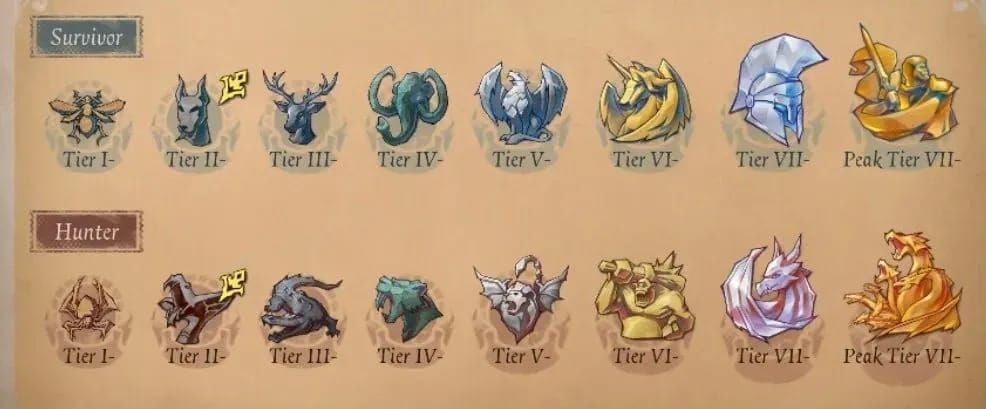
Qualification Points: 1500 points in Quick/Ranked Matches OR 3000 points in Duo Hunters. Quick Matches operate 12:00-22:00 server time; Ranked Matches run 12:00-14:00 and 19:00-21:00 server time.
Server Region: All players on eligible servers for target region. Japan advances top 5-6 teams; NA-EU and Southeast Asia each advance top 8 teams.
Residency Status: Maximum one non-permanent resident per team. Prepare documentation.
Club Membership: All players join tournament club by January 12, 2026 21:00 UTC+8 (12-hour minimum enforced through automated timestamp validation).
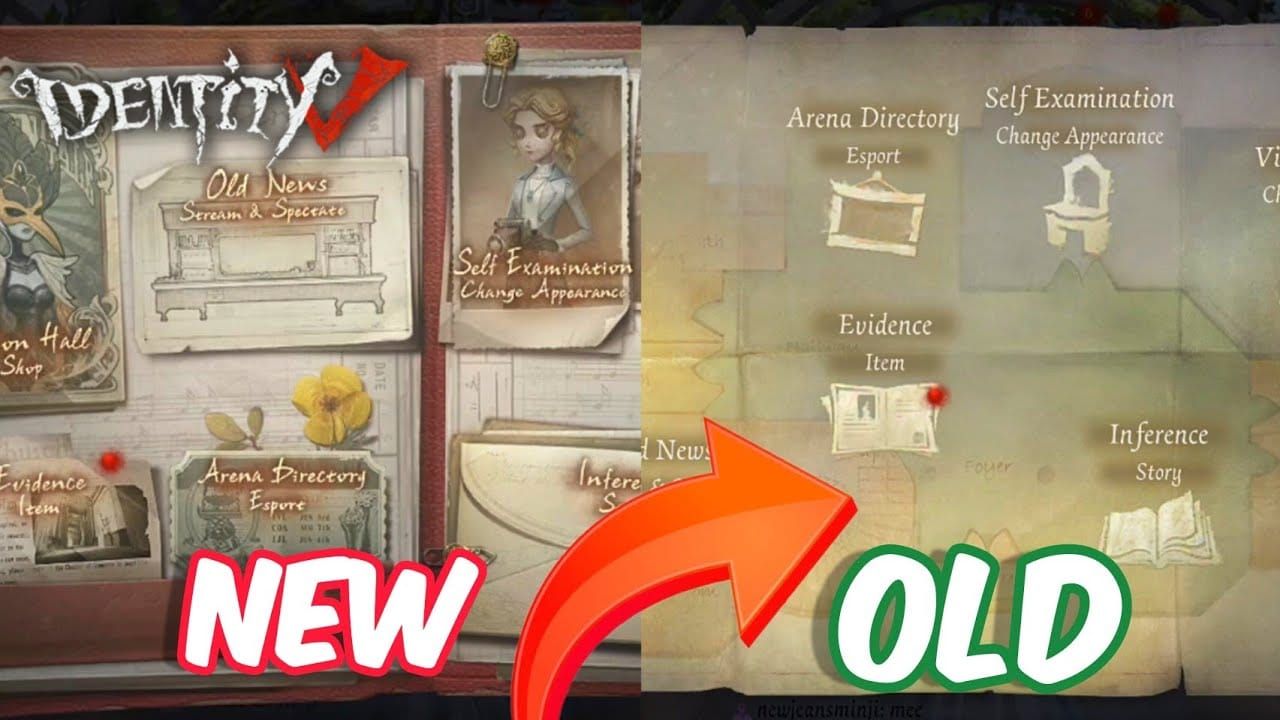
Roster Size: 5-7 players minimum. Exactly 5 required for Online Qualifiers.
Buy Identity V Echoes instant recharge from BitTopup to unlock characters and accelerate qualification point accumulation.
Captain Responsibilities
Step 1: Access portal between December 31, 2025 and January 13, 2026 21:00 UTC+8. Interface times out after 15 minutes.
Step 2: Input team name, select region, designate 5-7 player roster using exact UIDs. Triple-check each character.
Step 3: Upload required documentation: player profile screenshots showing rank tier, match history evidence demonstrating qualification points, server region proof. PNG or JPG, maximum 5MB per file.
Step 4: Submit verification request and record timestamp. System generates reference number for status tracking.
Step 5: Monitor verification status dashboard. When confirmation token appears (2-10 hours after submission), acknowledge within 12 hours or verification becomes void.
Member Verification
Each player receives automated email with unique verification link (expires in 24 hours). Players must:
Click verification link
Confirm participation on specified team
Acknowledge eligibility requirements
Failure by one member causes entire team verification to fail. Email confirmation validates players haven't registered with multiple teams—automatic disqualification if detected.
Critical Timezone Conversion
UTC+8 = China Standard Time (no daylight saving). All deadlines use UTC+8 regardless of player location.
January 13, 2026 21:00 UTC+8 converts to:
PST (UTC-8): January 13, 05:00
EST (UTC-5): January 13, 08:00
GMT (UTC+0): January 13, 13:00
CET (UTC+1): January 13, 14:00
JST (UTC+9): January 13, 22:00
AEDT (UTC+11): January 14, 00:00
Setting Reminders
Configure multiple redundant reminders:
Primary: 6 hours before deadline (local time)
Secondary: 1 hour before
Final: 15 minutes before
Use UTC+8 display on one device to avoid conversion errors
Teams across multiple timezones should submit at 09:00 UTC+8 on January 13 for maximum buffer while ensuring global members can respond during waking hours.
Top 7 Verification Failure Reasons
1. Incomplete Documentation
Required for each player: profile page showing rank tier, match history displaying qualification points with timestamps, server region indicator. Missing one screenshot for one player = automatic rejection.
Screenshots must show unmodified game interface with visible timestamps. Cropped or edited images fail automated validation.
2. Rank Tier Mismatches
System snapshots rank data at confirmation time, not submission time. Players ranking down during the 2-10 hour processing window may fail eligibility.
Solution: Freeze ranked matches for all members 24 hours before submission.
3. Server Region Violations
Mixed-server rosters trigger immediate rejection. System validates through player UID prefixes and account creation metadata.
Players who transferred servers within 90 days face manual review, extending processing time beyond standard 2-6 hours.
4. Email Confirmation Not Completed
30% of failures stem from players not completing email confirmation within 24 hours. Spam filters, incorrect email addresses, and oversight all contribute.
Solution: Verify all members have updated, accessible emails 48 hours before submission. Conduct test email round.
5. UID Input Errors
Similar-looking characters (0/O, 1/I, 8/B) create transcription errors. Single incorrect character = null results.
Solution: Double-entry verification where two members independently record each UID, then compare. Copy-paste UIDs directly from game profiles.
6. Duplicate Team Registrations
Players registering with multiple teams trigger fraud detection = automatic rejection of all associated verifications.
Withdrawal processing takes 6-12 hours. Players must complete full withdrawal confirmation 24 hours before joining new rosters.
7. Late Member Replacements
Replacements after January 12, 2026 21:00 UTC+8 can't meet 12-hour club membership requirement. System calculates membership duration from club join to verification submission.
Solution: Finalize complete 5-7 player roster (including substitutes) by January 12 deadline.
Documentation Requirements
Player Profile Screenshots
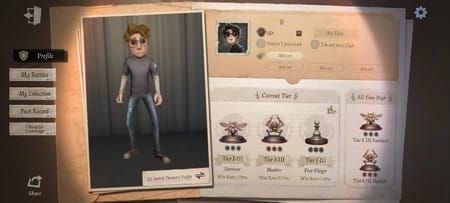
Capture full-screen showing:
Player name and UID (clearly visible)
Current rank tier with icon and points
Server region indicator (top-right corner)
Account level and creation date
Use native screenshot functions, not third-party tools. System checks EXIF data to confirm screenshots originated from game client.
Ranked Match History Evidence
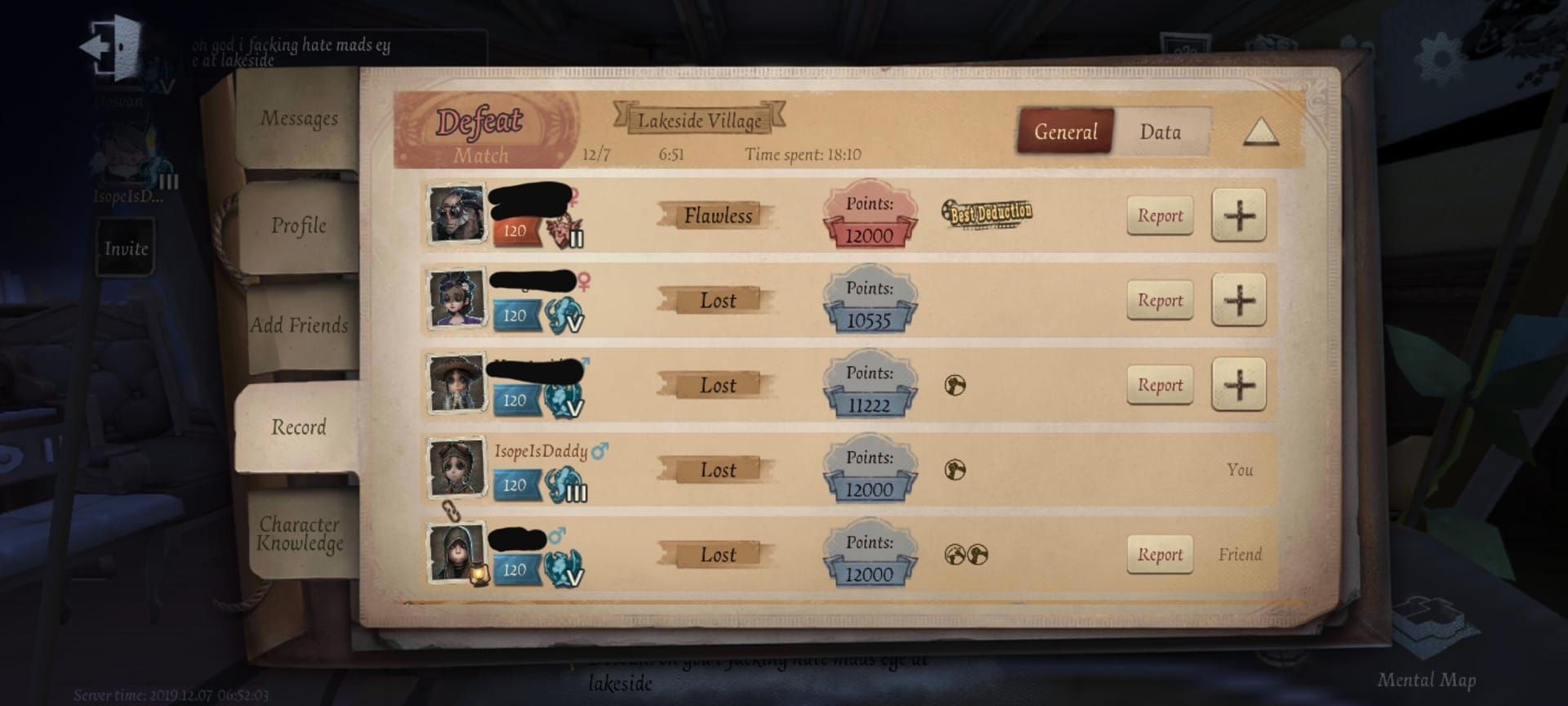
Display:
Minimum 10 recent matches showing qualification point accumulation
Match timestamps proving games occurred during valid time windows
Match results and individual performance metrics
Game mode indicator (Quick Match, Ranked Match, or Duo Hunters)
Running point total
For Duo Hunters path (3000 points), provide separate match history from this mode only. System doesn't aggregate points across paths.
File Format Specifications
Format: PNG or JPG
Minimum resolution: 1920×1080 pixels
Maximum file size: 5MB per screenshot
Naming convention: PlayerUIDDocumentTypeTimestamp.png (example: 123456789Profile20260110.png)
Emergency Action Plan: 72-Hour Countdown
72 hours before (January 10, 21:00 UTC+8):
Freeze ranked match participation
Verify all players joined tournament club
Collect all required screenshots
Validate UID accuracy through double-entry
Confirm email addresses current and accessible
48 hours before (January 11, 21:00 UTC+8):
Conduct test email round
Organize documentation into submission-ready format
Identify backup submission time windows
Designate secondary captain
Final eligibility requirements review
24 hours before (January 12, 21:00 UTC+8):
Final club membership deadline—confirm all members show 12+ hour tenure
Prepare captain's submission environment (stable internet, backup device)
Establish real-time communication channel for 12-hour confirmation period
Brief all members on email confirmation requirements
6 hours before (January 13, 15:00 UTC+8):
Begin submission with all documentation prepared
Maintain active portal session (refresh every 10 minutes)
Monitor submission progress through each stage
Prepare for 2-10 hour processing window
Verification Status Dashboard
Five stages: Submitted → Documentation Review → Eligibility Validation → Club Verification → Pending Confirmation. Each transition takes 30-120 minutes.
If stuck in Documentation Review for 3+ hours, contact support to identify file issues. Support response times during peak periods (January 12-13) may exceed 6 hours.
Communication Protocol
Establish dedicated channel (Discord, WhatsApp) active for entire 12-hour confirmation window. Implement check-in protocol where each member confirms email receipt within 1 hour of captain's submission notification.
Post-Deadline Limitations
Allowed Modifications After Jan 13
Team name (subject to profanity filters and uniqueness)
Captain contact information
Preferred communication channels
Substitution between verified roster members (if verified with 7 players, rotate which 5 participate)
Prohibited Changes
Adding new team members (teams losing members must compete with remaining players or forfeit if below 5-player minimum)
Changing server regions (automatic disqualification)
Modifying player UIDs or residency status documentation (permanent tournament ban)
Common Misconceptions
Myth: 'I Can Register Until the Final Deadline' January 14, 2026 09:00 UTC+8 = portal closure, not verification capability. Teams submitting after January 13, 21:00 UTC+8 can't complete verification.
Myth: 'Verification is Instant' Processing requires 2-10 hours plus 12-hour confirmation window. Submission at 20:00 UTC+8 on January 13 provides only 1 hour buffer—insufficient.
Myth: 'Captains Can Change Members Anytime' Roster lock occurs at verification confirmation. Can't add new members after confirming, regardless of time before tournament starts.
Myth: 'Email Confirmation is Optional' Mandatory for verification completion. Unconfirmed members = withdrawn. Team with 5 players but only 4 confirmations = failed verification.
Troubleshooting
Portal Access Issues
Clear browser cache and cookies
Use incognito/private browsing window
Try Chrome or Firefox (optimized browsers)
Disable browser extensions blocking scripts
If rate-limited, wait 30 minutes or try different network
Email Delivery Problems
Add tournament domain to email whitelist 48 hours before submission
Check email storage quotas—clear space if full
Verify email address in game profile matches portal submission
If no email within 2 hours, contact support to request resend
Contact Support
Submit tickets 48 hours before deadline. Include:
Team name and captain UID
Submission timestamp and reference number
Specific error messages
Screenshots of issue
Steps already attempted
Support can't extend deadlines or process verifications after January 13, 2026 21:00 UTC+8.
Preparing for Future COA Tournaments
Building Reliable Team Formation
Establish rosters 14 days before registration opens
Conduct practice verification runs with mock documentation
Create team operations manual documenting each member's responsibilities
Documentation Organization
Maintain shared cloud storage with all verification documents
Update continuously as players achieve new ranks
Implement version control—save screenshots with timestamps in filenames
Deadline Management
Calculate all deadlines in UTC+8 and local timezone when schedules announced
Create shared team calendar with automated reminders (7 days, 3 days, 1 day, 6 hours, 1 hour before cutoffs)
Build 24-hour buffer into internal deadlines
FAQ
What is the effective deadline for COA IX team verification? January 13, 2026 at 21:00 UTC+8—33 hours before official registration closure. After this, verification becomes impossible due to server closures and 12-hour club membership requirement.
Why do verifications fail after January 13? S1 servers close January 14 at 09:00 UTC+8; S4 servers close January 15 at 09:00 UTC+8. Verification requires real-time queries to these servers for player stats, club memberships, and qualification points—impossible during closures.
Can I change team members after January 13? No. After verification confirmation (by January 13, 21:00 UTC+8), rosters are permanently locked. Can't add new members. Can substitute between verified members during matches.
What documents do I need? Each player: full-screen profile screenshot (UID, rank tier, server region), match history screenshots (1500 Quick/Ranked or 3000 Duo Hunters points), server region proof. PNG/JPG, minimum 1920×1080, maximum 5MB, native game screenshots.
How long does verification take? 2-6 hours under normal load, 8-10 hours during peak (January 12-13). Captains have 12 hours to confirm token after processing. Total: 2-22 hours from submission to completion.
What if I miss the effective deadline? Teams missing January 13, 2026 21:00 UTC+8 can't complete verification and are excluded from COA IX. No extensions—deadline determined by technical infrastructure (server closures), not administrative policy.