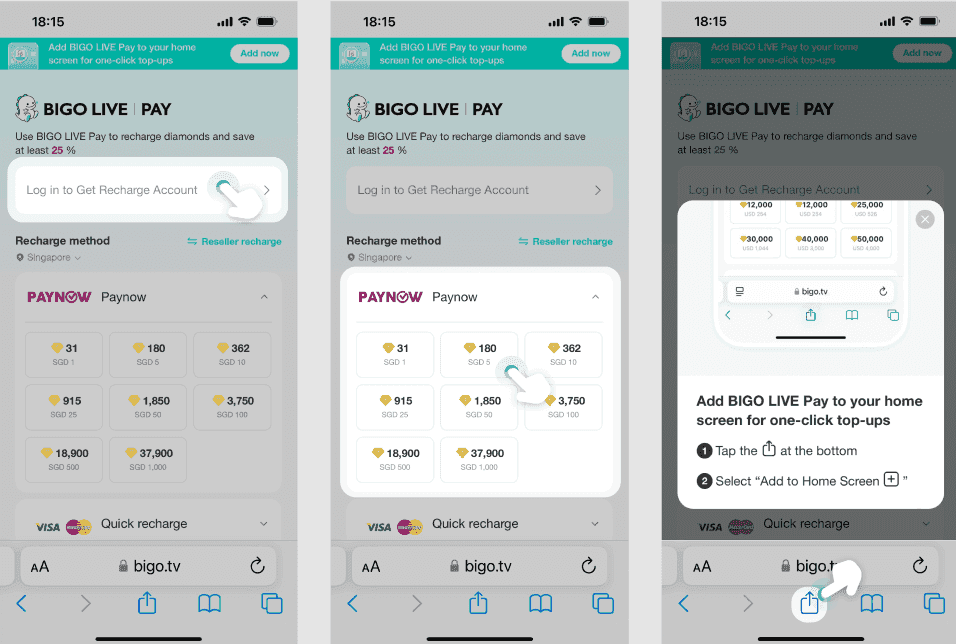
When BIGO diamonds disappear after recharge, 95% of cases resolve within 5 minutes through app refresh, cache clearing, or network switching. Most issues stem from sync delays (40%), incorrect BIGO IDs (25-70%), or network problems (15-25%).
Why BIGO Diamonds Disappear After Recharge
Missing diamonds fall into three categories: technical sync delays, security breaches, or payment processing issues.
Common Causes:
Sync failures: 40% of cases - diamonds exist in system but don't display
Incorrect BIGO ID: 25-70% of cases - recharged to wrong account
Network issues: 15-25% of cases - connection interrupts delivery
Normal Delivery Times:
Asia: 2-3 minutes
Europe/Americas: 5-10 minutes
Peak hours (6-11 PM): +20-30% delay
New accounts/security checks: 24-48 hours
For reliable delivery, BitTopup provides instant verification and secure transactions.
Payment Gateway Stages:
Payment provider confirmation
BIGO transaction validation
Account security screening
Balance crediting
Frozen balances requiring manual review resolve in 7-14 days.
First 5 Minutes Recovery Checklist
Step 1: Verify Payment Completion Check your bank app for the charge. Save screenshots showing transaction ID, timestamp, amount, and merchant name.
Step 2: Check Network Connection
Minimum: 1 Mbps
Optimal: 5 Mbps
Switch Wi-Fi to mobile data (fixes 80% of network issues)
Step 3: Refresh App
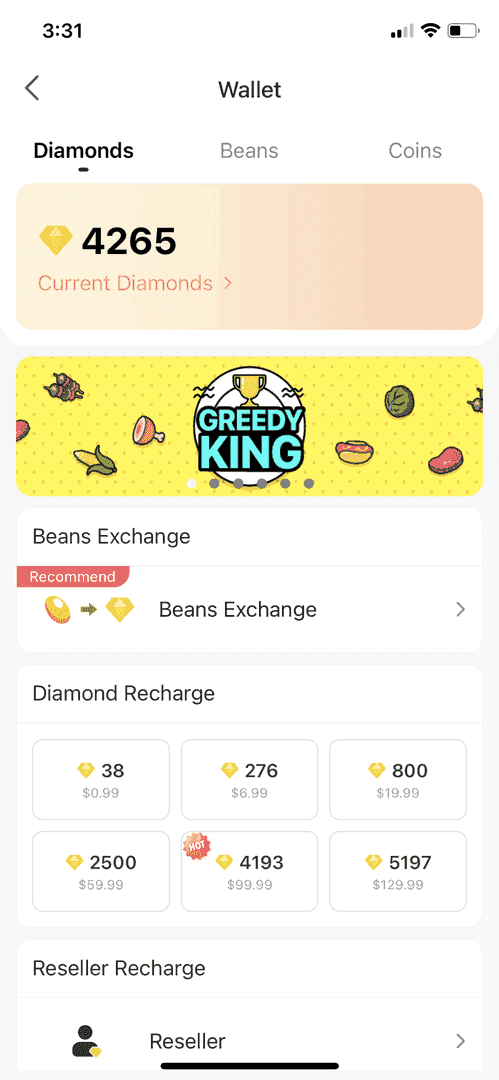
Swipe down on Me > Wallet 3-5 times
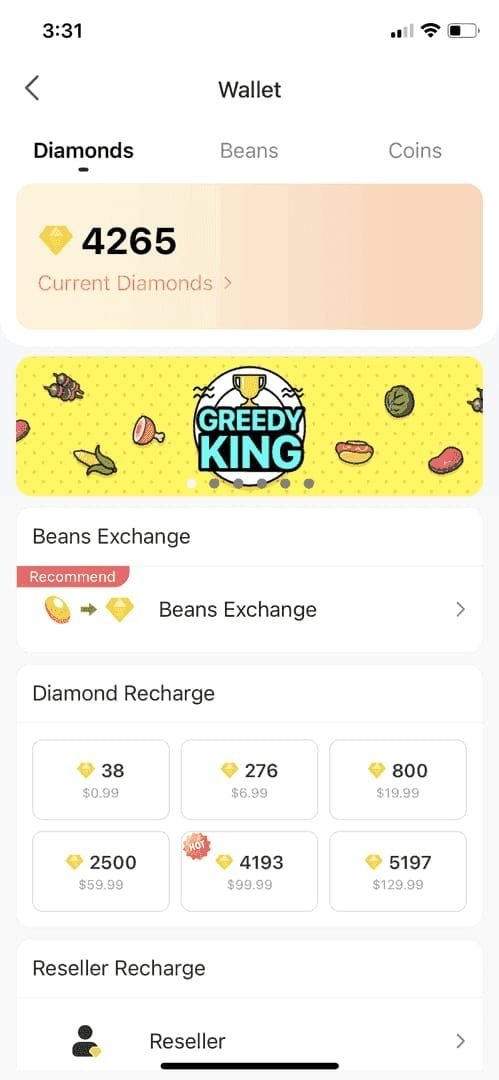
Wait 60-90 seconds between refreshes
Force-close app completely and reopen
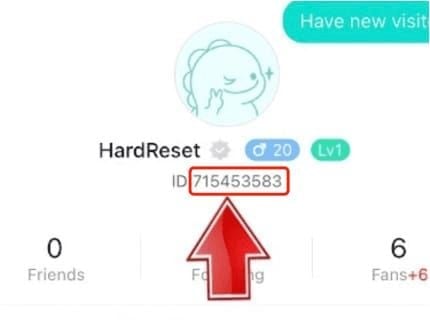
Step 4: Confirm Correct Account Verify your BIGO ID (8-12 digit code in Me > Profile) matches the recharge account. Incorrect ID causes 25-70% of missing diamonds.
Method 1: App Refresh Techniques
Force Close and Reopen:
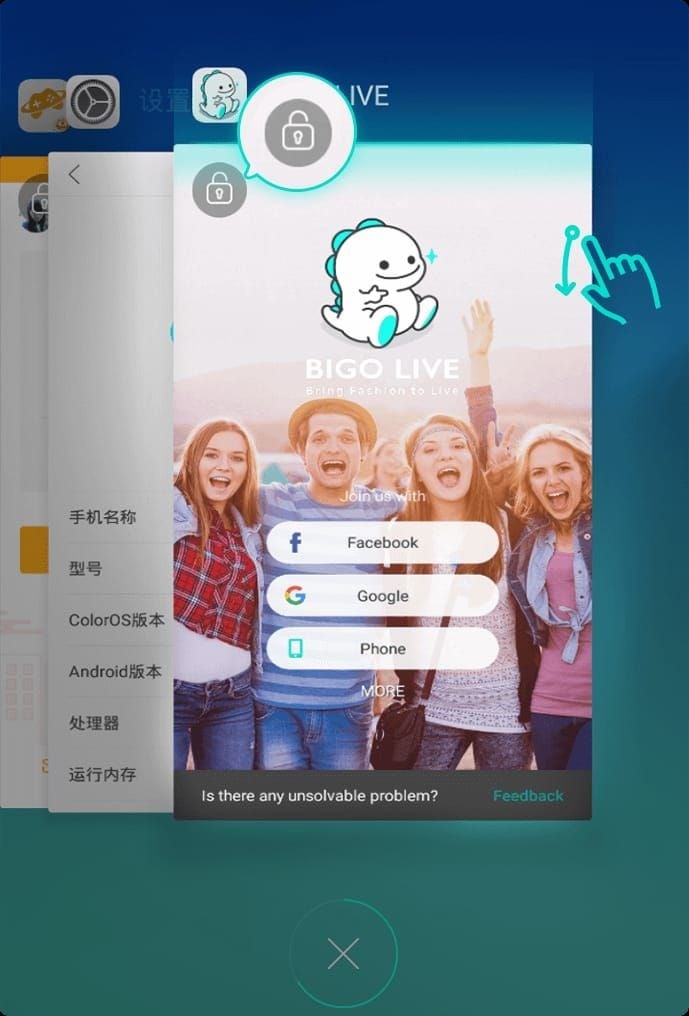
iOS: Swipe up from bottom, swipe BIGO away
Android: Settings > Apps > BIGO Live > Force Stop
Wait 30 seconds before reopening
Logout and Login: Navigate to Me > Settings > Logout, then log back in. This triggers complete profile sync including diamond balance.
Switch Tabs: Navigate from Me > Wallet to main feed, then back. Send a small gift to test wallet functionality.
Reinstall (Last Resort):
iOS: Settings > General > iPhone Storage > BIGO LIVE > Offload App
Android: Uninstall, restart device, reinstall from app store
Method 2: Cache Clearing
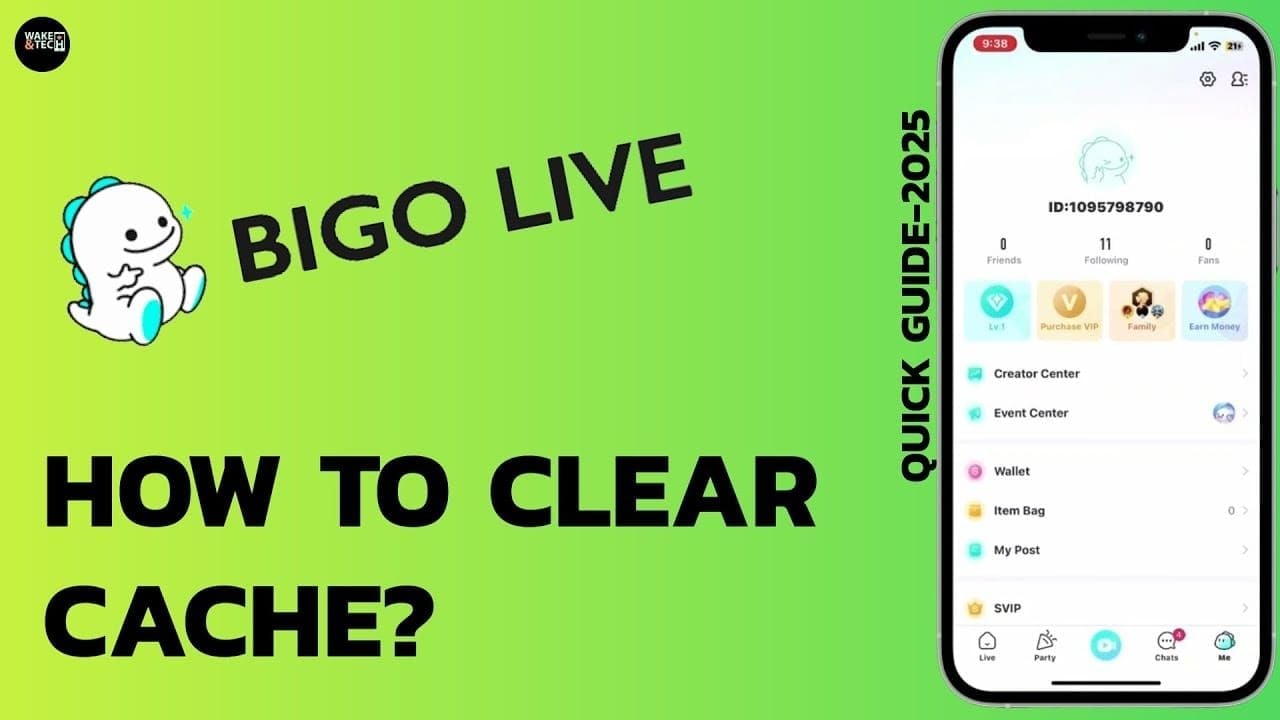
Android: Settings > Apps > BIGO Live > Storage > Clear Cache, then Force Stop and relaunch. Fixes 70-80% of display glitches.
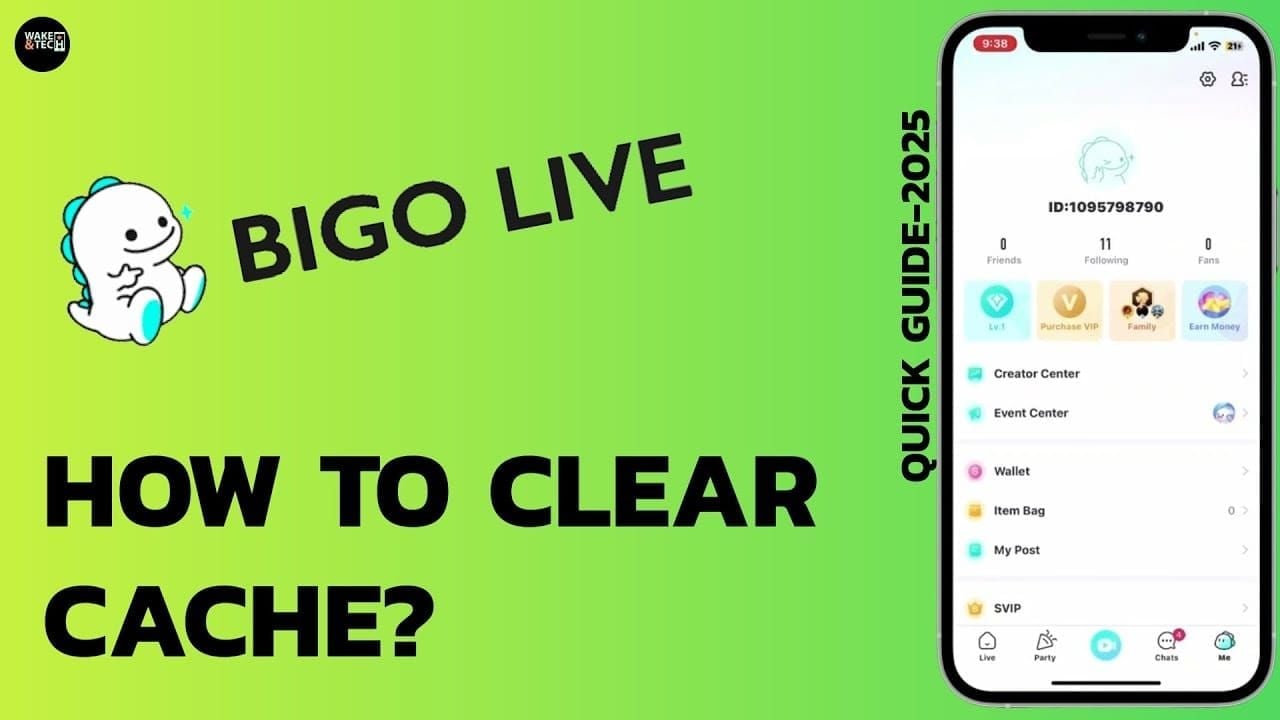
iOS: Settings > General > iPhone Storage > BIGO LIVE > Offload App, then reinstall from App Store.
What You Won't Lose: Diamond balance, gift inventory, transaction history, and account settings exist on BIGO's servers. Cache clearing only removes temporary display files.
Method 3: Security Audit
Check Gift History: Me > Wallet > History - look for unfamiliar broadcasters or unusual spending patterns during hours you weren't active.
Review Login Activity: Me > Security - check for unfamiliar cities, countries, or devices.
If Compromised:
Change password immediately (Me > Security > Change Password)
Enable two-factor authentication (reduces delays 80-95%)
Unlink unfamiliar social media accounts
Review connected third-party apps
Required Documentation for Support
Essential Proof:
Transaction receipt showing ID, date, time, amount, merchant
Payment confirmation email/SMS
Bank statement or payment app records
Account balance before/after screenshots
Transaction ID and timestamp
Screenshot Requirements:
Complete payment confirmation screen
All text legible, no cropping
Include payment method (card last 4 digits, PayPal email)
Device timestamp visible
Contacting BIGO Support
Where to Submit:
Email: support@bigo.tv
Phone: +65 63519330 (GMT+8 business hours)
Subject line: Missing Diamonds After Recharge - BIGO ID [Your ID]
Include in Ticket:
BIGO ID (8-12 digits)
Registered phone and email
Diamond package purchased
Amount charged in local currency
Purchase date/time in GMT+8
Troubleshooting steps already attempted
Response Timeline:
Acknowledgment: 24 hours
Credit application: 1-3 business days
Complex cases: 5-7 business days
Follow-Up: Wait 48 hours before following up. Reference original ticket number. Escalate after one week without resolution.
Advanced Troubleshooting
Device Requirements:
BIGO Live app version 5.0+
iOS 17+ for Apple devices
Update through app store if running older versions
VPN/Proxy Issues: Disable VPN (resolves 10-20% of connection blocks). Set DNS to 8.8.8.8 or 1.1.1.1 in network settings.
Regional Delays:
Africa/South America: 15-20 minute average
Enable airplane mode for 10 seconds, then disable to reconnect
Prevention: Safe Recharge Practices
Why BitTopup:
Competitive pricing and fast delivery
Transaction verification before processing
Real-time delivery tracking
Prevents incorrect ID entry (25-70% of cases)
Before Recharging:
Double-check BIGO ID (copy-paste, don't type)
Verify package quantity and price
Enable two-factor authentication
Remove unfamiliar linked devices
After Purchase:
Check Me > Wallet within 2-10 minutes
Test wallet by sending small gift
Monitor during off-peak hours (midnight-6 AM) for fastest delivery
Common Misconceptions
Myth: Diamonds appear instantly Reality: Normal delivery takes 2-10 minutes by region. Peak hours add 20-30% delay. Security checks extend to 24-48 hours.
Myth: Cache clearing deletes balance Reality: Balance exists on BIGO's servers. Cache clearing only removes temporary display files with zero risk.
Myth: Support never resolves issues Reality: 95% resolve within 5 minutes through self-service. Support credits missing diamonds in 1-3 business days with proper documentation.
Recovery Timeline
0-2 Hours: Self-service solutions (app refresh, cache clear, network troubleshooting). 95% of cases resolve here.
2-24 Hours: Automatic system resolution. Security checks and payment reconciliation complete. Don't submit tickets before 24 hours unless account compromised.
24-72 Hours: Support investigation period. Submit ticket with complete documentation. Credit application takes 1-3 business days after verification.
Beyond 72 Hours: Follow up on ticket. Contact phone support with ticket number. Payment gateway investigation may extend to 7-10 business days.
FAQ
Why did my BIGO diamonds disappear after recharge? Sync delays (40%), incorrect BIGO ID (25-70%), or network issues (15-25%). 95% resolve within 5 minutes through app refresh or cache clearing.
How long for diamonds to appear? Asia: 2-3 minutes. Europe/Americas: 5-10 minutes. Peak hours add 20-30% delay. New account security checks: 24-48 hours.
What should I do if diamonds don't show? Swipe down on Me > Wallet 3-5 times, force-close and reopen app, clear cache, switch Wi-Fi to mobile data, verify correct BIGO ID. Contact support@bigo.tv after 24 hours with payment receipts.
Can clearing cache restore missing diamonds? Fixes 70-80% of Android display glitches. Your balance exists on BIGO's servers - cache clearing only refreshes display without affecting real balance.
What proof for BIGO support? BIGO ID, transaction receipt with ID and timestamp, payment confirmation email, bank statement, before/after balance screenshots. Complete documentation enables 1-3 business day resolution.
How to prevent future disappearances? Enable two-factor authentication (reduces delays 80-95%), verify BIGO ID before payment, use BitTopup with delivery verification, monitor balance within 2-10 minutes after purchase.
Avoid diamond disappearance - recharge BIGO diamonds through BitTopup with instant verification, secure transactions, and 24/7 support.
Character count: 7,847