Arena Breakout Mobile Season 11 launches December 18, 2026 (S2/S7 servers) with non-wipe mechanics preserving Bonds, Koen, Hideout progress, and Operator Levels while wiping Season Supplies and stashes. This guide covers emulator setup, optimized settings, and three proven gear sets (88k-305k Koens). The 7-day prep window starting December 11 offers Bond conversion at 1:1000-1500 ratios before December 18 maintenance (00:00-10:00 UTC+0).
S11 Non-Wipe Season Mechanics
S11's non-wipe format preserves Koen, Bonds, Hideout upgrades, Operator Level, quest progress, skins, and outfits. Wiped elements: Season Supplies, stashes, faction reputation, and quest progression.
The December 11-17 window enables strategic resource conversion before matchmaking stops December 17 at 23:00 UTC+0. Convert Koens to Bonds at favorable ratios, then back to Koens post-wipe when values stabilize. Arena Breakout Mobile bonds top up through BitTopup provides instant delivery for optimal pre-season positioning.
Bond-to-Koen Conversion Strategy
Early season ratios fluctuate 1:1000-1500 (1000 Bonds = 1-1.5M Koens). Convert 60-80% of Koens to Bonds during prep window, reserve 20-40% for immediate post-wipe purchases.
Budget tiers by playstyle:
Entry (300k-500k Koens): 500-1000 Bonds
Mid-tier (750k-1.25M Koens): Proportionally larger reserves
Advanced (1.5M+ Koens): Comprehensive conversion strategy
Maintenance typically lasts 4-6 hours. Season duration: 90-120 days.
Emulator Setup for S11
BlueStacks offers optimized performance and official compatibility.
System Requirements
OS: Windows 7+ or macOS 11+
Processor: Intel/AMD/Apple Silicon
RAM: 4GB minimum (8GB recommended)
Storage: 10GB free
Administrator privileges required
Installation Steps
Download BlueStacks installer
Run with admin permissions
Complete wizard with performance settings
Launch and sign into Google Play
Search Arena Breakout: Realistic FPS
Install (3-5GB download)
Launch from home screen
Account Linking
Game officially supports emulators—no ban risk. Emulator players match exclusively against other emulator users. Link mobile account via in-game settings (Google Play/Facebook) for cross-platform progression.
Graphics and Performance Settings
Recommended Settings
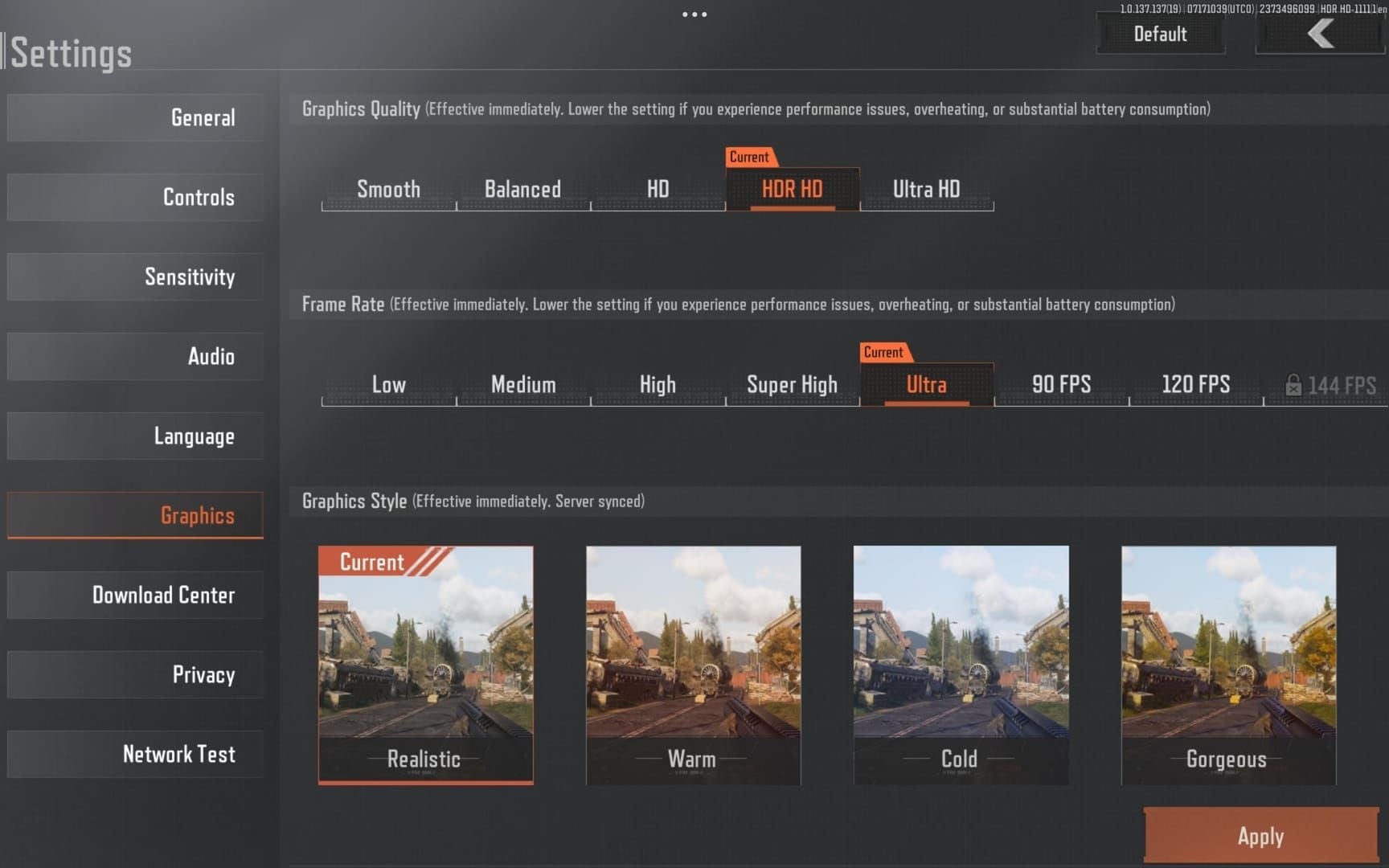
Resolution: 1920x1080
Frame Rate: 60 FPS minimum (120 FPS preferred)
Texture Quality: Medium
Shadow Quality: Low
Effects Quality: Medium
Anti-Aliasing: FXAA
Render Distance: High
Motion Blur: Off
Depth of Field: Off
FPS Counter: On
Low-End Optimization
Resolution: 1280x720
Frame Rate: 30 FPS locked
Close background apps
BlueStacks allocation: 4 CPU cores, 4GB RAM
Enable high performance mode
Sensitivity Transfer from Mobile
Conversion Formula
(Mobile Sensitivity ÷ Mouse DPI) × 1000 = Emulator Sensitivity
Example: 100 mobile sensitivity with 800 DPI mouse = 125 emulator sensitivity
Test in shooting range, adjust in 5-point increments.
Weapon-Specific Adjustments
SMGs/CQB: +10-15% above baseline
Rifles/DMRs: Baseline sensitivity
Sniper Rifles: -20-30% below baseline
Configure separate multipliers per scope magnification.
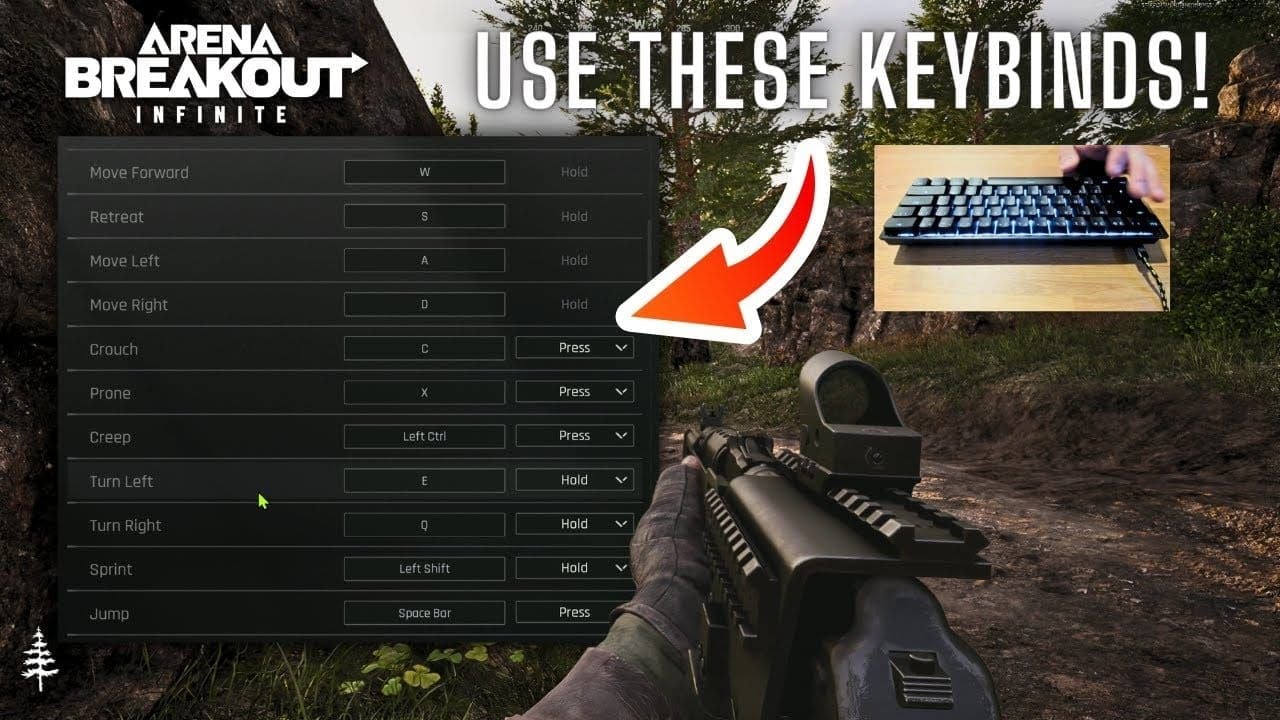
Keybinding Configuration
Movement
WASD: Standard movement
Left Shift: Sprint
Left Ctrl: Crouch
Spacebar: Jump
Combat
Left Mouse: Primary Fire
Right Mouse: ADS
R: Reload
Mouse Wheel/1-2: Weapon Switch
G: Grenade
V: Melee
Q/E: Lean Left/Right
Inventory & Medical
4: Medkit
5: Bandage
6: Painkillers
7: Surgical Kit
M: Map
Tab: Inventory
F: Tactical equipment (flashlight/NVG)
Audio Settings
Configuration
Master Volume: 70-80%
Effects Volume: 100% (footsteps, reloads)
Gunfire Volume: 90%
Voice Chat: 60%
Music: 0%
Enable Enhanced Audio/spatial audio
Use stereo or 5.1 surround based on headphone capability.
Week 1 Gear Sets
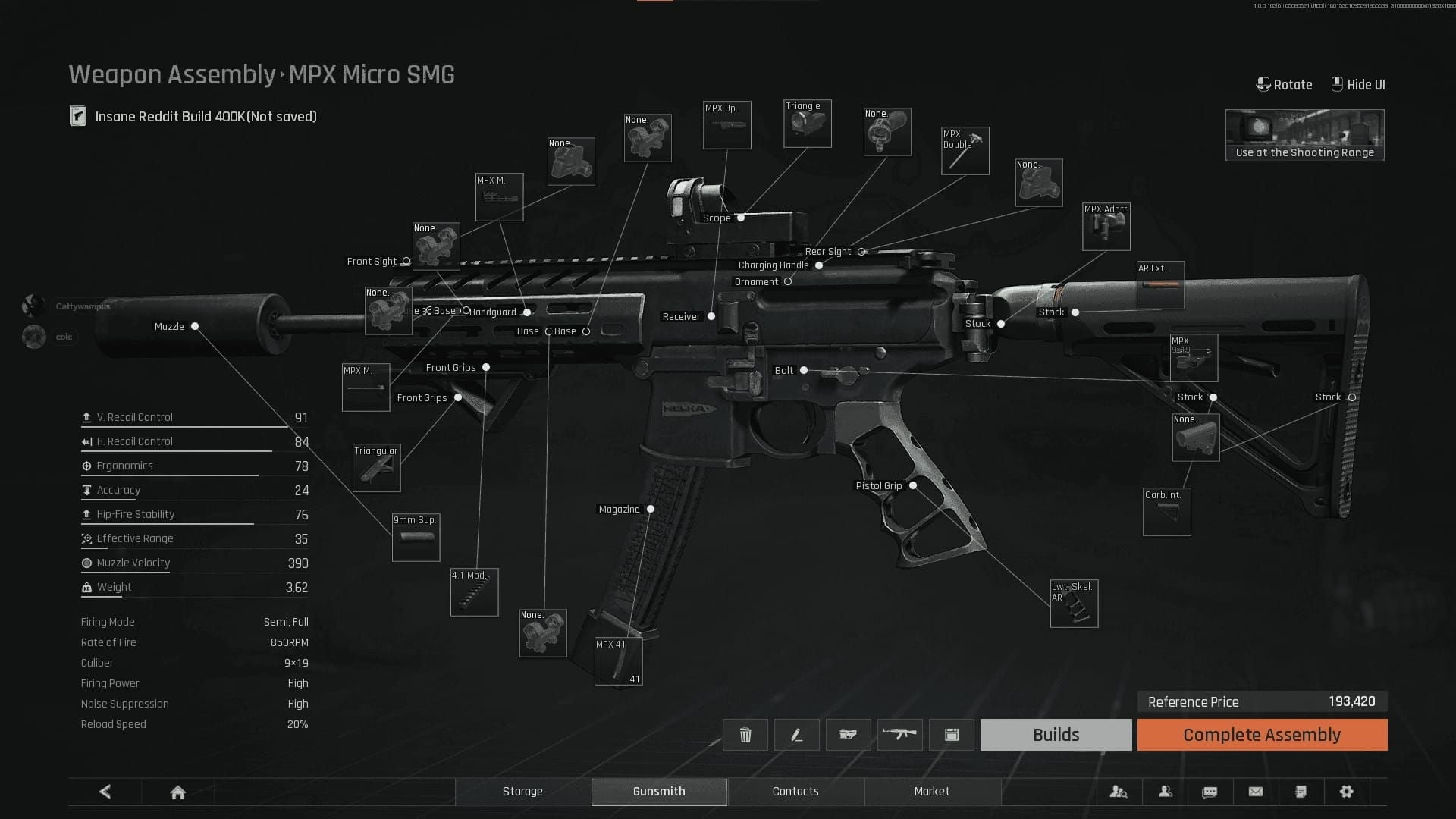
Gear Set 1: MPX Budget (88k Koens)
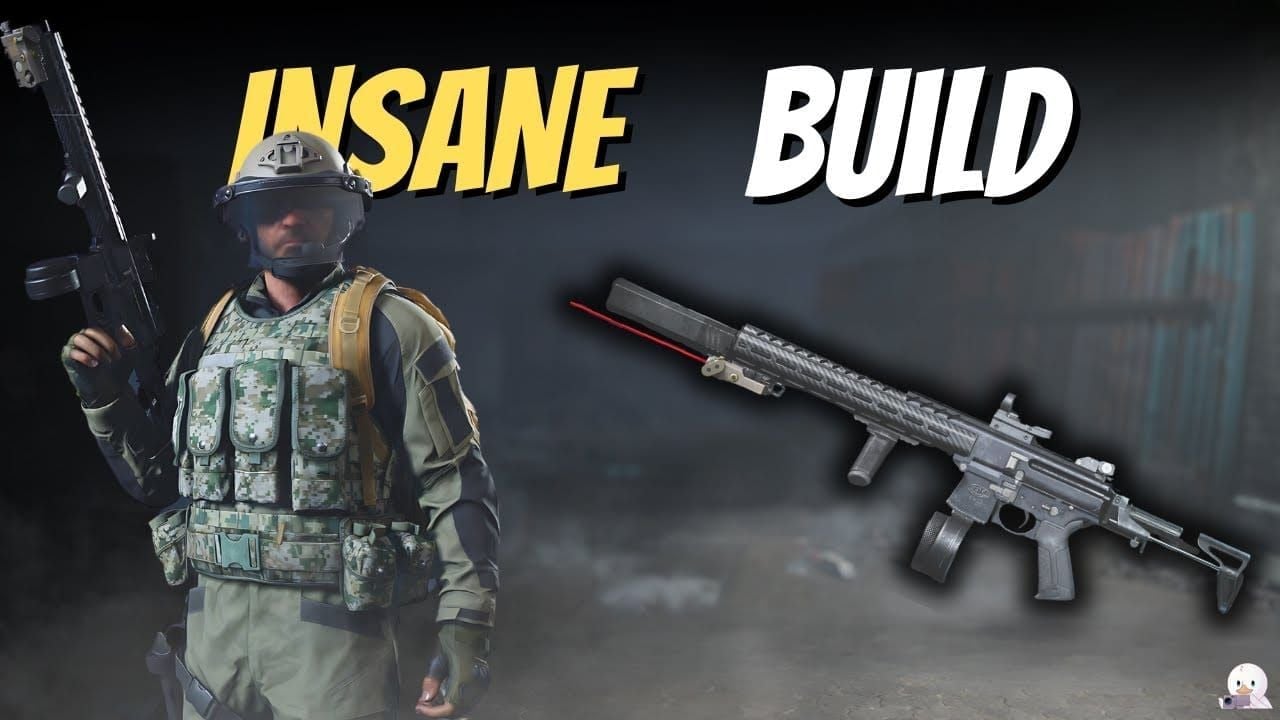
Gunsmith code: 3fOafNDUYLQszu4
ROF: 850 RPM
Range: 57m
Ammo: T3 AP6.3 (424.8 pen, 679.68 dmg)
Loadout
Primary: MPX optimized
Ammo: 120 rounds (3 mags + spare)
Armor: Level 3 ceramic
Helmet: Level 3 tactical
Backpack: 30-slot
Medical: 2 bandages, 1 medkit, 1 painkiller
Variants: Dust (169k with armor), Gold (678k with L4 armor)
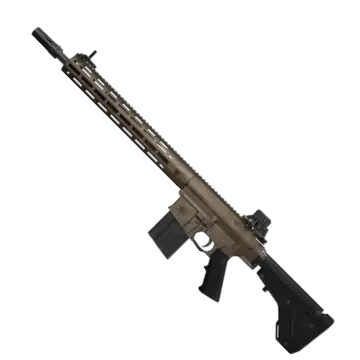
Gear Set 2: FAL Mid-Range (135k Koens)
Gunsmith code: 3fOafNDUYLQszx4
ROF: 630 RPM
Range: 124m
Ammo: T4 M80 (441 pen, 850.5 dmg)
Loadout
Primary: FAL recoil-optimized
Ammo: 100 rounds (5×20 mags)
Armor: Level 4 composite
Helmet: Level 3 with visor
Backpack: 40-slot
Medical: 3 bandages, 1 medkit, 2 painkillers, 1 surgical kit
Gear Set 3: AR57 Advanced (305k Koens)
Gunsmith code: 3frwi7fw87UEAA4 (Level 16 unlock)
Ammo: T4 7N31 (566.4 pen, 665.52 dmg)
Loadout
Primary: AR57 fully modified
Ammo: 150 rounds (5 mags + loose)
Armor: Level 5 (note: 50% durability nerf) or Level 4
Helmet: Level 4 with face shield
Backpack: 50-slot
Medical: 4 bandages, 2 medkits, 3 painkillers, 1 surgical kit
Tactical: 2 flashbangs, 1 smoke
Usage Guidelines
MPX: Quick loot runs, high-traffic zones, volume-based wealth
FAL: Mid-session contested areas, engagement flexibility
AR57: High-value objectives (Armory), extraction camping
Week 1 Economy Management
Pre-Season Stash Organization
Organize containers by loadout tier. Convert 60-80% Koens to Bonds (1:1000-1500 ratio), reserve 20-40% for post-wipe purchases.
Week one budgets: 500-1000 Bonds based on intensity.
Currency Distribution
40%: MPX-tier (volume extractions)
35%: FAL-tier (contested zones, 2-3x ROI)
25%: AR57-tier (optimal conditions only)
Buy Arena Breakout bonds recharge online via BitTopup for instant delivery and competitive rates.
Loot Priority Routes
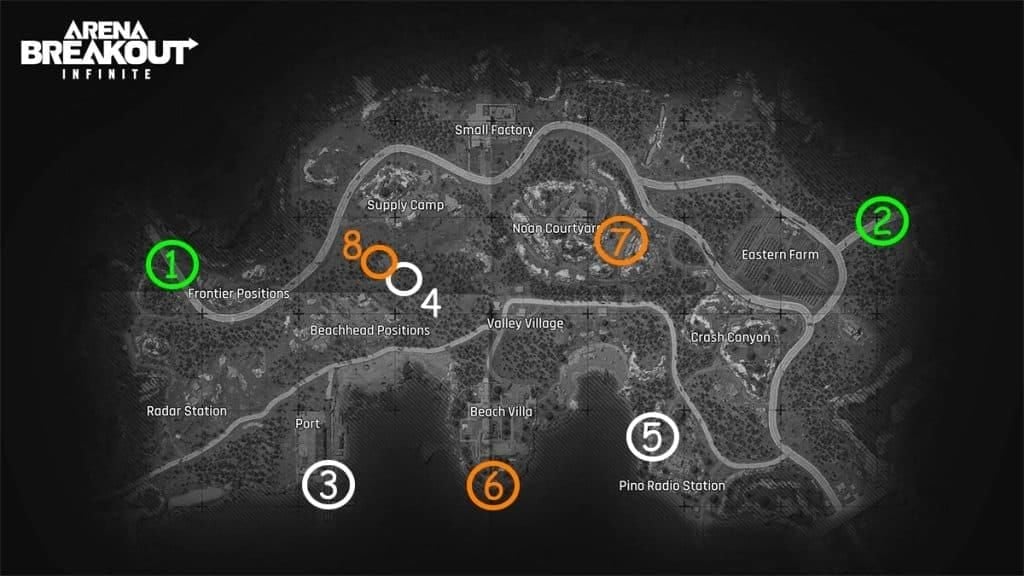
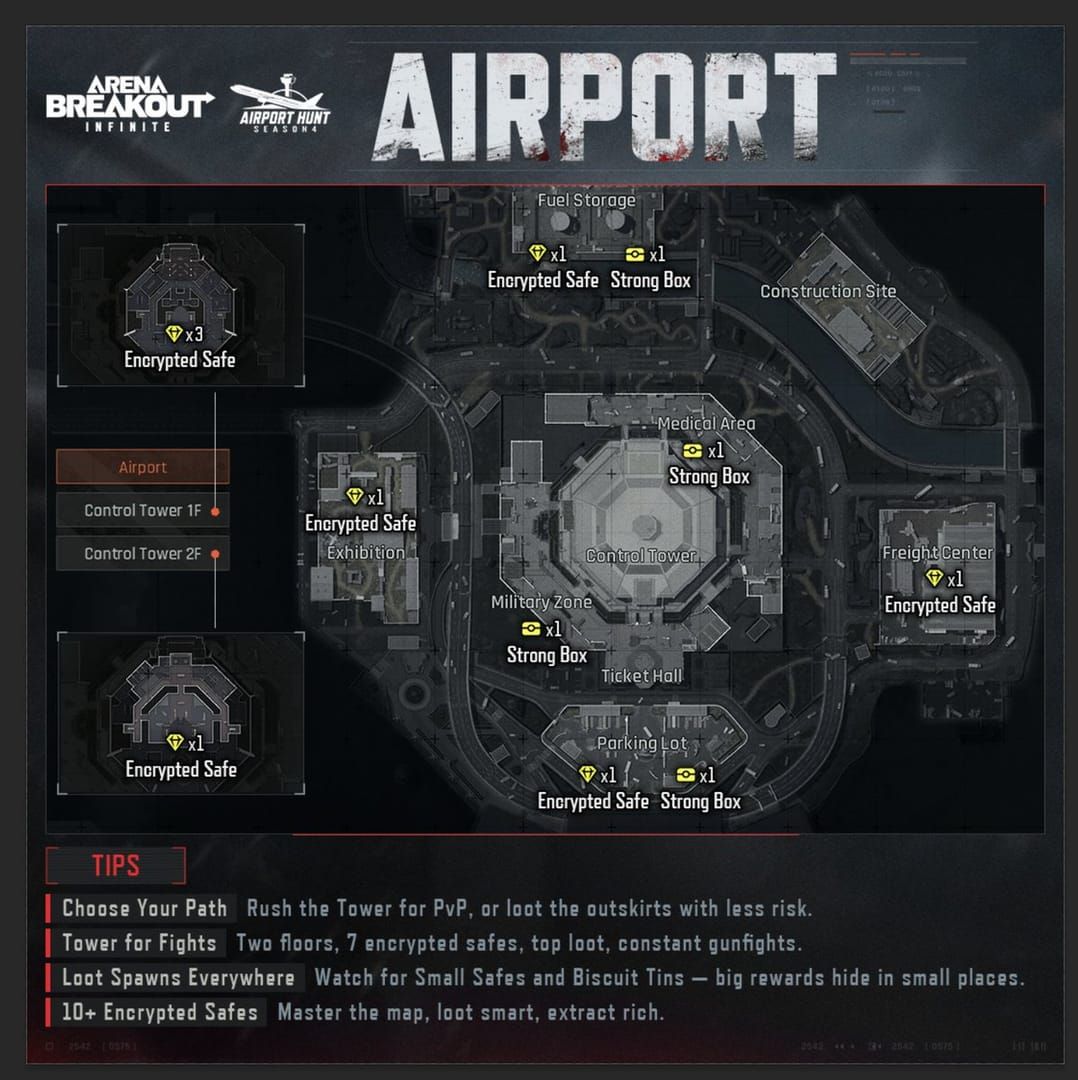
First 48 hours: Farm Town peripherals, TV Station ground floor. Avoid Armory/central compounds until 72+ hours when density normalizes.
Advanced Emulator Optimization
Input Lag Reduction
Disable Windows Game Mode and Xbox Game Bar
Set High Performance power plan
Enable Direct Input mode
Reduce mouse polling to 500Hz if stuttering
Close background apps
Network Settings
Use primary adapter exclusively
Wired Ethernet preferred
DNS: Google (8.8.8.8/8.8.4.4) or Cloudflare (1.1.1.1/1.0.0.1)
Close bandwidth-heavy apps
Troubleshooting
Crashes
Increase RAM to 6GB
Update graphics drivers
Reinstall game for corrupted files
Control Issues
Verify BlueStacks permissions (Windows Settings > Privacy)
Reset keybindings to default, reconfigure incrementally
Graphics Problems
Update GPU drivers (avoid beta)
Switch between DirectX/OpenGL in advanced settings
FAQ
What is a non-wipe season? Preserves Koen, Bonds, Hideout, Operator Level, quests, skins. Wipes Season Supplies, stashes, faction rep, quest progression.
How much Koen for week one? 500-1000 Bonds (500k-1.5M Koens). Entry: 300k-500k, Mid: 750k-1.25M, Advanced: 1.5M+.
Can I get banned for emulator use? No. Officially supported. Emulator players match only against other emulator users.
Best budget loadouts? MPX 88k (code 3fOafNDUYLQszu4): 850 RPM, T3 AP6.3. FAL 135k (code 3fOafNDUYLQszx4): 630 RPM, T4 M80.
How to reduce input lag? Disable Game Mode/Xbox Bar, High Performance plan, Direct Input, 500Hz polling, wired Ethernet, close background apps.
When does S11 launch? December 18, 2025 (S2/S7) after 00:00-10:00 UTC+0 maintenance. Matchmaking stops December 17, 23:00 UTC+0. Prep window: December 11-17.