

No official March 2026 maintenance date has been confirmed yet — but you're not flying blind. The last confirmed downtime was December 18, 2026 (9:00 AM UTC+8, 2-hour hotfix, launched Season 7 Taste Drive). That's your baseline. Here's how to plan your gem top-up around whatever comes next.
What We Know About the March 2026 Maintenance Window
Honest answer: nothing confirmed. But historical patterns give you a solid framework.
If March 2026 brings a new season or major car roster addition, budget for 4 hours, not 2.
Where to Get Official Announcements
In-game notification banner — appears 24–48 hours before downtime
Official Racing Master Facebook page — primary SEA hub
Official Discord — fastest for emergency alerts
In-game Mailbox — pre-maintenance notices often land here
Don't rely on Reddit or third-party sites. By the time a notice circulates through community channels, you may have under an hour to act.
Scheduled vs Emergency Maintenance
This distinction matters for top-up safety, and most guides skip it.
Scheduled maintenance comes with advance notice and a clean server shutdown. Your transaction risk is low if you top up at least 90 minutes before the confirmed start.
Emergency maintenance is the dangerous scenario. No warning, servers drop mid-session, and payment processors may not receive a clean confirmation from the game server. If you see an emergency notice posted, stop any pending top-up and wait for full restoration.
Should You Top Up Before the March 2026 Downtime?
Top up before maintenance only if a bonus event is active and you have a confirmed start time with at least 90 minutes of buffer. Otherwise, waiting until post-maintenance is the lower-risk play.
What Actually Happens to Transactions During Maintenance
When Racing Master SEA servers go into maintenance, the gem credit system goes offline. Your payment processor (credit card, Google Pay, etc.) can still complete the financial transaction — meaning money leaves your account — but gem delivery to your Mailbox depends on the game server being online to process that credit signal.

Worst case: payment confirmed, gems not delivered. This isn't a scam — it's a timing gap. Gems almost always arrive once servers restore, but it can take 15–60 minutes post-restoration for the delivery queue to clear.
The 60-Minute Danger Zone
Don't initiate any top-up within 60 minutes of a confirmed maintenance start. Game servers begin their shutdown sequence before the official window opens, and the gem credit API can go offline before the login servers do. You might still be in-game when the transaction fails silently.
The 90-minute buffer is the community-tested safe zone. Complete your top-up, confirm gems appear in your Mailbox, then you're clear.
When Pre-Maintenance Top-Up Makes Sense
There are legitimate cases where topping up before downtime is the right call:
A bonus event has a hard deadline before maintenance — the New Year's Top-Up Bonus (January 1–18, 2026) is a confirmed example where missing the window meant losing the bonus permanently
A limited event car closes on the same day — the Speed Era Limited Expo and Car Renewal Plan both closed February 5, 2026, creating real urgency
You're a light spender bridging the F2P gap — community data shows F2P players earn 1,260–3,500 Gems over 42 days, which falls short of Extreme-tier cars costing 3,000–6,500 Gems
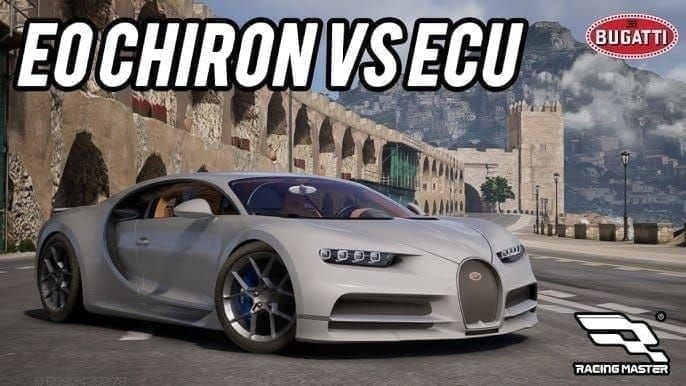
For players chasing cars like the Bugatti Chiron 2015 (4,000–6,500 Gems, rating 966, 1,603 HP) or the Lamborghini Aventador SVJ '19 (3,500–6,000 Gems), F2P income alone doesn't close the gap. If a bonus event is live and the deadline is real, topping up with proper timing buffer is the right move. Players who need their balance ready fast can buy Racing Master gems online fast delivery through BitTopup well before any maintenance window cuts things short.
When Rushing a Top-Up Backfires
Rushing in the final 30 minutes before maintenance is how players end up filing support tickets. The risks:
Transaction completes financially but gems are delayed 1–6 hours post-maintenance
Panic-buying leads to spending on cosmetics or Standard cars (800–1,500 Gems) instead of saving for Extreme-tier vehicles
Emergency maintenance has no safe buffer at all
The community flags this mistake constantly: spending Gems on Standard cars, cosmetics, or fuel refills (50–100 Gems each) instead of holding for Extreme cars before event deadlines. Don't let maintenance urgency pressure you into a bad spend.
The Safest Windows
Best: 2–6 hours before confirmed maintenance start, or 30–60 minutes after servers fully restore.
Avoid: The 60-minute pre-maintenance zone and anything during active downtime.
Do Major Updates Trigger Bonus Top-Up Events?
Community patterns say yes — but the bonus events are tied to seasonal content launches, not maintenance itself. The maintenance is the delivery mechanism; the event is the incentive.
The December 18, 2025 maintenance is instructive. It launched Season 7, which was followed by the New Year's Top-Up Bonus (January 1–18, 2026) and the New Year's Milestone Rush (January 1–19, 2026). Neither started on maintenance day — both launched two weeks later. The pattern: major maintenance → new season → bonus events follow within 1–2 weeks, not immediately.
Waiting 24–48 hours post-maintenance to see what events activate before spending is often the smarter play.
Spotting a Legitimate Bonus Event
Real bonus events in Racing Master SEA share these traits:
Announced via official in-game banner AND official social channels simultaneously
Explicit start/end times in UTC+8
Visible in the in-game Events tab with a countdown timer
Tiered rewards tied to cumulative top-up amounts, not single purchases
If a double gems offer only appears on a third-party site or Discord rumor without in-game confirmation, treat it as unconfirmed until you see it in the Events tab yourself.
Maximizing Value During a Bonus Event
Confirm the event end time — missing by one hour loses the bonus entirely
Calculate your exact Gem deficit before topping up
Top up in one session — cumulative thresholds mean splitting purchases can cause you to miss a tier
Claim from Mailbox immediately — bonus Gems are sometimes delivered separately and can expire
Maintenance Compensation — Does It Affect Your Strategy?
Compensation is real but modest. Don't let it change your spending calculus.
Based on community observation across multiple SEA maintenance cycles, post-downtime compensation arrives in your Mailbox within 1–2 hours of server restoration. Typical rewards: small Gem amounts, fuel, consumables — not the hundreds of Gems needed to shift your car acquisition strategy. The December 18, 2025 hotfix compensation followed this pattern.
Don't delay a time-sensitive top-up waiting for compensation that won't cover the gap. If you need 2,000 Gems for an Extreme car closing February 5, compensation won't get you there.
Compensation lands in your Mailbox — claim it within 48 hours of server restoration, as items can expire. If it doesn't arrive within 2 hours post-maintenance, check the official Discord before filing a support ticket; distribution is sometimes staggered.
Safe Top-Up Checklist Around Maintenance
Step 1 — Verify your User ID. Log in and tap your avatar (top-left corner) to confirm your ID. A mismatched ID sends gems to the wrong account — recovery requires a support ticket that can take days.
Step 2 — Confirm maintenance end time before transacting. Never top up based on an estimated end time. Wait for the official servers are back online announcement from the Facebook page or Discord. The login screen will stop showing the maintenance notice once servers restore.
Step 3 — Use a reliable top-up platform. Transaction stability matters most around maintenance windows. Fast processing reduces the vulnerability window between payment confirmation and gem delivery. If you're planning to top up Racing Master SEA server currency ahead of a major update, choose a service with clear transaction confirmation so you can verify delivery quickly.
Step 4 — Wait 15–30 minutes after restoration before spending. Post-maintenance periods can have residual instability — shop transactions occasionally fail or double-process in the first few minutes. Let the servers settle.
Step 5 — If gems don't arrive within 60 minutes post-restoration:
Force-close and relaunch the app (clears local cache)
Check your payment method for a confirmed charge
Screenshot your payment confirmation with timestamp
Submit a support ticket via Settings → Customer Service with your User ID, transaction ID, and timestamp
Post in the official Discord — moderators sometimes escalate gem delivery issues faster than the standard ticket queue
Checking Server Status in Real Time
No dedicated Racing Master SEA server status dashboard exists — status checks are announcement-dependent. Priority order:
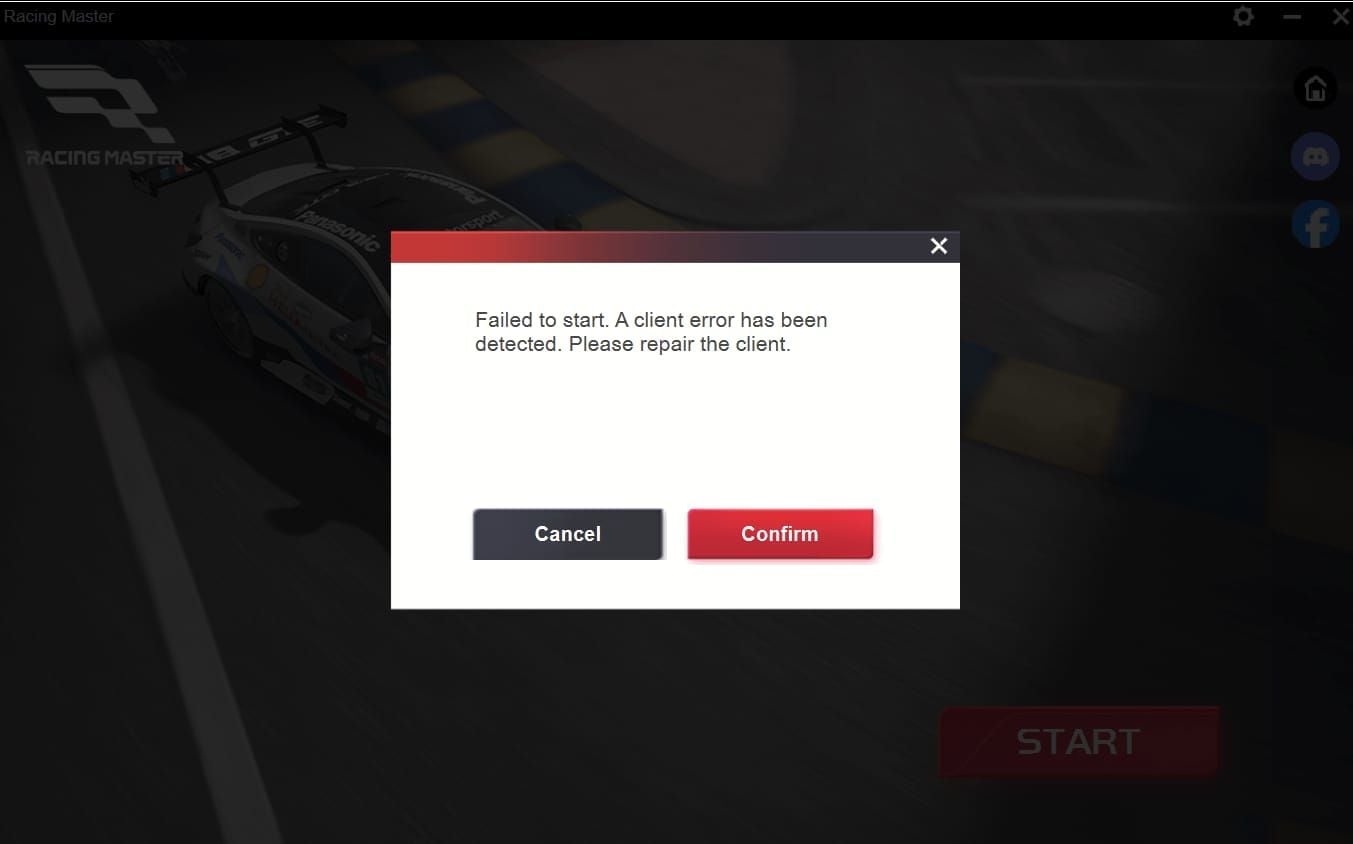
In-game login screen (shows maintenance notice if servers are down)
Official Racing Master Facebook page
Official Discord #announcements channel
In-game Events tab (maintenance notices sometimes posted pre-downtime)
The Discord is your fastest real-time source. In-game, you'll see a countdown banner in the lobby 30–60 minutes before scheduled downtime. When it hits zero, the game force-disconnects active sessions.
Post-Maintenance Gem Spending Strategy
Waiting until post-maintenance to spend is almost always the better position. Major updates introduce new content, and spending before you know what's in the patch risks committing resources to content that's about to be superseded. Players who held their Gems through the December 18, 2025 maintenance could evaluate the full Season 7 roster before committing.
Spending Priority Order
Community testing confirms Extreme cars (966+ rating) decisively outperform Sports-tier vehicles (897–928 rating) in high-rank open-class events. Pushing for Champion Driver rank — which requires 3,922 points for the Gold Frame — an Extreme car isn't optional, it's the baseline. Factor in 500–1,000 Gems for fuel costs during a competitive ranked push.
Frequently Asked Questions
When is the Racing Master SEA server maintenance scheduled for March 2026? No official date confirmed as of this writing. Last confirmed maintenance: December 18, 2025, 9:00 AM UTC+8, 2-hour hotfix. Follow the official Facebook page and Discord — notices post 24–48 hours in advance.
How long does Racing Master SEA maintenance usually last? Hotfixes run approximately 2 hours (December 18, 2025 precedent). Major updates tied to new seasons can extend to 4+ hours. Always add buffer — if the notice says 2 hours, plan for 4 before transacting.
Is it safe to top up gems right before maintenance? Safe if you complete the transaction at least 90 minutes before confirmed start and verify gems appear in your Mailbox. Anything within 60 minutes of maintenance carries real transaction risk.
Will I lose my gems if I top up during downtime? You won't permanently lose them — but delivery delays until servers restore. The financial transaction may complete while gem credit sits in a queue. If gems don't appear within 60 minutes post-restoration, file a support ticket with your payment confirmation screenshot.
Does Racing Master SEA give compensation after maintenance? Yes — compensation typically arrives in your Mailbox within 1–2 hours of server restoration. Amounts are modest (small Gems, fuel, consumables) and shouldn't drive your top-up strategy.
What if my gems are missing after maintenance ends? Force-close the app, relaunch, check your Mailbox. Still missing after 60 minutes? Submit a support ticket via Settings → Customer Service with your User ID, transaction ID, and payment confirmation timestamp. The official Discord community can also help escalate.
Do bonus top-up events happen around major updates? Community patterns say yes — but they typically launch 1–2 weeks after major maintenance, not the same day. The New Year's Top-Up Bonus (January 1–18, 2026) followed the December 18, 2025 maintenance by two weeks. Check the Events tab post-maintenance before committing.
Information current as of early 2026. The March 2026 maintenance schedule will be updated upon official announcement. Check back post-maintenance for confirmed compensation rewards, activated bonus events, and patch details.