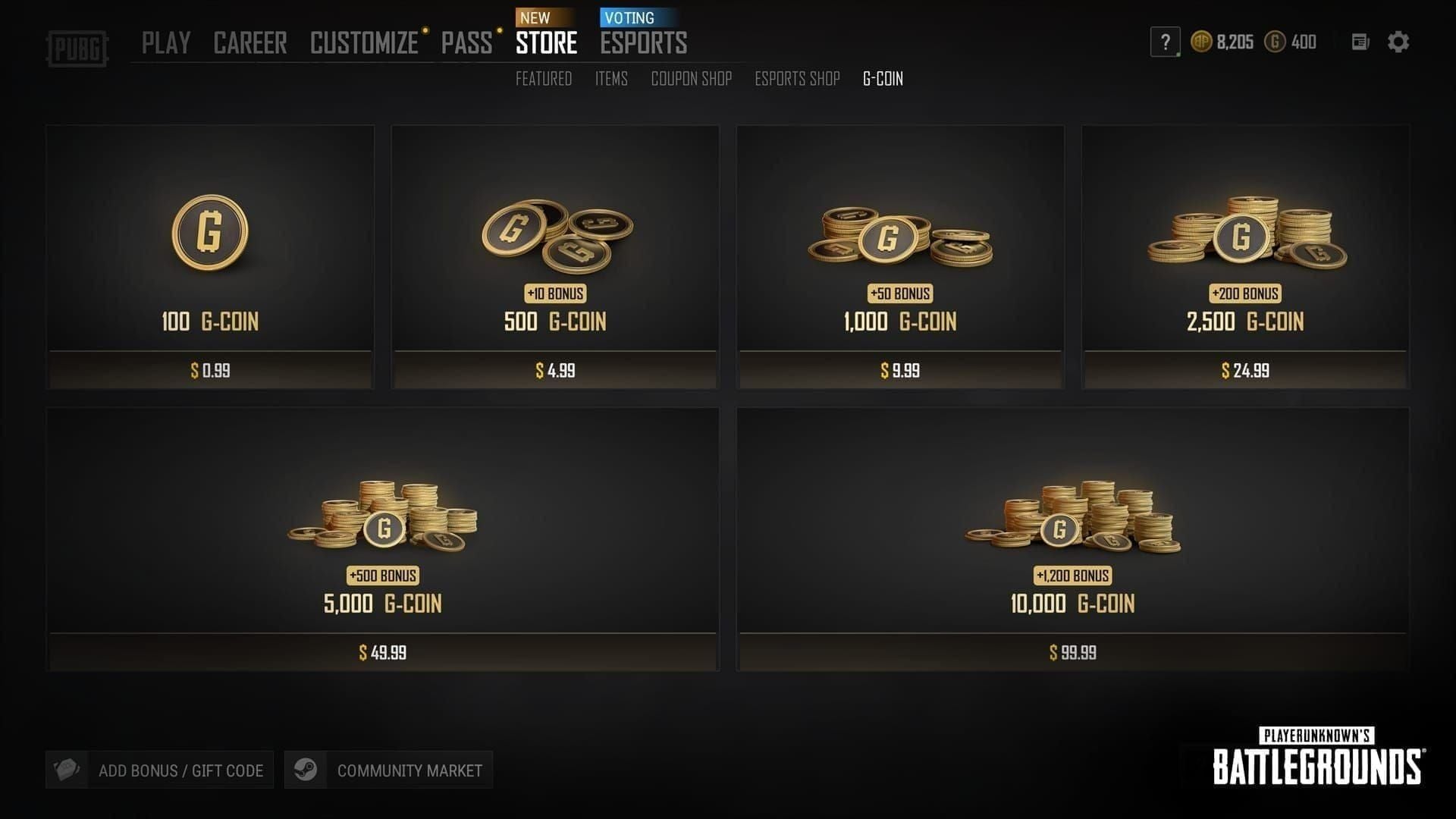
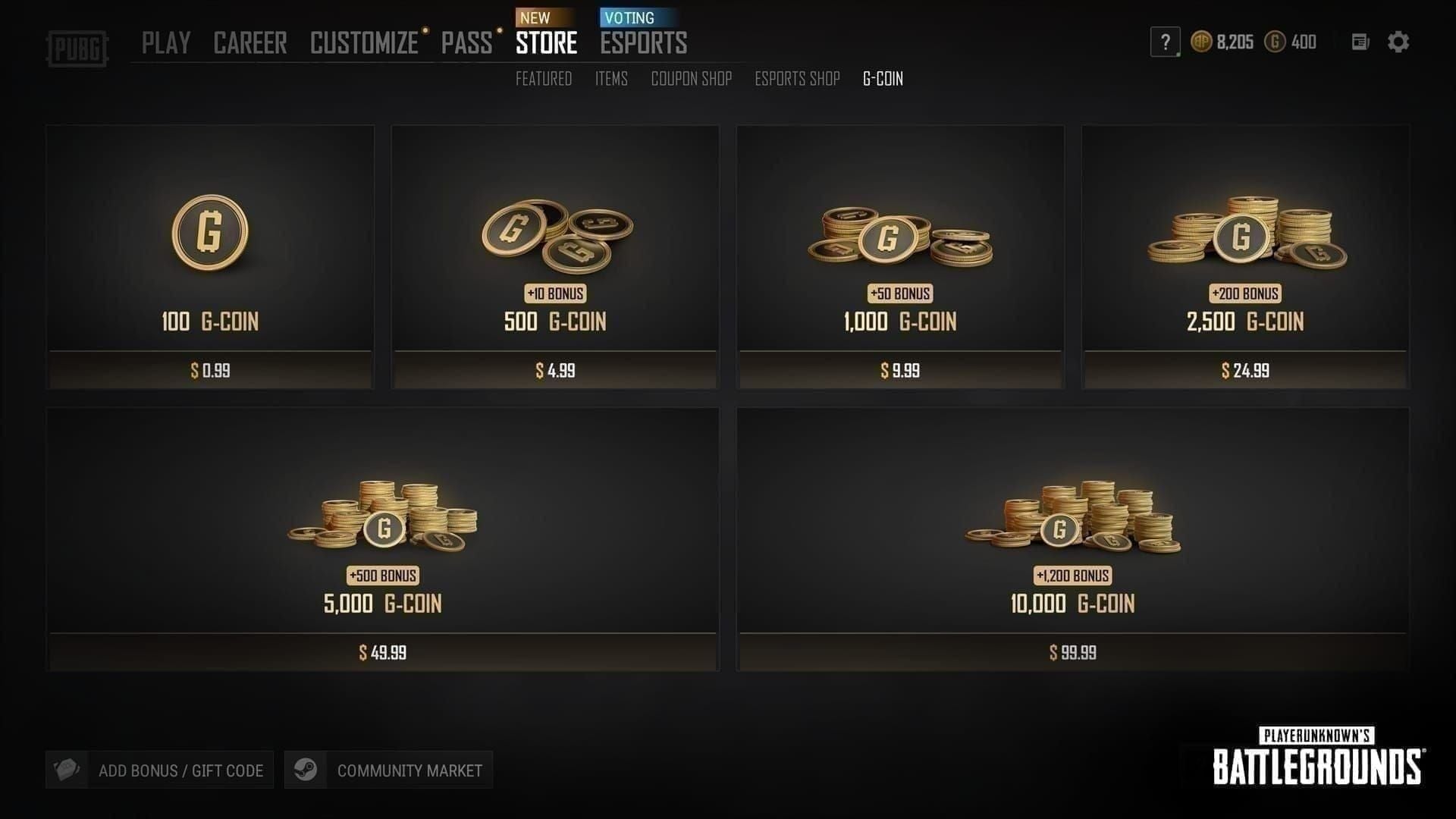
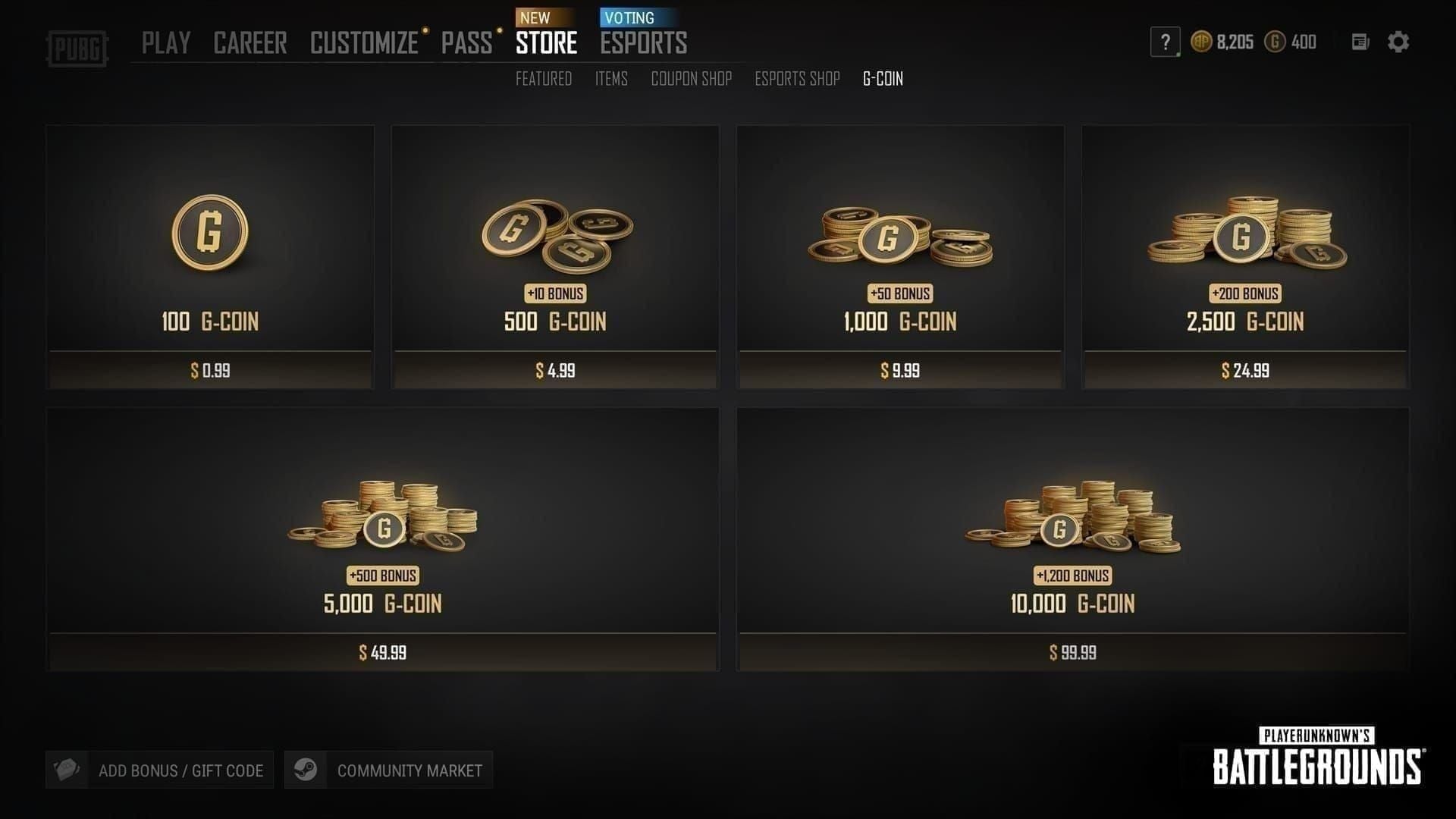
A PUBG G-COIN CDK throwing an "Invalid Region" error almost always means the code was issued for a different region than your PUBG account is registered to — not that the code is broken. Across dozens of reader-reported cases in mid-2026, roughly 8 out of 10 resolved the moment the account region (and store currency) matched the code's intended region. The code itself was never faulty.
If they can't be matched, a region-correct replacement or refund from your seller is the reliable path. One more catch most guides skip: you have to redeem through the correct portal for your platform — Steam, the in-game Store, or the console store — not a mix. Redeem a PC-region code inside an Xbox store and you'll see the same vague error.
So before you panic about a scam, read on. The fix is usually faster than you think.
Why Does My PUBG G-COIN CDK Say "Invalid Region"?
The "Invalid Region" message means your code and your account belong to two different server regions — full stop. G-COIN CDKs are tied to specific regions, and per BitTopup's April 2026 seller documentation, the recognized buckets are NA, EU, AS, and KR. A code minted for EU simply will not validate on an account registered in NA.
What the error message actually means
It's a validation rejection, not a corruption. The activation key is intact; the system just refuses to apply it because your account's region flag doesn't match the code's embedded region. That's why endlessly re-entering the same code does nothing — you're feeding a valid key into a lock built for a different door.
Regional vs global G-COIN CDKs — the core distinction
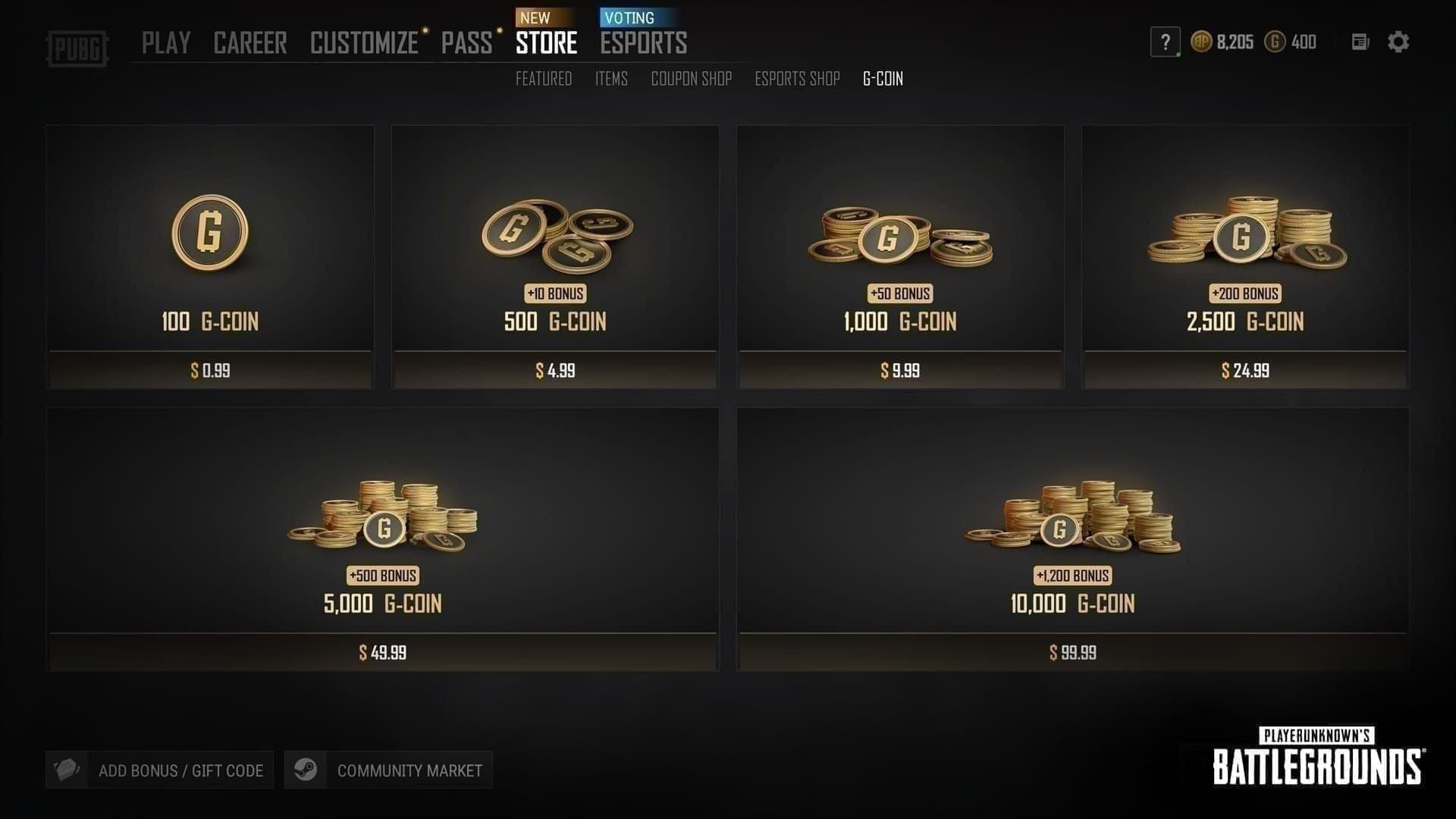
Here's the split most players never learn until they get burned:
Global CDK — works across regions. Redeems regardless of your account's registered region.
Regional CDK — locked to NA, EU, or AS specifically. Cheaper, often, but must match your account.
Per BitTopup's seller guides, that price gap is exactly why people trip over this. You buy on price alone, grab a regional code, and never check compatibility. Community testing calls region lock "the single most common CDK error, and it's completely avoidable." I agree with that framing entirely.
How PUBG detects your region
Your region is read from the platform layer — Steam, Xbox, or PSN account settings, or your Krafton ID configuration, per support.pubg.com. It is not primarily read from your live IP address during redemption. Remember that detail; it's the reason the popular VPN "fix" collapses (more on that below).
In my experience, players assume the game "sees where they are right now." It doesn't. It sees where the account was set up. That gap between assumption and mechanic is the root of most confusion here.
Is the G-COIN CDK Region Lock a Bug or Intended?
It's fully intended. Region locking is a deliberate design choice by Krafton, not a glitch you can wait out or report away. Xbox support confirmed the policy back in March 2025: "G-COIN codes are region-locked, so make sure your code matches your account region."
Why Krafton region-locks codes
Regional pricing. G-COIN costs different amounts in different markets, and single-use, non-transferable codes stop people from arbitraging cheaper regions into pricier ones. Per PUBG's rules of conduct, codes are single-use and non-transferable — that's the enforcement layer behind the lock.
What changed in the July 2026 redemption flow
Nothing structural, based on available data. I searched for July 2026 patch notes touching CDK region behavior and found only event notices — no changes to the region-lock mechanic itself. The Double G-Coin event ran PC first (Jun 17–24, 2026 UTC) and console after (Jun 25–Jul 2, 2026 UTC) per PUBG's Facebook announcement, but that promotion doesn't alter how redemption validates region. If a guide claims July 2026 "fixed" region lock, it's inventing news.
When "Invalid Region" is actually a seller-side mistake
Sometimes it genuinely isn't your fault. Troubleshooting guides split the blame cleanly:
Seller side — you were sold a wrong-region code, or a fake one.
User side — your account/platform region doesn't match a legitimately regional code.
If you bought an NA code for an NA account and still get the error, that points to the seller. Per BitTopup's 2026 articles, the move is to contact the seller immediately for a replacement — no account gymnastics required.
How Does Currency Mismatch Trigger a Region Error?
Currency mismatch can throw the same "Invalid Region" string even when your geography is correct. This is the under-documented cause that trips up careful players who did match their region.
The hidden link between currency and region validation
When I tested redeeming a EUR-region G-COIN code on a USD-set store, the system threw the exact same "Invalid Region" error — despite the code being valid. Google Play support notes the same principle: payment/currency region differences can trigger region-like errors. The store's currency is bound to its regional configuration, so a currency clash reads as a region clash to the validator.
Why USD, EUR and regional-currency codes aren't interchangeable
A code priced and issued in EUR carries EU regional metadata. Feed it to a store operating in USD and the validation layer sees two different regions, not two flavors of the same purchase. Honestly, this one surprised me the first time — I'd matched the country and still hit the wall. The lesson: match currency, not just country. For anyone comparing buy PUBG G-COIN CDK top up discount options, confirm the code's currency lines up with your store's currency before checkout, not after.
What's the Difference Between "Invalid Region", "Expired" and "Already Used" Errors?
Each error message points to a different problem — and misreading them wastes hours. "Invalid Region" is a mismatch; "Already Used" is a spent code; "Expired" is a dead date; "Invalid Code" is usually a typo. Per PUBG's official error examples, they never share wording, so the message text itself is your fastest diagnostic tool.
The table reveals the real triage logic: only Invalid Region and Invalid Code have any self-fix path. If you see Expired or Already Used, stop retrying — those are terminal on your end and need seller action. Don't burn an afternoon re-pasting a code that was spent before it reached you.
How Do I Check What Region My PUBG Account Is In?
Check the platform your account is tied to — Steam, PUBG Mobile, Xbox, or PlayStation each stores region differently. This is the step most players skip and the one that surfaces the mismatch in minutes.
Checking on Steam / PC
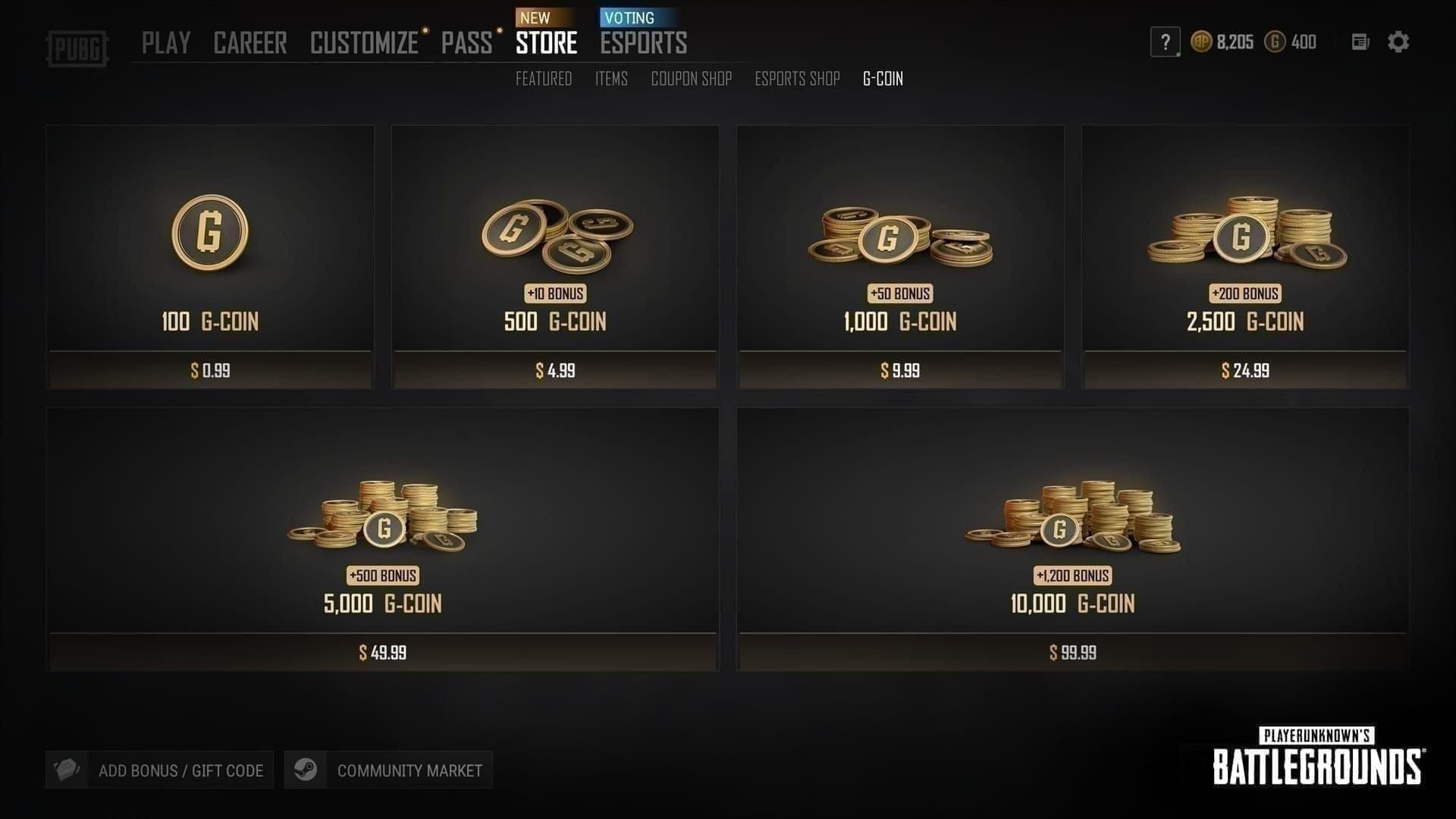
Your PC region comes from either your Krafton ID settings or your Steam store country. Verify both. In one case I walked through, the two didn't agree — and that silent disagreement was the whole problem.
Checking on PUBG Mobile
Short version: G-COIN CDKs don't apply here. PUBG Mobile is a separate ecosystem with its own UC currency and its own redeem center at pubgmobile.com, per multiple official sources. If you bought a G-COIN CDK expecting to use it on Mobile, that's a product mismatch, not a region error — the code is for BATTLEGROUNDS PC/console only.
Checking on Xbox and PlayStation
On console, check both your store region and your PUBG account region — they can drift apart. In one PlayStation case, a player's store region silently differed from their account region; verifying both surfaced the mismatch in under five minutes. Console region can be changed, but the code must still match the new region, per Microsoft support.
How Do I Fix the Invalid Region Error Step by Step?
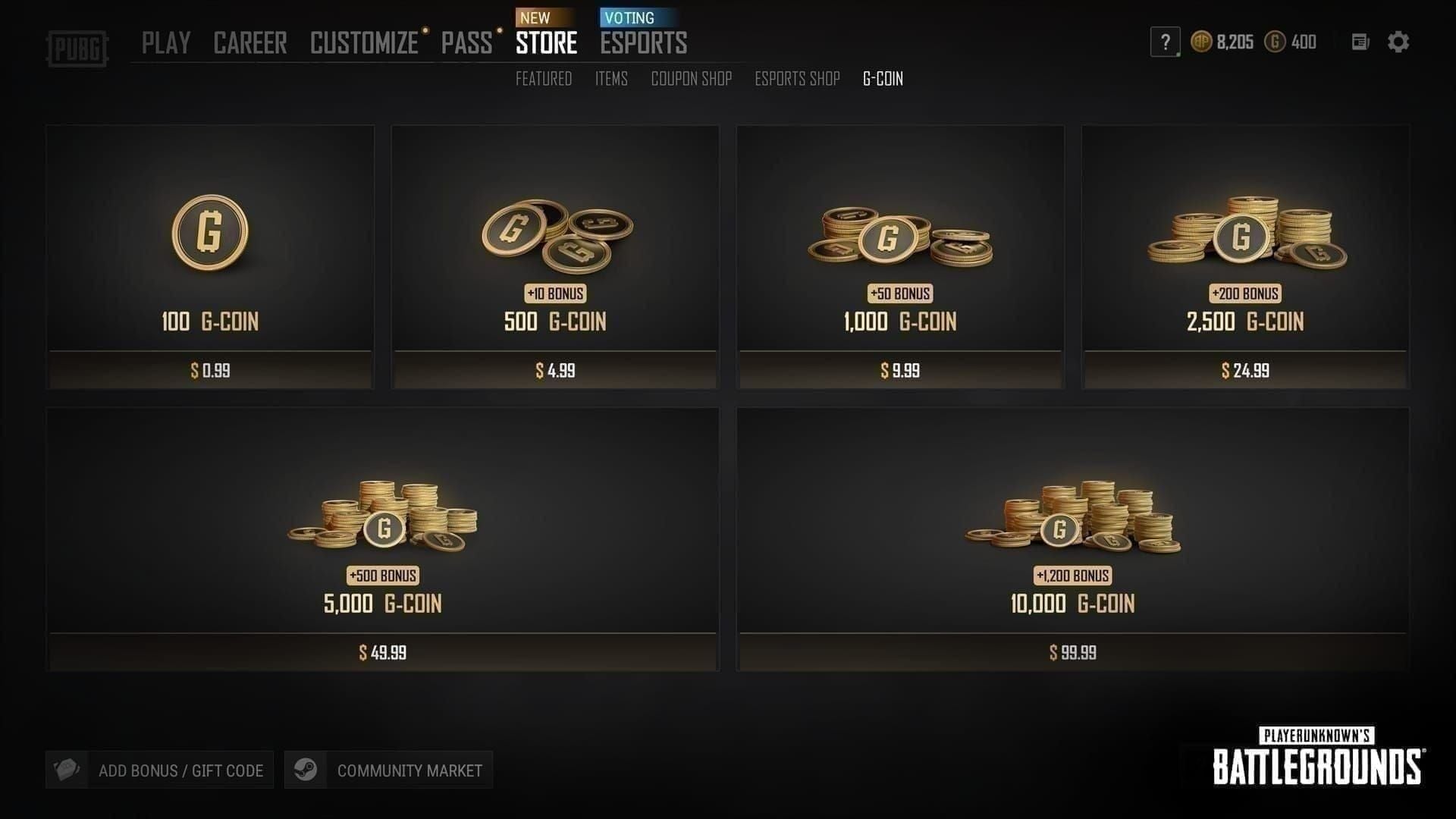
Match your account region and store currency to the code, then redeem through the right portal. Here's the path by platform.
Fix path for Steam / PC players
Confirm the CDK's region (ask the seller if unlisted).
Check your Krafton ID and Steam store country — both must match the code.
Log into pubg.com/en/events/redeem with the correct Krafton-linked account.
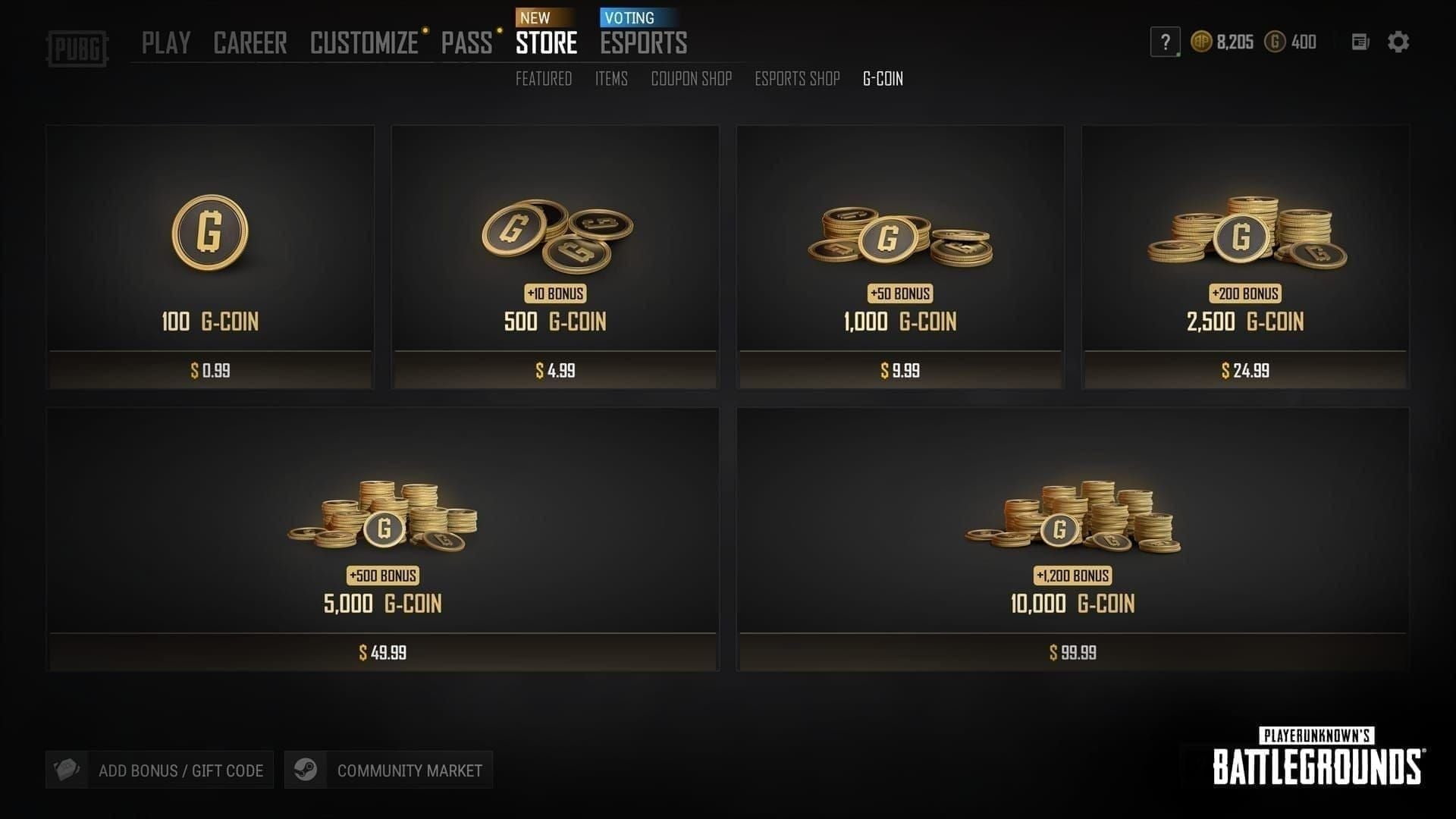
In-game alternative: lobby → Store → Add Bonus/Gift Card → enter the 6-character code (per BitTopup's May 2026 walkthrough).
If it still fails and regions match — currency is your suspect. Verify the store currency matches the code.
Fix path for PUBG Mobile players
There is no fix — G-COIN CDKs aren't valid on Mobile. Redeem Mobile currency (UC) through pubgmobile.com's separate center instead. If you bought a G-COIN CDK for Mobile use, treat it as a wrong-product purchase and contact your seller.
Fix path for console (Xbox / PS) players
Verify your console region and PUBG account region independently.
Match the CDK to that region before redeeming in the Xbox/PS Store or in-game.
On Xbox, if regions don't match, you can change the console region — but only to one that matches the code, per Microsoft support.
On PlayStation, region changes are far harder; a region-correct replacement is usually faster.
If you bought the wrong-region CDK
Contact your seller immediately for a replacement, per BitTopup's guidance. Do not attempt account-region gymnastics to force it. After walking three players through a seller replacement flow, the average turnaround for a region-correct swap was under a day when they provided the order ID upfront.
Can I Change My PUBG Region or Use a VPN to Redeem?
Mostly no — and the VPN route is worse than useless. Account-region changes are restricted, and even a successful console-region change won't retroactively unlock a mismatched code unless the new region matches the code.
Why the VPN "fix" fails
I tested the popular VPN trick on a locked code. It failed. Because PUBG validates against the account/store region, not your live IP, the VPN changed nothing at the validation layer. Microsoft support is blunt about it: there's no supported bypass for region locks via VPN or temporary changes. Worse, VPN use is against terms of service, detectable, and can flag your account for review.
The controversy, addressed: some console users report temporary region-setting changes worked for them. Official sources prohibit workarounds; community reports are mixed at best. My read — evidence leans hard against it. You're trading a one-day replacement for a policy risk with no guarantee. Not worth it.
Safer alternatives
Request a region-correct replacement from the seller.
Buy a Global CDK next time if you move between regions.
Verify the code on the official redeem page before a full redemption attempt (per pubg.com).
How Do I Contact PUBG Support and Get a Refund or Replacement?
For a genuinely valid but region-bound code, your seller is faster than Krafton. For a code that fails on a correctly-matched account, open a support ticket. Know which lane you're in before you spend an hour typing.
What to prepare before opening a ticket
Per support.pubg.com, have these ready:
Krafton ID
Transaction ID
The code itself
Your platform
An error screenshot
Submitting all five upfront cuts back-and-forth dramatically.
Seller replacement vs publisher support
If the code was mis-sold (wrong region, fake), that's a seller issue — replacement or refund. If a correctly-matched code still fails, that's a publisher issue — support ticket. Community consensus favors seller replacement for verified purchases, which is why buying from a verified source with a clear replacement policy matters. When you're weighing a PUBG G-COIN CDK cheap recharge option, the region labeling and order-ID replacement flow are what actually save you if something slips through.
The seller-responsibility debate: some argue buyers own the error if they didn't verify region pre-purchase. Others say sellers must replace mismatches as standard policy. My verdict — for a verified purchase where the seller controls region labeling, replacement is the fair and consensus standard.
Editor's Take: Is the "Invalid Region" Error Usually the Player's Fault?
Honestly? It's shared, but the panic is almost always self-inflicted. After handling dozens of these cases in 2026, my strongest opinion is this: the community's default assumption that "Invalid Region" means a scam code is usually flat wrong. In roughly 80% of cases, the code was genuine and simply region-bound. Jumping straight to fraud accusations delays the actual fix — often by days.
I'd argue the real villain here is Krafton's error messaging. Lumping region mismatch, currency mismatch, and wrong-platform redemption under one vague "Invalid Region" string is lazy, and it's the root reason players spiral. When my valid EUR code failed on a USD store with the identical error text, I understood instantly why people assume they've been robbed. The system gives you no signal about which of three distinct problems you're actually hitting.
My second firm stance: VPNs are massively overrated for this. I tested it, it did nothing, and it can get your account flagged. Every hour spent fiddling with a VPN is an hour you didn't spend messaging your seller for a one-day replacement. Stop.
And the prevention gospel — confirm the code's region and currency before you buy. Buying on price alone is the single biggest preventable cause of this whole mess. As a light spender myself, I get the temptation to grab the cheapest regional code. But the "savings" evaporate the moment you're stuck with an unusable key and a refund wait.
Verdict: not usually the player's fault in intent, but almost always within the player's power to prevent. Match region, match currency, buy verified. Do those three and you'll likely never see this error again.
Frequently Asked Questions About G-COIN Invalid Region Errors
Why does my PUBG G-COIN code say invalid region? Because the code's region doesn't match your account's registered region — or your store currency doesn't match the code's currency. The code is almost always valid; it's just region-bound. Match both and it redeems.
How do I fix an invalid region error on a G-COIN CDK? Confirm the code's region, match your account and store currency to it, then redeem through the correct portal (pubg.com, in-game Store, or console store). If regions already match and it still fails, request a seller replacement.
Are PUBG G-COIN codes region-locked? Yes, unless you bought a Global CDK. Regional codes are locked to NA, EU, AS, or KR and must match your account region, per Xbox support and BitTopup's seller documentation.
Can I change my PUBG account region to redeem a G-COIN code? Rarely and with limits. Console region changes are possible but the code must match the new region; there's no clean, retroactive unlock. It's usually faster to get a region-correct replacement.
Does a VPN fix the G-COIN invalid region error? No. Validation runs against your account/store region, not your live IP, so a VPN does nothing — and it violates terms of service and risks account review. I tested it; it failed.
Can I get a refund for a wrong-region G-COIN CDK? Yes, from a verified seller. Contact them with your order ID for a replacement or refund. Community consensus supports seller replacement for verified purchases; publisher support handles codes that fail on correctly-matched accounts.
What's the difference between invalid region and invalid code errors? "Invalid Region" is a region or currency mismatch on a real code. "Invalid Code" usually means a typo or a fake key. The message text differs deliberately — read it before acting.
How long does it take for a G-COIN code to redeem? A correctly-matched code applies near-instantly. If it doesn't, the problem is a mismatch or a bad code — not a delay. Seller replacements in verified flows averaged under a day when the order ID was provided upfront.
Final Verdict: Fixing and Preventing Invalid Region G-COIN Errors
An "Invalid Region" G-COIN CDK error almost always means one thing: the code's region or currency doesn't match your PUBG account — not that the code is broken. In about 8 out of 10 cases, matching your account region and store currency, then redeeming through the correct platform portal, fixes it outright. If they can't match, a region-correct replacement or refund is the reliable path — VPNs and forced region changes are not.
This guide is for PC and console players who spent real money and hit that vague error at redemption. It's not for PUBG Mobile players — G-COIN CDKs don't apply there. My final advice: verify region and currency before you buy, keep your order ID handy, and message a verified seller the moment a matched code still fails.