

Your MyCard balance is visible the moment you log in at mycard.com.tw — go to Wallet or Payment Center after authentication. That's the quick answer. But if your balance looks wrong, a top-up isn't showing, or you're worried about unauthorized access, you need more than one step.
This guide covers three official ways to check your balance, then walks through seven security steps built specifically for Taiwan's 2026 MyCard ecosystem. Start with Steps 1–2 for balance troubleshooting. Work through Steps 3–7 for proactive hardening.
Why MyCard Security Matters More in 2026
Gaming wallet fraud targeting Taiwan players has escalated sharply. MyCard's Q1 2026 regulatory update — mandatory real-name verification, 2FA via mobile OTP, stricter password standards — didn't happen arbitrarily. The threat environment demanded it.
What's at stake goes beyond your current balance. A compromised account exposes linked game accounts, transaction history, and personal ID data. For players managing multiple titles under one wallet, a single breach cascades across your entire gaming identity.
The Taiwan Fraud Prevention Act now has teeth: platforms face fines between TWD 100,000 and 2,000,000 for compliance failures, and flagged accounts must be suspended with data submitted within three business days. MyCard's security infrastructure is actively evolving because of this pressure.
Step 1: Check Your MyCard Balance (3 Official Methods)
Method A: Official Website (mycard.com.tw)
Navigate to mycard.com.tw
Log in — 2FA OTP is now mandatory per Q1 2026 regulations
Select Wallet or Payment Center
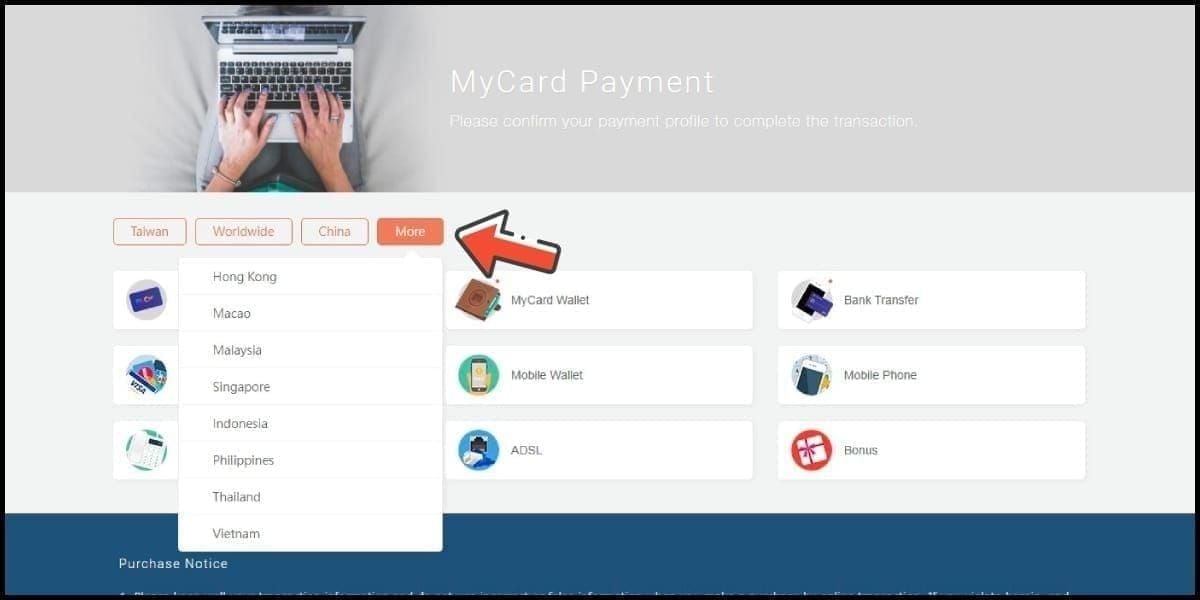
Current balance displays immediately — excludes pending transactions
Allow up to 30 minutes after a top-up before the figure updates.
Method B: MyCard Mobile App (iOS & Android)
Balance appears on the main dashboard after login. Most convenient for frequent checks. Same caveat: pending transactions won't show in the total, so a very recent top-up may not appear yet.
Method C: SMS / Phone Inquiry
Contact MyCard customer service via your registered mobile number. Slower than the other two methods — useful if you're locked out of the app or website, not ideal for routine checks.
Balance Not Updating After a Top-Up?
Wait 30 minutes for most methods. If nothing appears after two hours, contact MyCard support — the sooner you flag a crediting issue, the faster it resolves.
Top-up minimums by channel: bank transfer 150 TWD, FPX 200 TWD, e-wallet 300 TWD, 7-ELEVEN 500 TWD. MyCard denominations range from 30 to 10,000 TWD, with a per-transaction limit of 1–50 cards.
Step 2: Review Your Transaction History
Your MyCard transaction log is the most important tool for catching unauthorized charges early. Most players ignore it until something goes wrong — that's the mistake.
Accessing Transaction History
Log in to your MyCard member account
Navigate to Transaction History or Payment Records in the Payment Center
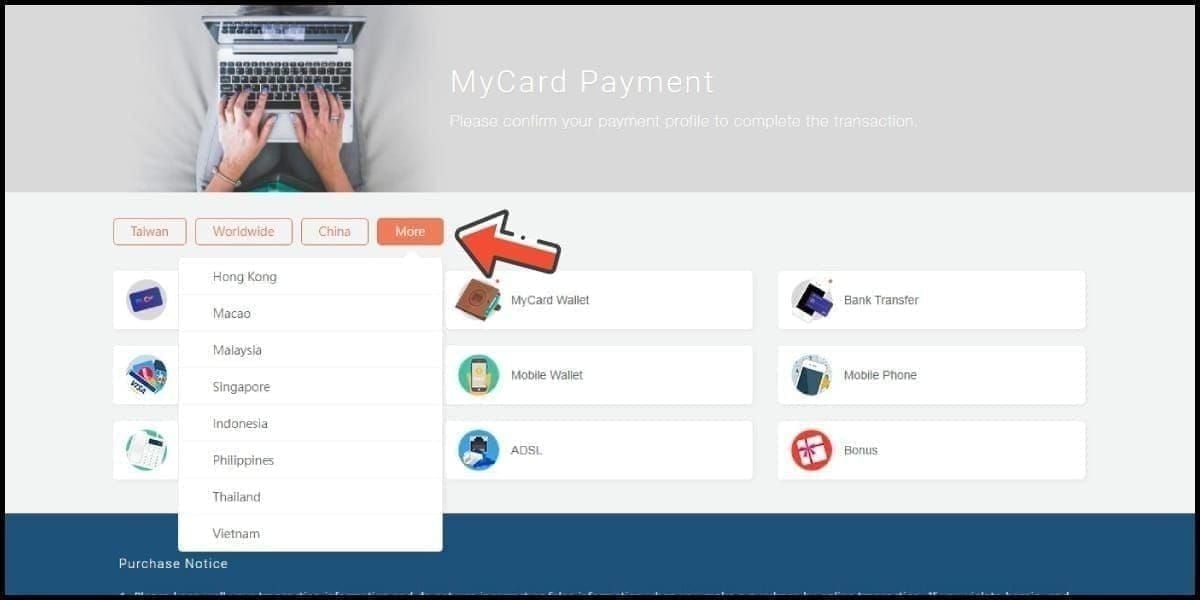
Verified accounts access up to 12 months of history — one concrete reason to complete real-name verification
Red Flags to Scan For
Unfamiliar merchant names or game titles you don't recognize
Duplicate charges — same amount debited twice within minutes
Odd timestamps — transactions at 3 AM when you were asleep
Small test charges — fraudsters often run a minor debit first to confirm account access
Charges from games you've already unlinked
Verified accounts get faster dispute resolution and point recovery when unauthorized charges are identified. Unverified accounts face slower support response and limited recovery options — a real cost of skipping verification.
Step 3: Enable and Verify Two-Factor Authentication
2FA is mandatory for every MyCard login under Q1 2026 regulations. But mandatory doesn't mean it's automatically configured correctly on your account. Verify it's active and linked to a mobile number you still control.
This is the single highest-impact security action available. Officially confirmed: 2FA via mobile OTP blocks account takeover even when an attacker has your login password. A data breach exposing your credentials still can't touch your wallet if 2FA is properly enabled.
Activating 2FA
Log in to your MyCard account
Go to Security Settings
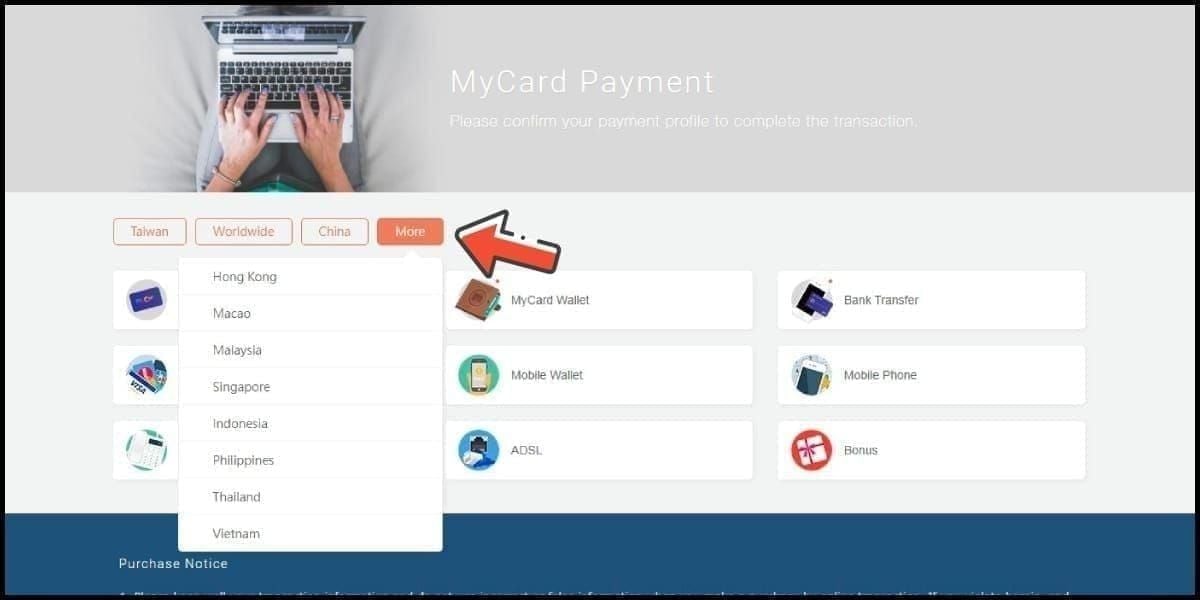
Confirm your registered mobile number is current
Toggle 2FA on — the system sends an OTP to verify
Complete OTP confirmation
If your registered number has changed and you can no longer receive OTPs, contact MyCard support before you get locked out. This is common after phone upgrades or number changes.
Step 4: Strengthen Your Password Security
MyCard requires login passwords of at least 8 characters mixing uppercase, lowercase, numbers, and symbols. That's the floor — not the target. A minimum-compliant password is still weak if it's reused from another platform.
The payment password is a separate credential: a unique 6-digit PIN used specifically for transactions. Treat it as entirely distinct from any other PIN you use — your bank, your phone lock screen, anything. Reusing this PIN across platforms is the most common mistake that leads to balance theft after third-party data breaches.
Rotation schedule that experienced players follow: change your 6-digit payment password every 90 days. Set a calendar reminder. It sounds tedious until the day it matters.
For breach monitoring, check your email at Have I Been Pwned. If your credentials appear in a known breach database, treat your MyCard password as compromised and reset it immediately.
Step 5: Audit Your Linked Game Accounts
This is the attack surface almost no guide covers — and it's a real one.
Every game authorized to charge your MyCard wallet is an active access point. If a game's own security is weak, or if you've shared a game account, that linkage can drain your balance without obvious alerts.
What to Do
In account settings, find Linked Accounts or Authorized Services
Review every game or service listed
Revoke access for anything you no longer actively play
Pay attention to games accessed on shared or family devices
Shared accounts trigger Anti-Money Laundering reviews due to inconsistent transaction patterns — beyond the compliance headache, multiple people may have visibility into your payment credentials.
Best practice: one MyCard account per primary gaming identity. If you share a household with other gamers, separate accounts prevent cross-contamination of both security and transaction history.
Step 6: Recognize MyCard Phishing Scams in 2026
Phishing peaks during promotional periods. The Spring 2026 campaign (February 9 to April 9, 2026, midnight TST) is exactly the kind of high-activity window scammers exploit. Expect elevated activity throughout this window.
Confirmed Red Flags
Artificial urgency — Your bonus expires in 10 minutes!
Non-official links — any URL that isn't mycard.com.tw or a verified partner domain
Bonuses exceeding 30% — the official Spring 2026 promotion offers up to 30% on recharges of 1,000+ TWD. Anything higher is fabricated
Requests for card serial AND PIN together — legitimate MyCard processes never require both simultaneously via chat or message
Active Scam Vectors in Taiwan Right Now
LINE group messages impersonating MyCard promotions, Discord bots offering exclusive top-up deals, and in-game chat impersonating support staff. The pattern is consistent: urgency, an offer slightly too good, and a link that isn't the official site.
When you need to top up, stick to channels you can verify. For players who prefer online recharging, buy MyCard points online instantly through BitTopup — straightforward and avoids the fake-site risk entirely.
To report phishing, contact MyCard support through the official website. Screenshot the message before reporting — documentation helps.
Step 7: Emergency Response if Your Account Is Compromised
Speed is everything in the first ten minutes.
Immediate Actions
Change your login password — use a trusted device, not the one you suspect was compromised
Change your 6-digit payment password — this is separate and must be reset independently
Revoke all active sessions in Security Settings — logs out any unauthorized access in progress
Screenshot your transaction history before anything changes
Contacting MyCard Support
Use only official channels at mycard.com.tw. Have ready:
Registered full name and national ID
Registered email and mobile number
Approximate time you noticed unauthorized access
Screenshots of suspicious transactions
Any phishing messages received
Per Q1 2026 regulations, platforms must suspend flagged accounts and submit data within three business days. Accounts with real-name verification get significantly faster dispute resolution. If you haven't completed verification yet, do it now — before you need it.
Ongoing Security Habits
The Public Wi-Fi Problem
Never recharge on public Wi-Fi. Man-in-the-middle interception on open networks is a documented attack vector, and a recharge transaction exposes both your credentials and payment flow. Use mobile data or a trusted WPA3 home network for any MyCard transaction.
VPNs add encryption but route traffic through the provider's servers — a separate trust trade-off. If you use one, choose a verified no-logs policy. It's not a substitute for avoiding public Wi-Fi.
Monthly Security Checklist
Check transaction history for unfamiliar charges
Verify 2FA is linked to your current mobile number
Review linked game accounts — revoke anything unused
Confirm payment password rotation (every 90 days)
Check registered email for MyCard security alerts
Account Inactivity Warning
Accounts with zero balance after six consecutive months of inactivity are subject to termination. If you use MyCard seasonally, maintain some activity or balance to avoid automatic closure.
Spring 2026 Promotion
The campaign runs February 9 to April 9, 2026, offering up to 30% bonus points on recharges of 1,000 TWD or more. Promo codes expire 2–4 weeks after February 9. Genuine value — but also the highest-risk window for scams. If you're topping up to capture the bonus, recharge your MyCard wallet through a verified channel rather than responding to any unsolicited link. The 30% bonus is real. Offers claiming more are not.
FAQ: MyCard Balance Check & Security
How do I check my MyCard balance without logging in? You can't — authentication is required to display balance data. That's a security feature. Fastest path: mobile app login with 2FA ready, typically under 30 seconds.
Why isn't my balance updating after a top-up? Timing depends on method. Digital PIN: 2–5 minutes. Convenience store before 3:00 PM TST: 15–60 minutes. Bank transfer after 3:00 PM TST: up to 24 hours. Wait 30 minutes for most methods, then contact support if nothing appears after two hours. Community data shows a 99.5% transaction success rate — delays are usually timing, not failures.
Can someone hack my account through a linked game? Yes. If a linked game account is compromised — weak game-side password, platform data breach, or shared access — an attacker may initiate MyCard charges through that authorized connection. Audit linked accounts regularly and revoke access for games you no longer play.
How do I enable 2FA? Log in → Security Settings → confirm registered mobile number → toggle 2FA on → complete OTP verification. Per Q1 2026 regulations, 2FA is mandatory at every login. If you're not being prompted for OTP, check that it's actually enabled rather than assuming it's active.
What do I do if my account is hacked? Act immediately: change both your login password and 6-digit payment password, revoke all active sessions, screenshot your transaction history, then contact MyCard support through official channels at mycard.com.tw. Have real-name verification documents ready — verified accounts get significantly faster recovery support.
Is it safe to top up through third-party platforms? Depends entirely on the platform. Verified, established platforms with transparent processes are generally safe. The risk comes from unverified sites appearing during promotional periods. Apply the Step 6 red flags: if a site offers bonuses above 30% or asks for both card serial and PIN simultaneously, leave immediately.
MyCard's 2026 security framework is genuinely stronger than previous years. Mandatory 2FA, real-name verification, and regulatory enforcement create a more resilient system. But the platform's security only protects you if you've configured it correctly. Run through the seven steps, bookmark the monthly checklist, and you'll be in a significantly better position than most active MyCard users in Taiwan right now.