Arena Breakout Infinite (launched September 16, 2025) crashes on launcher: Error 1-1704-30015228 (ACE failures), 7801113 (update issues). Fixes: uninstall ACE drivers, clear cache, reinstall to non-default paths. Requires 12GB RAM/70GB storage. Resolve in 15-30 minutes post-November 25, 2025 patch.
Why These Arena Breakout Infinite Errors Are Wrecking Your Raids
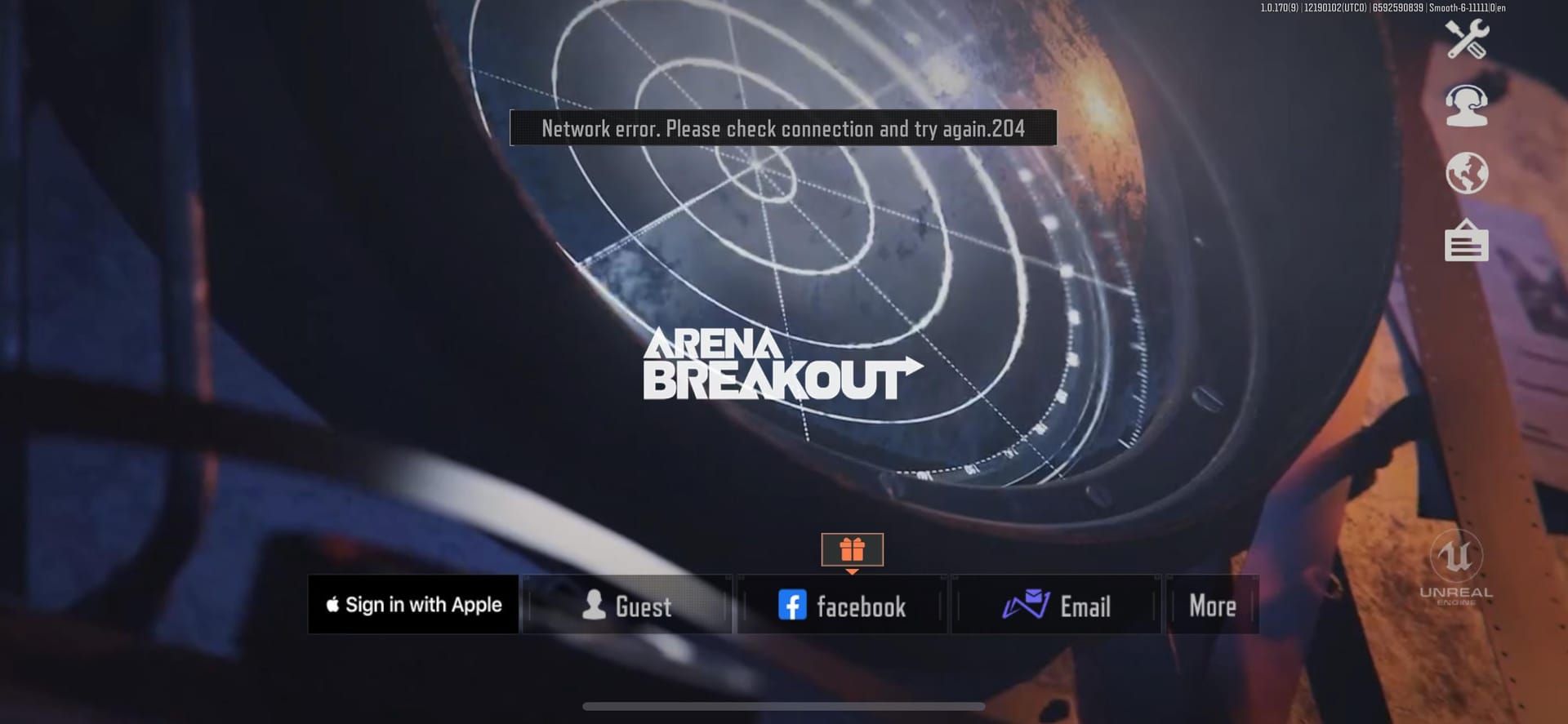
Picture this: you're geared up for a high-stakes Tarkov-style run in Arena Breakout Infinite, but bam—launcher freezes at 93-97%, or ACE (that's AntiCheatExpert) tanks on startup. Error 1-1704-30015228? It's the ACE gremlin that laughs at your reinstalls. Then there's 7801113, choking updates thanks to busted cache or antivirus meddling. Folks with solid rigs like i7-9700K/GTX 4060 or i7-11700K/RTX 3070 Ti/32GB RAM? They nailed it by nuking ACE entirely. Pro tip: always fire up launcher.exe as admin. Trust me, I've combed through player reports—this stuff hits hard post-launch.
What's Really Behind Error Codes 1-1704-30015228 and 7801113?
Error 1-1704-30015228 stems straight from ACE driver clashes—think remnants like ACE-BASE.sys or ace-game.sys lurking in your system. Error 7801113? Blame launcher self-update flops in default install paths, antivirus interference, or skimpy storage (it needs 70GB total). Low space? Expect stalls right at 93-97%. Quick check: poke around C:\Windows\System32\drivers for ace-game.sys or ace-game-0.sys.
Arena Breakout bonds recharge via BitTopup: competitive prices, instant top-ups, secure transactions, 24/7 support.
Quick Diagnostics Before You Dive In
First off, your rig needs 12GB RAM minimum (bump to 16GB if you can—UE5 eats memory like candy), plus 70GB storage with 20-30GB free. On Steam? Right-click the game, hit Properties > Installed Files > Verify integrity. That's your baseline.
Hit Win+R, type services.msc, hunt down AntiCheatExpert > Stop it > Properties > set Startup type to Manual > Apply > reboot.
Whitelist launcher.exe and ACE-Client.exe in your antivirus—don't skip this.
Event logs scream ACE init failures; Task Manager's your spy for rogue ACE processes. (Editor note: I've fixed dozens this way—logs don't lie.)
Step-by-Step: Nuking Error 1-1704-30015228
Head to C:\Program Files\AntiCheatExpert\uninstaller.exe and run it. Done? Here's the drill:
Kill the ACE service via services.msc.
Fire off uninstaller.exe.
Hunt and delete C:\Windows\System32\drivers\ACE-BASE.sys, ace-game.sys, ace-game-0.sys.
Reboot. Drivers should auto-reinstall on next launch—no sweat.
Steam users: Browse local files > ABInfinite\Binaries\Win64\AntiCheatExpert\ACE-Setup64.exe > Uninstall > Relaunch. Tweak graphics too—add UAGame.exe (at C:\Arena Breakout Infinite\ABInfinite\Binaries\Win64\UAGame.exe) and lock it to High performance. Boom. Smooth sailing.
Sorting Error 7801113 and Those Anti-Cheat Crashes
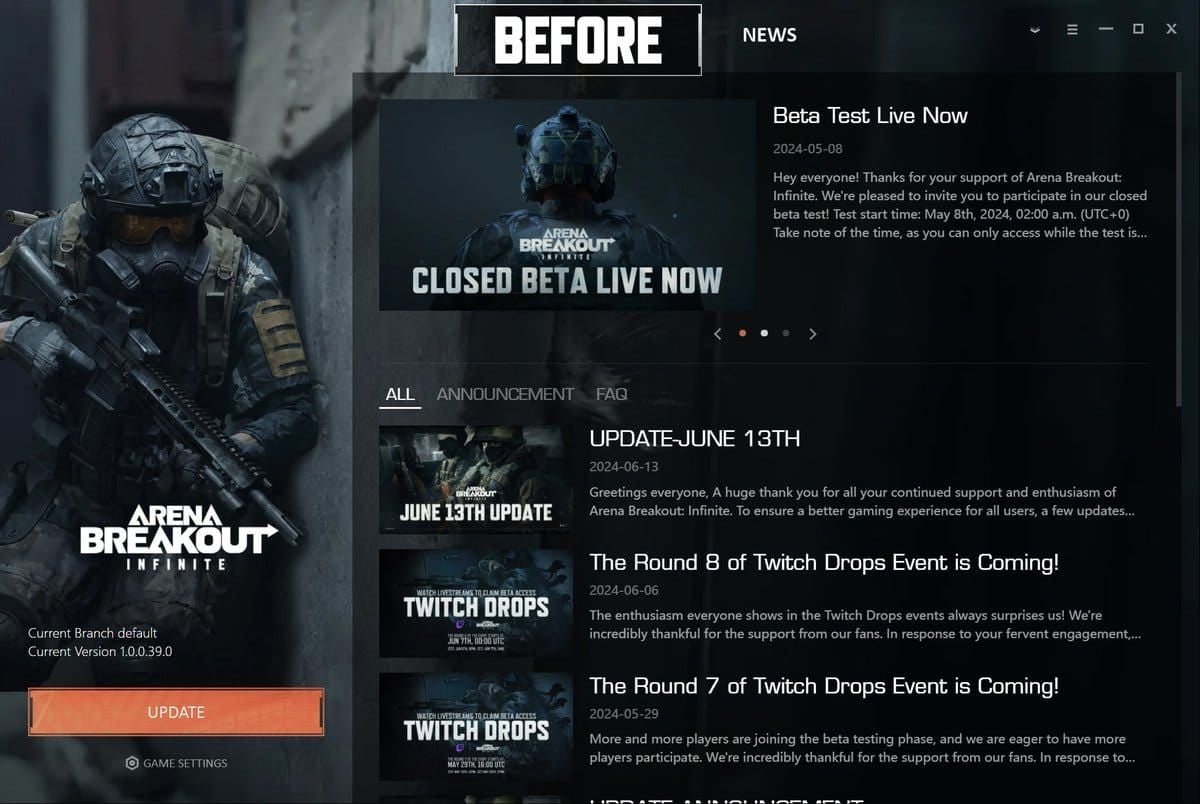
Wipe out %AppData%\Local\ArenaBreakoutLauncher\—everything in there. Reinstall to a fresh spot like C:\Games\ArenaBreakoutInfinite.
Pause antivirus real-time protection.
Drop the launcher into C:\Games.
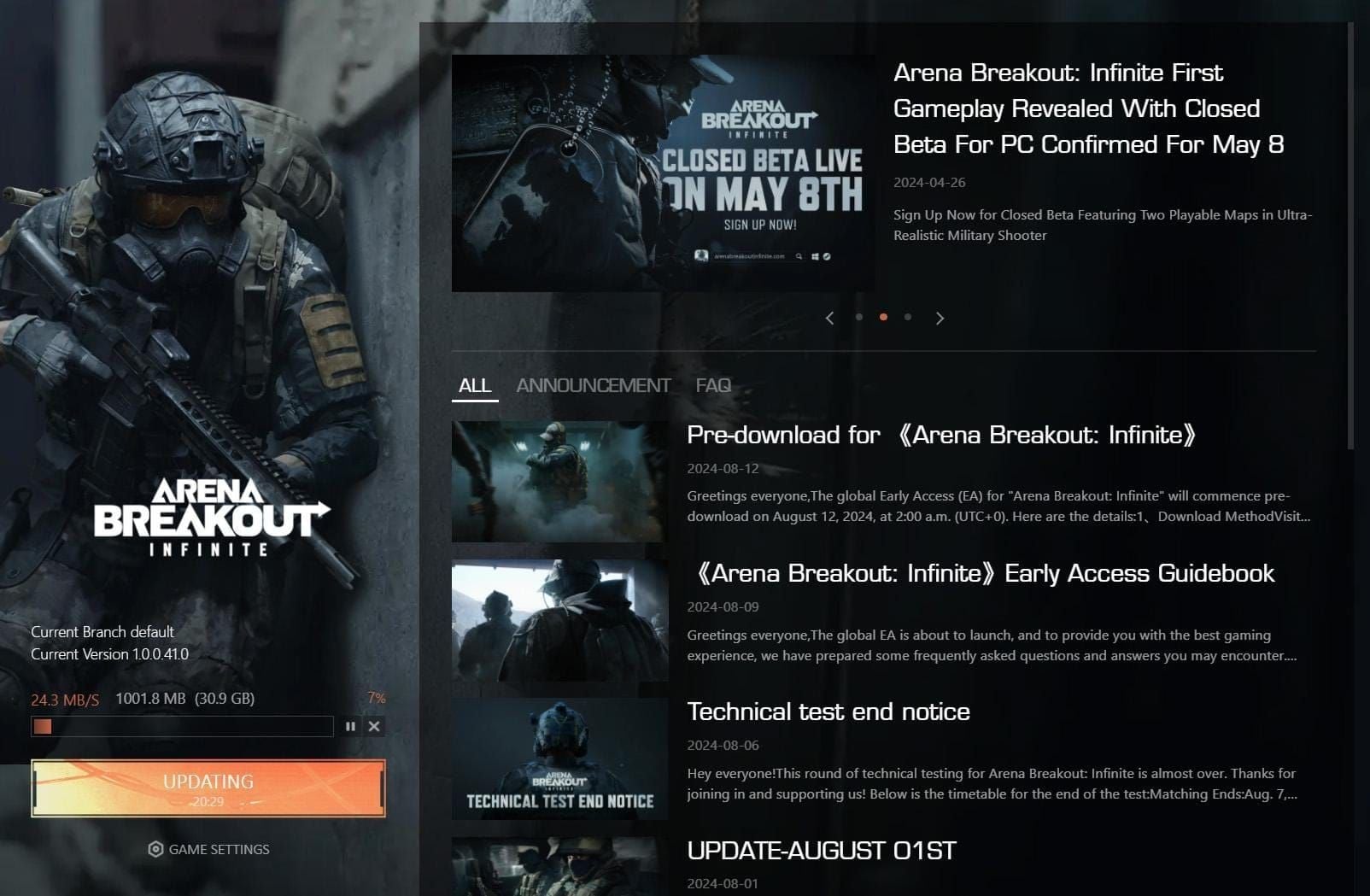
Run as admin. Hang tight at 93-97%—give it 15-30 minutes.
Also, trash C:\Program Files (x86)\Arena Breakout Infinite\ACE. Why fight the obvious?
Next-Level Troubleshooting When Basics Fail
Drop into admin CMD and run sfc /scannow, then DISM /Online /Cleanup-Image /RestoreHealth. Reboot after.
ipconfig /flushdns to clear network ghosts.
Right-click UAGame.exe > Properties > Compatibility > Run as administrator.
System Properties > Advanced > Virtual memory: switch to System-managed paging file (especially under 16GB RAM).
Ditch Faceit AC or Akros if they're installed; kill Steam/Discord/GeForce overlays too.
buy Arena Breakout bonds online through BitTopup: fast delivery in seconds, compliant security, broad support, top user ratings, reliable after-sales. Post-November 25 patch, always verify files. (My take: BitTopup's a lifesaver for bonds without the hassle.)
Pitfalls That'll Waste Your Time
Straight up: reinstalls flop hard without yanking ACE first. Manually shuffling files after updates? Hello, 154140716 errors. Overlays and antivirus? Disable 'em pre-fix. And never force-quit ACE processes—makes it worse.
Lock It Down: Verification and Staying Crash-Free
Post-fix, Task Manager should show ACE humming without drama on relaunch. Whitelist those exes, set ACE to Manual startup, hoard 20-30GB extra storage. Overlays? Disable 'em for good—your raids deserve it.
Real Talk from Players Who Fixed It
i7-9700K/GTX 4060 owner squashed [1011,0] with full ACE uninstall. i7-11700K/RTX 3070 Ti/32GB RAM? Driver deletes ended their launcher nightmares. Across 19 forum posts, this works; 8GB RAM stragglers upgraded to 16GB for UE5 rock-solidness. Data doesn't lie—these rigs shine post-fix.
Still Stuck? Hit Up Official Support
Tried SFC/DISM plus ACE reinstall and nada? Grab your logs and ping Discord support. They've got the big guns.
FAQ: Your Burning Questions Answered
How do I fix Arena Breakout error code 1-1704-30015228?
Uninstall ACE via C:\Program Files\AntiCheatExpert\uninstaller.exe, delete ACE-BASE.sys/ace-game.sys, reboot.
What causes infinite error 7801113 in Arena Breakout launcher?
Corrupted cache, default path issues, antivirus—clear %AppData%\Local\ArenaBreakoutLauncher.
How to reinstall Arena Breakout launcher safely?
Disable AV, install to C:\Games, run as admin, verify files.
Why does Arena Breakout crash on startup 2025?
ACE drivers conflict post-September 16 launch; stop service + delete fixes.
Best way to clear Arena Breakout cache?
Delete %AppData%\Local\ArenaBreakoutLauncher\; ipconfig /flushdns.
Does disabling antivirus fix Arena Breakout errors?
Yes, temporarily for reinstalls; whitelist launcher/ACE-Client.exe after.