

Surviving anti-air in Delta Force Havoc Warfare demands precision helicopter controls. This guide covers expert sensitivity configs, keybinds, and graphics settings enabling AH-1035D pilots to evade Stinger missiles (450m range) and Javelin launchers (250m range). Master Q/E rolls, mouse bindings, flare timing (20s cooldown), and display optimizations reducing input lag for consistent AA evasion.
Understanding AA Missile Threats
The AH-1035D faces three primary threats: Stinger Launchers (450m lock-on range), Javelin Launchers (250m), and LAV-AA vehicles (900m). Each uses different tracking mechanics requiring specific countermeasures.
Stinger lock-on triggers immediate HUD alerts, providing 2-3 seconds between detection and launch. The system tracks heat signature and movement vector—predictable flight patterns are fatal.
Default controls create major disadvantages during evasion. Standard sensitivity lacks responsiveness for rapid barrel rolls, while poor keybinds force you to remove fingers from critical controls during flare deployment. The 20-second flare cooldown means every deployment must count.
For premium helicopter mods and countermeasure upgrades, Delta Force Hawk Ops top up through BitTopup for secure access with competitive pricing and instant delivery.
AA System Types
Stinger Launchers: Most common threat, infantry-operated across 450m zones. Require sustained lock before launch, giving alert pilots time for flares and evasive rolls. Missile tracking follows your last trajectory for ~1.5 seconds post-flare.
LAV-AA Vehicles: Greatest danger with 900m range and rapid-fire capability. Suppress entire airspace zones, forcing terrain-masking positions. No lock-on warning required—visual ID and range awareness critical.
Javelin Launchers: Operate within 250m with top-attack profiles complicating evasion. Recognize distinct lock tone and execute immediate altitude changes with lateral movement.
Lock-On Mechanics
The system calculates three variables: heat signature strength, angular velocity, and range. Helicopters generate max heat when accelerating or hovering. Tracking algorithm predicts flight path from current velocity and heading.
Breaking lock requires disrupting two of three variables simultaneously. Flares overwhelm heat detection, but without velocity changes, advanced missiles reacquire targets. Successful evasion combines flares with aggressive pitch, roll, and yaw inputs creating unpredictable vectors.
Alert stages: initial lock (steady tone), sustained lock (rapid beeping), missile launch (continuous alarm). Each demands specific responses—early detection allows preemptive maneuvering, launch warnings require immediate flares and max evasion.
Critical Window: Lock to Launch
Experienced AA operators achieve lock-to-launch in 2.5-3.5 seconds. This narrow window demands instant reaction—hesitation kills evasion success. First 0.5 seconds after warning should trigger flares with simultaneous roll.
Terrain awareness extends this window significantly. Pilots maintaining cover awareness can break line-of-sight within 1.5 seconds, forcing AA reacquisition. Hills, buildings, terrain features become tactical assets.
The 20-second flare cooldown creates strategic timing. Deploying against false locks leaves you defenseless during actual launches. Advanced pilots track cooldown constantly, adjusting aggression based on countermeasure availability.
Core Sensitivity Settings
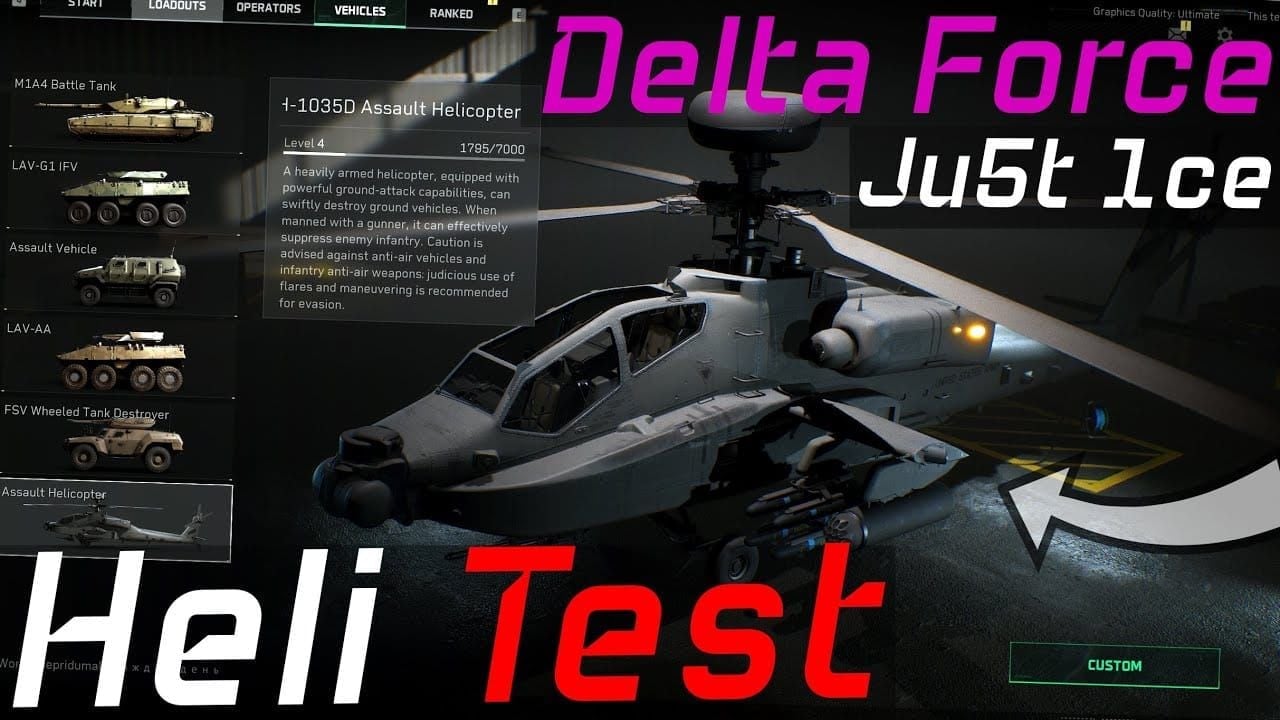
Optimal control demands balanced sensitivity across multiple axes:
Helicopter Third Person Mouse Sensitivity: 5
Helicopter First Person Mouse Sensitivity: 5
Vertical Sensitivity: 1.00
Horizontal Sensitivity: 1.00
Monitor Distance Coefficient: 1.33
Vehicle Third Person FOV: 120
Default FOV: 100-120
Aircraft View Distance: 240m
This 1:1 ratio prevents overcorrection during combined maneuvers—critical for barrel rolls demanding simultaneous pitch and yaw inputs.
Mouse Sensitivity Configuration
Sensitivity progression from 1.00 base to 5.00 helicopter-specific creates muscle memory separation between infantry and vehicle controls. This prevents negative transfer when switching between ground combat and aerial ops.
ADS Sensitivity Type: MDV Only with 0.8-1.0 multiplier. Maintains consistent scaling when transitioning between free-look and weapon targeting modes.
Testing approach: start at 1.00, incrementally increase by 0.5 intervals until achieving 180-degree yaw rotation under 1 second. This benchmark ensures sufficient turn rate for breaking missile tracking while maintaining attack precision.
Yaw Sensitivity
Bind mouse left/right to helicopter yaw for intuitive directional changes mirroring infantry aiming. No-tilt-limits specification means aggressive yaw won't destabilize aircraft during evasion.
Horizontal Sensitivity at 1.00 provides baseline response. Initial mouse movement produces gradual yaw, sustained input generates increasing angular velocity. Use short, sharp movements for precise adjustments, longer sweeps for max-rate turns during missile evasion.
Combining yaw with Q/E roll creates spiraling flight paths complicating missile tracking. Requires sensitivity allowing simultaneous inputs without overcorrection.
Pitch and Roll Balance
Control bindings:
Helicopter forward/backward: mouse -Y/Y axis
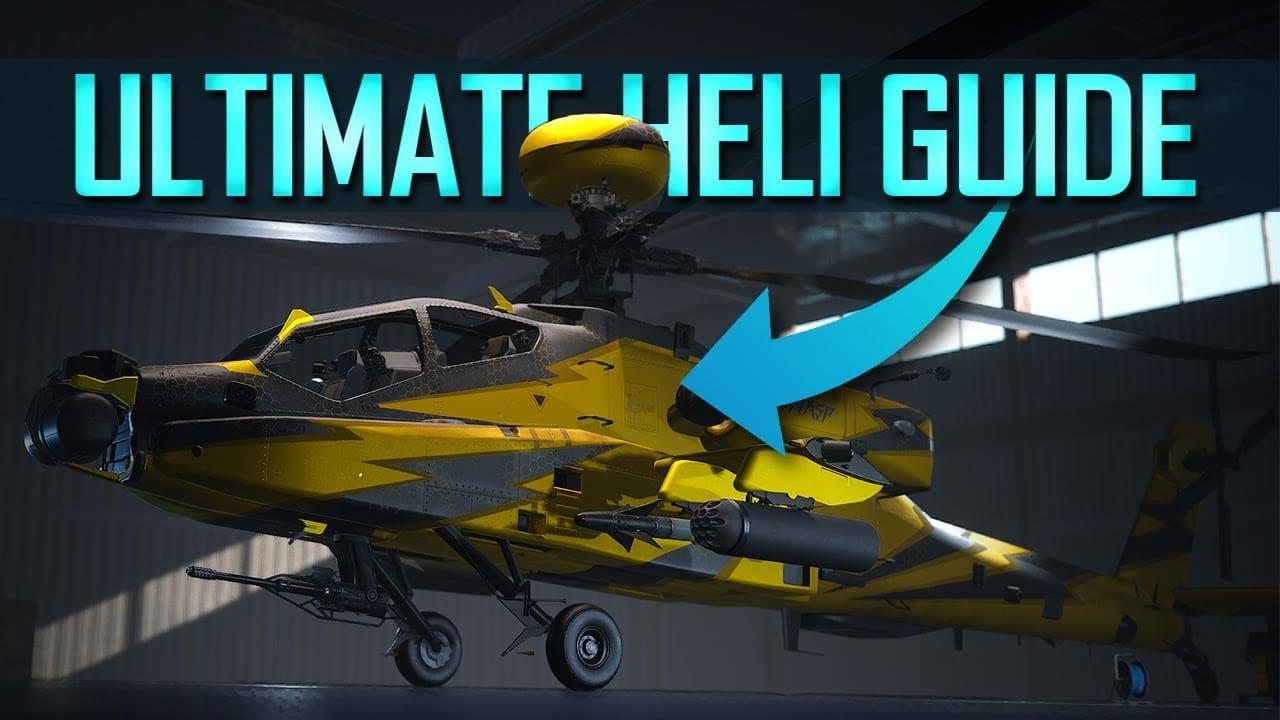
Left/right movement: mouse X/-X axis
Shift: pitch upward
Ctrl: lean backward
Q: roll left
E: roll right
W: acceleration (tilts forward)
S: descent
This scheme frees keyboard for discrete commands like flares and weapon switching. Roll keys serve dual purposes: correcting over-tilt during aggressive maneuvers and initiating barrel roll evasions.
Separating thrust from directional control allows maintaining specific altitudes while executing lateral evasion. During AA missile evasion, altitude awareness prevents terrain collisions during low-level defensive flying.
Advanced Control Optimization
Position critical survival functions within immediate reach. Flare deployment requires single-key access without finger repositioning—bind to mouse thumb buttons or F/R keys.
Turret Locked While Turning Vehicle: Off—enables independent weapon aiming during evasive maneuvers. Coordinated pilot-gunner teams maximize both survival and offensive output.
Vehicle Ascend/Descend: Shift/Ctrl placement leverages natural WASD finger positioning. Allows simultaneous altitude adjustment and directional input—essential for terrain-masking while maintaining forward velocity.
Emergency Maneuver Keybinds
Optimal layout clusters survival functions:
Flares: thumb-accessible keys
Roll: Q/E for index finger
Altitude: Shift/Ctrl for pinky/ring finger
This distribution allows simultaneous activation of multiple defensive systems.
Secondary weapon switching occupies keys outside immediate flight cluster—numbers 1-3 or mouse wheel. During evasion, weapon selection becomes secondary to survival.
Flare Deployment Positioning
Single-key deployment reduces reaction time by 200-300ms vs multi-key combos. This difference determines survival during surprise AA engagements. Mouse button bindings offer fastest access but may interfere with aim stability.
Track flare cooldown via HUD or internal timing. Advanced pilots develop rhythmic counting for the 20-second period, assessing defensive capability without visual confirmation. This mental timer informs engagement decisions—aggressive when available, defensive during cooldown.
Throttle Control: Toggle vs Hold
Toggle maintains constant speed without sustained key pressure, freeing fingers for other inputs. Hold provides finer speed modulation during evasion—critical when adjusting velocity to break missile tracking. Most experienced pilots prefer hold despite increased input demand.
Speed management impacts evasion success. Missiles calculate intercept vectors from target velocity—sudden throttle reductions force tracking recalculation, creating brief windows where guidance loses accuracy. Combine with directional changes to maximize evasion probability.
Camera and Visual Settings
Display Mode: Fullscreen—eliminates window border delays, ensures exclusive GPU allocation. Reduces input lag by 5-15ms vs borderless windowed.
Vertical Sync: Disabled—prevents frame rate capping, eliminates input buffering. Combined with NVIDIA Reflex Low Latency Enhanced, minimizes delay between input and screen response.
Sharpness: 50—provides clear target ID without artifacts complicating threat assessment.
FOV Optimization
FOV 100-120: Balances peripheral awareness with target ID range. Lower (90-100) provides better zoom for long-range detection but sacrifices awareness of missiles from oblique angles. Higher (115-120) maximizes peripheral vision for detecting multiple simultaneous locks.
Vehicle Third Person FOV 120: Maximum situational awareness during external camera. Allows monitoring aircraft orientation relative to terrain and incoming threats. Wider field helps track missile trajectories during evasion.
Aircraft View Distance 240m: Ensures enemy helicopters and AA systems render at tactical ranges. Prevents threats achieving lock before becoming visible.
Third-Person vs First-Person
Third-person: Superior spatial awareness for evasion. Shows aircraft orientation relative to terrain and threats. External viewpoint clearly displays roll angle, pitch attitude, proximity to obstacles—critical during low-altitude terrain masking. Primary view for defensive flying.
First-person: Precision aiming during attack runs but limits peripheral awareness. Restricted FOV makes detecting incoming missiles harder. Competitive pilots toggle rapidly: third-person for navigation/evasion, first-person for weapon delivery.
Practical Evasion Techniques
Barrel Roll Execution
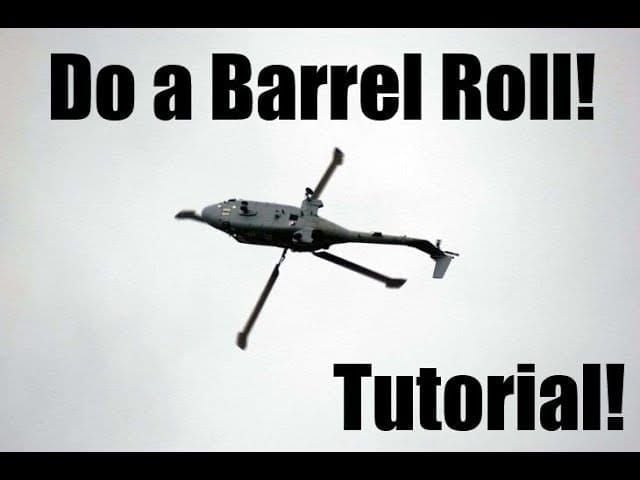
Combine Q/E roll with coordinated mouse movement for spiraling flight paths. Initiate with sharp E press while pulling mouse downward and right, creating corkscrew trajectory forcing missiles to recalculate intercept vectors. Optimized sensitivity enables full 360-degree rolls under 2 seconds.
Proper execution:
Initial Q or E press establishes roll direction
Simultaneous mouse movement in roll direction accelerates rotation
Vertical Sensitivity 1.00 ensures proportional pitch control, preventing altitude loss
No-tilt-limits allows complete inverted flight without auto-stabilization
At 270 degrees rotation, apply opposite roll command while centering mouse to arrest at desired heading
Terrain Masking
Exploit line-of-sight requirements for missile tracking. When lock-on activates, immediately pitch downward with Ctrl while maintaining forward velocity with W. This diving maneuver positions terrain between helicopter and AA source, breaking lock and forcing missile detonation. 240m view distance ensures identifying suitable terrain before entering AA ranges.
Low-altitude flight: Requires precise throttle and altitude control. Shift/Ctrl commands allow fine vertical adjustments while maintaining forward velocity toward cover. Maintain 10-15m altitude during urban terrain masking—maximizes cover while avoiding collisions.
Ridge-line masking: Approach ridges at moderate altitude, execute sharp Ctrl descent immediately after cresting to position terrain mass between aircraft and AA positions. 120 FOV provides peripheral awareness of terrain proximity during aggressive maneuvers.
Flare Timing
Deploy within 0.3 seconds of lock-on warning. This ensures flares reach full effectiveness before missile launch while maximizing disruption window. Delayed deployment reduces countermeasure effectiveness as missiles may already track pre-flare trajectory.
Tactical rhythm: Aggressive positioning 15 seconds post-deployment, transitional positioning 3 seconds as cooldown nears completion, defensive positioning during cooldown. Balances offensive pressure with survival probability.
Multiple AA threats: Deploy flares against confirmed Stinger locks (450m threats), use terrain masking against LAV-AA (900m range often allows repositioning behind cover before lock completion).
For faster helicopter loadout enhancements and advanced countermeasure systems, buy Delta Force Credits through BitTopup's secure platform with fast delivery and excellent customer service.
Combining Tactics
Layered defensive responses maximize survival against simultaneous threats:
Lock-on warning triggers flare deployment + immediate roll
If lock persists (multiple AA sources), transition to terrain masking while maintaining evasive roll
Combine lateral barrel rolls with Shift/Ctrl altitude changes for 3D evasive patterns
Missiles tracking horizontal movement struggle with simultaneous vertical displacement, especially with flares
Graphics for Input Lag Reduction
NVIDIA Reflex Low Latency Enhanced: Reduces system latency by synchronizing frame rendering with display refresh. Cuts input-to-display delay by 10-30ms—critical for control precision.
Vertical Sync Disabled: Prevents frame rate limitation, eliminates input buffering. May cause screen tearing but latency reduction outweighs visual concerns for competitive pilots.
Fullscreen Mode: Exclusive GPU access, eliminates desktop compositor overhead. Ensures max frame rate stability and minimum input latency.
Performance Settings
Frame rate: Directly impacts control sampling frequency. Maintaining 60+ FPS ensures inputs register within single frame intervals. Competitive pilots target 120+ FPS for optimal responsiveness.
Graphics quality: Settings impacting frame stability create inconsistent control response. Frame drops during explosions/smoke introduce input lag spikes disrupting evasive timing. Reduce particle effects and shadow quality for stable frame delivery.
Background processes: Close unnecessary applications to free CPU resources, reducing input processing delays. Dedicated gaming sessions with minimal background tasks provide measurable control consistency improvements.
Training Drills
Muscle Memory Development
Barrel roll practice: Execute 50 consecutive rolls alternating Q/E initiation. Focus on consistent rotation speed and recovery heading. Ingrains sensitivity feel, develops automatic combat responses.
Lock-on simulation: Use random timers playing alert sounds, then execute full evasion: flare deployment, roll initiation, terrain ID, recovery. Develops reaction speed and pressure decision-making.
Progressive difficulty: Start with single AA source, advance to dual threats requiring prioritization, then sustained evasion during extended suppression. Builds tactical decision-making alongside mechanical skill.
Precision landing: Land on progressively smaller targets while maintaining specific approach speeds. Builds throttle control and spatial awareness for aggressive defensive positioning near terrain.
Speed variation: Accelerate to max velocity, execute emergency deceleration while maintaining heading. Develops speed modulation skills disrupting missile tracking.
Performance Indicators
Evasion success rate: Track survival percentage during AA engagements over 20-match samples. Target 70%+ survival vs single AA threats, 50%+ vs multiple simultaneous locks.
Reaction time: Measure lock-on warning to flare deployment interval. Use recording software to analyze delays, targeting sub-0.5-second reactions. Indicates successful muscle memory and settings optimization.
Recovery time: Interval between evasion completion and return to offensive capability. Efficient pilots resume attack positioning within 3-5 seconds of breaking lock. Metric indicates overall flight control proficiency.
Settings Management
Configuration backup: Locate Delta Force settings files in user directory, create dated backup copies before patches. Cloud storage provides additional protection against drive failures.
Multiple profiles: Maintain separate configs for aggressive air superiority vs transport/support missions. Profile switching enables immediate optimization without manual adjustments.
Periodic review: Reassess sensitivity monthly, making incremental adjustments based on performance metrics and comfort. Gradual refinement prevents dramatic changes disrupting muscle memory.
Profile Management
Export current settings before experimenting with alternatives. Safety net allows risk-free testing—simple restoration returns to proven configs without manual reconfiguration.
Naming conventions: AH-1035DAggressive, TransportStable, Mixed_Combat. Clear ID enables rapid selection for current mission and helicopter type.
When to Refine
Major patches: Balance changes affecting flight physics or AA mechanics demand reassessment. Monitor patch notes for vehicle modifications.
Skill progression: As proficiency improves, many pilots benefit from gradual sensitivity increases enabling faster responses. Accuracy problems may indicate excessive sensitivity requiring reduction.
Hardware changes: New mice (different DPI), upgraded monitors (higher refresh), improved GPUs (higher FPS) all impact optimal values. Treat upgrades as opportunities for comprehensive optimization.
FAQ
What are the best sensitivity settings for attack helicopters? Set Helicopter Third/First Person Mouse Sensitivity to 5, Vertical/Horizontal Sensitivity to 1.00, Vehicle Third Person FOV to 120, default FOV 100-120, and Aircraft View Distance to 240m for optimal balance between responsiveness and precision.
How do you dodge AA missiles in Havoc Warfare? Deploy flares within 0.3 seconds of lock-on warning, execute barrel rolls using Q/E + mouse movement, use terrain masking via Ctrl descent behind cover, and vary altitude with Shift/Ctrl to disrupt missile tracking during the critical 2-3 second window.
What control scheme is best for helicopter pilots? Bind left/right to mouse X/-X axis, forward/backward to mouse -Y/Y axis, Q for roll left, E for roll right, Shift for ascent, Ctrl for descent, W for acceleration, S for descent. Position flares on easily accessible keys for instant 20-second cooldown activation.
How to reduce input lag for helicopter piloting? Enable Fullscreen mode, disable Vertical Sync, activate NVIDIA Reflex Low Latency Enhanced, maintain 120+ FPS, set Monitor Distance Coefficient to 1.33, and configure ADS Sensitivity Type to MDV Only with 0.8-1.0 multiplier.
What FOV setting is best for helicopter combat? Use Vehicle Third Person FOV at 120 for maximum peripheral awareness, default FOV 100-120 for balanced target ID, and Aircraft View Distance 240m ensuring AA threats render at engagement ranges (Stingers 450m, LAV-AA 900m).
How to practice helicopter evasion effectively? Execute 50 consecutive barrel rolls alternating Q/E, practice precision landings on smaller targets, run lock-on simulation drills with random audio cues. Track evasion success over 20 matches targeting 70%+ survival vs single AA, measure reaction times below 0.5 seconds from warning to flare deployment.