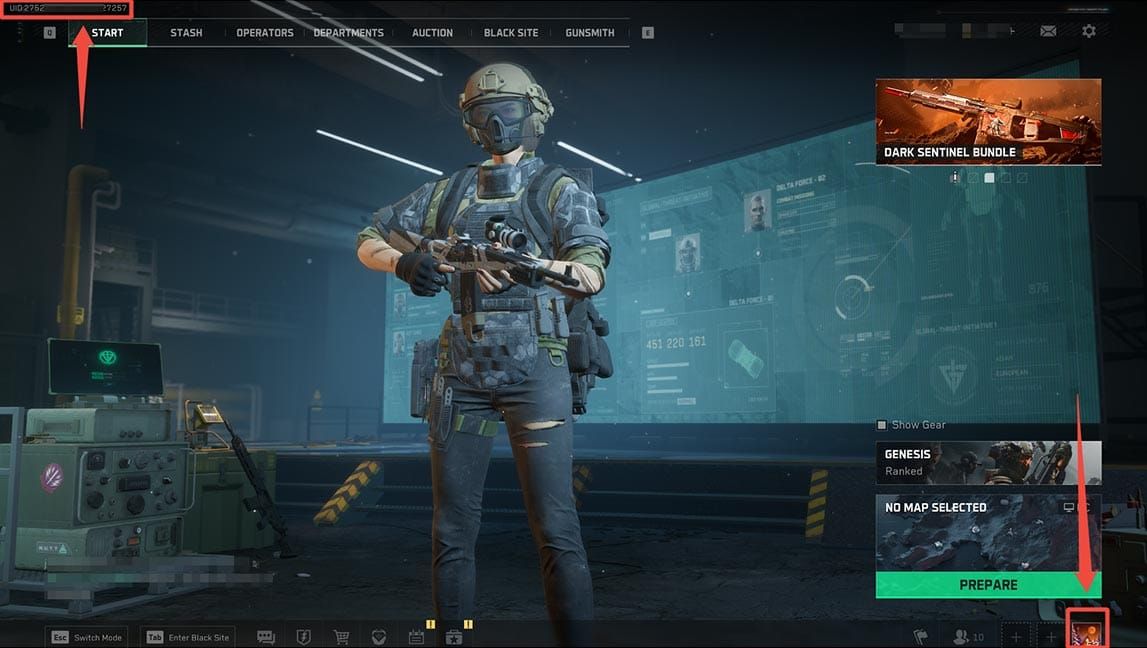
Delta Force on new servers with 120-180ms ping: lag comp actually gives high-pingers an edge, skill-based matchmaking trumps proximity, and overloads make it brutal. Aim for under 60ms to thrive; over 150ms? Expect rubberbanding and hitreg nightmares. Quick fixes: wired Ethernet, QoS prioritization, force IPv4. Check pings via Tab scoreboard or tests. Real-world benchmarks: NA East hitting 120-140ms in Dec 2024, OCE pushing 180+ms.
Why You're Seeing 120-180ms Ping in Delta Force – And What's Behind It
Ever wonder why your shots feel like they're traveling through molasses? New servers are shoving players into cross-region matches. NA East jumped from 60ms to 120-140ms on Dec 6, 2024, thanks to overloads. HK players? 10-260ms pings to Sao Paulo or Scotland by Dec 7. SA hit 50-200ms on Dec 8. And get this – Delta Force clocks 300ms spikes versus 60-70ms in other games as of Jan 4, 2025.
Quick diagnostics first:
Hit up @DeltaForce_Game on X for outage alerts.
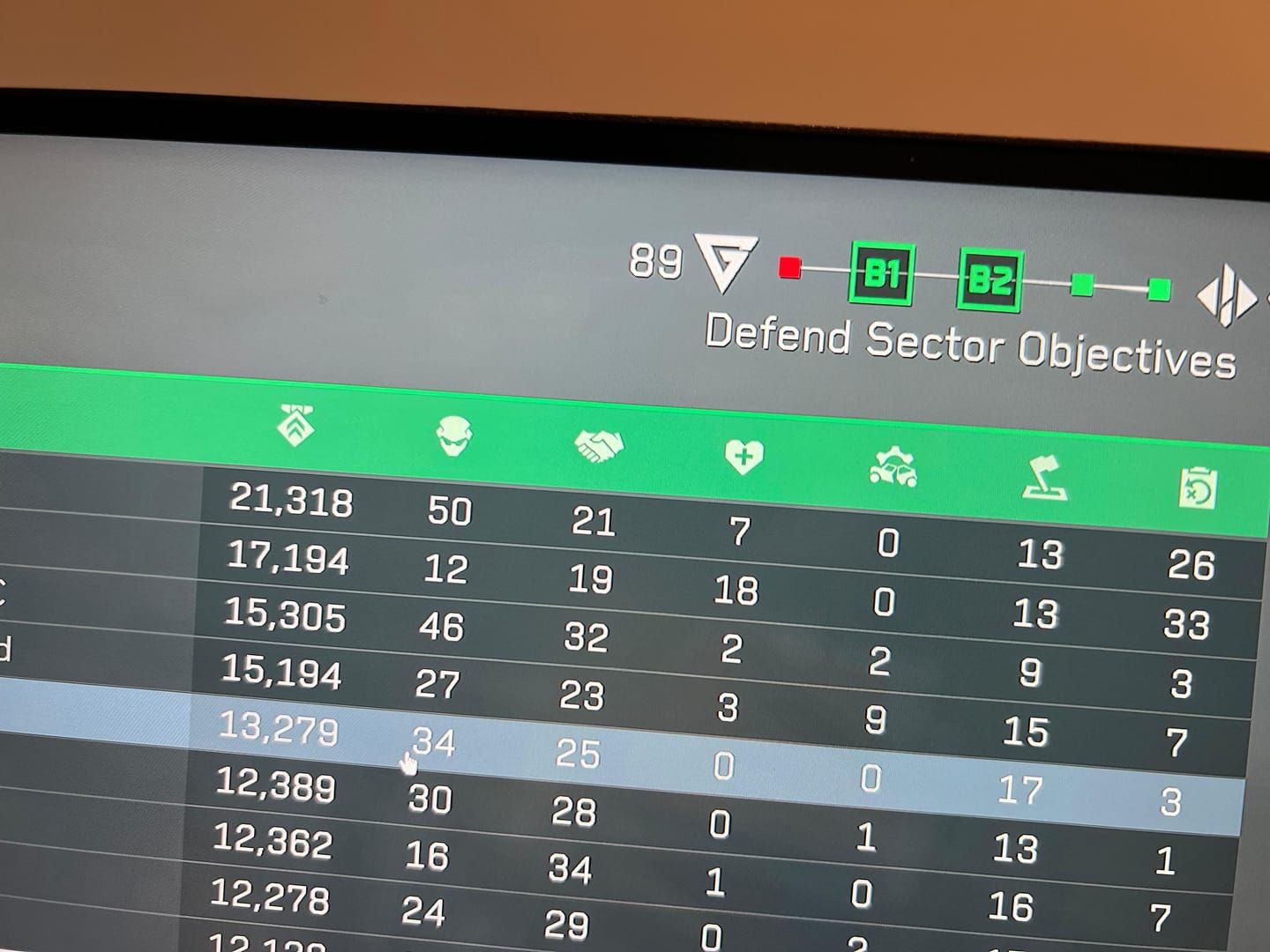
Tab key shows your real ping – no BS.
Run
ping[gateway IP]-t(expect 15ms normal, 4-5ms jitter).
Delta Force Netcode 101: Tick Rates, Packet Loss, and Why High Ping Sometimes Wins
Unreal Engine's lag compensation? It straight-up favors 120-180ms players – low pingers get walled off while you peek. Congestion turns packet loss into fake latency. Even 40ms with 0% loss can insta-kill you; post-Dec 27, 2024 patches made hitreg and TTK even messier.
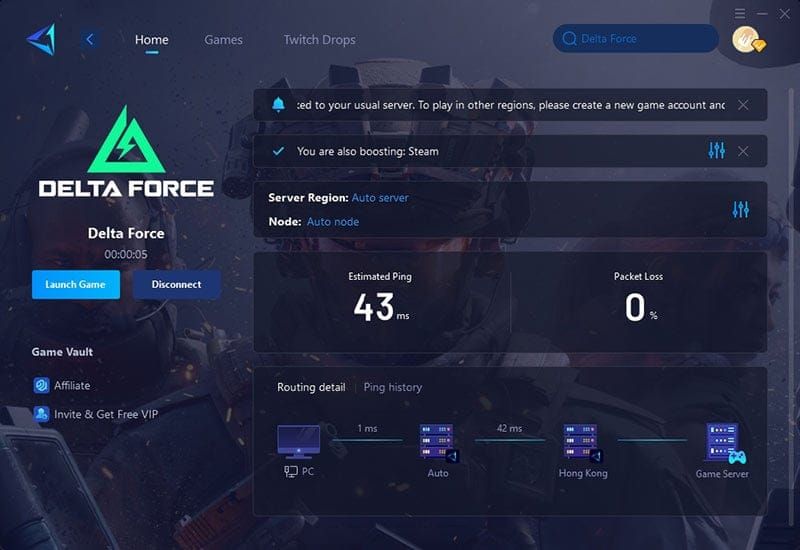
Flip on Performance Parameters for FPS, latency, and loss readouts. Router QoS smooths that jitter (keep it at 4-5ms). Test withping137.221.105.2-t to nail ISP vs. server culprits.
Can You Actually Play at High Ping? Let's Break It Down
Real Benchmarks: 120ms Holds Up... Barely. 180ms? Rough.
120-140ms is playable-ish, but rubberbanding and hitreg glitches creep in. Push past 150ms, and input delays plus desync turn it unplayable. West US enjoyed <60ms for the first 48 hours post-launch – then POOR NETWORK teleporting hit even on 100Mbps Ethernet. OCE? 180+ms on Dec 7 was a no-go.
Test it yourself:
Wired Ethernet crushes Wi-Fi packet loss.
QoS at 120ms tightens inputs; 180ms stays wonky.
Firing range hitreg tanks at 149-300ms on 8GB fiber.
Stories from the Trenches: High-Ping Warriors
Poland on Orange fiber? 1100ms Delta Force-only spikes on Dec 4, 2024 – fixed by forcing router IPv4. Dozens confirmed IPv4 tricks from Dec 2024 to Jan 2025. Cross-play mobile? Extra latency tax. Servers randomly dump you in high or low-ping lobbies.
Router tweak: Force IPv4.
Kill streams/downloads; reboot PC/router.
Consoles: Ditch cross-play.
Need a quick boost? cheap Delta Force online recharge via BitTopup hits instant, with killer prices, ironclad security, 24/7 help, wide server coverage, top safety scores, and rave reviews.
Your Go-To Netcode Settings for 120-180ms Survival
Step 1: Lock In Those In-Game Tweaks
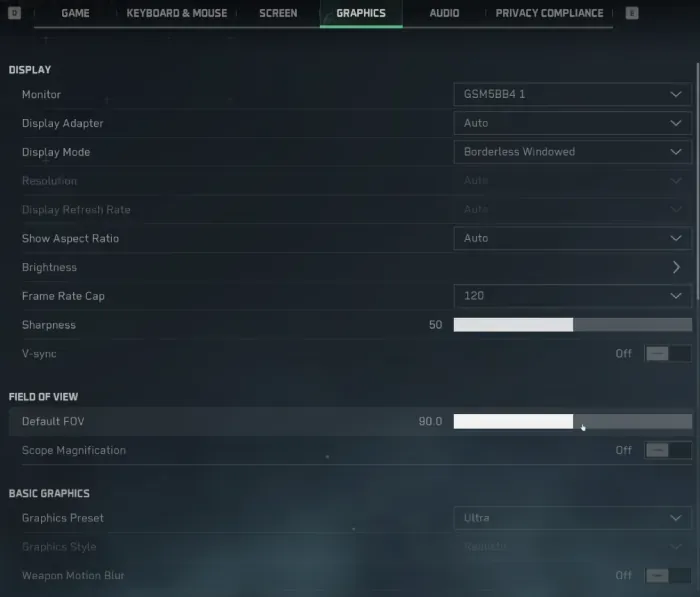
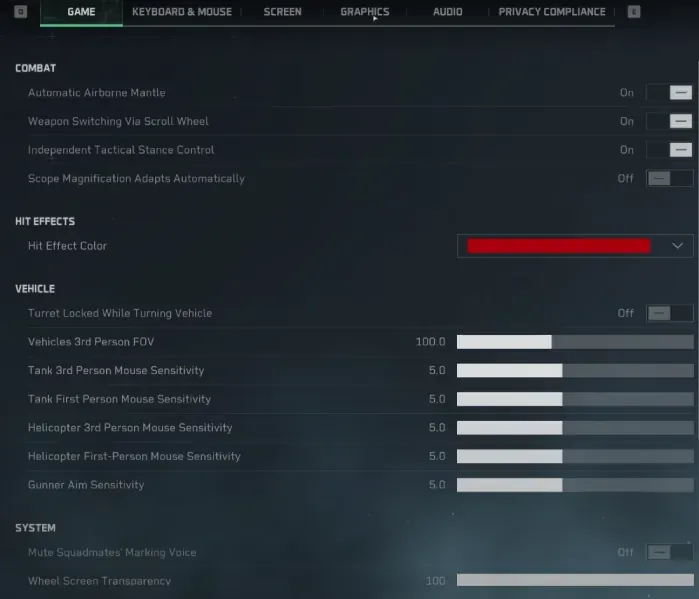
NVIDIA Reflex On + Boost slashes input lag. V-Sync Off? No added latency. FOV at 105-115 drops FPS 5% but steadies netcode. Steam launch with DX11 (-dx11 -useallavailablecores) nets +2-3 FPS smoothness.
Do this:
Settings > Screen: Performance Parameters, Reflex On + Boost.
Steam: Toss in DX11 launch options.
Windows:
powercfg-duplicatescheme e9a42b02-d5df-448d-aa00-03f14749eb61for Ultimate Performance.
Step 2: Console Commands to Chase Low Latency
Mobile Season 6? Settings > Mode > Server Selection grabs low-ping boosters. PC mirrors with latency priority. It queues booster servers first, dodging 300ms hell.
Pick closest servers.
Verify file integrity.
Update network drivers/firmware.
Pro-Level Fixes: Router and Hardware Hacks
Port Forwarding That Actually Works for Delta Force

QoS bumps Delta Force to the front during overloads. Ditch Wi-Fi for wired Cat6+ Ethernet. Powerline adapters cut interference-induced loss.
Router: QoS gaming priority high.
Switch to wired (locks 120-180ms stability).
Reboot modem/router; give 'em breathing room.
Dialing QoS to Crush Jitter and Loss
Overloaded servers spike jitter and loss – QoS tames it to 0%. App queuing kills packets; prioritization saves the day.
Hit game ports from docs (netcode first).
Gateway ping jitter under 4-5ms? Golden.
Keep the grind going with Delta Force game currency top up on BitTopup – currency drops in seconds, competitive rates, elite safety, full server support, round-the-clock service, stellar reviews.
Ping Diagnosis Tools That Don't Lie
PingPlotter: Your Server Stalker
Track loss and jitter with ping tests; Tab reveals true ping. Local should be 15ms/4-5ms – anything more wrecks netcode.
ping[gateway]-t, then137.221.105.2-t.Watch peak overloads.
In-game latency display on.
Packet Loss: The Silent Killer
ISP/server crunches fake 120-180ms highs via queuing on fresh servers.
Shut background apps; speed test.
Wired nukes wireless loss.
Pitfalls to Dodge – Seriously
VPNs: Ping Saviors or Saboteurs?
VPNs pile on overhead (latency > bandwidth). Some quick wins, but most tank it worse – Orange fiber VPN caps data. Skip config hacks (ban risk as of June 15, 2025); raw Mbps skips QoS.
Graphics That Secretly Wreck Netcode
FOV tweaks help indirectly – netcode first. Wi-Fi? Hotspots? Hard pass.
Before & After: Netcode Fixes in Action
120ms Hitreg Glow-Ups
Pre-tweaks: 120-180ms desync/rubberband city. Post-wired/QoS: Inputs lock in. IPv4 force kills ISP spikes.
Jitter Busters
QoS buffers the nasty stuff.
New Server Secrets by Region
Ping Realities: Asia/EU/NA
Asia HK: 10-260ms. EU Poland: 1100ms peaks. NA: 120-140ms Dec 2024. Status check; skip peaks.
Patch Hopes
Problems linger into 2025; Alpha vibes.
Last Resorts for Perpetual High Ping
Pivot to Low-Ping Play
Region-locked or single-player. Warfare soured post-launch. Cross-play off; latency mode on.
High Ping FAQs – Straight Talk
How do I drop ping on Delta Force new servers?
Wired Ethernet, router QoS, force IPv4; Tab for real reads.
Prime netcode settings for high ping?
NVIDIA Reflex On + Boost, V-Sync Off, Performance Parameters; DX11 launch.
Delta Force netcode solid at 150ms?
Borderline. Lag comp helps high-pingers, but desync bites – 120ms viable with fixes.
Ping spiking despite solid internet?
Skill MM sends you far; Dec 2024 overloads.
Competitive at 180ms?
Nah, unplayable. Casual? QoS/wired makes it borderline.
Top router setup for high ping Delta Force?
QoS gaming priority, IPv4 force; jitter <5ms.