Quick Answer: Buying Uplive Diamonds takes under five minutes. Find your numeric Up ID (8–10 digits) in your Uplive profile, visit a trusted recharge platform, pick a Diamond package ($1.02–$536.87), pay via card or digital wallet, and get instant delivery. This guide covers every step, all pricing tiers, VIP benefits, and troubleshooting.
What Are Uplive Diamonds?
Uplive Diamonds are the platform's premium virtual currency for live streaming gifting. They let you send animated virtual gifts during broadcasts — gifts that appear on-screen, support hosts financially, and earn you immediate social visibility.
Diamonds vs. Coins — key difference:
Diamonds — purchased with real money; used by viewers to send gifts
Coins — earned by hosts when they receive gifts; converted to real-world earnings
Diamonds flow from viewers to hosts. Don't expect to earn back Diamonds after gifting.
Even a starter balance of 60–300 Diamonds unlocks gift-sending, leaderboard placement, and VIP status accumulation — making early Diamond investment strategic, not just recreational.
How to Buy Uplive Diamonds via BitTopup: Step-by-Step
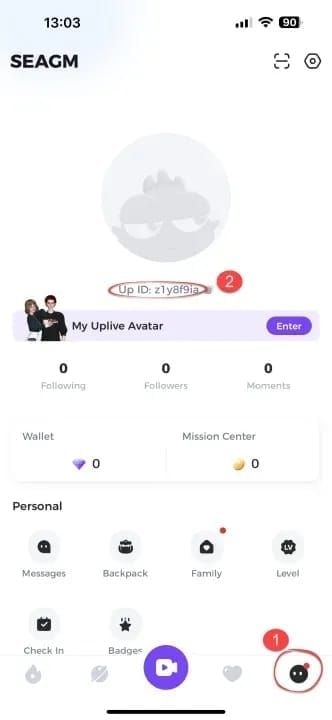
Step 1 — Find Your Uplive User ID
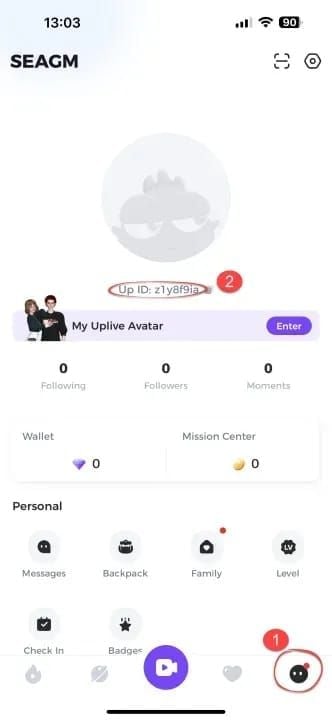
Your Up ID is mandatory for any recharge. Without it, no platform can credit your account.
Open the Uplive app (iOS or Android) and log in
Tap your profile avatar (bottom-right corner)
Locate the 8–10 digit numeric Up ID beneath your profile picture
Copy it exactly — one wrong digit sends Diamonds to the wrong account
Pro tip: Screenshot your Up ID before leaving the app so you don't need to switch screens during checkout.
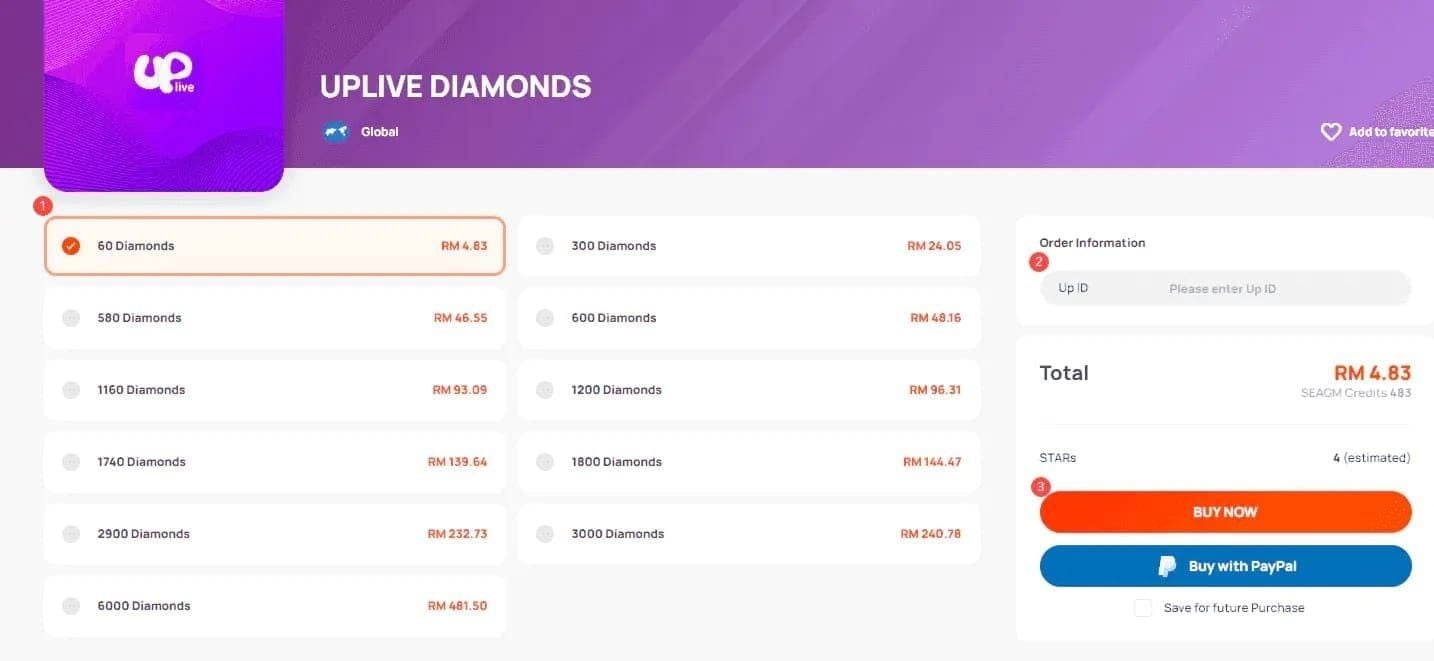
Step 2 — Visit BitTopup and Select Your Package
Buy Uplive Diamonds online cheap through BitTopup — a dedicated recharge platform offering up to 20% off standard prices with fast, verified delivery. No account creation required for your first purchase.
Step 3 — Enter Your Up ID
Paste your Up ID into the User ID field. Double-check it before proceeding — this is the most common source of recharge errors.
Step 4 — Pay and Confirm
Supported payment methods:
Credit/debit cards — 30–60 seconds processing
Digital wallets — instant upon confirmation
Review your order summary, then confirm payment.
Step 5 — Verify Delivery in Your Uplive Wallet
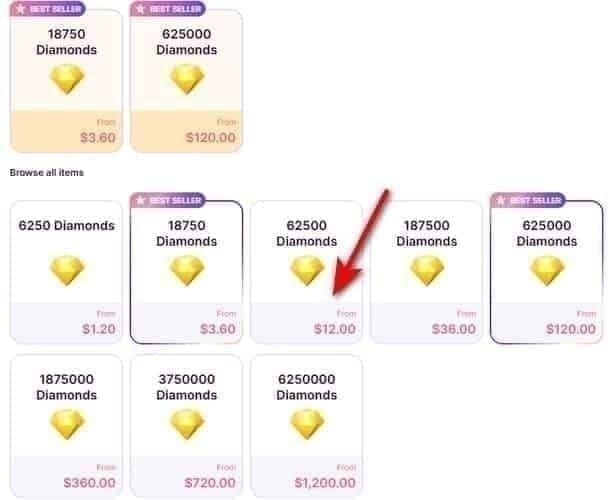
Diamonds arrive instantly or within minutes. Open Uplive, check your wallet balance. If nothing appears, wait 15 minutes before taking further action.
Uplive Diamond Packages & Pricing in 2026
Starter Packages
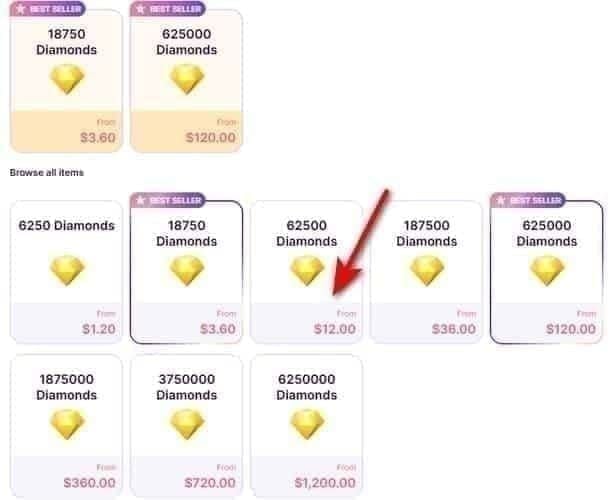
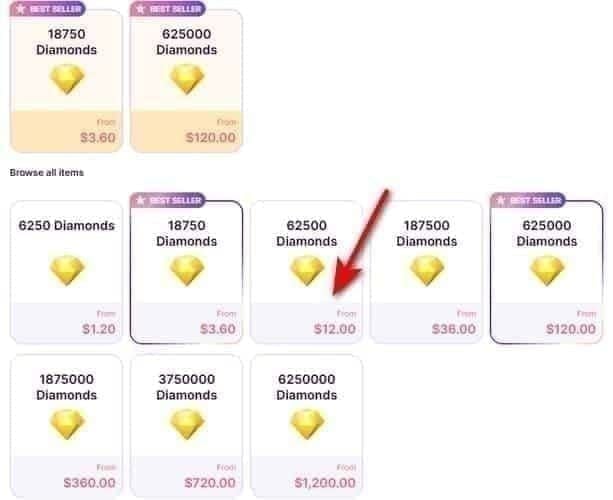
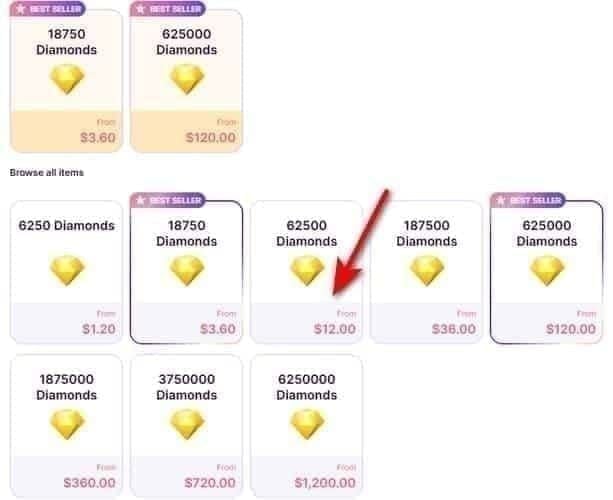
60 Diamonds — $1.02–$1.05
300 Diamonds — $5.11–$5.23
580 Diamonds — $9.88–$10.47 (Bronze VIP threshold — best beginner pick)
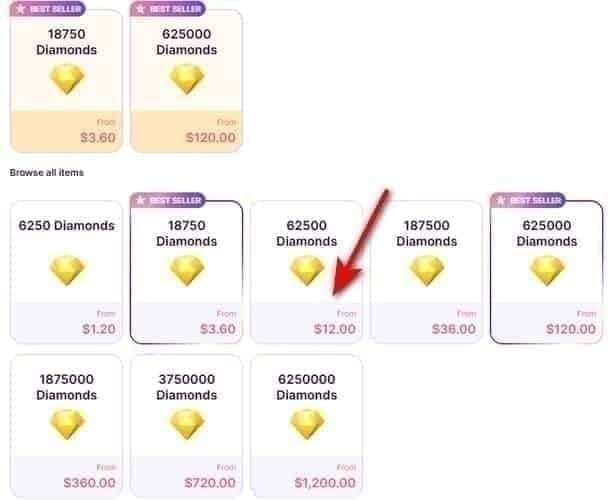
600 Diamonds — $10.22–$10.47
The 580-Diamond package is the strategic entry point — it's the exact spend needed to unlock Bronze VIP and your first gift multiplier.
Mid-Tier & Bulk Packages
Bulk packages yield ~65 Diamonds per USD vs. ~59 Diamonds per USD at entry level — a meaningful difference at scale.
1,160 Diamonds — $19.78–$20.94
1,800 Diamonds — $30.68–$31.40
2,900 Diamonds — $49.13–$50.59
6,000 Diamonds — $98.47–$104.28
9,000 Diamonds — $153.39–$154.11
12,000 Diamonds — $204.53–$209.35
18,000 Diamonds — $306.78–$308.22
30,000 Diamonds — $511.30–$513.69
31,500 Diamonds — $532.86–$536.87
Catching Bonus Events
Season 3 ends February 28, 2026 — a high-activity gifting period with likely bonus packages and promotional pricing. Complete planned purchases at least 72 hours before February 28 to secure Season 3 benefits. A March 2026 event is already scheduled, giving new users who miss Season 3 an immediate second window.
Is It Safe to Buy Uplive Diamonds from BitTopup?
Yes — provided the platform meets these criteria:
✅ Requires your Up ID only — never your password or email
✅ Checkout uses HTTPS encryption
✅ Pricing matches published rates
✅ Issues a transaction confirmation with order ID
✅ Never asks for a phone verification code
BitTopup meets all five. For users researching how to recharge Uplive Diamonds safely, it offers secure processing, up to 20% discounts, and responsive support.
Hard rule: If any site asks for your Uplive password as part of recharge, exit immediately.
VIP Tiers, Gifting Strategy & Maximizing Value
Diamond-Powered VIP Levels (2026)
VIP status is based on cumulative Diamond spend, not a single purchase:
Bronze VIP — 580–2,899 Diamonds cumulative; 1x gift multiplier
Silver VIP — 3,200–6,499 Diamonds; 2x–2.5x multiplier
Gold VIP — 6,500+ Diamonds; 3x–5x multiplier
Professional VIP — 12,000+ Diamonds; maximum tier benefits
Higher tiers mean greater impact for hosts and greater recognition for you.
Smart Gifting for New Users
Mid-range gifts consistently outperform both extremes for visibility-per-Diamond efficiency:
Micro-gifts (under 50 Diamonds) get lost in active streams
Ultra-premium gifts always get acknowledged but require large reserves
Best approach: Concentrate mid-range gifts during lower-traffic stream hours to maximize host interaction per Diamond spent
Stack Promotions for Maximum Value
BitTopup's referral program layers on top of base discounts:
1 referral — 8% off, up to $5 savings
5 referrals — 12% off, up to $20 savings
Combine referral discounts + BitTopup's standard 20% off + Uplive bonus event timing for the highest possible Diamond-per-dollar return. Plan bulk purchases around these convergence points rather than buying reactively.
And don't skip BitTopup's new user promotions — they apply to your first transaction only, making your initial recharge the single best opportunity to maximize Diamond volume at minimum cost.
Troubleshooting: Diamonds Not Arriving?
Common Causes
App cache not refreshed — Diamonds credited but display hasn't updated
Payment processing delay — cards occasionally exceed the standard 30–60 seconds during peak periods
Incorrect Up ID — Diamonds credited to another account can't be recovered without support
Resolution Steps
Wait 15 minutes from payment confirmation
Force-close the Uplive app completely
Restart and check your wallet
Still missing after 1 hour? Contact support with your transaction ID ready
Pre-Purchase Checklist
Copy your Up ID directly from the app — don't type it manually
Confirm the ID on checkout matches your profile before paying
Use a payment method you've successfully used online before
Ensure a stable internet connection during checkout
Frequently Asked Questions
Q: How do I find my Uplive User ID? Open Uplive, tap your profile avatar (bottom-right), and locate the 8–10 digit numeric Up ID beneath your profile picture. Copy it exactly before visiting any recharge platform.
Q: Do Uplive Diamonds expire? No. Diamond balances have no expiration date — they stay in your wallet until you spend them.
Q: What's the minimum Diamond purchase? 60 Diamonds at $1.02–$1.05. Ideal for first-time buyers testing the recharge process.
Q: How long until Diamonds appear after purchase? Digital wallets: instant. Cards: 30–60 seconds. If nothing after 15 minutes, force-close and restart the app. Contact support with your transaction ID if the issue persists past one hour.
Q: Which package offers the best value? 6,000 Diamonds and above deliver the strongest Diamond-per-dollar ratio (~65 Diamonds per USD). For beginners, the 580-Diamond package is the smartest entry point — it unlocks Bronze VIP immediately.
Q: Is buying from a third-party recharge site safe? Yes, if the platform requires only your Up ID (not your password), uses encrypted checkout, and provides transaction confirmation. BitTopup meets all three criteria and offers up to 20% off with instant delivery.
Ready to upgrade your Uplive experience? Head to BitTopup, select your package, enter your Up ID, and get Diamonds delivered instantly. Start gifting like a pro today.