

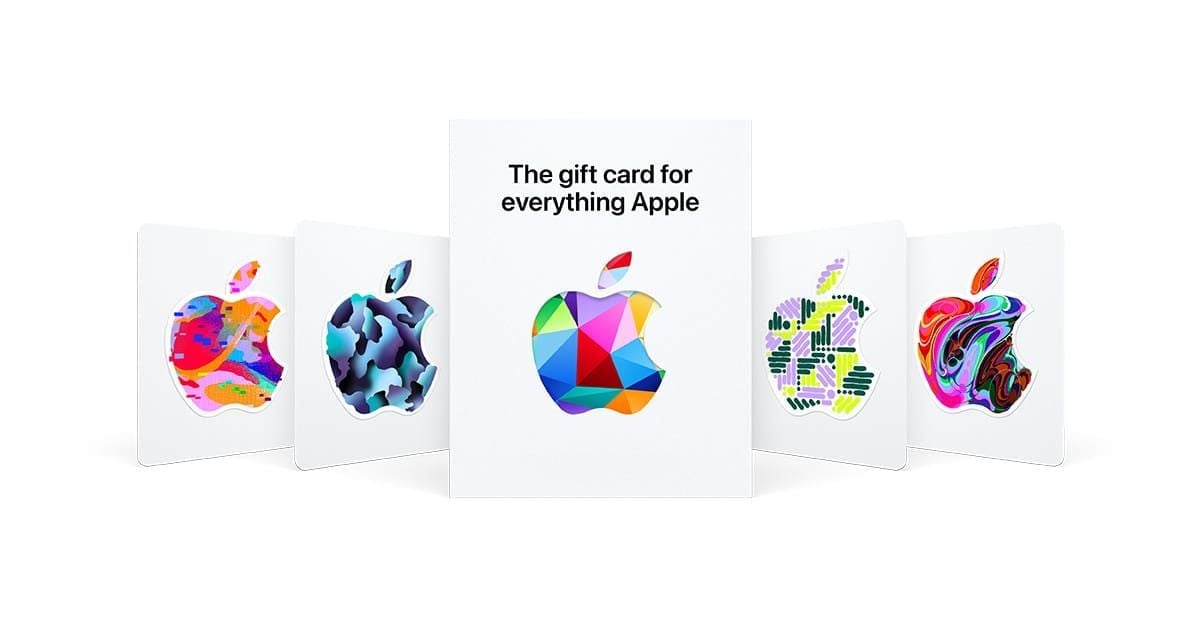
For most US App Store users in 2026, $50 is the sweet spot. It covers common subscriptions and in-app purchases with minimal leftover balance, and community consensus consistently backs it. But the right choice depends on your actual spend habits: $15 for a one-time purchase, $25 for casual buyers, $100 only if you're a heavy spender with a clear plan.
What Denominations Are Available in 2026
The standard US lineup officially includes $10, $25, $50, $100, $200, and $500. The $15 card exists but only at select retail locations as a physical card — you won't find it in Apple's digital storefront.
Go digital whenever possible. Community data shows roughly 26% of physical Apple Gift Cards have zero-balance issues from retail tampering — a staggering figure. Digital cards arrive instantly, can't be tampered with, and are easier to redeem.
If you do buy physical, register at apple.com/shop/gift-cards/balance within 7 days. Legitimate cards use prefixes GCA, PBH, or EPY. Anything else is a red flag.
Apple Gift Cards work across the full ecosystem: App Store, in-app purchases, Apple Arcade, Apple TV+, Apple Music, iCloud+, Apple One, and iTunes. That flexibility is what makes denomination choice genuinely strategic.
The $15 Apple Gift Card — Precision Tool, Not General Purpose
The $15 card works when you have one specific purchase in mind. Nothing else.
What $15 buys in major games:
Fortnite: 1,000 V-Bucks ($7.99) + $7.01 left
Roblox: 1,200 Robux ($9.99) + $5.01 left
Genshin Impact: $4.99 Genesis Crystal pack twice + $5.02 left
PUBG Mobile: 325 UC ($4.99) + 660 UC ($9.99) = $0.02 remainder ✓
Clash of Clans: $4.99 gem pack twice + $5.02 left
The math is cleanest for PUBG Mobile. For most other games, you'll either have awkward leftover credit or fall just short of a meaningful pack.
Honest limitation: $15 is too small for any subscription plan. Apple Arcade is $6.99/month, Apple TV+ is $9.99/month. This card barely covers two months of the cheapest option. For anything beyond a single immediate purchase, it creates friction.
The $10 denomination is actually sharper for a single Apple TV+ month ($9.99, leaving $0.01 unspent). The $15 card makes sense when you want a small buffer — one mid-tier in-app pack plus a dollar or two backup.
Choose $15 if: You're buying one specific app or in-game item today, have no subscription plans, and don't want credit sitting idle. Also works as a small gift for younger players with limited spending needs.
The $25 Apple Gift Card — Flexible, But Watch the Stranded Balance
Here's a misconception worth correcting: $25 feels like a safe middle ground, but it frequently strands balance in awkward amounts.
That $5–$10 remainder is the problem. It's not enough for most meaningful in-app purchases, and it tends to sit unused for weeks.
For Apple Music Individual ($10.99/month), a $25 card covers two months and leaves $3.02 stranded. For Apple Music Family ($16.99/month), you're $8 short of two months. The $25 denomination works cleanly for very few subscription scenarios.
Where $25 actually works:
Buying 2–3 premium apps in one session ($4.99 + $9.99 + $9.99 = $24.97)
One month Apple Music Individual + one small in-app purchase
Gift for a casual gamer who plays free-to-play titles occasionally
Choose $25 if: You buy 2–3 apps per quarter and don't run subscriptions. Also reasonable as a gift when you're unsure of the recipient's habits and want something meaningful without overcommitting.
The $50 Apple Gift Card — The Community Consensus Pick
Bold claim: $50 is the best denomination for the majority of US users in 2026. Community consensus is unusually unified here, and the math backs it up.
Subscription coverage:
Apple TV+ for 5 months: $9.99 × 5 = $49.95 ($0.05 remainder — essentially perfect)
Apple Arcade for 7 months: $6.99 × 7 = $48.93 ($1.07 remainder)
Apple Music Family for 2 months: $33.98, leaving $16.02 for apps
The near-zero waste on Apple TV+ is particularly clean. For gamers, $50 also aligns with the $49.99 gaming bundle tier that appears across multiple major titles.
Combined scenario: Apple Arcade ($6.99) + iCloud+ 50GB ($0.99) + Fortnite 2,800 V-Bucks ($19.99) = $27.97 total, leaving $22.03 for next month. That's genuine flexibility.
The Auto-Renew Balance Priority feature (confirmed Q1 2026) means your Apple ID balance gets charged before your credit card on subscription renewals. Load a $50 card and it automatically covers your next several renewal cycles without you touching anything.
What $50 unlocks in high-spend games:
Fortnite: 5,000 + 1,000 V-Bucks ($39.98) = 6,000 V-Bucks, $10.02 left
Genshin Impact: $49.99 Genesis Crystal pack — near-zero waste ✓
Clash of Clans: $49.99 gem pack — direct match ✓
PUBG Mobile: 1,800 UC + 1,800 UC ($39.98) = 3,600 UC, $10.02 left
The Genshin Impact and Clash of Clans alignment is particularly clean — $49.99 packs exist specifically at this price point.
Choose $50 if: You're a regular subscriber, mobile gamer with a consistent monthly budget, or anyone wanting flexibility without the $100 commitment. Also the strongest gift denomination — covers 2–3 months of Apple Arcade or TV+, feels genuinely generous without being excessive.
The $100 Apple Gift Card — Maximum Flexibility, Real Trap Risk
The $100 card is powerful. But it comes with a trap most guides don't mention.
Does buying $100 give better value than two $50s? No. Apple does not offer denomination-based bonus credit. A $100 card gives exactly $100 — same as two $50s, four $25s, or ten $10s. Any guide implying larger denominations offer better value per dollar is misleading. The only real advantage is convenience: one transaction instead of two.
Buy $100 only if you have a clear plan for the full amount.
Where $100 genuinely shines — annual subscriptions:
Apple Arcade + iCloud+ 50GB for 12 months: ($6.99 + $0.99) × 12 = $95.76, leaving $4.24
iCloud+ 2TB for one year: $9.99 × 12 = $99.99 ($0.01 remainder — essentially perfect ✓)
Apple One Premier for 2.6 months: $37.95 × 2 = $75.90, plus room for in-app purchases
The iCloud+ 2TB annual coverage is the cleanest use case — near-zero waste, covers a full year.
The idle balance trap: If you spend $30/month and load $100, you're carrying 3+ months of credit. Apple balances never expire and carry no dormancy fees, so it's not catastrophic — but it means money locked in Apple's ecosystem instead of your bank account. Community advice is clear: multiple $50 cards beat a single $200 card for spending flexibility. Same logic applies here.
Choose $100 if: You spend $60+/month in the App Store, you're covering annual subscription plans (especially iCloud+ 2TB), or you're a multi-game player regularly buying battle passes and in-app currency across several titles simultaneously.
Side-by-Side Comparison
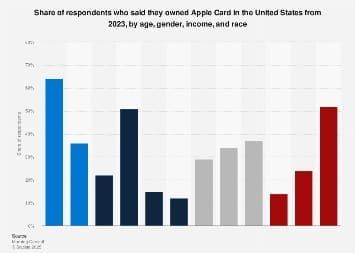
Key facts:
Apple does not offer denomination-based bonuses — confirmed. Every dollar is worth exactly one dollar regardless of card size.
You can redeem up to 5 cards per transaction; balances merge automatically on the same Apple ID.
Apple ID balance cap is $2,000.
Balances never expire and carry zero dormancy fees.
The Zero-Waste Formula
Most guides skip this. Sum your planned App Store spending for the next 30–60 days, subtract your current balance, then pick the denomination with the smallest positive remainder.
Example: You plan to spend $43 next month and have $8 in balance. You need $35 in new credit. A $50 card leaves $15 unspent — acceptable. A $25 card leaves you $10 short. $50 wins.
Choosing by Player Type
Casual gamer (under $20/month): Stick with $25, used 2–3 times per year. Don't load $50 or $100 without a specific plan — idle balance is real money sitting locked up.
Regular gamer ($20–$60/month): $50 is your denomination. Buy 4–6 per year, use the zero-waste formula to time purchases, and let Auto-Renew Balance Priority handle subscription renewals automatically.
Heavy spender ($60+/month): $100 makes sense, but only if you're tracking spend. The community still recommends $50 cards more frequently over $100 cards less frequently — it keeps you aware of what you're actually spending.
Gift buyers: $50 is the strongest gift denomination across the board. For teenagers with lighter habits, $25 is appropriate. Avoid $100 as a gift unless you know the recipient's spending patterns well.
For anyone looking to save on top-ups, checking Apple Gift Card US cheap top up discount deal options before purchasing can stretch your budget further — especially if you're buying $50 or $100 cards regularly.
How to Redeem and Manage Your Balance
Redemption on iPhone/iPad:
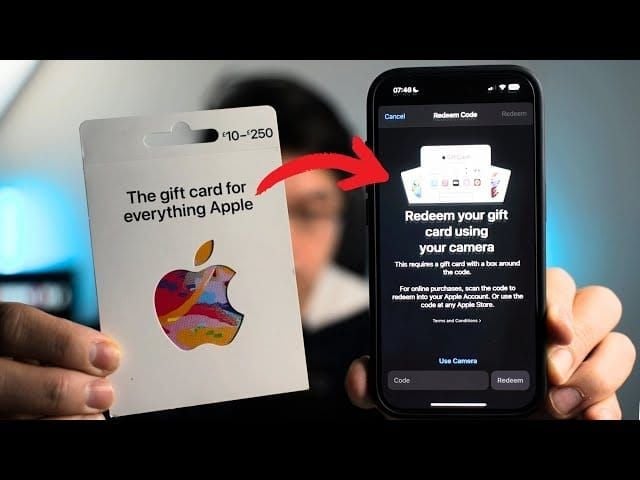
Open the App Store
Tap your profile icon (top right)
Select Redeem Gift Card or Code
Scan the code with your camera, or enter manually
Confirm — balance adds instantly
The camera scan fails roughly 12% of the time on first attempt due to smudges or character confusion (B vs 8, O vs 0). If it fails, go straight to manual entry — faster than retrying the scan.
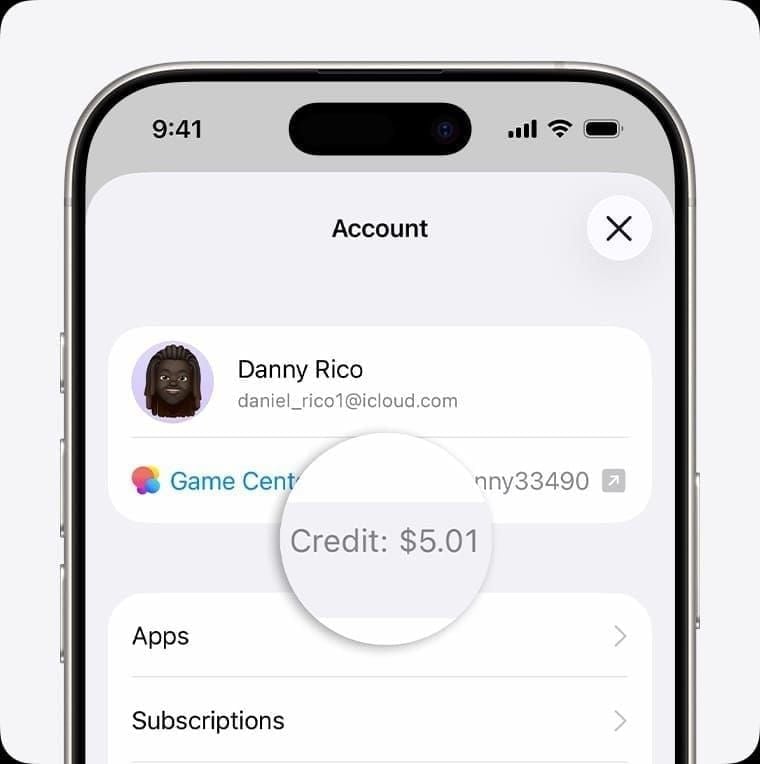
Check your balance: Settings → [Your Name] → Media & Purchases → View Account → Apple ID Balance.
Where to Buy — and How to Avoid Scams
Apple's website and the App Store are the most direct sources. Major US retailers (Target, Walmart, Best Buy, CVS) carry physical cards across standard denominations. For instant digital delivery, BitTopup offers US Apple Gift Cards with fast processing — useful when you need credit quickly for a time-limited in-game event.
Scam losses reached $212 million in 2026. Hard rules:
Never buy a card with a discount exceeding 15%
Never buy a physical card with a scratched or damaged PIN area
Verify physical card prefixes: GCA, PBH, EPY are legitimate
Register physical cards within 7 days at apple.com/shop/gift-cards/balance
Redeem digital cards immediately upon receipt
If anyone asks you to pay a bill, fine, or tech support fee with Apple Gift Cards — that's a scam. Full stop.
Frequently Asked Questions
Can I use a $15 card for a $19.99 in-app purchase? Yes. Apple allows split payments — your balance applies first, and the remainder charges to your payment method on file automatically.
Do larger denominations give bonus credit? No. Confirmed. Every denomination is worth exactly face value. Buy larger cards for convenience, not bonus value.
Best denomination for Roblox or Fortnite specifically? For Fortnite, $50 covers the 5,000 + 1,000 V-Bucks combination cleanly. For Roblox, $50 gives you room for the 4,500 Robux pack ($34.99) plus additional purchases. Both games have $49.99 pack tiers that align well with $50.
Multiple small cards or one large one? Multiple $50 cards purchased as needed beats one large $200 card for most users. Keeps spending visible, avoids locking up excess credit, and gives flexibility to adjust month to month.
Best denomination as a gift for a teenager? $25 for light users, $50 for active gamers. Avoid $100 unless you know they're a heavy spender — it can encourage over-spending in games with aggressive monetization.
What happens to my balance if I switch Apple IDs? Balances are tied to the account they're redeemed on and cannot be transferred. Choose your redemption account carefully.
The bottom line: $50 for most people. $100 only with a plan. $25 for casual buyers. $15 for single purchases. Use the zero-waste formula — calculate your 30–60 day spend, subtract your current balance, pick the denomination with the smallest positive remainder. Apple balances never expire, so there's no penalty for loading slightly more than you need. But there's no bonus for going bigger either. Buy what you'll actually use.