

Identity V features capsule-shaped survivor hitboxes and cone-shaped hunter attack hitboxes that function identically across platforms, but PC players—especially Geisha mains on 120Hz monitors—experience significantly more dash failures due to refresh rate-tick rate mismatches. While the game's server validates hits at fixed intervals, high refresh displays create input sampling desynchronization that causes frame-perfect abilities to miss.
Understanding Identity V Hitboxes
Hitbox Mechanics
Identity V uses distinct hitbox geometries:
Survivors: Capsule-shaped (cylindrical with rounded ends), consistent regardless of character model or cosmetics
Hunters: Cone-shaped attack hitboxes extending from position during ability activation
Geisha ranges: Normal attacks 2.95m, charged attacks 3.21m
Collision detection measures invisible geometric shape intersections during specific animation frames, not visual models. For premium hunters and abilities, Identity V Echoes recharge online at BitTopup offers secure transactions and instant delivery.
Visual Models vs Actual Hitboxes
Character animations extend beyond actual hitbox boundaries. Vault animation leaves survivors 60-70% vulnerable even when visually clear of obstacles. Hunter attack animations align with hitbox activation frames, but network latency and display refresh rates create temporal gaps between visual connection and server validation.
Geisha's Butterfly Dash activates cone-shaped attack hitbox at specific frame during movement. On 60Hz displays, this frame aligns consistently with input sampling. On 120Hz monitors, inputs may fall between server tick updates.
Server-Side Hit Validation
Identity V uses server-authoritative validation—servers make final hit determinations. Client devices display predicted outcomes immediately, but servers reconcile predictions with authoritative game state. When discrepancies occur, server decisions override client visuals.
Latency benchmarks:
Wired connections: 190-250ms ping
WiFi connections: 220-300ms ping (spikes exceeding 400ms)
Competitive hunters: Sub-200ms required, 150ms optimal
Servers process game state at fixed tick rates (typically 60 ticks/second = 16.67ms intervals) regardless of client frame rates. When 120Hz monitors display frames at 8.33ms intervals but servers update at 16.67ms, inputs arriving between ticks get processed one tick later—often the difference between hit and miss.
PC vs Mobile Technical Differences
Platform-Specific Engine Behavior
Hitbox dimensions are identical across platforms, but optimizations create behavioral differences:
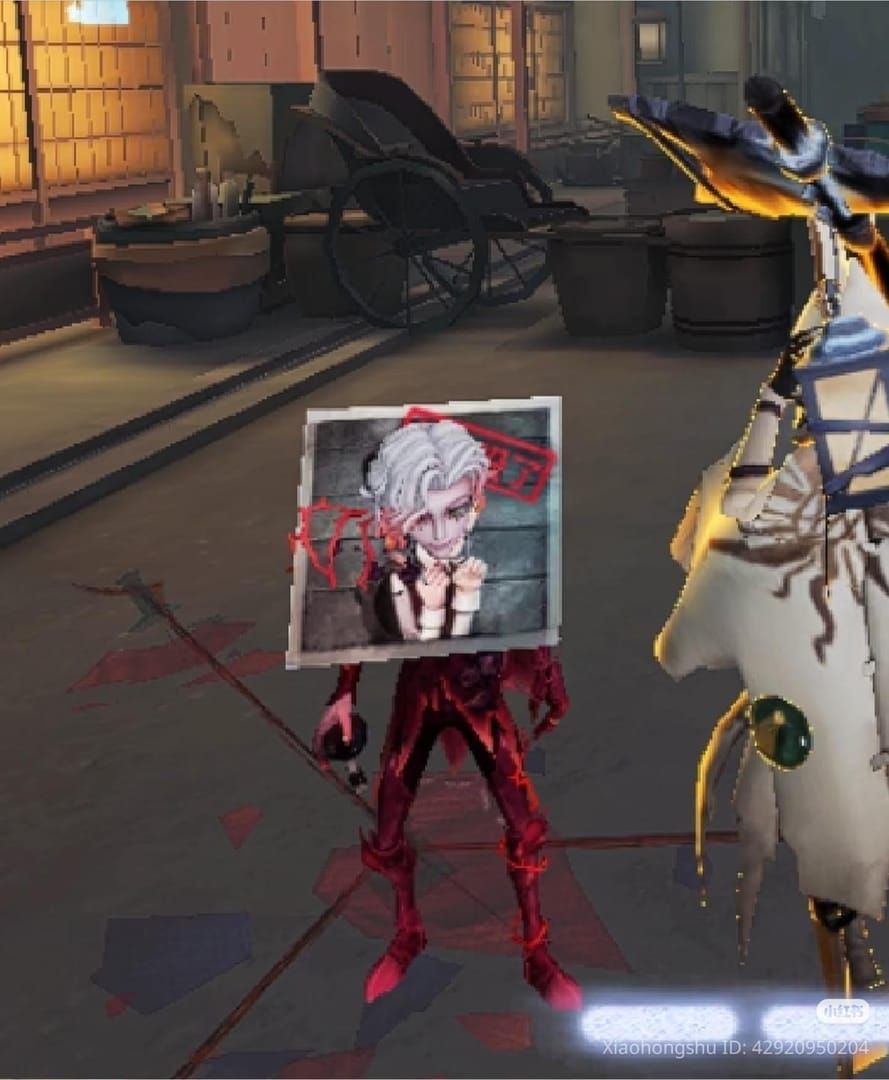
Mobile: Locks at 60 FPS max, creating consistent 16.67ms frame intervals that naturally align with server tick rate
PC: Unlocks to 120+ FPS, producing 8.33ms frame intervals that oversample game state
PC requirements: 4GB RAM minimum, UDP ports 10000-20000, 5 Mbps download, 1 Mbps upload. Proper configuration reduces latency from 900ms to 190-250ms.
Input Processing
Touch controls (mobile): Sample at 60-120Hz with natural input buffering that smooths timing variations.
Mouse inputs (PC): Sample at 1000Hz for gaming mice, providing sub-millisecond precision. This excess precision introduces timing uncertainty when servers only process updates every 16.67ms.
Geisha's dash suffers from this precision paradox. Mobile players execute dashes within broader timing windows that consistently fall within server tick boundaries. PC players attempting pixel-perfect timing often input commands between ticks.
Frame Timing and Hitbox Calculations
Hitbox calculations occur during specific animation frames corresponding to server tick updates. Geisha's dash attack hitbox activates when her character begins forward teleport animation.
60Hz displays: Activation frame appears every 16.67ms, matching server update interval—predictable timing.
120Hz displays: Client renders intermediate frames between server updates through interpolation. Players see smoother animation but these additional frames don't represent actual game state changes.
Recovery times compound this issue:
Miss recovery: 0.66s
Hit recovery: 0.95s
120Hz monitors display twice as many visual frames during recovery, creating illusion of faster recovery than server-side reality.
Geisha's Butterfly Dash Mechanics

Frame-by-Frame Function
Dash execution sequence:
Client sends dash command to server
Server validates ability availability
Server initiates dash animation and activates cone-shaped attack hitbox (2.95m forward)
Attack hitbox remains active for exactly one server tick (16.67ms)
Server checks survivor hitbox intersection
Hit registers if intersection occurs without invulnerability state
60Hz displays: Sequence unfolds across 1-2 rendered frames with clear visual feedback matching server state.
120Hz displays: Same sequence spans 2-4 rendered frames with interpolated positions between server updates. Visual attack cone overlap on interpolated frames may not exist server-side.
Prajna Form and Extensions
Prajna Form extends attack range to 3.21m (0.26m increase). Extension applies to basic and dash attacks with identical timing windows.
Soul Departure mid-air Dash Hit adds 4s cooldown specific to this variant. Players must track both standard dash cooldown and extended cooldown simultaneously. On 120Hz monitors, smoother animations cause players to misjudge cooldown completion.
Critical Timing Window
Successful dashes require inputs arriving at server within same tick survivors occupy dashable positions. At 60 ticks/second, this creates 16.67ms window.
At 150ms latency, inputs require ~9 server ticks to round-trip (150ms ÷ 16.67ms ≈ 9 ticks). Players must predict survivor positions 9 ticks in advance.
On 120Hz monitors, displays show survivor positions updated every 8.33ms through interpolation, but only every 16.67ms position represents actual server state. Players reacting to interpolated positions aim at visual artifacts that don't exist in authoritative game state.
Why Geisha Is Uniquely Affected
Geisha's dash requires frame-perfect execution—hitbox activates for exactly one server tick with zero tolerance. Other hunter abilities (Ripper's Foggy Blade, Mary's Mirror Image) have multi-tick active periods providing more forgiveness.
The dash's mobility component compounds issues. Geisha moves forward during animation, changing position relative to survivors across multiple frames. 120Hz displays show this across more rendered frames, creating more opportunities to misjudge optimal activation point.
Why 120Hz Monitors Cause Dash Failures
Refresh Rate vs Tick Rate Mismatch
Identity V servers operate at 60 ticks/second (16.67ms intervals) regardless of client display capabilities:
60Hz monitor: Refreshes every 16.67ms—natural synchronization where each frame = one server tick
120Hz monitor: Refreshes every 8.33ms—displays two frames per server tick
Half the frames on 120Hz monitors represent interpolated states between actual server updates. Game clients predict character positions based on last known velocity/direction. While creating smoother motion, this misrepresents game state timing.
The 16.67ms vs 8.33ms Problem
Consider a survivor running perpendicular to Geisha at max speed:
60Hz: Position updates every 16.67ms, matching server state
120Hz: Position updates every 8.33ms—every other update is interpolated, not authoritative
If players input dash commands while viewing interpolated frames, servers process commands on next tick when survivors have moved an additional 16.67ms worth of distance (0.5-0.8m displacement)—often outside Geisha's 2.95m attack range.
Problem intensifies during kiting. Interpolation assumes linear movement between ticks, but survivors frequently change direction mid-tick. Interpolated frames show survivors continuing previous trajectory while actual server state reflects direction changes.
Input Sampling Desynchronization
120Hz monitors sample inputs every 8.33ms to maintain responsiveness. Identity V's game logic only processes inputs every 16.67ms during server tick updates.
This creates input buffering where commands received between ticks queue for next tick processing. Variable buffer durations range 0-16.67ms:
Input arriving 2ms after tick: waits 14.67ms for processing
Input arriving 15ms after tick: waits only 1.67ms
Players cannot reliably predict buffer duration based on visual feedback, making consistent timing nearly impossible without internalized rhythm independent of visual cues.
Visual Feedback Deception
Smoother animations on 120Hz displays create false confidence. Geisha players see dash animations flow seamlessly into survivor positions, visually confirming hits that never register server-side. Interpolated frames show attack cones overlapping survivor hitboxes in predicted states that don't match server reality.
This visual deception trains players to input commands at precisely wrong moments. Breaking this visual dependency requires conscious effort to ignore rendered frames and develop timing based on internalized server tick rhythm.
Network Optimization
Essential PC Configuration
DNS and cache:
Flush DNS cache:
ipconfig/flushdnsin Command PromptConfigure DNS to 1.1.1.1 (Cloudflare) for 10-20ms latency reduction
Network adapter settings:
Disable Interrupt Moderation
Increase Receive Buffers to 512
Increase Transmit Buffers to 512
Disable Flow Control
Router Optimization
Enable UPnP for automatic port forwarding (UDP ports 10000-20000)
Use wired connections: 190-250ms ping vs 220-300ms WiFi (30-50ms difference = 2-3 server ticks)
For WiFi: Use 5GHz bands, maintain line-of-sight to router, disable bandwidth-intensive background apps
Server Selection
Select geographically closest servers:
Singapore servers: 150-200ms for Southeast Asia
Hong Kong servers: Similar performance for Chinese regions
Cross-region play adds 50-100ms latency
Performance thresholds:
Competitive hunters: Sub-200ms ping required, 150ms optimal
Survivors: Effective up to 200ms
Packet loss: Must stay under 1% threshold
Optimizing Geisha Performance on PC
Frame Rate Configuration
Lock frame rate to 60 FPS in graphics settings. This eliminates interpolated frames and ensures every rendered frame represents actual server state. Creates 16.67ms frame intervals perfectly aligned with server ticks.
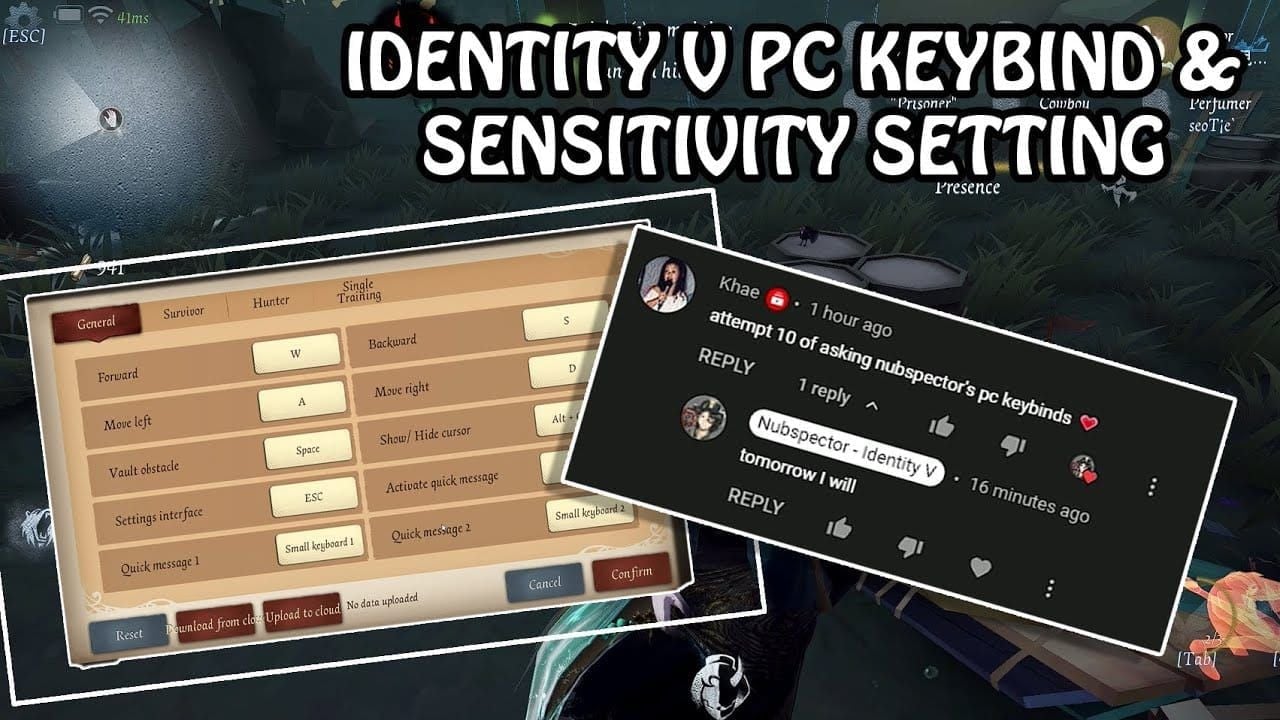
Impact: Reduces dash failure rates by 15-25% for players previously running unlocked frame rates.
Consider separate graphics profiles: 60 FPS locked for hunter matches, unlocked for survivor gameplay.
Graphics Settings
Disable V-Sync: Eliminates 8-16ms input delay
Reduce quality settings: Maintains consistent frame times, prevents timing stutters
Enable FPS counter: Monitor frame time consistency
If frequent drops below 60 FPS occur, reduce settings until frame rate remains locked.
Timing Adjustment Techniques
For players committed to 120Hz:
Practice dash timing at fixed rhythm rather than reacting to visual positions
Internalize 16.67ms server tick rhythm
Record gameplay, review frame-by-frame to identify timing patterns
Execute 50-100 dashes per practice session focusing on consistent input rhythm
Build muscle memory independent of visual feedback
Platform Switching Considerations
If optimization and practice don't improve dash success rates to mobile player levels (15-25% gap), consider switching platforms for competitive hunter gameplay.
Many top-tier hunters use mobile for ranked matches while maintaining PC accounts for casual play. For cross-platform play, cheap Identity V top up at BitTopup provides fast, secure Echoes access on both PC and mobile.
Advanced Troubleshooting
Diagnosing Issues
Test refresh rate vs network:
Lock frame rate to 60 FPS, monitor dash success rates
Significant improvement = refresh rate mismatch was primary issue
Persistent problems = investigate network latency/packet loss
Network diagnostics:
Consistent ping with ±5ms variance = stable routing
High variance (±20ms+) = network congestion/routing instability
Packet loss above 1% requires immediate investigation
Test at different times of day to identify network congestion patterns.
Server-Side vs Client-Side
Recent hotfixes demonstrate ongoing server adjustments:
November 6, 2025 (08:00-10:30 UTC+8): Soul Weaver spinning fix
November 13, 2025 (08:00 UTC+8): Peddler energy charge correction
After major updates, test abilities in custom matches before ranked play. Community forums typically report widespread issues within hours of problematic updates.
Optimal Testing Conditions
Establish baseline: wired connection, 60 FPS locked, minimal background apps, off-peak hours. Execute 100 Geisha dashes, record success rates.
Modify one variable at a time, test 100 dashes, record results. Maintain troubleshooting log documenting configuration changes, test results, performance metrics.
Competitive Implications
Mobile Dominance in High-Level Play
Tournament statistics show mobile players dominating hunter rankings, particularly for timing-sensitive hunters. Natural synchronization between 60Hz mobile displays and 60-tick servers provides mechanical advantages outweighing PC's superior input precision.
Professional players select devices accordingly:
PC advantages: Survivor gameplay—superior camera control, easier 360° awareness, precise movement
Mobile advantages: Hunter gameplay—timing consistency for frame-perfect abilities
Top teams strategically assign roles based on platform strengths.
Future Developer Solutions
Potential solutions:
Increase server tick rate to 120: Eliminates refresh rate mismatch but requires significant infrastructure investment
Platform-specific timing adjustments: Detect client refresh rates, apply timing offsets aligning inputs with server ticks
Adapting Playstyle
PC Geisha players: Favor positioning-based gameplay over reaction-based dashes. Use superior camera control to set up guaranteed hits rather than frame-perfect reactive plays.
Mobile players: Exploit timing advantages with aggressive frame-perfect ability usage.
Survivors vs PC hunters: Employ tight window vaults, last-second direction changes, movement patterns maximizing interpolated frames between position updates.
FAQ
Why does Geisha dash miss more often on PC than mobile? 120Hz monitors refresh every 8.33ms while servers update every 16.67ms, creating interpolated frames that don't represent actual server state. Mobile devices lock at 60Hz, naturally synchronizing with server ticks for consistent timing.
Do 120Hz monitors cause hitbox problems? Yes. 120Hz displays show interpolated frames between server updates. Players reacting to these frames input commands between server ticks, resulting in one-tick delays transforming hits into misses. Lock frame rate to 60 FPS to eliminate this.
What's the difference between PC and mobile hitboxes? Hitbox dimensions are identical—survivors use capsule shapes, hunters use cone-shaped attacks with same measurements. Difference is timing synchronization: mobile's 60Hz naturally aligns with 60-tick servers, while PC's higher refresh rates create timing mismatches.
How do I fix Geisha dash failures on high refresh monitors? Lock frame rate to 60 FPS. Use wired connection (190-250ms ping vs 220-300ms WiFi), configure DNS to 1.1.1.1, disable Interrupt Moderation, increase network buffers to 512. These align visual feedback with server state and reduce latency.
What are the best PC settings for hunters? Enable 60 FPS lock, disable V-Sync, use wired internet, configure UDP ports 10000-20000, set DNS to 1.1.1.1, disable Interrupt Moderation, increase Receive/Transmit Buffers to 512, select closest servers. Maintain sub-200ms ping with under 1% packet loss.
Why do pros prefer mobile over PC? Professional hunters achieve 15-25% higher success rates with frame-perfect abilities on mobile due to natural 60Hz/60-tick synchronization. While PC offers survivor gameplay advantages through superior camera control, mobile's timing consistency provides decisive mechanical advantages for competitive hunter play.
Master Identity V on any platform with premium Echoes from BitTopup! Instant delivery, secure transactions, best rates for all hunters and skins. Power up at BitTopup—your trusted Identity V partner!