

Quick Answer: 95% of missing BIGO diamonds resolve within 5-30 minutes. Pull-to-refresh fixes 50-95% of sync issues, clearing cache resolves 70-80% of Android glitches, and verifying your 8-12 digit BIGO ID catches 25-70% of errors. After 30 minutes, submit a support ticket with transaction screenshots for manual credit within 1-3 days.
Understanding Diamond Delivery: Normal vs Problem
Standard delivery: 2-3 minutes (Asia), 5-10 minutes (Europe/Americas). 95% arrive within 5 minutes, up to 30 minutes during peak hours (6-11 PM sees 20-30% longer processing). For guaranteed sub-2-minute delivery, Bigo Live diamonds top up via BitTopup offers 99.8% success rates.
Common symptoms:
Payment confirmed but wallet unchanged (75% of reported issues)
Bank shows deduction, BIGO balance frozen
Transaction missing from 'Me' > 'Wallet' > Transaction tab
Network below 1 Mbps minimum (5 Mbps optimal)
Server delays vs errors:
Delays: Auto-resolve in 15-30 minutes, no action needed
Errors: Wrong BIGO ID (25-70% of cases), VPN blocking (10-20%), frozen balance (7-14 days resolution)
5-Minute Quick Checks
Force Refresh Wallet
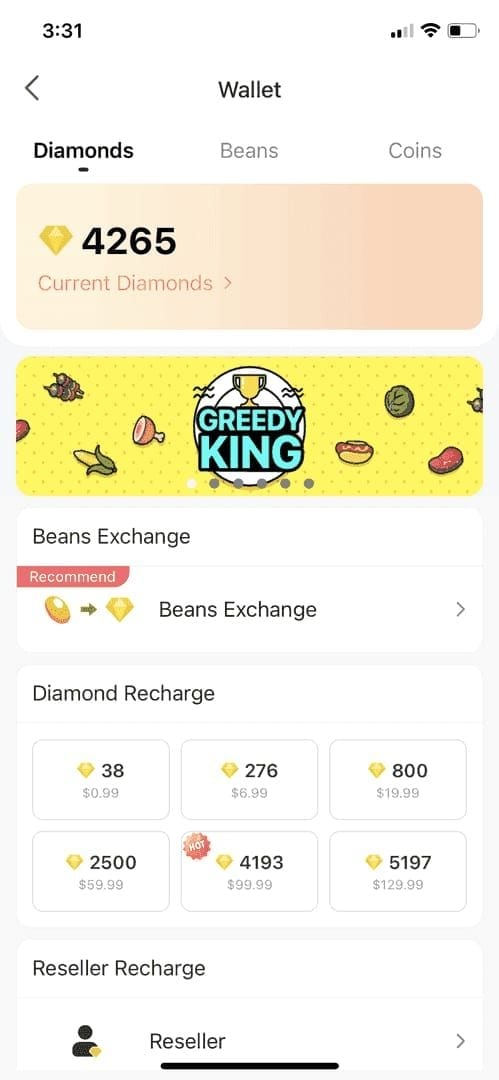
Navigate to 'Me' > 'Wallet', swipe down 3-5 times. Wait 60-90 seconds between refreshes. If no update after 5 attempts, log out/in for complete reload.
Verify Network
Switch Wi-Fi ↔ mobile data (fixes 80% of network issues)
Test speed: minimum 1 Mbps, optimal 5+ Mbps
Disable VPN/proxy (causes 10-20% of blocks)
Try Google DNS (8.8.8.8) or Cloudflare (1.1.1.1)
Check Payment Confirmation
Locate email/SMS with transaction ID, amount, timestamp, merchant name (BIGO Technology). Cross-reference BIGO ID in confirmation against your actual ID ('Me' tab).
30-Minute Fix Checklist
Step 1: Clear Cache
Android: Settings > Apps > BIGO Live > Storage > Clear Cache, then force-stop
iOS: Settings > General > iPhone Storage > BIGO LIVE > Offload App, reinstall
Step 2: Update App Verify version 5.0+ in app store. Update, then restart device completely.
Step 3: Device Restart Full power-off, wait 30 seconds, power on. Open BIGO first before other apps.
Step 4: Test Transaction Send small gift (rose) in any stream. Success = wallet connected, display bug only.
Step 5: Check Transaction History
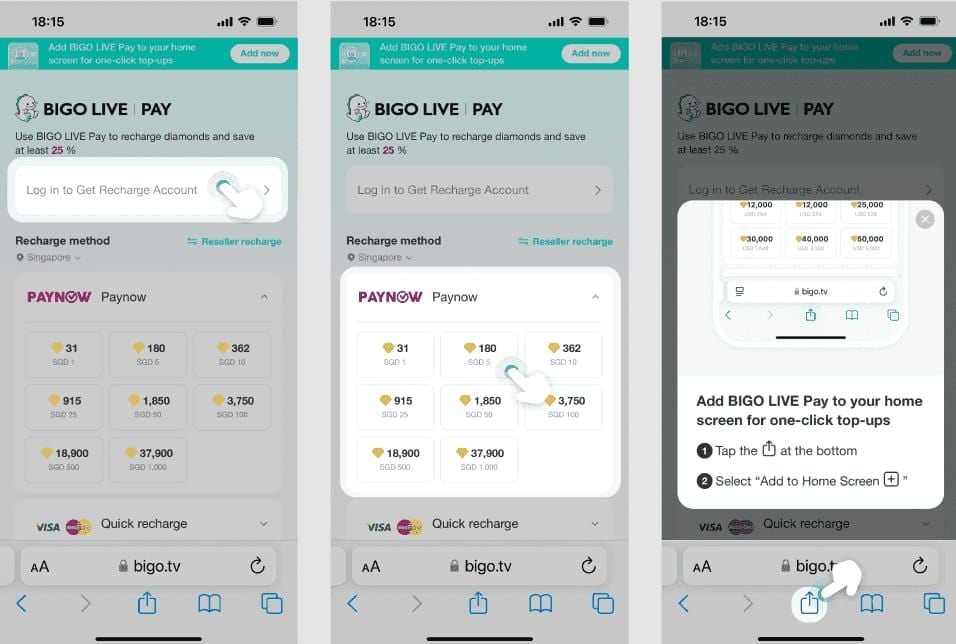
'Me' > 'Wallet' > Transaction. Look for:
Pending = auto-resolves within 30 min
Failed = resubmit purchase
Missing = payment never reached BIGO
Step 6: Switch Networks Change connection type, then refresh wallet 3-5 times.
Documentation for Support
Required screenshots:
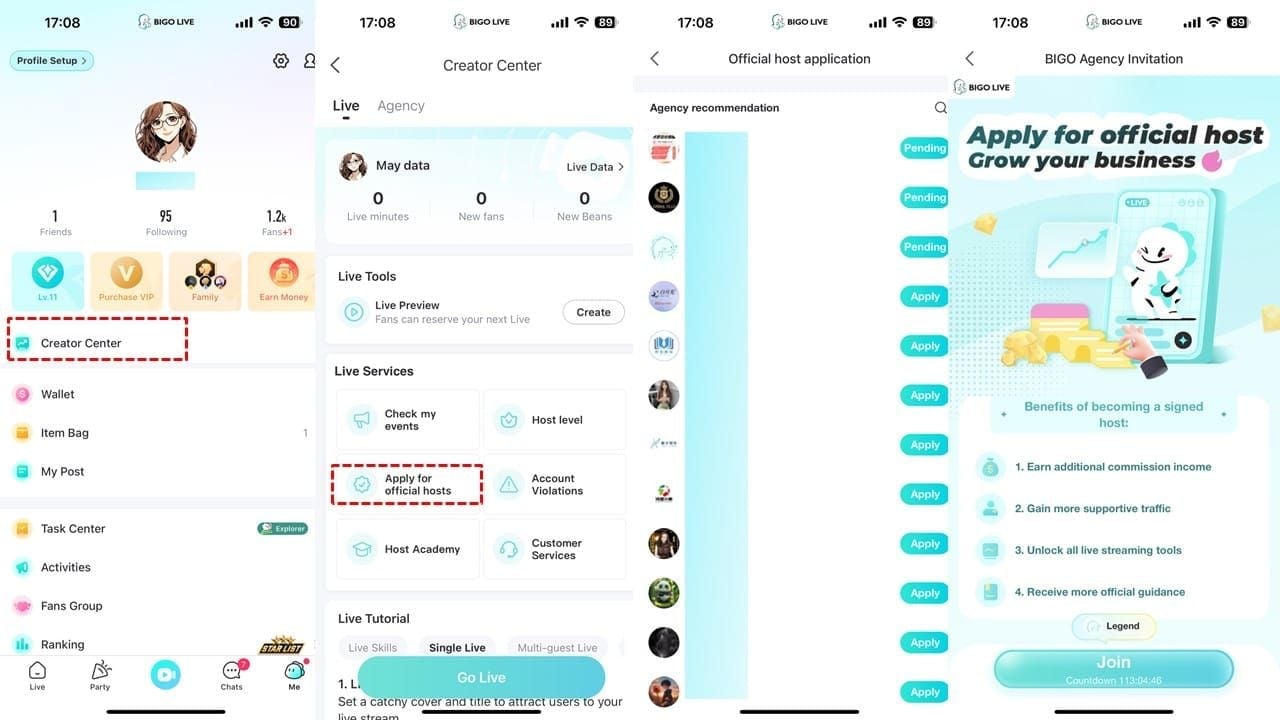
Payment confirmation with transaction ID
BIGO profile showing 8-12 digit ID under nickname
Wallet balance (before/after with timestamps)
Transaction history screen
Key details to record:
Order number + transaction ID (different identifiers)
Exact amount, diamond quantity, timestamp, payment method
BIGO ID format: numeric only, no prefixes (example: 901216366)
Support Message Template
Subject: Missing Diamond Credit - Order #[NUMBER] - Urgent
Body: Purchased [AMOUNT] diamonds on [DATE] at [TIME] [TIMEZONE]. Not credited after [HOURS] hours despite successful payment.
Account:
BIGO ID: [8-12 DIGITS]
Username: [NAME]
Region: [COUNTRY]
Transaction:
Order #: [NUMBER]
Transaction ID: [ID]
Amount: [EXACT WITH CURRENCY]
Diamonds: [QUANTITY]
Method: [APPLE PAY/GOOGLE PLAY/CARD]
Time: [EXACT TIMESTAMP]
Troubleshooting Done:
Refreshed 5+ times
Cleared cache
Updated to v[NUMBER]
Restarted device
Verified 5+ Mbps connection
History shows: [PENDING/MISSING/FAILED]
Waited [TIME]
Attached: Payment confirmation, profile ID, wallet balance, transaction history
Bank shows deduction but balance unchanged. Please manually credit and confirm.
[NAME] BIGO ID: [REPEAT]
Submit Through Official Channels
In-app (fastest - 24hr response): 'Me' > 'Feedback' > Payment/Recharge Issues. Auto-includes device info and routes to billing department.
Email (24-48hr): cs@bigo.tv or feedback@bigo.tv. Use template subject line. Allows larger attachments.
Phone (urgent only): +65 63519330 (Singapore hours, GMT+8). Prepare ID, order number, transaction ID before calling.
Manual Credit Process
Timeline:
Acknowledgment: 24 hours
Review: 24-48 hours (standard), 3-5 days (complex), 7-14 days (frozen balance)
Credit: 1-3 business days after approval
Verification steps:
Query order database with order # and BIGO ID
Contact payment gateway with transaction ID
Cross-check recipient ID vs your ID
Manual credit if verified legitimate
Email notification sent when credited. Check wallet immediately.
Common Myths
Myth: All diamonds instant Reality: 95% within 5 minutes, 5% up to 30 minutes. Geography matters—Asia faster than Europe/Americas.
Myth: Deduction = immediate credit Reality: Bank processes instantly, but payment gateway batches confirmations before notifying BIGO.
Truth: Server load impacts delivery Peak hours (6-11 PM) add 20-30% delay. Payment gateway issues beyond BIGO's control affect timing.
Prevention Tips
Verify ID every purchase: Check 'Me' tab, compare each digit, numeric only
Stable connection: 5+ Mbps, no VPN, avoid network switching mid-transaction
Save receipts: Screenshot all confirmations immediately
Use reliable platforms: Buy BIGO diamonds recharge online via BitTopup validates ID format automatically
Why BitTopup Eliminates Issues
99.8% success rate:
Direct API integration, no manual processing
Automated retry on failures
Real-time order tracking
24/7 support:
Live chat within minutes (vs 24-48hr email)
Access to full transaction logs
Immediate manual credits (hours vs 1-3 days)
Guaranteed delivery:
Pre-purchase ID validation prevents 25-70% of errors
Redundant payment confirmation pathways
Unconditional refund/credit policy
FAQ
How long for diamonds to appear? 5 minutes for 95% of transactions, up to 30 minutes during peak hours. Asia: 2-3 min, Europe/Americas: 5-10 min.
What if diamonds don't appear after payment? Pull-to-refresh wallet 3-5 times, clear cache, update to v5.0+, restart device. Verify correct BIGO ID (8-12 digits, 'Me' tab). After 30 min, submit support ticket with screenshots.
Can I get refund? BIGO manually credits within 1-3 days after verification. Refunds require bank dispute (5-14 days).
How to contact support? In-app: 'Me' > 'Feedback' (24hr). Email: cs@bigo.tv (24-48hr). Phone: +65 63519330 (urgent, GMT+8 hours).
What info needed for claim? BIGO ID, order number, transaction ID, amount, quantity, timestamp, payment method, screenshots (confirmation, profile, wallet, history).
Why delayed after successful payment? Sync delays (normal 30 min), network issues (need 5+ Mbps), VPN (10-20% blocks), wrong ID (25-70% of cases), outdated app, gateway batching during peak hours.
End diamond delivery headaches. BitTopup's automated system: 99.8% success, 24/7 support, sub-2-minute delivery. No troubleshooting, no tickets—just reliable diamonds every time.